Pexo
P-Video-2-Pro

P-Video-2-Pro
Shape the shot, picture and sound.

P-Video-2-Pro is Pruna’s video generation model based on MiniMax H3. Create clips from text or a first-frame image, add an optional ending frame, and generate audio with the video. The documented route runs at 24 fps for 5–15 seconds, with Cost, Speed and Quality modes. Native 480p and 768p outputs can be delivered at higher resolutions through P-Video-Upscale.

Core capabilities

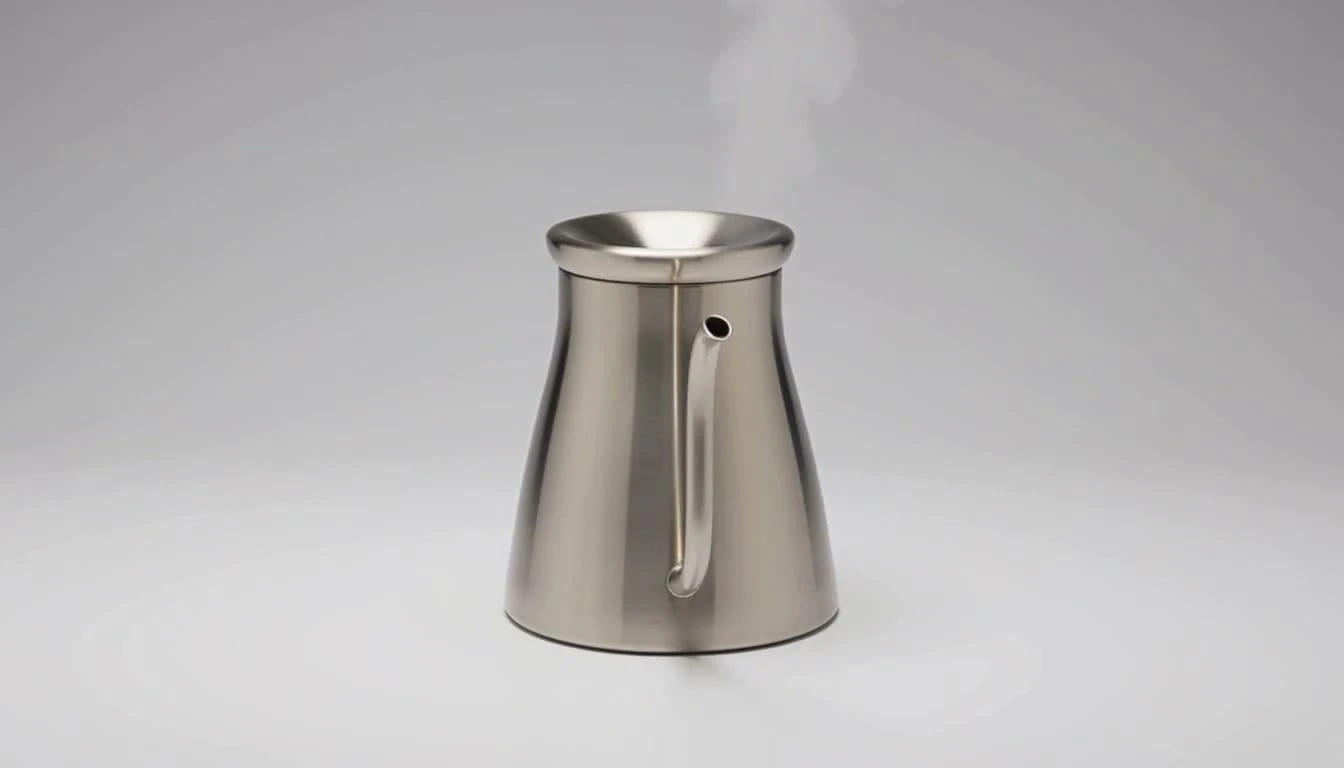
P-Video-2-Pro official Studio-kettle-packshot example frame
Example brief: A stainless pour-over kettle on a neutral studio sweep, with thin steam.

Start with a specific product action

A small action can make a product shot readable: thin steam rises from a metal kettle while the camera holds a controlled studio view. Describe the subject, action and setting first, then add lighting and camera details. The endpoint generates new footage from the prompt; it does not turn a plausible render into a verified physical product demonstration.
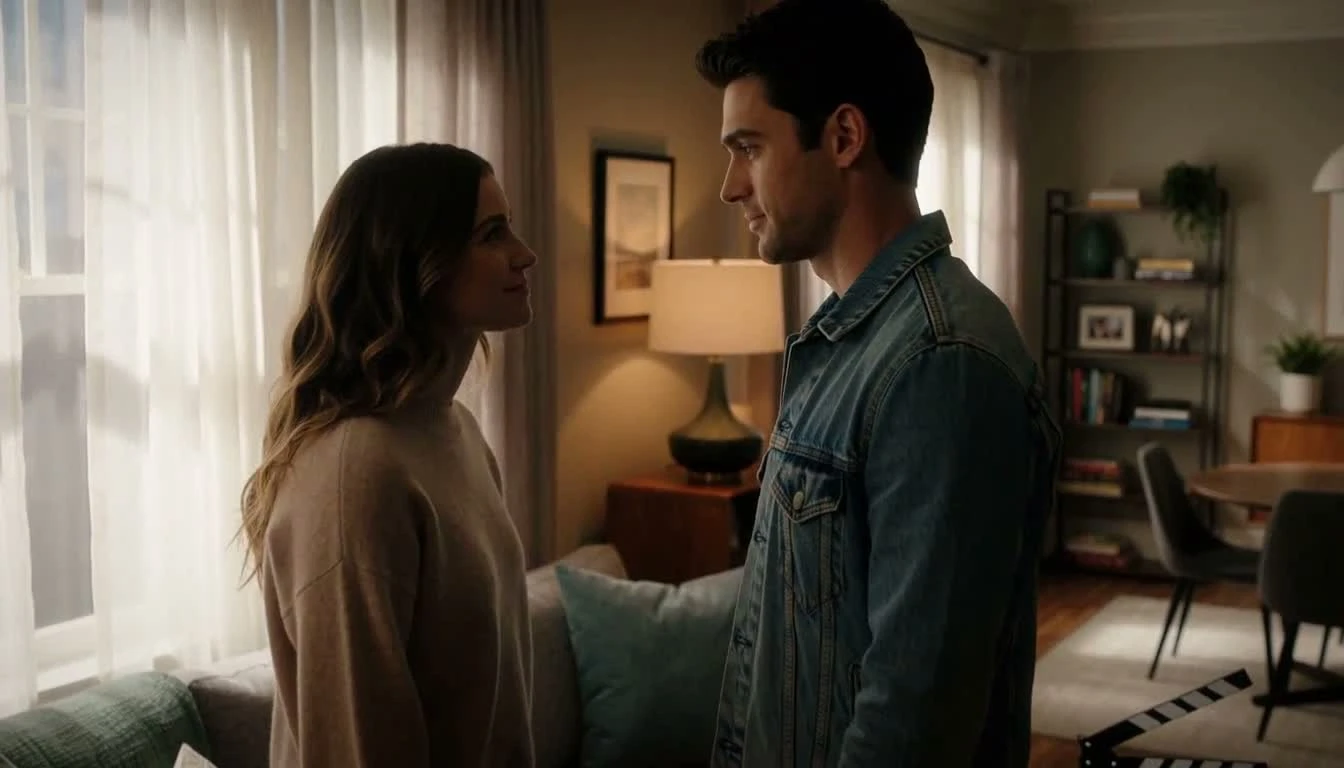
P-Video-2-Pro official film-set example frame
Generated scene example · Frame conditioning is documented; it was not tested with this sample.

Guide the opening and ending composition

Supply a first-frame image when a particular composition matters, and optionally pair it with a last-frame image. The canvas follows the reference image, so the aspect-ratio setting is ignored when one is supplied. Plan motion that can connect the two frames, then inspect the result. This generated film-set scene is a visual planning example, not a first/last-frame test.

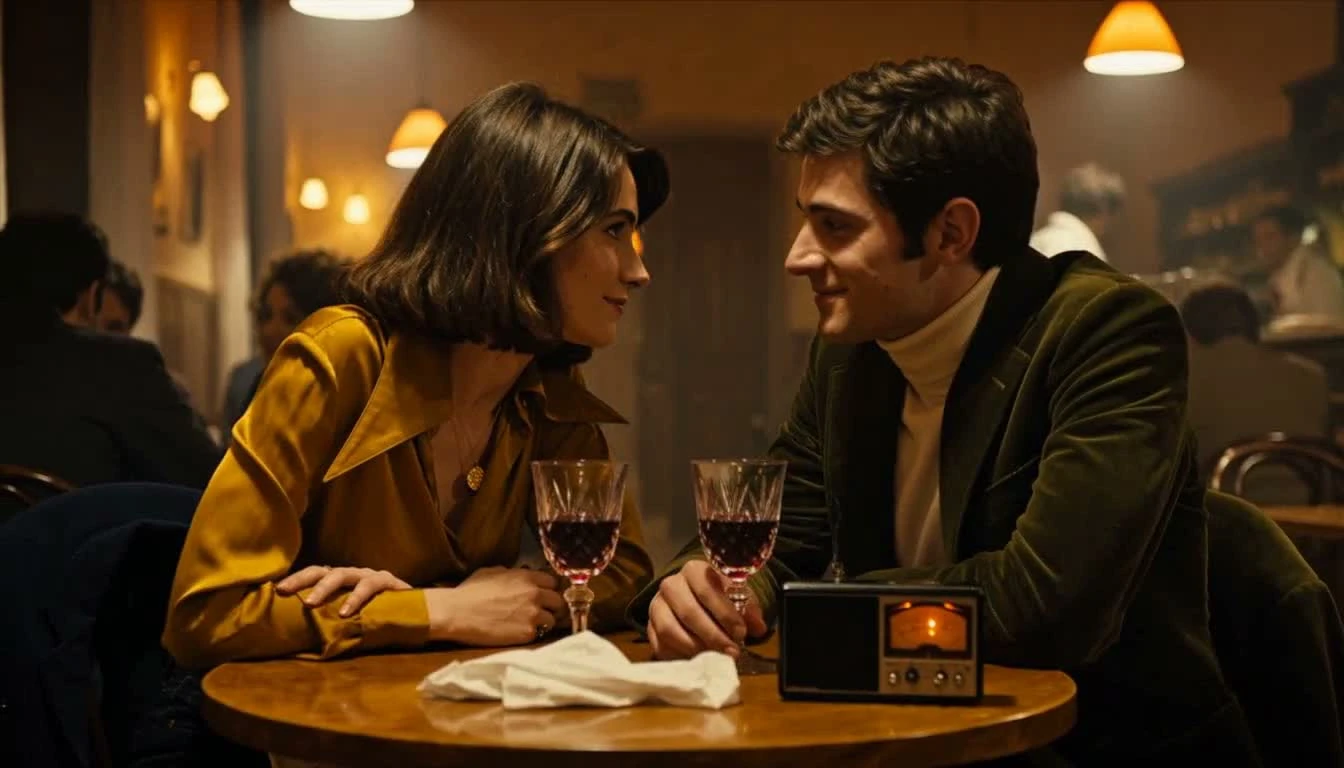
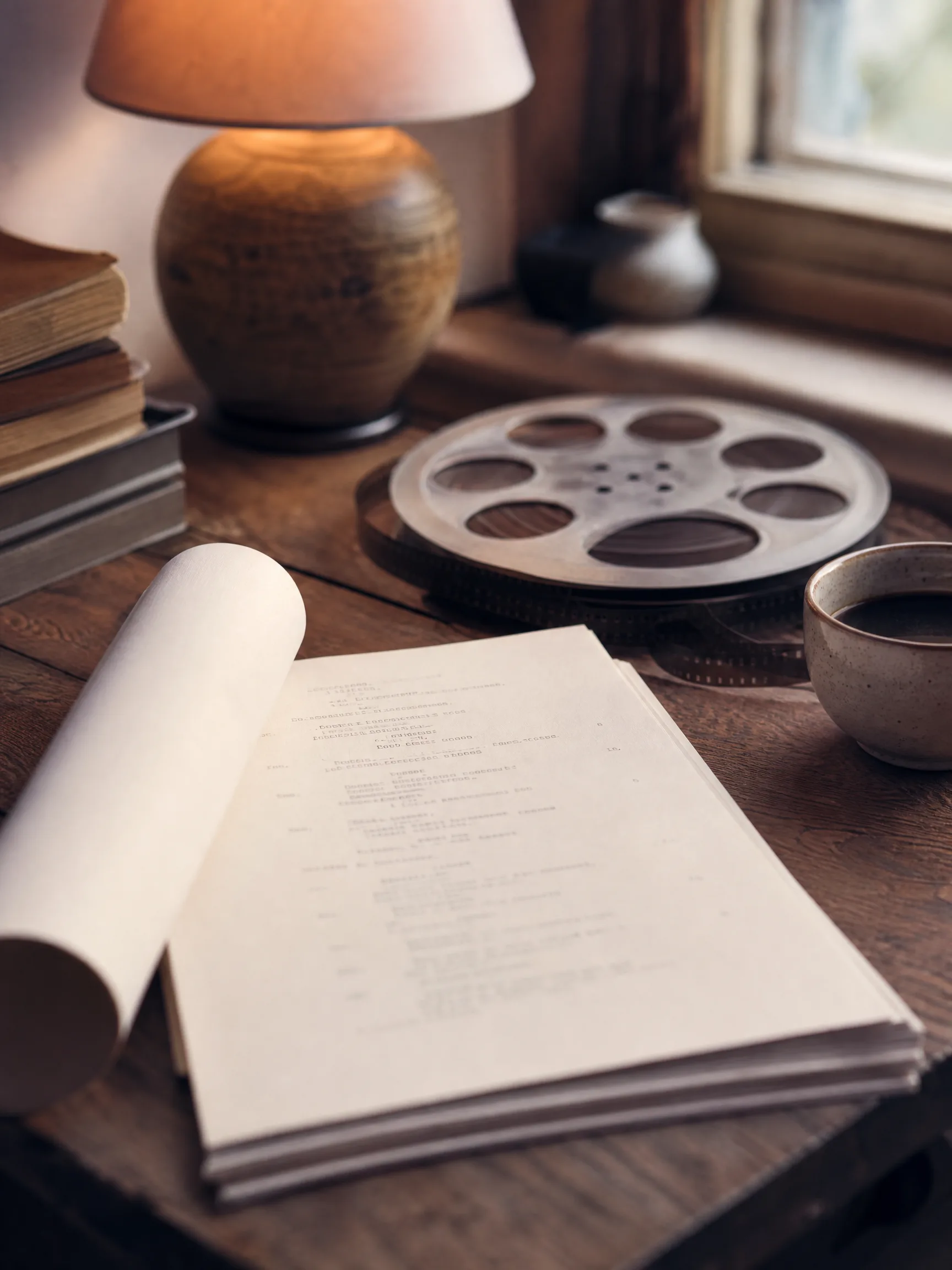
P-Video-2-Pro official acoustic-studio example frame
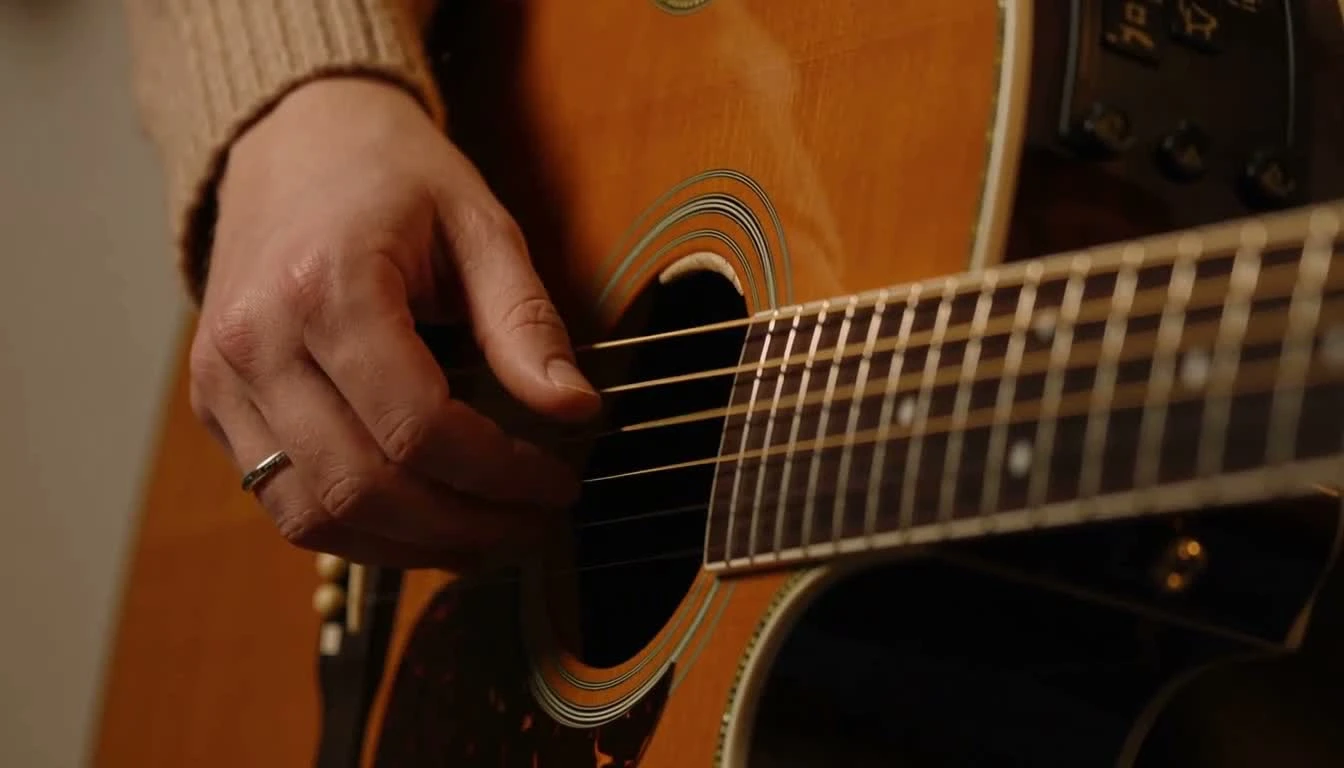
Acoustic-studio example frame · Review the moving performance and generated sound together.

Describe the sound with the scene

Specify the instrument or sound source, room tone and any music or speech you want. P-Video-2-Pro generates audio with its video, as in the publisher’s acoustic-studio example. This endpoint does not expose an uploaded-audio input. An audio-driven or multi-reference job needs the appropriate separate route rather than assuming every Pruna video model accepts the same inputs.

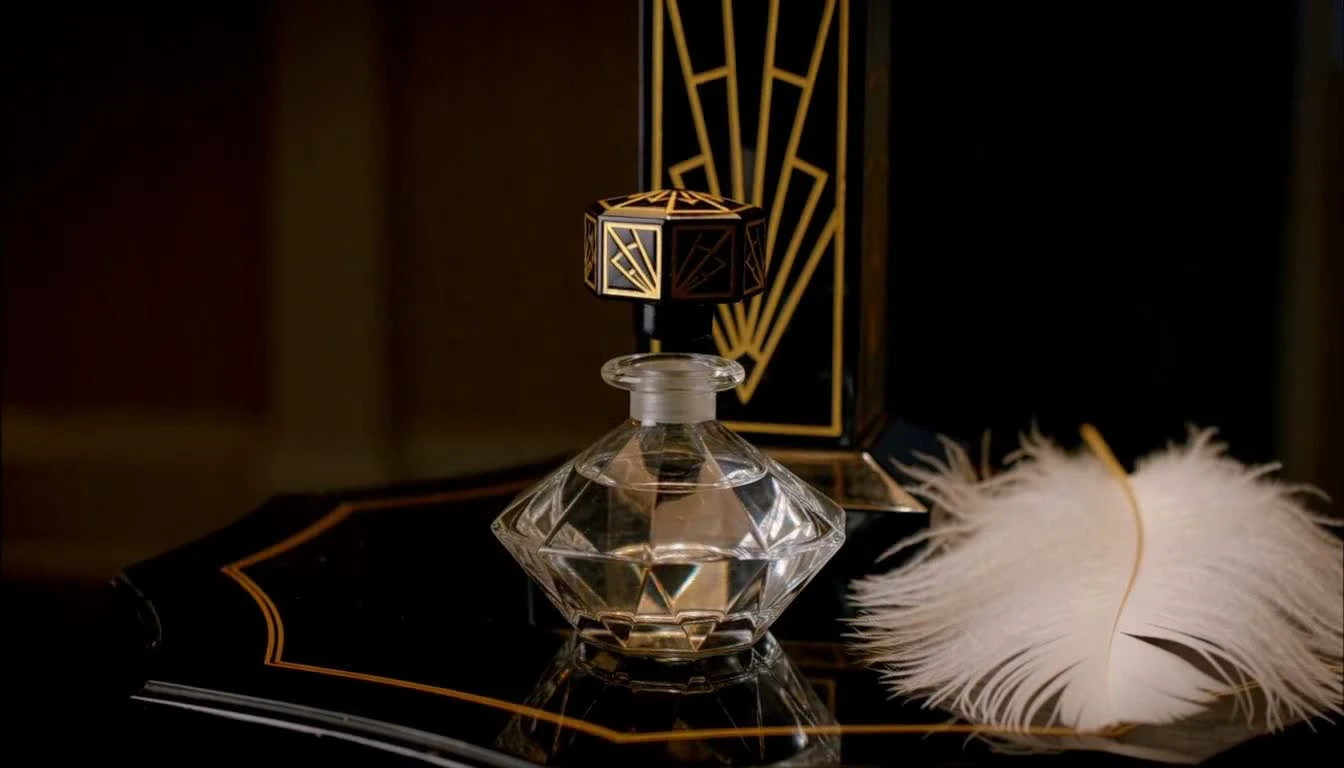
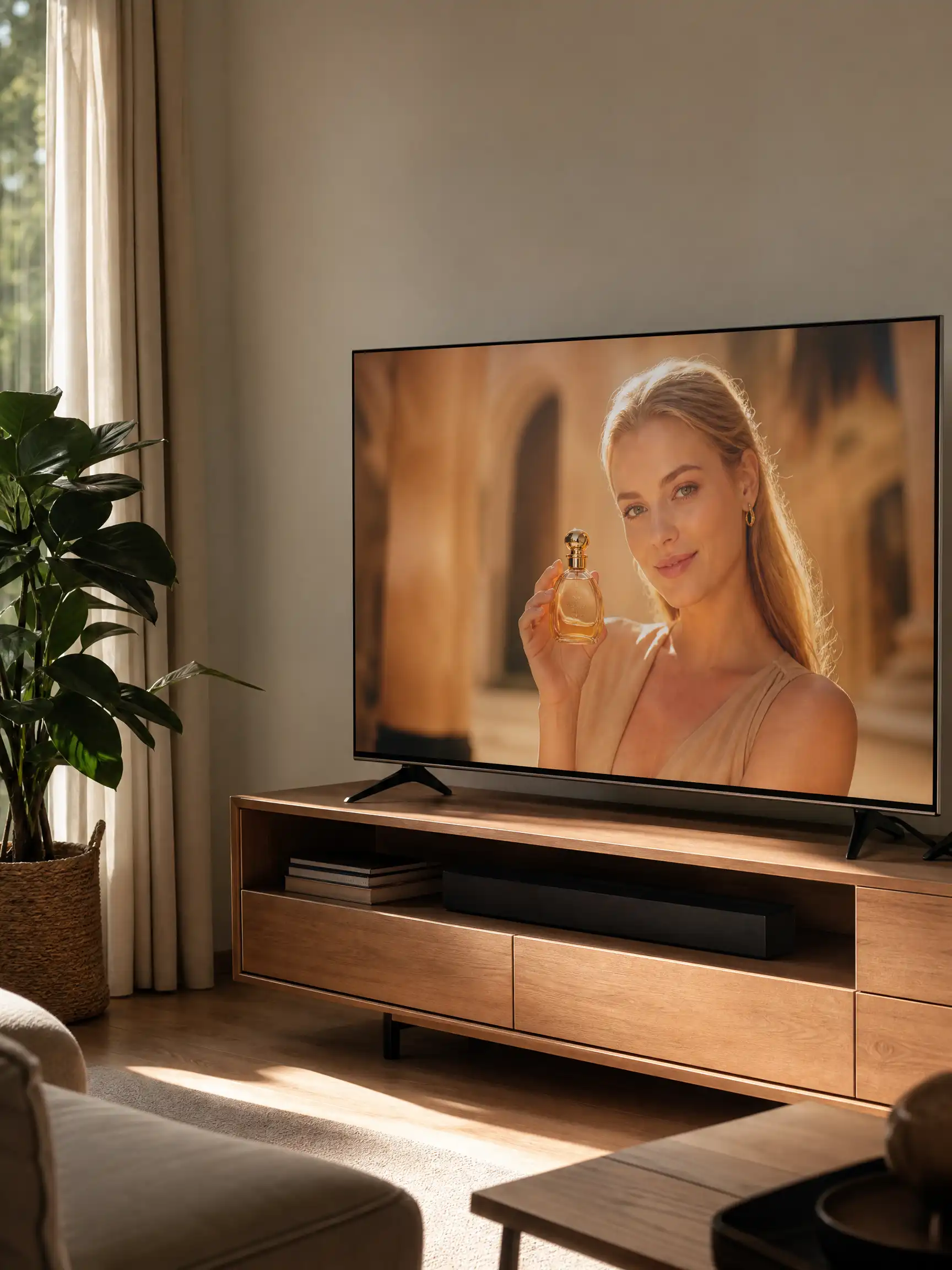
P-Video-2-Pro official perfume example frame
Official prompt idea: Art Deco vanity, faceted perfume bottle, black lacquer and gold inlay.

Refine camera, material and light

Give the model a concrete visual plan when the shot depends on texture and a deliberate reveal. The perfume example uses faceted glass, black lacquer and an orbiting camera. Prompt upsampling can be Off, Turbo or Max independently of the generation mode. Use a fixed brief when comparing settings, then inspect reflections, shape and any generated lettering.

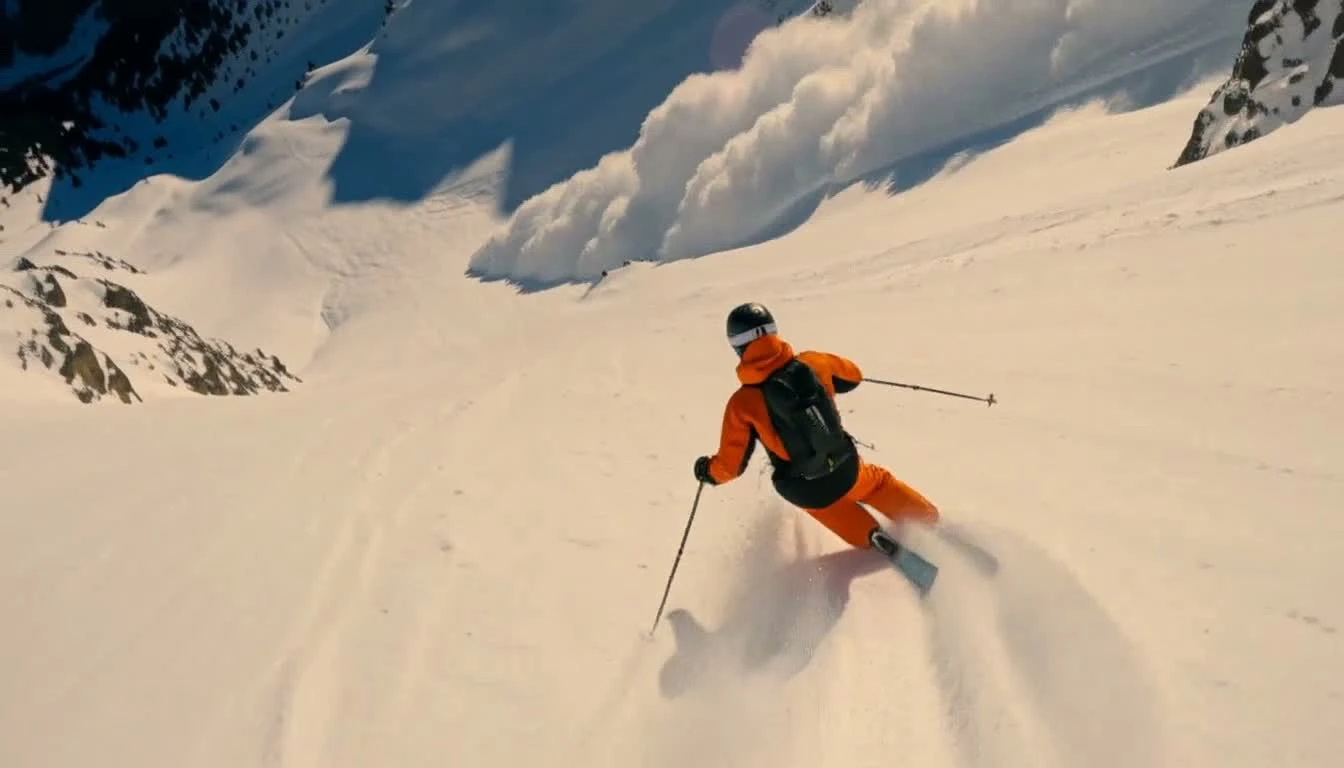
P-Video-2-Pro official playground-v1 example frame
Action example frame · No model speed benchmark was performed by Pexo.

Choose an iteration mode for the job

Use Speed for the faster recipe and Quality when you want to evaluate the slower option. Cost is documented as the same output quality as Speed at a lower list price, with slower processing. These choices are separate from prompt upsampling. The skiing frame is a real model example, not a measured speed or latency result from this page.

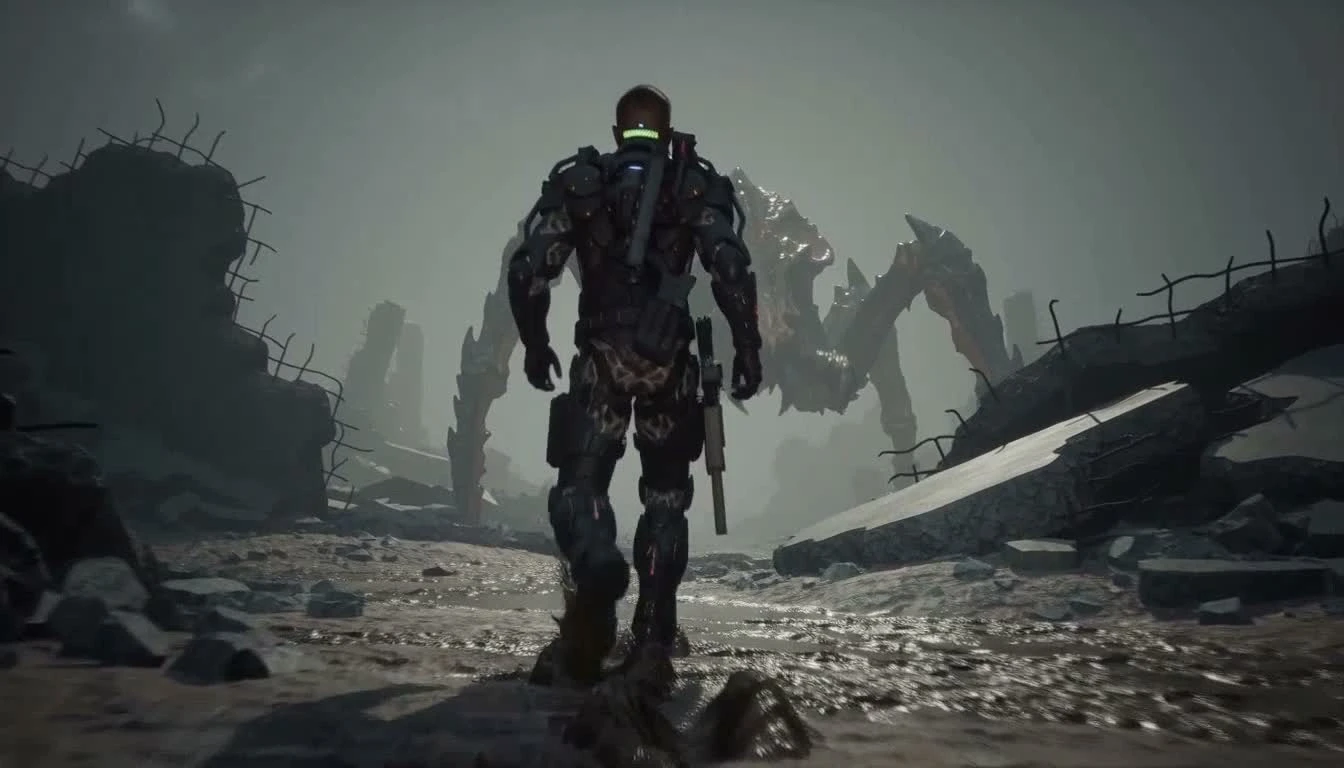
P-Video-2-Pro official AAA-battlefield example frame
768-high official example frame · Higher delivery sizes use an additional upscale stage.

Separate native output from upscaled delivery

The native generation options are 480p and 768p at 24 fps. Requests for 1080p, 2K or 4K upscale the 768p result with P-Video-Upscale, preserving the frame rate. The battlefield frame shown here is from a 768-high demonstration, not a native 4K test. Review motion and detail before choosing a larger delivery format; upscaling does not correct every generation error.

Image showcase

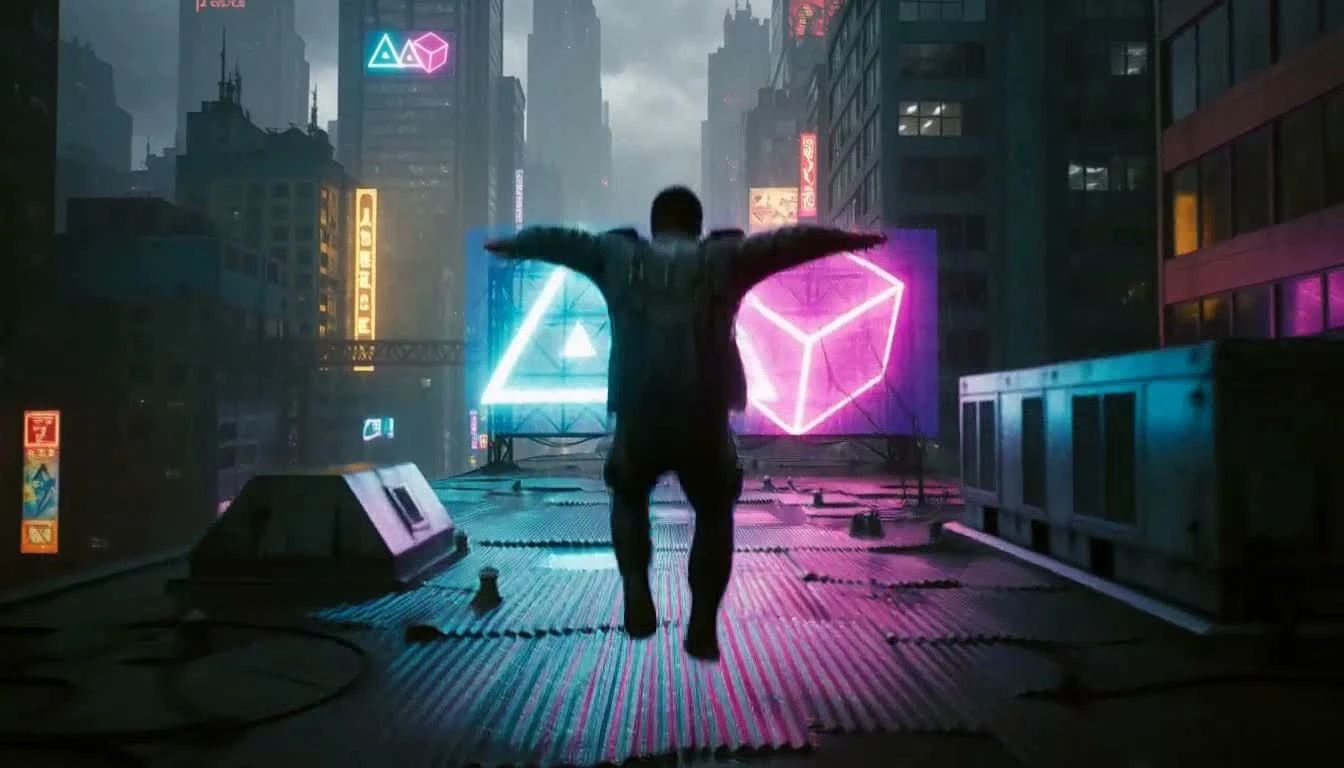
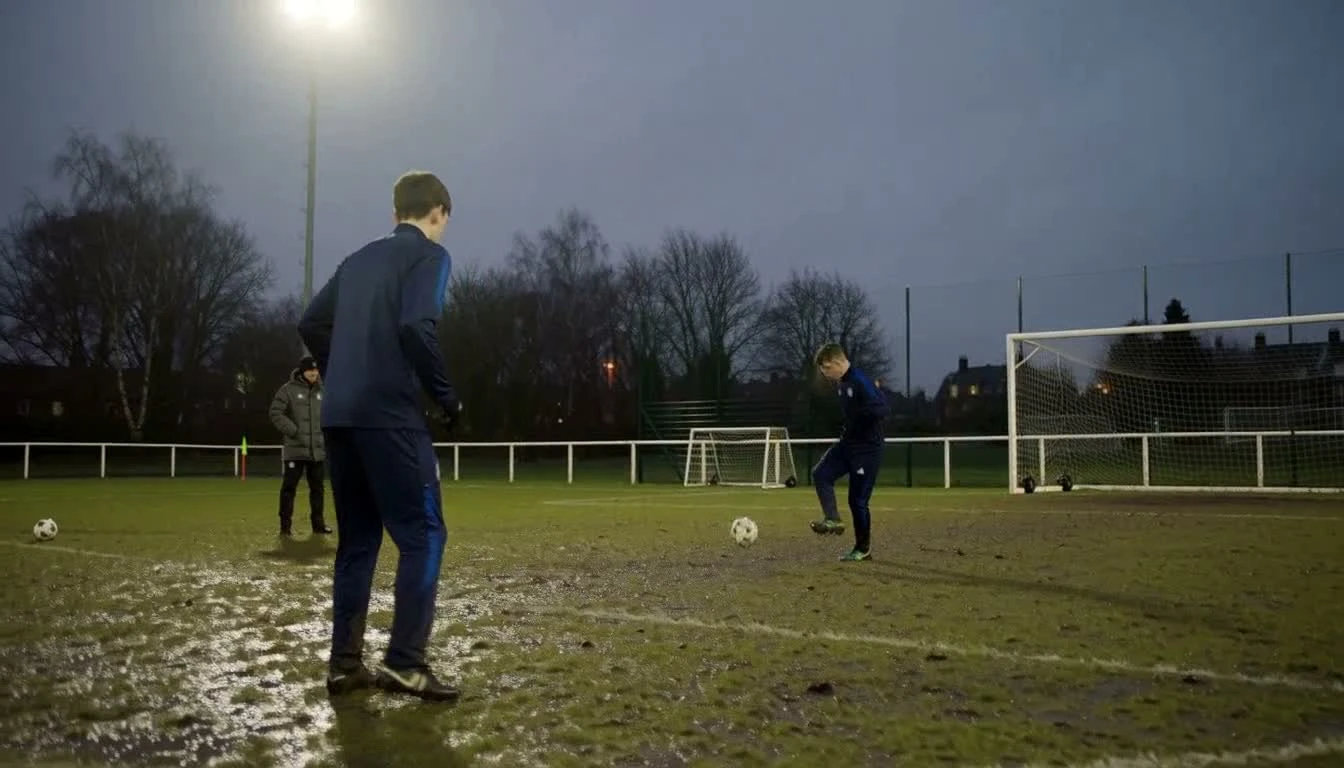
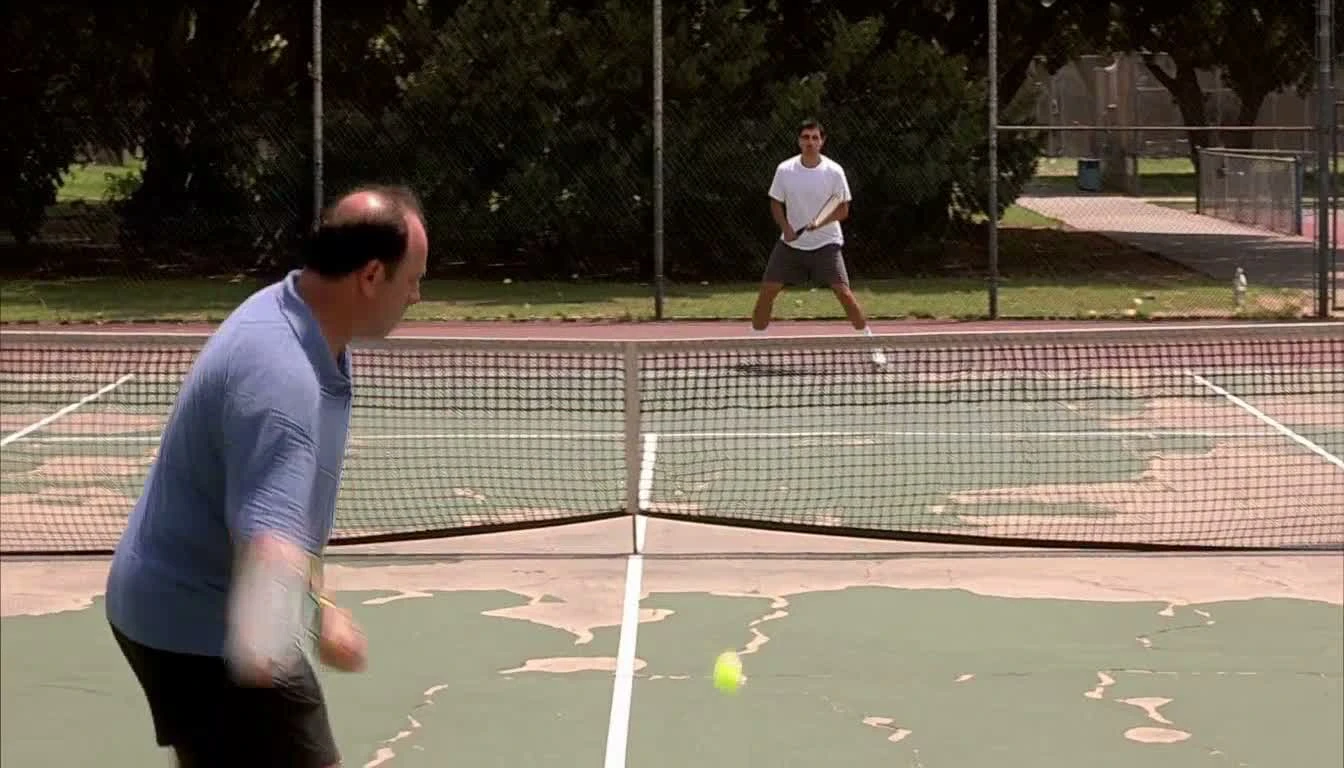
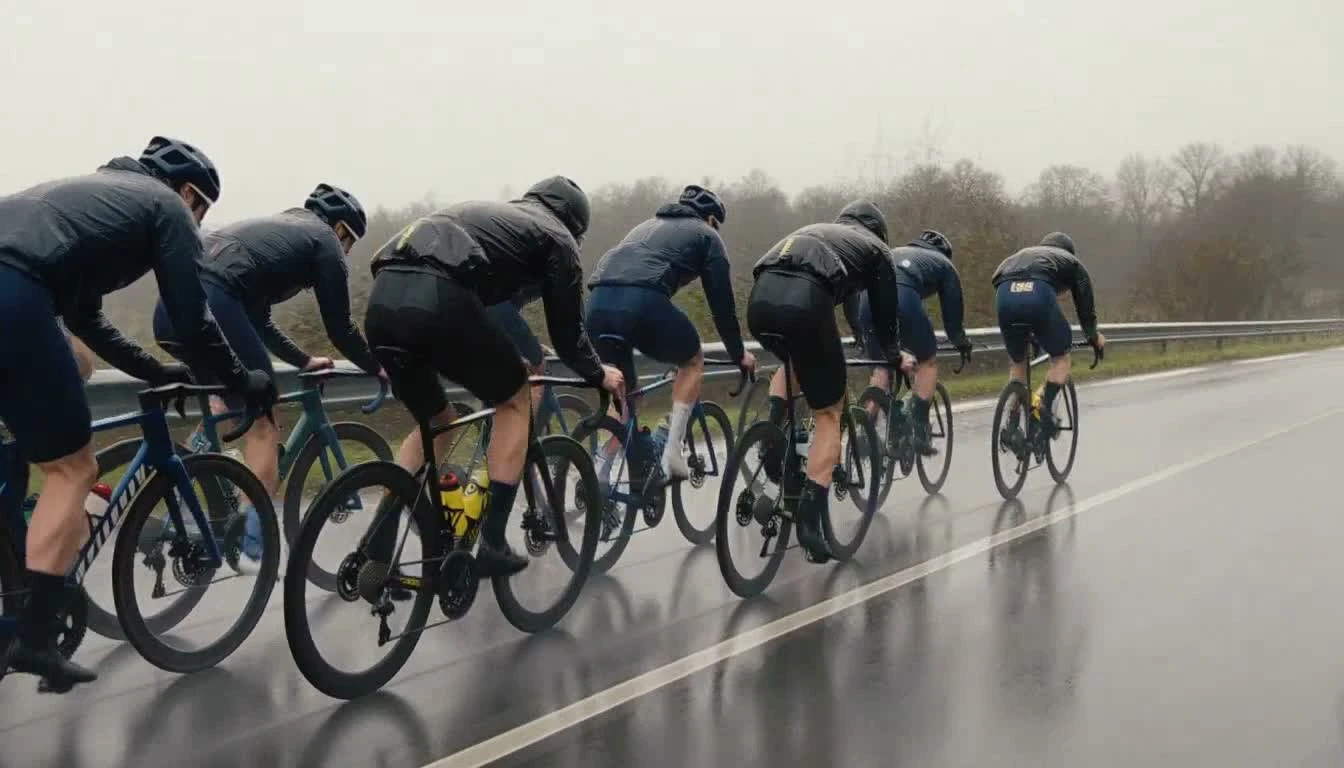
Source: Pruna’s official P-Video-2-Pro documentation examples; gallery images are actual video frames. Pexo navigation previews below are separate product images.

Model comparison

DIMENSIONP-Video-2-Pro · SpeedP-Video-2-Pro · Quality
Generation recipeFaster recipeSlower quality-oriented recipe
Native resolution480p or 768p480p or 768p
Higher delivery resolution1080p, 2K or 4K by upscaling 768p1080p, 2K or 4K by upscaling 768p
Clip length / frame rate5–15 seconds / 24 fps5–15 seconds / 24 fps
ConditioningText, first frame, optional last frameText, first frame, optional last frame
Audio and prompt upsamplingGenerated audio; Off, Turbo or Max upsamplingGenerated audio; Off, Turbo or Max upsampling

Current Pruna endpoint documentation checked November 21, 2026. Cost mode is a third option, documented at the same output quality as Speed with slower processing and a lower list price. This table describes modes of one model, not a measured quality ranking. No draft flag or uploaded-audio input is exposed by this route.

Use-case scenarios

Short product concepts

Explore a compact product action, controlled camera move and matching sound. Check shape, materials and brand details against the approved source before use.

Scripted scenes and visual stories

Describe a scene with a clear action and sound plan, then review performance, dialogue and continuity. Build longer pieces through an editing workflow rather than claiming unlimited single-clip length.

Documentary-style movement studies

Use a concrete setting, viewpoint and sound source to explore sport, work or everyday action. Inspect physical interactions across the whole clip, not just a selected frame.

Use cases

Develop product concepts, scripted scenes and campaign ideas with these related Pexo video workflows.

Frequently Asked Questions About P-Video-2-Pro

What is P-Video-2-Pro?

It is Pruna’s video generation model based on MiniMax H3, available through the documented Pruna predictions API and partner inference providers. It creates video with generated audio from a text prompt or an image-led brief. It is a distinct named Pruna model, not another name for MiniMax H3-Image.

Can it generate native 4K video?

The documented native generation resolutions are 480p and 768p. The 1080p, 2K and 4K options upscale the 768p video with P-Video-Upscale and keep 24 fps. Do not treat the larger delivery size as native 4K generation.

What inputs and duration does it support?

The prompt is required. You can optionally supply a first-frame image and an ending image. Duration is 5–15 seconds, with a default of five, at 24 fps. The image-led canvas follows the source image, so the aspect-ratio setting is ignored when an image is supplied.

How do Cost, Speed and Quality differ?

Speed is the default faster recipe. Quality is the slower option. Cost is documented as the same output quality as Speed, but cheaper and slower. Prompt upsampling is a separate Off, Turbo or Max setting; the current documentation says it does not change the price. Check your selected provider’s current quote and implementation.

Can I upload audio, use Draft mode or combine many references?

This P-Video-2-Pro endpoint exposes neither uploaded audio nor a draft flag. It generates audio with the video. P-Video-2-Pro-Reference, Avatar and other Pruna routes are separate workflows with their own inputs and limits; do not transfer those specifications to this endpoint.

Official P-Video-2-Pro guide

Describe your idea and start your next creation.

Start creating