Pexo
Runway Gen-3 Alpha

Runway Gen-3 Alpha
A scene built around action and atmosphere

Runway Gen-3 Alpha was introduced in June 2024 as a video model focused on motion, visual consistency, and temporal control. Its creative workflows grew from text and image generation to video restyling and clip extensions.

Gen-3 Alpha retired on July 8, 2026. Runway now directs new text and image video projects to Gen-4.5.

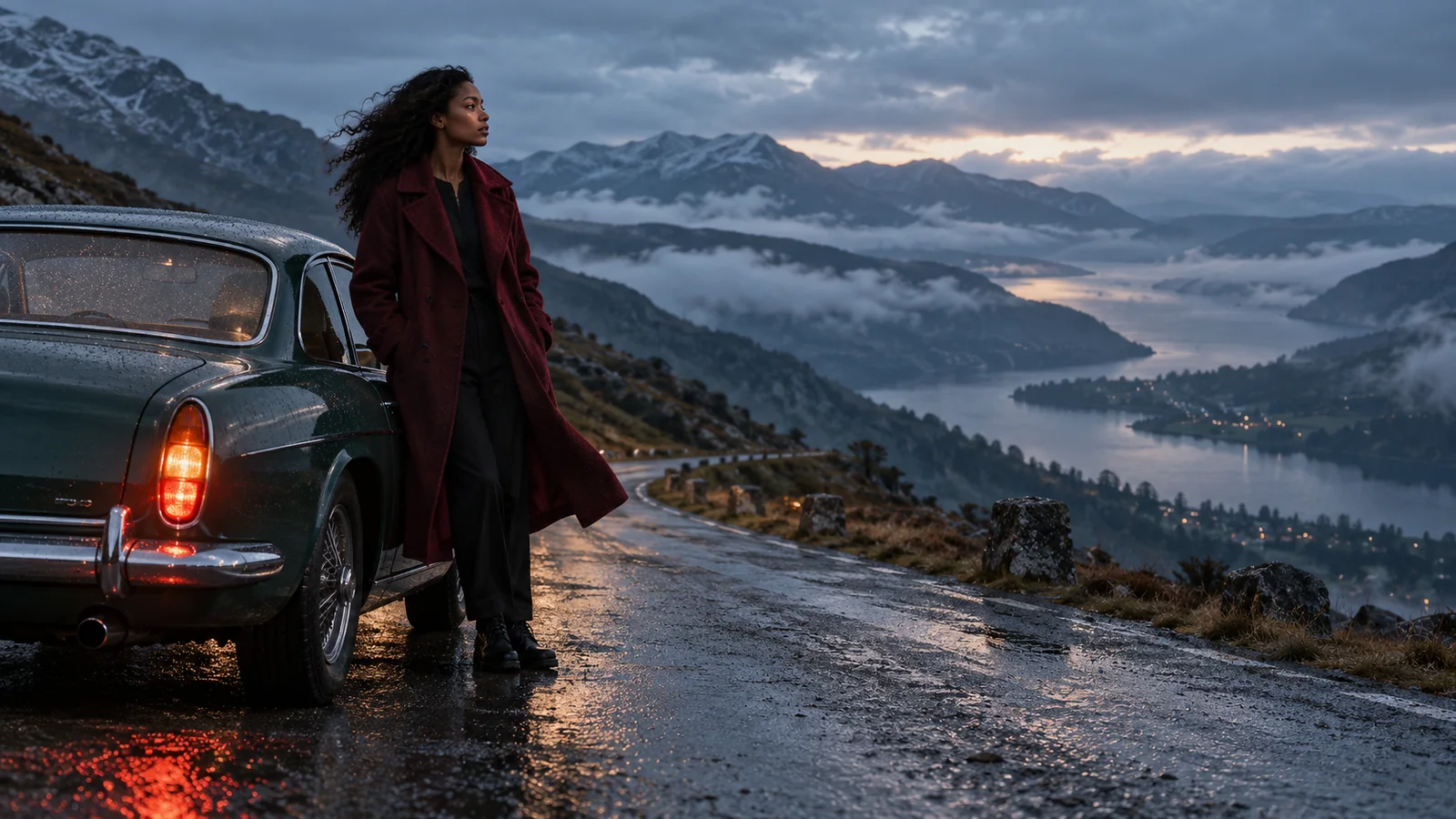
A woman in a burgundy coat beside a dark green car on a misty mountain road
Text + image

Two ways to establish the shot

Video restyling

A new treatment for existing footage

Clip extensions

Develop a scene beyond its opening

Core capabilities

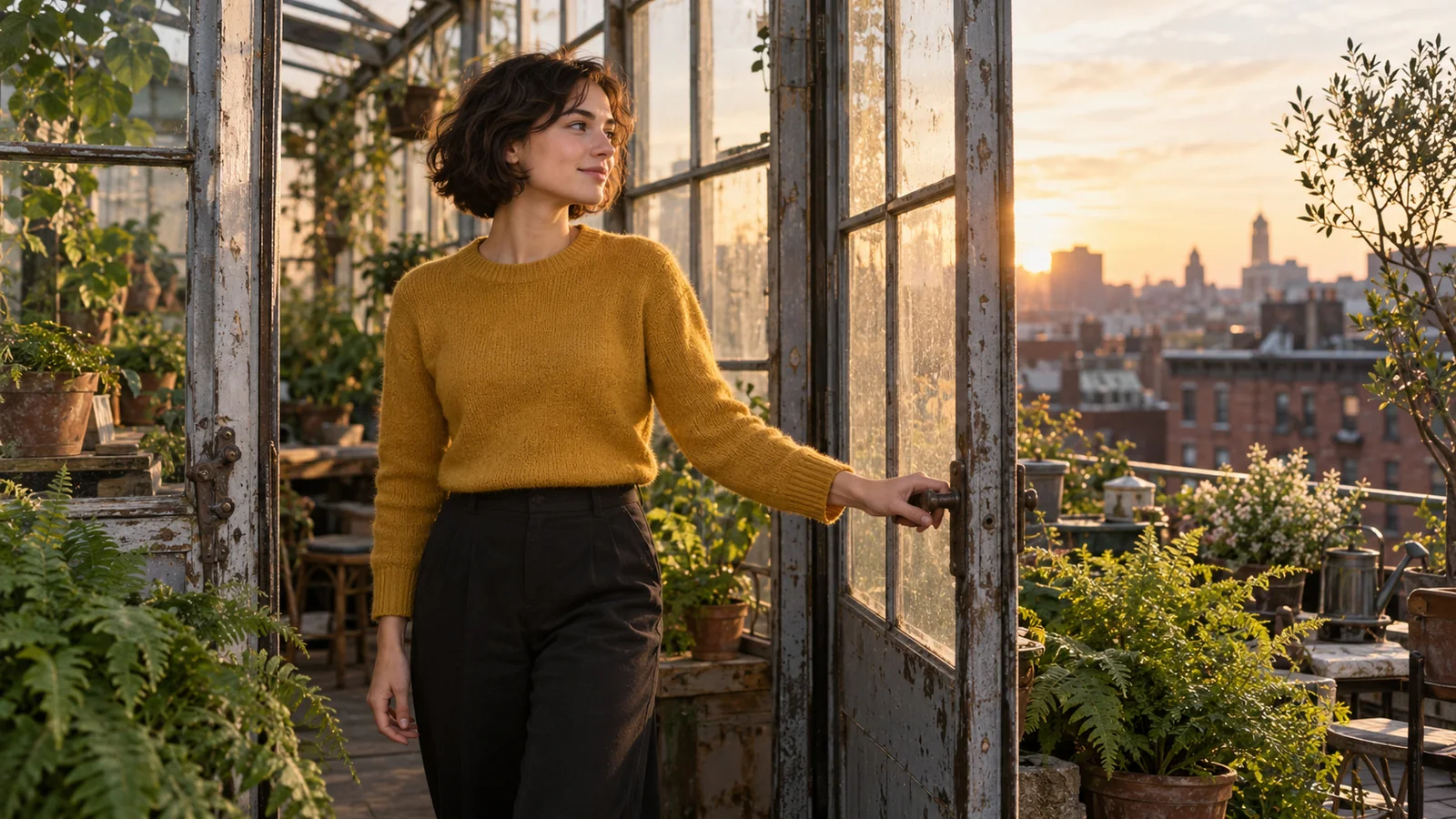
A woman in a mustard sweater opening a rooftop greenhouse door at sunrise
Scene brief

A woman opens the glass door of a rooftop greenhouse and steps into the morning light. She pauses beside the ferns as the camera slowly moves closer.

01 / Text-to-video

Describe a shot through action

Give the camera something specific to follow.

Gen-3 Alpha translated scene descriptions into moving images, with an emphasis on timing, motion, and expressive subjects. A strong brief connects the setting to a visible event. At a greenhouse doorway, the turn of a handle and a step into the light can carry more meaning than a list of visual adjectives. For a cinematic video, let one framing choice support the action.

Keep the action and camera direction readable as one continuous shot.
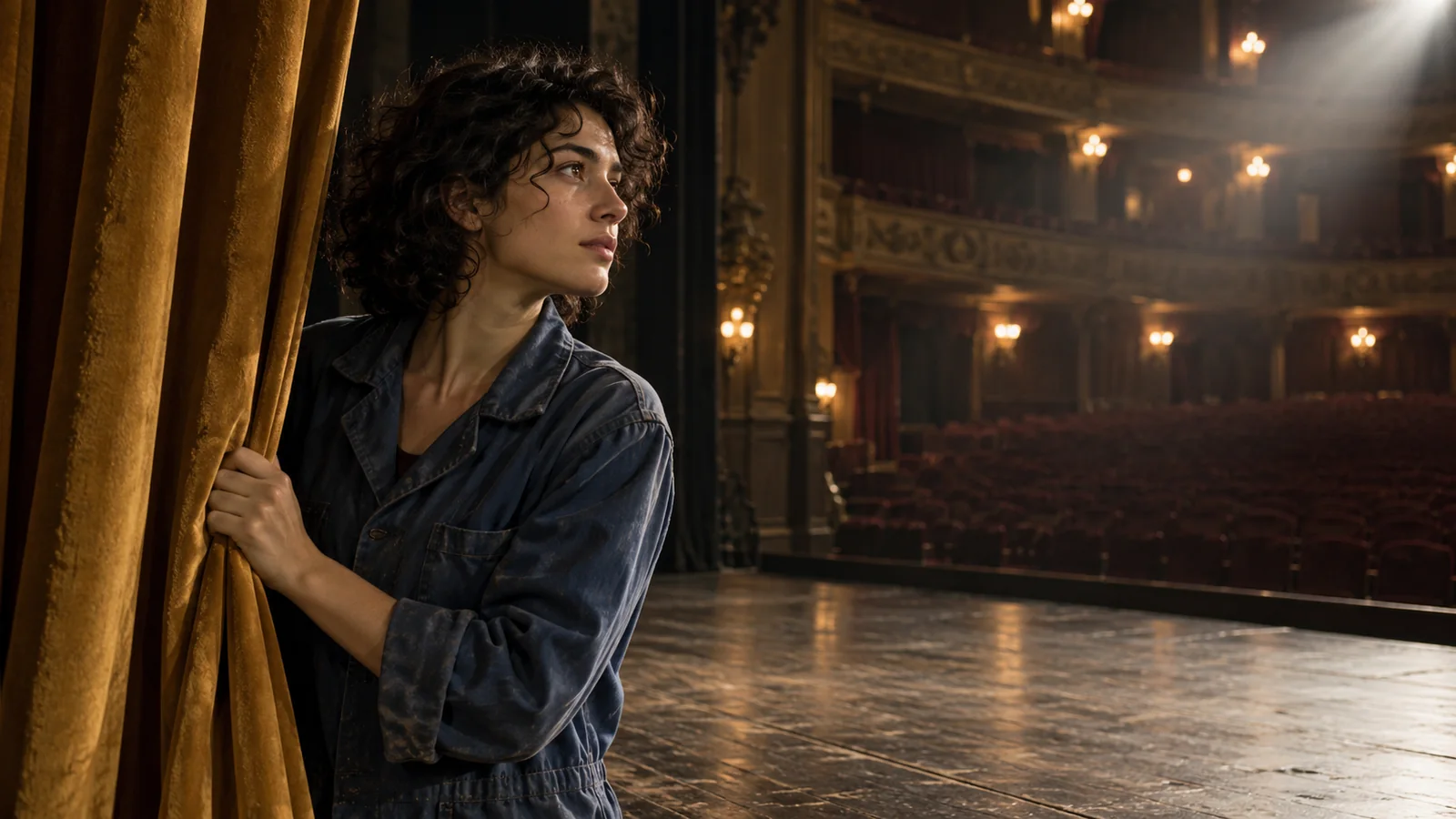
A woman in a blue jacket pulling open an ochre curtain on a quiet theater stage
Image + motion direction

She draws the curtain aside and pauses at the edge of the stage. Keep the warm beam of light across her face and the auditorium softly visible.

02 / First or last frame

Anchor the scene with an image

Begin with the composition, or work toward it.

Image-to-video let an image guide either the opening or ending frame. This helped establish the character, location, and lighting before describing the movement. For the theater scene, the curtain, face, and warm stage light provide a specific visual moment to build around. Before a short film is assembled, define what each character gesture contributes to the scene.

Use the image for appearance and composition; keep the accompanying direction focused on what happens over time.

A cyclist pushing a bicycle down a wet cobblestone lane beneath autumn trees
Visual treatment

Keep the cyclist’s slow walk and the lane composition. Use muted autumn colors, soft morning mist, and the texture of a restrained film photograph.

03 / Video-to-video

Give existing footage a new treatment

Use movement as the foundation for a different look.

Gen-3 Alpha’s video-to-video workflow used an input clip with a prompt or preset style to explore a new visual treatment. For a cyclist moving along an old lane, define the treatment through palette, texture, and light, then inspect how the subject and movement carry through the revision.

Compare the treatment across the sequence, especially the bicycle frame, hands, and movement against the cobblestones.

Gen-3 Alpha creative controls

The model’s documented legacy workflows covered generation, restyling, and continuation.

Scene inputs

Text or image

Establish the shot in words or with a visual anchor.

Image anchor

First or last

Guide one end of the generated sequence.

Extension step

5 or 10 seconds

Add a continuation to an eligible generation.

Extended sequence

Up to 40 seconds

Total length with extensions, rather than one initial generation.

Three ways to direct Gen-3 Alpha

Each workflow started from a different amount of visual information.

DimensionText / image generationVideo-to-video
Starting materialWritten scene or imageExisting moving footage
Main decisionWhat happens in the shotHow the footage should look
DirectionAction, setting, framing, and movementAesthetic prompt or preset treatment
Review focusSubject, composition, and temporal progressionVisual treatment and the handling of source movement
Best planning habitWrite one clear eventName the look and the movement to retain

Use cases

Explore Pexo Create workflows for cinematic ideas, character moments, and visual stories.

Give one shot a clear progression

Describe an opening, a developing action, and an ending that belongs to the same moment. For a story video, give the final reaction a reason to follow the opening action.

A man opening a cream paper envelope at a wooden kitchen table in morning light

01

Set the opening

A man in a light-blue shirt sits at a kitchen table with a sealed cream envelope. Soft morning light falls across the wood.

02

Direct the movement

He opens the envelope and slowly draws out the letter. Keep the shot close enough to read his gesture.

03

End on a reaction

He pauses, then looks toward the window. Hold the final expression before the cut.

FAQ

What is Runway Gen-3 Alpha?

Gen-3 Alpha is Runway’s video model generation introduced in June 2024. It was designed around temporal control and improved motion, visual fidelity, and consistency compared with Gen-2.

Is Gen-3 Alpha still available?

No. Runway retired Gen-3 Alpha on July 8, 2026, and Gen-3 Alpha Turbo on July 30, 2026. Runway recommends Gen-4.5 for new text-to-video and image-to-video work.

Did Gen-3 Alpha support image-to-video?

Yes. An image could establish either the first or last frame, with text providing additional direction for the movement. This gave the shot a visual anchor before generation.

Could Gen-3 Alpha extend a video?

Yes. Its extension workflow added 5 or 10 seconds to eligible generations, for a total sequence of up to 40 seconds. This was a continuation workflow, rather than a 40-second initial generation.

Was Gen-3 Alpha the same as Gen-3 Alpha Turbo?

They were separate variants in the Gen-3 family. Runway introduced Turbo later, emphasizing faster generation, and added controls such as middle keyframes to Turbo. Feature support should be attributed to the specific variant.

How does a video model compare with a video agent?

A video model handles an individual generation or transformation. A video agent works across a broader project: organizing the brief, building scenes, managing revisions, and assembling the video. Pexo’s Create workflows provide starting points for those wider video tasks.

Describe your idea and start your next creation.

Start creating

Frequently Asked Questions (FAQ)

What is Runway Gen-3 Alpha?

Gen-3 Alpha is Runway’s video model generation introduced in June 2024. It was designed around temporal control and improved motion, visual fidelity, and consistency compared with Gen-2.

Is Gen-3 Alpha still available?

No. Runway retired Gen-3 Alpha on July 8, 2026, and Gen-3 Alpha Turbo on July 30, 2026. Runway recommends Gen-4.5 for new text-to-video and image-to-video work.

Did Gen-3 Alpha support image-to-video?

Yes. An image could establish either the first or last frame, with text providing additional direction for the movement. This gave the shot a visual anchor before generation.

Could Gen-3 Alpha extend a video?

Yes. Its extension workflow added 5 or 10 seconds to eligible generations, for a total sequence of up to 40 seconds. This was a continuation workflow, rather than a 40-second initial generation.

Was Gen-3 Alpha the same as Gen-3 Alpha Turbo?

They were separate variants in the Gen-3 family. Runway introduced Turbo later, emphasizing faster generation, and added controls such as middle keyframes to Turbo. Feature support should be attributed to the specific variant.

How does a video model compare with a video agent?

A video model handles an individual generation or transformation. A video agent works across a broader project: organizing the brief, building scenes, managing revisions, and assembling the video. Pexo’s Create workflows provide starting points for those wider video tasks.