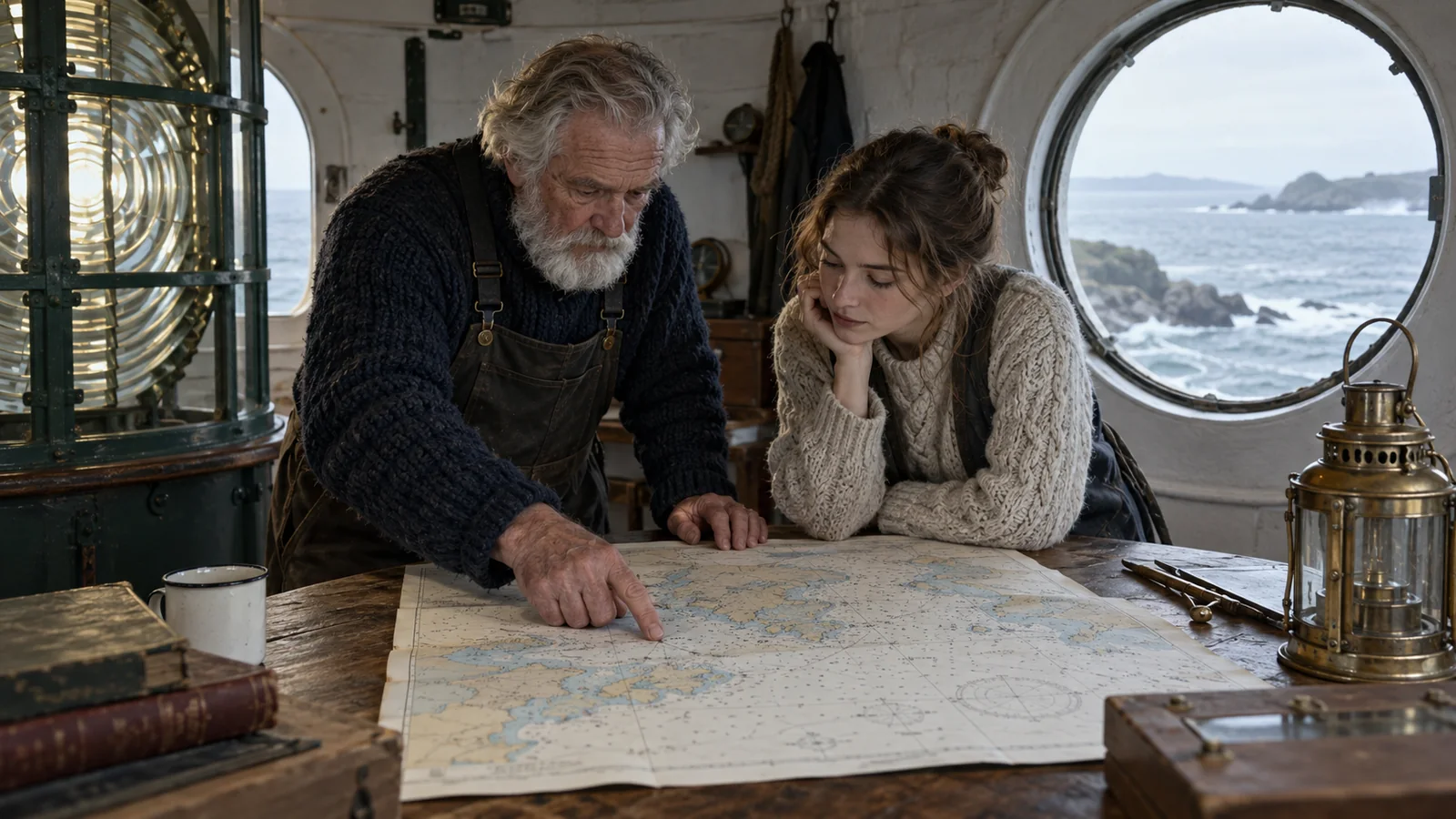

Pexo
Vidu Q4

Vidu Q4
Give the scene a visual starting point.

Vidu Q4 is ShengShu Technology’s video model for image-led storytelling with synchronized sound. Start from one frame or combine visual and voice references to direct characters, movement, and camera changes within a short scene.

Vidu Q4 Preview · Image-to-video and reference-to-video

A bicycle courier in an indigo jacket beside a silver bicycle on a wet brick bridge at dusk
Up to 16 seconds

Time for a setup, action, and response

15 image references

Bring subjects, objects, and settings together

Picture + sound

Generate a scene with dialogue and sound effects

Core capabilities

A calico cat watching a falling leaf on a sunlit terracotta terrace
Scene direction

The cat follows the drifting olive leaf with its eyes. It turns its head once as the camera slowly moves closer. Keep the terrace and afternoon light consistent.

01 / Image-to-video

Turn an opening image into a moving shot

Let the frame establish the scene.

Image-to-video uses one image as the first frame, with a prompt describing what happens next. For the terrace scene, keep the cat’s movement small: it follows a falling leaf, turns its head, then settles. Describe the camera separately so the action remains readable. A cinematic video brief benefits from one clear movement and a deliberate ending.

Choose the opening composition before writing the motion. Leave room in the frame for the subject to move.
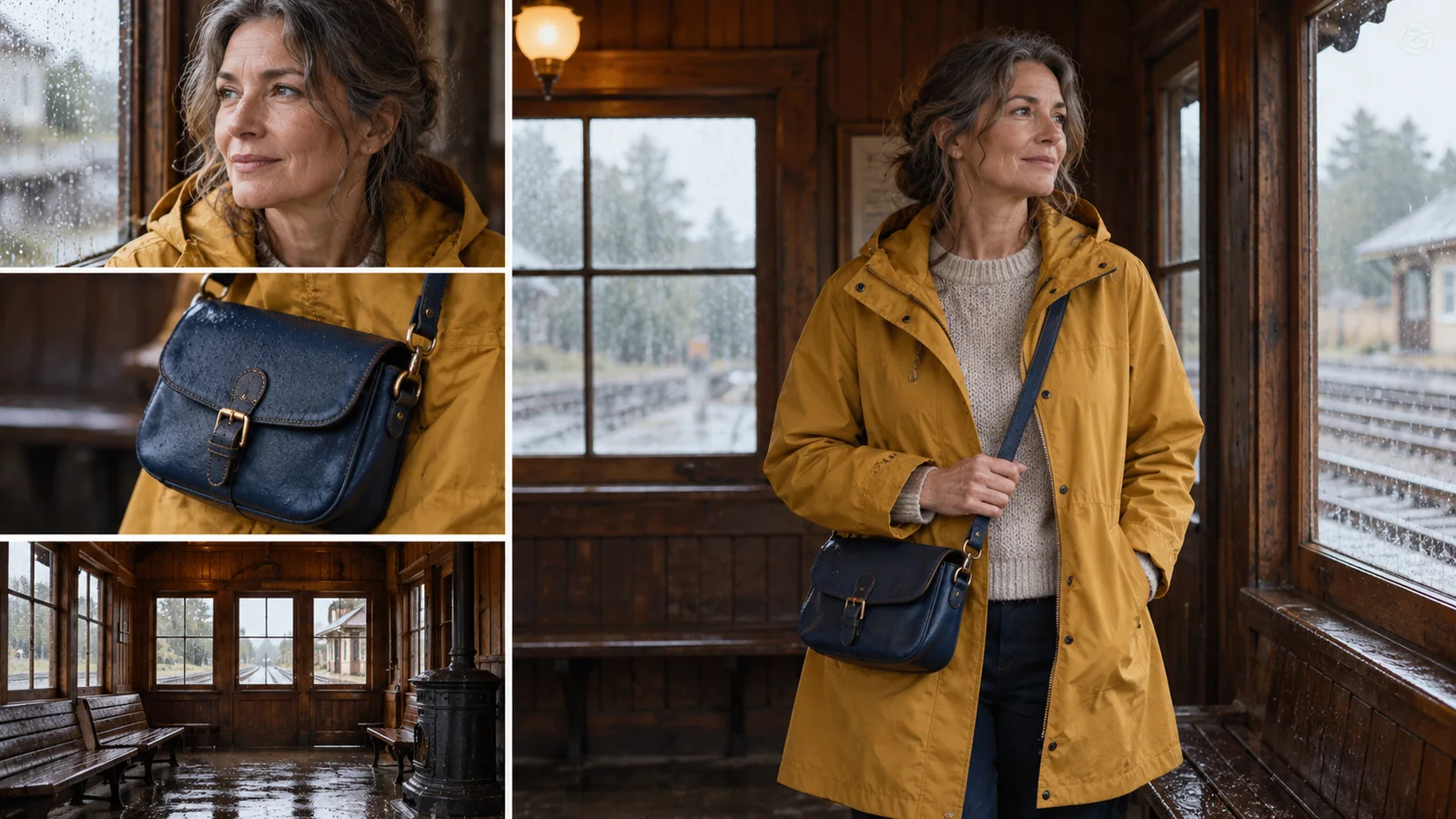
Woman, navy satchel, and railway room references beside a composed scene using those subjects
Reference roles

Character: the woman in a mustard raincoat. Prop: the navy satchel. Setting: the timber waiting room. She enters, sets down the bag, and looks toward the platform.

02 / Reference-to-video

Bring separate visual references into one scene

Give every reference a clear role.

Reference-to-video accepts 1–15 images and optional voice references. Use the images to establish a character, a prop, a place, or a visual style. In the railway example, the raincoat identifies the traveler, the satchel gives her something to carry, and the waiting room establishes the location. Explain how they interact instead of asking the model to infer a story from a pile of pictures.

A smaller, deliberate reference set is often easier to direct than several images with competing styles or inconsistent details.

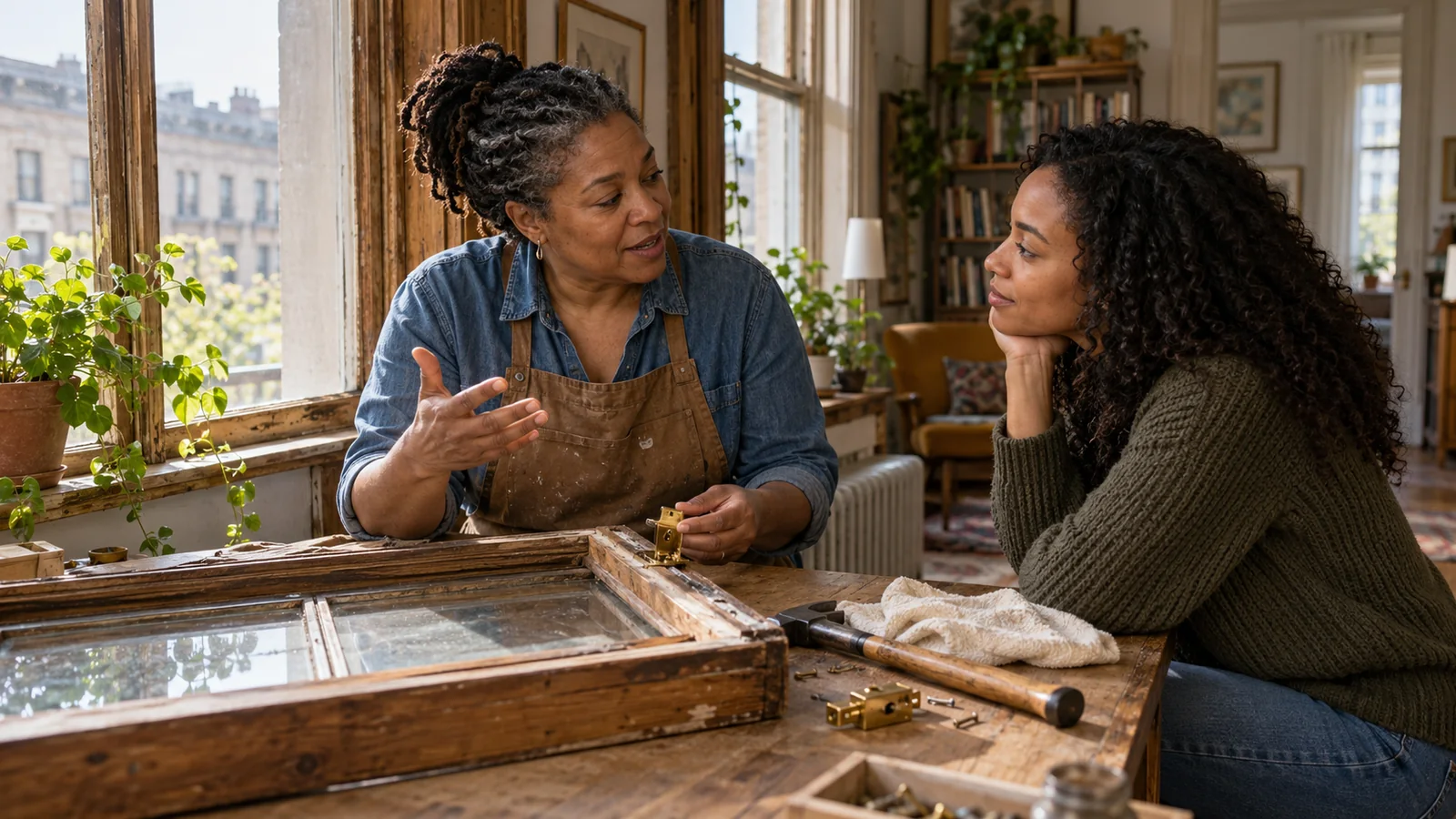
A mother speaking with her adult daughter while repairing a wooden window in an apartment
Dialogue + room sound

The mother holds the brass latch and says, “This little part is all it needs.” Her daughter smiles. Include quiet street ambience and the soft tap of a tool on wood.

03 / Voice and performance

Plan the spoken moment with the visible action

Make sound part of the scene brief.

Q4 supports synchronized audio-video output, including dialogue and sound effects. The reference workflow can also take up to three voice clips. For a short film, give each spoken line a speaker and a purpose: the mother explains the repair while the daughter watches her hands. Keep background sound simple enough that the exchange stays clear.

Use a pause, a glance, or a small gesture to connect the line with the character’s performance.

Choose the format for the scene

Q4 offers two image-led generation modes. Select duration and output size around the shot you want to deliver.

Duration

Up to 16 seconds

Image-to-video: 3–16 seconds. Reference-to-video: 1–16 seconds.

Resolution

540p → 4K

540p, 720p, 1080p, 2K, and 4K output options.

Image references

1–15 images

Reference-to-video combines visual inputs in one task.

Voice references

Up to 3 clips

Optional reference audio guides the voices in the reference workflow.

Image-to-video vs reference-to-video

Choose one established opening frame or build the scene from separate reference materials.

ControlImage-to-videoReference-to-video
Visual starting pointOne image used as the first frame1–15 images used as visual references
DirectionDescribe the next action and camera movementDescribe the roles and interaction of referenced subjects
Clip length3–16 seconds1–16 seconds
Voice referencesDirect audio-video generationUp to 3 optional audio references
Useful starting pointAn existing composition you want to animateA scene assembled from characters, objects, and locations

Use cases

Explore Create workflows for turning a clear scene idea into a product moment, a character exchange, or a short story.

Write a scene with a beginning and an ending

For a story video, connect the character’s task, the camera’s attention, and the sound of the setting.

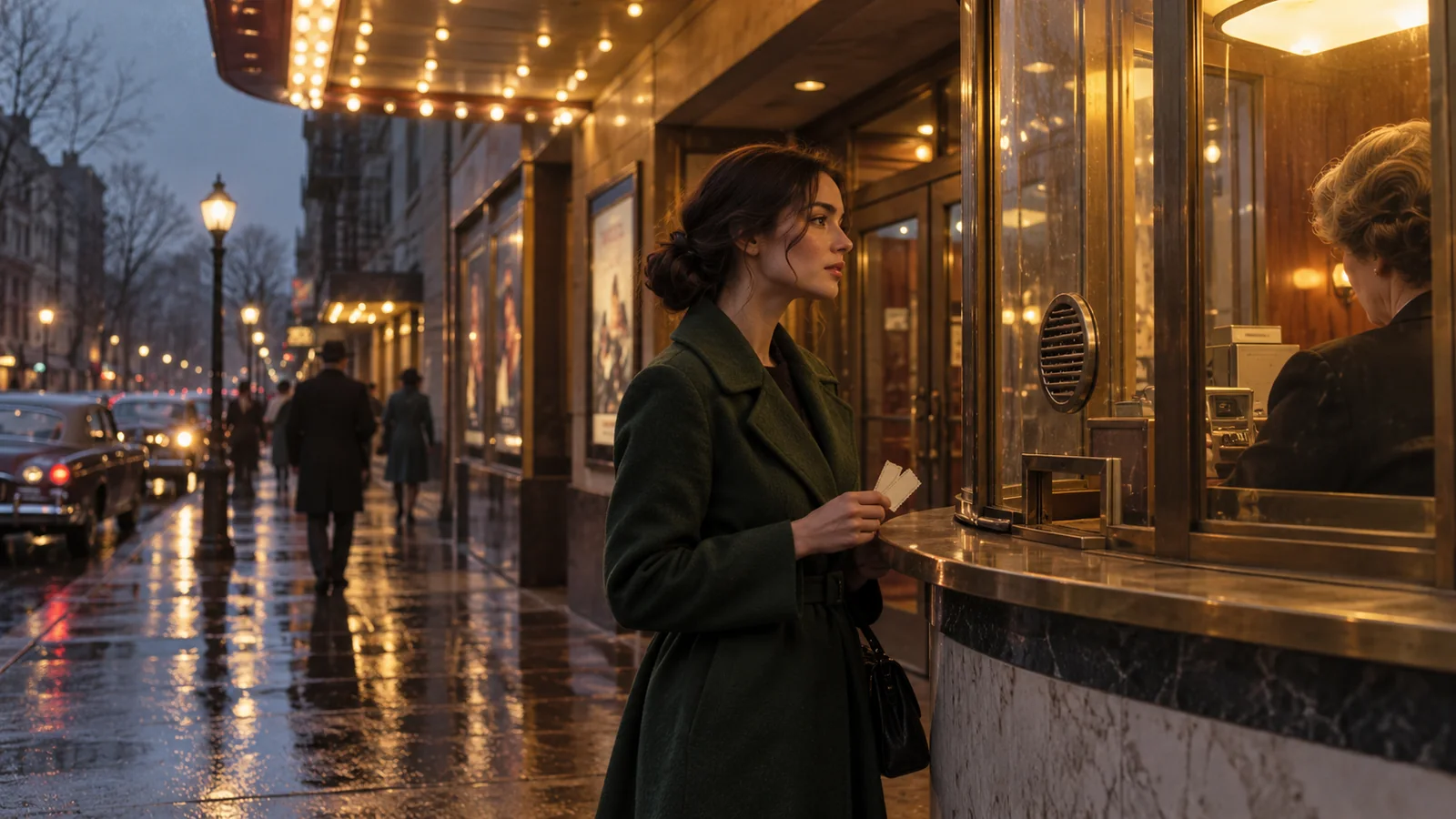
A woman holding two tickets at a warmly lit neighborhood cinema booth in evening rain

01

Establish the moment

A woman in a dark green coat stands at a cinema ticket window. Rain catches the warm light from the booth.

02

Direct the action

She receives two tickets, looks toward the empty sidewalk, then places one ticket carefully inside her coat. The camera moves closer.

03

Give the sound a role

Soft rain and distant traffic. The attendant says, “Enjoy the film.” Hold briefly on her expression before the cut.

FAQ

What is Vidu Q4?

Vidu Q4 is ShengShu Technology’s image-led video model. The current Preview supports image-to-video and reference-to-video, with synchronized sound and camera changes.

Can Vidu Q4 generate video from a single image?

Yes. Image-to-video uses one supplied image as the opening frame, with a text prompt directing the movement and camera.

How many references can I use?

Reference-to-video accepts 1–15 images and up to three optional voice references. Assign a role to each input, such as character, prop, setting, or voice.

How long can the video be?

The maximum is 16 seconds. The official product page lists 3–16 seconds for image-to-video and 1–16 seconds for reference-to-video.

Does Q4 generate sound?

Yes. Direct audio-video generation produces a video with sound, including dialogue and sound effects. The audio control also allows a silent output.

How is a model different from a video agent?

A model handles a generation task. A video agent works across a broader project, such as planning scenes, arranging assets, and assembling the result. Pexo’s Create pages provide starting points for those wider video workflows.

Describe your idea and start your next creation.

Start creating

Frequently Asked Questions (FAQ)

What is Vidu Q4?

Vidu Q4 is ShengShu Technology’s image-led video model. The current Preview supports image-to-video and reference-to-video, with synchronized sound and camera changes.

Can Vidu Q4 generate video from a single image?

Yes. Image-to-video uses one supplied image as the opening frame, with a text prompt directing the movement and camera.

How many references can I use?

Reference-to-video accepts 1–15 images and up to three optional voice references. Assign a role to each input, such as character, prop, setting, or voice.

How long can the video be?

The maximum is 16 seconds. The official product page lists 3–16 seconds for image-to-video and 1–16 seconds for reference-to-video.

Does Q4 generate sound?

Yes. Direct audio-video generation produces a video with sound, including dialogue and sound effects. The audio control also allows a silent output.

How is a model different from a video agent?

A model handles a generation task. A video agent works across a broader project, such as planning scenes, arranging assets, and assembling the result. Pexo’s Create pages provide starting points for those wider video workflows.