
Pexo
Wan 3.0

Wan 3.0
Turn a fuller idea into a scene.

Wan 3.0 is Alibaba’s video generation model for text, images, video, audio, and document-led creation. It supports scenes up to 30 seconds, native sound, and instruction-based editing, bringing more of a creative brief into one generation workflow.

Alibaba Cloud Model Studio · Standard and Prime

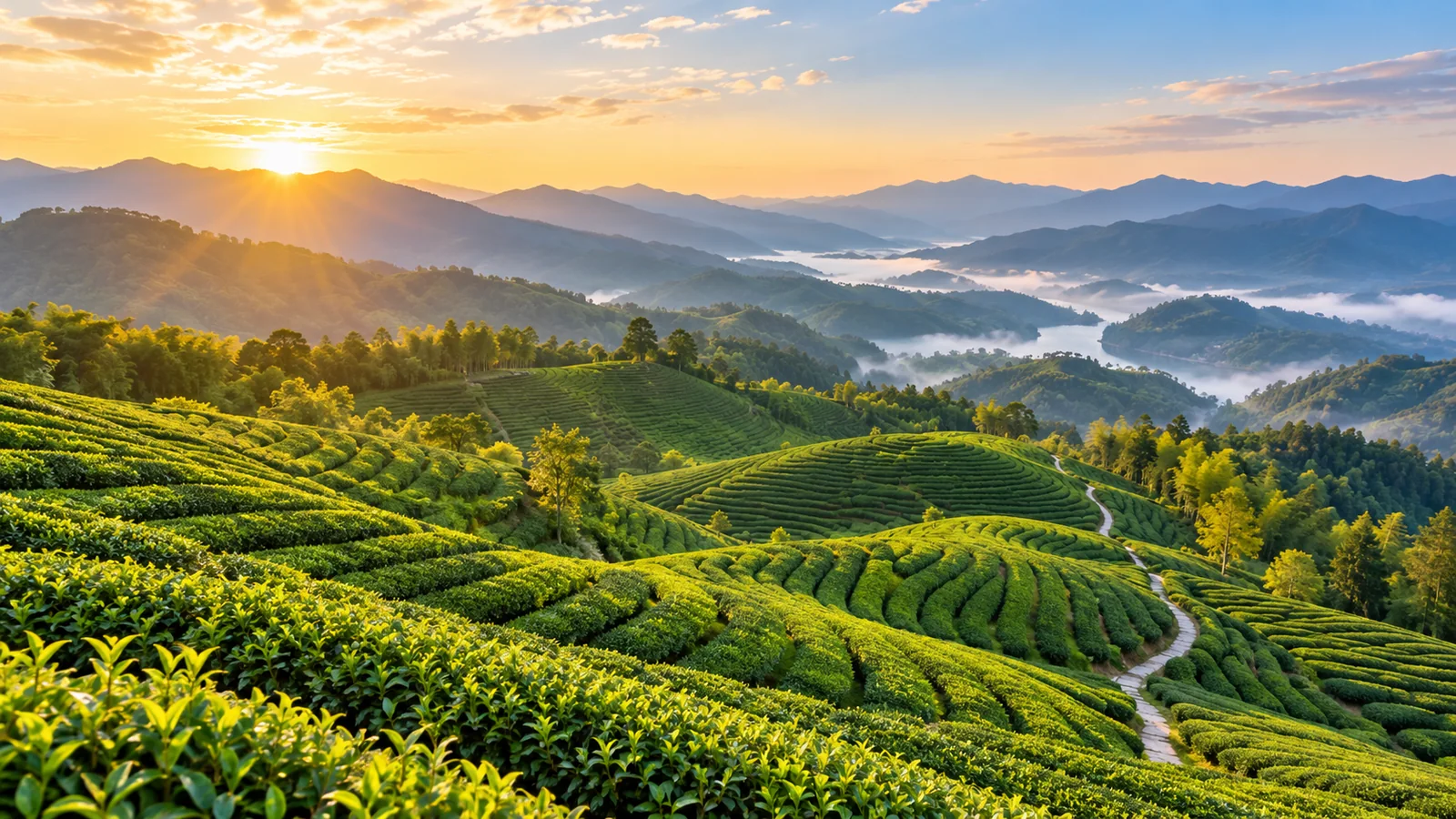
Sunlit green tea terraces curving toward layered blue mountains
Up to 30 seconds

Give a scene an opening, development, and ending

Multimodal reference

Combine visual, audio, and document context

Picture + sound

Generate dialogue, music, and sound effects

Core capabilities

Portrait, satchel, and hydrangea path references beside a scene combining those details
Reference roles

Character: the woman in the blue coat. Prop: the tan satchel. Setting: the hydrangea path. She walks toward the gate, pauses, and looks back.

01 / MULTIMODAL REFERENCE

Bring the important details into one brief

Give each reference a job in the scene.

Wan 3.0 accepts images, video, audio, and document or webpage context. A character portrait can guide appearance, a satchel can establish a prop, and a garden path can define the setting. For a cinematic video, explain how those elements interact instead of listing them without a story.

Reference mode and strict first/last-frame mode use different input combinations. Choose the workflow around the control you need.

A mother and toddler watching a large soap bubble above a bright beach picnic
Beginning → action → response

Open on a beach picnic. The mother blows one large bubble; the toddler reaches toward it. Follow the bubble, then return to their laughter as it pops.

02 / LONGER SCENES AND SOUND

Let a small story develop over time

Use the duration for a sequence of meaningful beats.

A generation can last up to 30 seconds, with synchronized dialogue, background music, and sound effects. Plan the order: a mother makes a bubble, the child follows it, and both react when it bursts. A story video becomes easier to follow when each action leads naturally to the next.

Smart duration lets the model recommend a length. With reference video, input and output durations share a 30-second total.

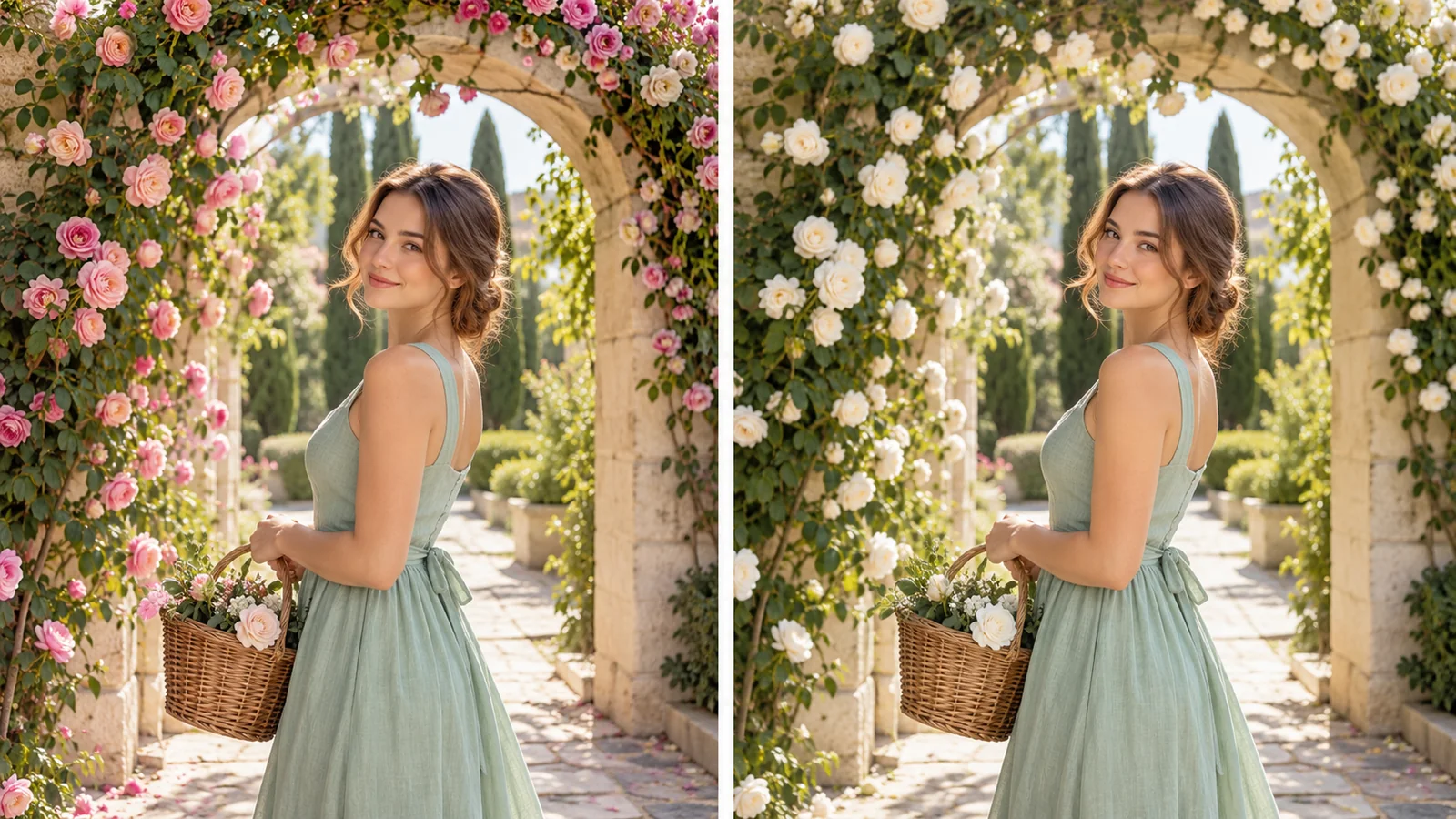
Matching portraits of a woman in a mint dress with pink roses changed to white roses
Editing direction

Change the climbing roses from pink to white. Keep the woman, mint dress, wicker basket, camera position, and warm garden light.

03 / VIDEO EDITING

Revise the scene around a clear change

Name the change and the details to carry forward.

Wan 3.0 uses video references and editing instructions to change elements, lighting, visual style, or dialogue. In the garden scene, request white roses around the arch while retaining the woman, mint dress, and basket. This gives a short film revision a specific visual target.

The same family also supports video extension. Use an editing request to revise a scene, or a continuation request to develop what happens next.

Choose the length and canvas

Set the format around the scene and where the finished video will be viewed.

DURATION

2–30 seconds

Text and image generation, or a smart duration recommendation.

RESOLUTION

480p · 720p · 1080p

Select the delivery size for the scene.

FRAME RATE

30 fps

Output includes an audio track by default.

CANVAS

Six ratios + adaptive

From widescreen 21:9 to portrait 9:16.

Wan 3.0 vs Wan 3.0 Prime

The two versions share a creative scope; Prime focuses on shorter end-to-end generation time.

WorkflowWan 3.0Wan 3.0 Prime
Model identifierwan3.0-videowan3.0-video-prime
Creative inputsText and supported multimodal referencesThe same supported input workflows
Generation modesText, image, reference, editing, and extensionThe same generation modes
Output settingsUp to 30 seconds; 480p, 720p, 1080pUp to 30 seconds; 480p, 720p, 1080p
PositioningStandard versionSpeed-oriented version

Use cases

Explore Create workflows for beauty campaigns, destination scenes, and character stories.

Write the scene in three clear beats

Connect the visible task with the camera and the sound of the setting.

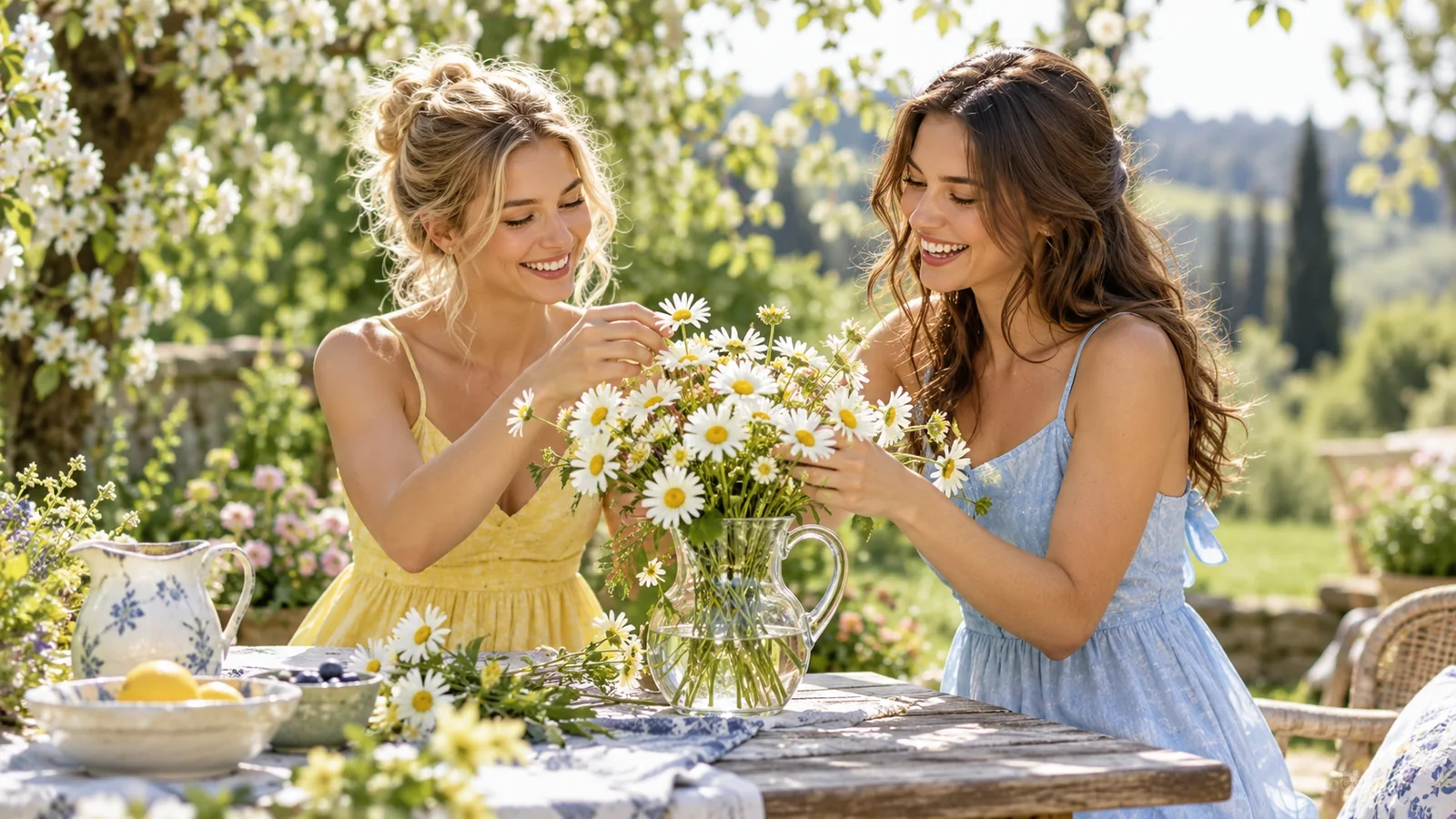
Two friends arranging white daisies on a sunny garden picnic table

01

Establish the scene

Two friends sit at a garden picnic table with a glass jug and white daisies. Blossom trees frame the background.

02

Develop the action

One friend arranges the stems while the other turns the jug toward the light. Move from a two-shot to a closer view of their hands.

03

Close on a response

She says, “That is the one.” They smile at the finished arrangement. Include birdsong, a soft glass tap, and quiet garden ambience.

FAQ

What is Wan 3.0?

Wan 3.0 is Alibaba’s video generation model available through Model Studio. Its workflows include text-to-video, image-to-video, multimodal reference, video editing, and extension.

How long can Wan 3.0 generate?

Without video input, the requested duration can be 2–30 seconds, or a smart duration setting. When reference video is supplied, its combined duration and the output duration must fit within 30 seconds.

Can Wan 3.0 use documents and webpages?

Yes. It can use a document or public webpage as context alongside supported references. Document input supports common presentation, document, spreadsheet, PDF, and text formats, with a 100 MB limit and up to 50 pages for page-based formats.

What reference materials can I combine?

The reference workflow supports images, videos, and audio. Current limits include up to 10 images, five video clips totaling 15 seconds, and five audio clips totaling 15 seconds. A file or webpage can add context to that workflow.

Does Wan 3.0 generate sound?

Yes. It generates synchronized dialogue, music, and sound effects. Output audio is enabled by default and can be switched off. Audio reference belongs to the reference workflow rather than strict first/last-frame generation.

What is different about Wan 3.0 Prime?

Prime is the speed-oriented version, identified as wan3.0-video-prime. It shares Standard’s supported creative workflows and output options while focusing on faster end-to-end generation.

Describe your idea and start your next creation.

Start creating

Frequently Asked Questions (FAQ)

What is Wan 3.0?

Wan 3.0 is Alibaba’s video generation model available through Model Studio. Its workflows include text-to-video, image-to-video, multimodal reference, video editing, and extension.

How long can Wan 3.0 generate?

Without video input, the requested duration can be 2–30 seconds, or a smart duration setting. When reference video is supplied, its combined duration and the output duration must fit within 30 seconds.

Can Wan 3.0 use documents and webpages?

Yes. It can use a document or public webpage as context alongside supported references. Document input supports common presentation, document, spreadsheet, PDF, and text formats, with a 100 MB limit and up to 50 pages for page-based formats.

What reference materials can I combine?

The reference workflow supports images, videos, and audio. Current limits include up to 10 images, five video clips totaling 15 seconds, and five audio clips totaling 15 seconds. A file or webpage can add context to that workflow.

Does Wan 3.0 generate sound?

Yes. It generates synchronized dialogue, music, and sound effects. Output audio is enabled by default and can be switched off. Audio reference belongs to the reference workflow rather than strict first/last-frame generation.

What is different about Wan 3.0 Prime?

Prime is the speed-oriented version, identified as wan3.0-video-prime. It shares Standard’s supported creative workflows and output options while focusing on faster end-to-end generation.