Eight original starter briefs follow. None is presented as an observed output or performance test.
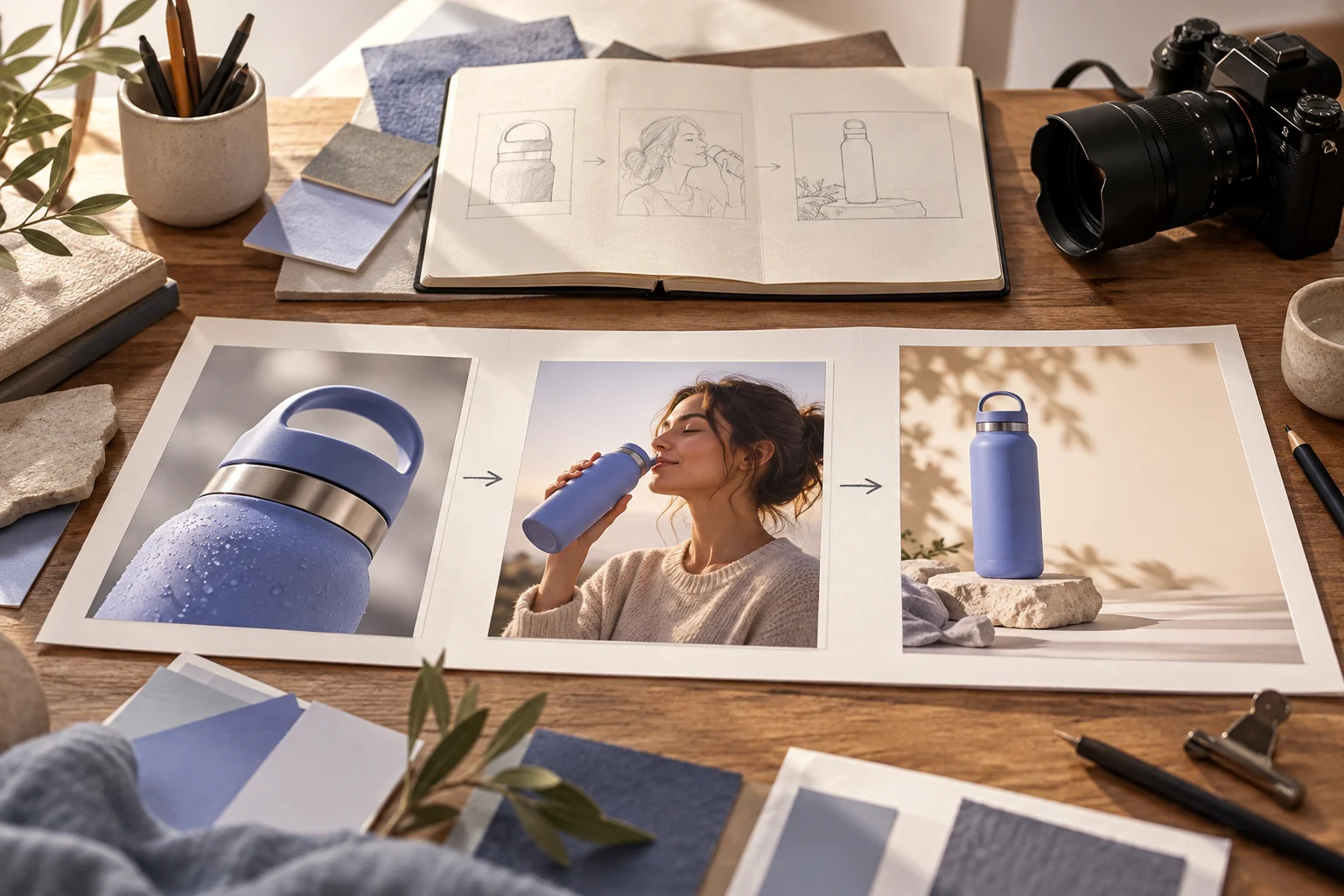
Copy a starting prompt and adapt it to your approved assets. Images are editorial references, not outputs from the copied prompts.
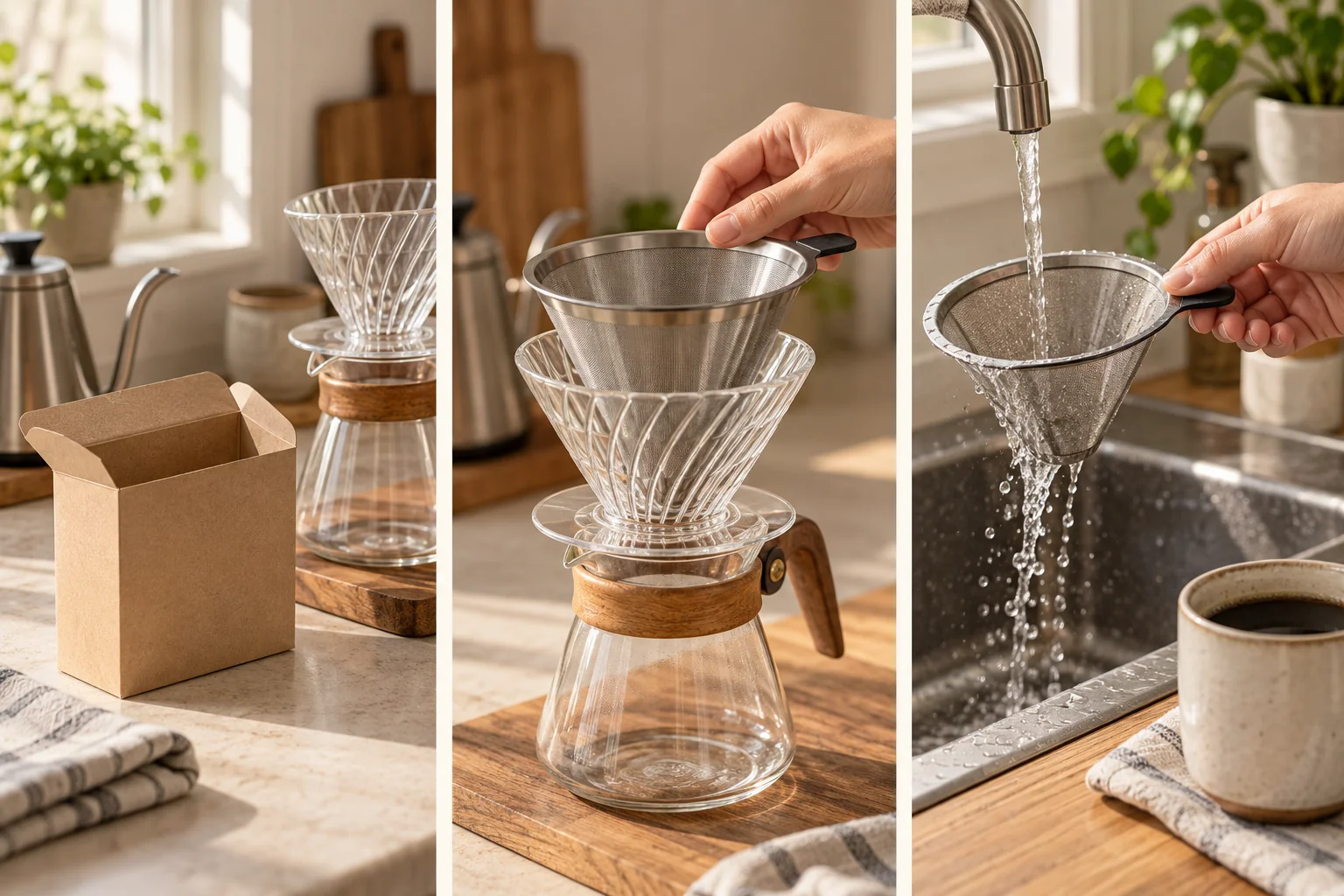
Coffee-filter ad
Editorial visual reference; not a Pexo output from this prompt.
Prompt text
Create a 20-second product ad for a reusable coffee filter using supplied photos. Hook: an empty paper-filter box. Proof: show the actual filter being fitted and rinsed. End card: leave space for an approved shop URL. Make no environmental savings claim.
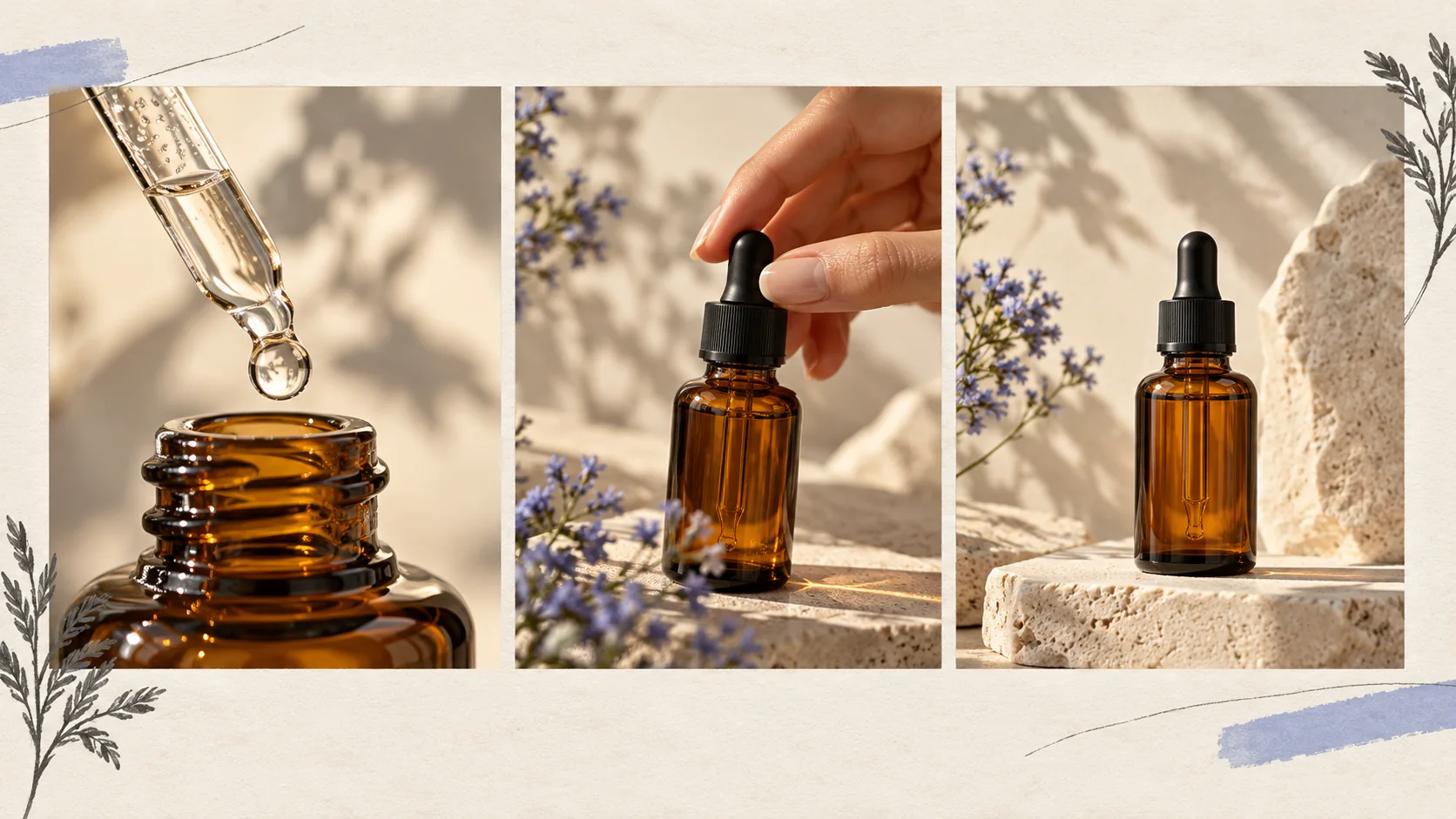
Skincare packshot
Editorial visual reference; not a Pexo output from this prompt.
Prompt text
Create a premium 12-second serum packshot from supplied product photos: glass dropper lifts, one droplet falls onto a clear surface, then the bottle settles in soft side light. Leave the label unchanged; no skin transformation claim.
Product hero
Prompt text
Create a 15-second ad for a compact desk lamp using supplied product photos. Hook: a dim work surface. Hero: the lamp switches on beside a notebook. Proof: show its adjustable head from two angles. End card: “See the lamp” with room for the verified product URL.
UGC-style demonstration
Prompt text
Create a clearly fictional selfie-style demo of a reusable tote. The presenter says: “Here is how it folds into my bag.” Show the actual fold using the supplied product reference. Natural room light, one take, no claim that the speaker purchased it.
Brand film
Prompt text
Create a 20-second brand film for a local bicycle workshop. Start with hands repairing a wheel, move to a morning street ride, end on the supplied workshop logo. Warm natural color, understated music and the approved line “Keep moving.”
Meal-kit ad
Prompt text
Create a 15-second paid social ad for a meal-kit brand using approved pack and meal photos. Open on the real kit, show one preparation step that the supplied assets support, then end on the approved logo and verified offer URL. Do not invent ingredients, prices or delivery claims.
Backpack ad
Prompt text
Create a 15-second ecommerce ad for the supplied hiking backpack. Open on the complete bag, show a hand using the real front pocket, then finish on the approved product name and store URL. Preserve the fabric, zipper layout and color; do not invent capacity or weatherproof claims.
Ecommerce product detail
Prompt text
Animate a supplied image of a black travel bottle: slow half-turn on a neutral background, close-up of the real cap, then a clean hero frame. Preserve dimensions, logo and cap design; no invented capacity.
Pexo Gallery · selected references
See these ideas in motion
A product launch, creator testimonial and mobility brand ad represent three distinct ad formats discussed on this hub.
Independent Gallery examples, not outputs of the prompts above. Review your own generated result before publishing.
Pexo Gallery · playable example
Classic Watch Product Launch
A cinematic luxury watch launch video showcases a dark classic wristwatch with a textured metal bezel and brown leather strap, rotating through macro details in a black-blue studio.
A woman in black glasses and a dark blazer reviews a purple OLIPOP classic grape can in a neutral indoor tabletop setting, presenting, opening, pouring over ice, tasting, and reacting positively.
Original Pexo Gallery prompt
Subject: woman in black glasses; Style: UGC beverage review; Environment: neutral indoor tabletop; Action: presents, opens, pours, tastes; Camera: vertical clos…
View full prompt ▾Show less ▴
Subject: woman in black glasses; Style: UGC beverage review; Environment: neutral indoor tabletop; Action: presents, opens, pours, tastes; Camera: vertical close-up; Lighting: warm soft light; Mood: positive, sensory.
A retro cartoon loop advertisement for a fictional scooter brand features a smiling woman riding a vintage-style scooter across a scrolling landscape with drifting clouds.
Choose the format by what your audience needs to see and what evidence you can supply. Keep the product, logo, price and claims tied to approved source material. To put that brief into a production flow, see Pexo's video ad workflow.
Product demo: Show the real object in use and one visible feature.
UGC-style: Use casual framing without presenting a synthetic actor as a real customer.
Brand film: Express one brand idea through a consistent setting and tone.
Beauty ad: Preserve actual packaging and avoid invented results.
Ecommerce ad: Start with supplied product photos and verify every frame.
Explore Video Ad Formats
Choose a more focused task below.
What Every Ad Prompt Needs: Hook, Proof, CTA
A hook gives the viewer a reason to keep watching in the first visual beat. Proof should be an approved product detail, real screen recording or supplied asset—not a generated testimonial or invented result. End with a single action and insert the verified URL or offer text during the final edit. Check that all three parts survive the final crop and caption layout.
Make a Finished Video in Pexo
Start with a concrete brief and any owned source material at Pexo. Review the proposed direction and preview, ask for specific revisions, and check the final asset for accuracy and usage rights. Free or paid credit conditions depend on your account; a first render is not guaranteed to be publication-ready.
YOUR NEXT STEP IN PEXO
Turn an ad brief into a first cut.
Start with the product, the proof and an approved call to action. Review every visible claim in the Pexo draft.
Use an approved product feature, current product photo, actual screen recording or other evidence you can review. A synthetic testimonial is not customer proof.
Should the model write the final price or URL?
Add exact offer text and verified links during the final edit. Check the finished crop and caption before the ad runs.
Back to the Full Prompt Library
If you need a visual treatment before writing the ad, compare the style prompts. If you need the action first, start with the general video prompts. Bring only verified product facts into the final ad brief.