
Pexo

THE PEXO PROMPT LIBRARY / LISTING

Ecommerce Product Video Prompts: Turn Photos Into Ads

Start from accurate product photos so shape, label and color survive the move from still to motion. Separate visual style from factual product claims.

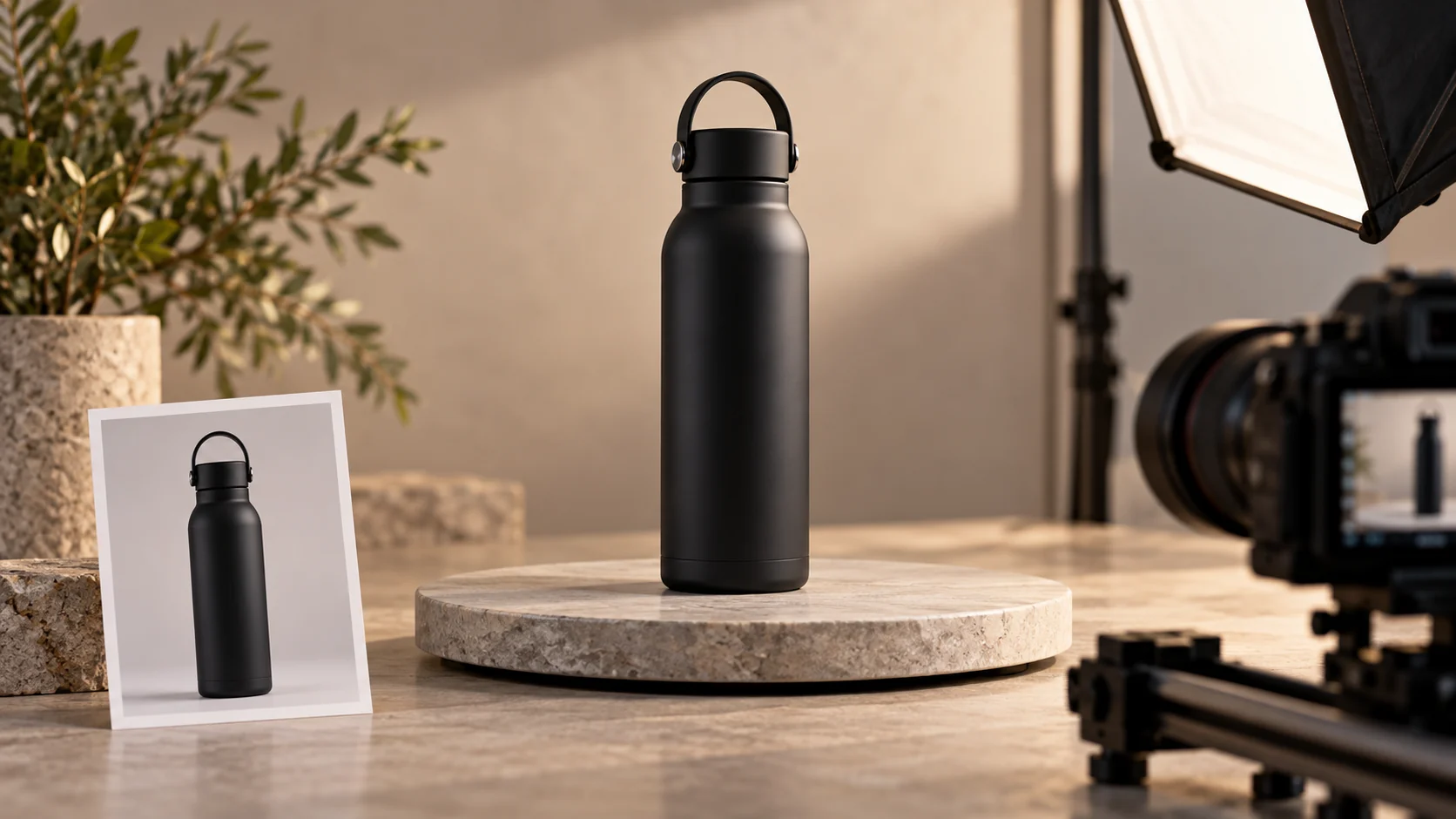
Black travel bottle on a studio set beside a matching front-view reference photo
Illustrative concept image made for this page · not a tested product output.

Spin, Close-Up and Lifestyle Prompts

A product spin reveals geometry; a close-up proves a visible feature; a lifestyle shot shows scale in context. Start with accurate source images for each requested angle.

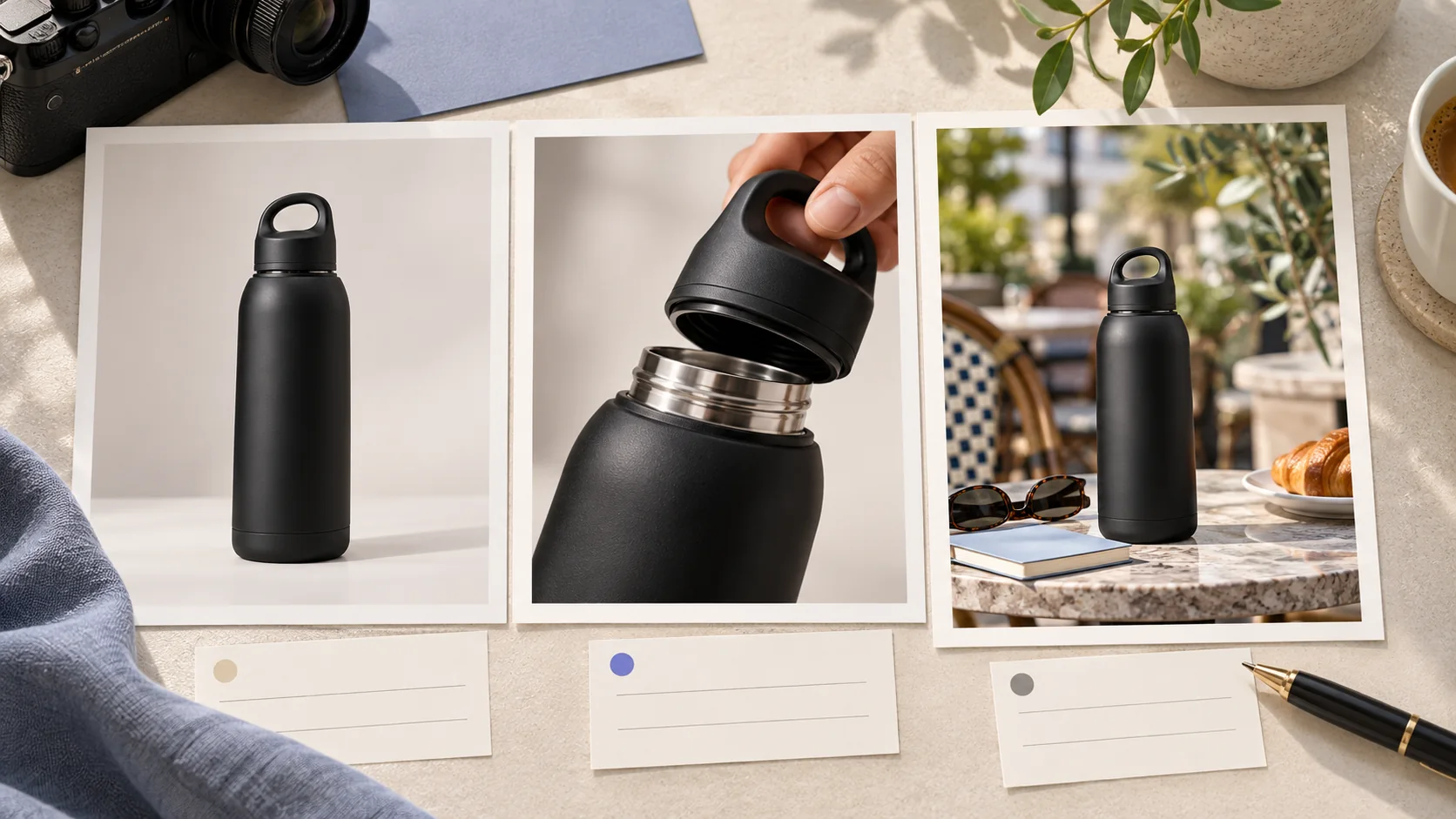
Three-frame concept storyboard of one black travel bottle in studio, detail, and lifestyle views
A product video brief can move from product recognition to a verifiable detail and then context. Check every frame against the real SKU. Editorial concept, not a tested Pexo output.

Prompt 1.

Prompt text
Animate a supplied image of a black travel bottle: slow half-turn on a neutral background, close-up of the real cap, then a clean hero frame. Preserve dimensions, logo and cap design; no invented capacity.

Use the half-turn only when reference photos cover the revealed angles. With one front image, request a subtle push-in instead of inventing the back of the product.

Marketplace and Store Formats

For a marketplace listing, prioritize product recognition, neutral background and exact SKU fidelity. A store campaign may allow a lifestyle scene, but still needs a clear product frame and verified CTA.

Prompt 1.

Prompt text
Show a ceramic planter from three supplied angles, then place it in a bright room scene. Keep the glaze and silhouette consistent. Finish with empty space for a verified shop CTA.

How to Write Your Own Ecommerce Product Video Prompts

Provide the front, side and detail images when available. Review every frame against the real SKU; add exact price, rating and shipping terms only from current store data. If a generated view changes the bottle cap, planter shape or ceramic finish, replace that frame with the approved SKU image and check the variant name before export.

Make a Finished Video From Any Prompt in Pexo

Use accurate product photos and note which details must remain unchanged. Bring the brief and any source assets you own to Pexo. Review the preview and request one concrete revision. If you want to turn the brief into video, Pexo’s Seedance 2.5 page lists a free first video after account registration; check the current offer and credit conditions before rendering.

Ecommerce Product Video Prompts FAQ

Will a photo become an accurate 3D model?

Not automatically. Treat generated motion as a creative draft and inspect product fidelity before publication.

How do I keep a product shape consistent in motion?

Supply accurate front, side and detail photos. Review the generated back and side views before using the clip in a listing.