The best prompt is the one that gives a creator a usable next draft for a defined task. This collection is an editorial starting set, not a ranking based on model tests. Each example identifies the asset to supply, the action to show and a detail to check after generation. Replace the example brand and product with your own approved material.
Illustrative concept image made for this page · not a tested product output.
How We Chose These Prompt Examples
We selected prompts for common Pexo-style jobs: a product demonstration, a simple explainer, an image edit, a short social video and a brand mood piece. A useful brief states the goal, uses real references where fidelity matters, and leaves verifiable claims to approved copy. No prompt here has been run as part of this article, so the notes below are expected review goals, not measured results.
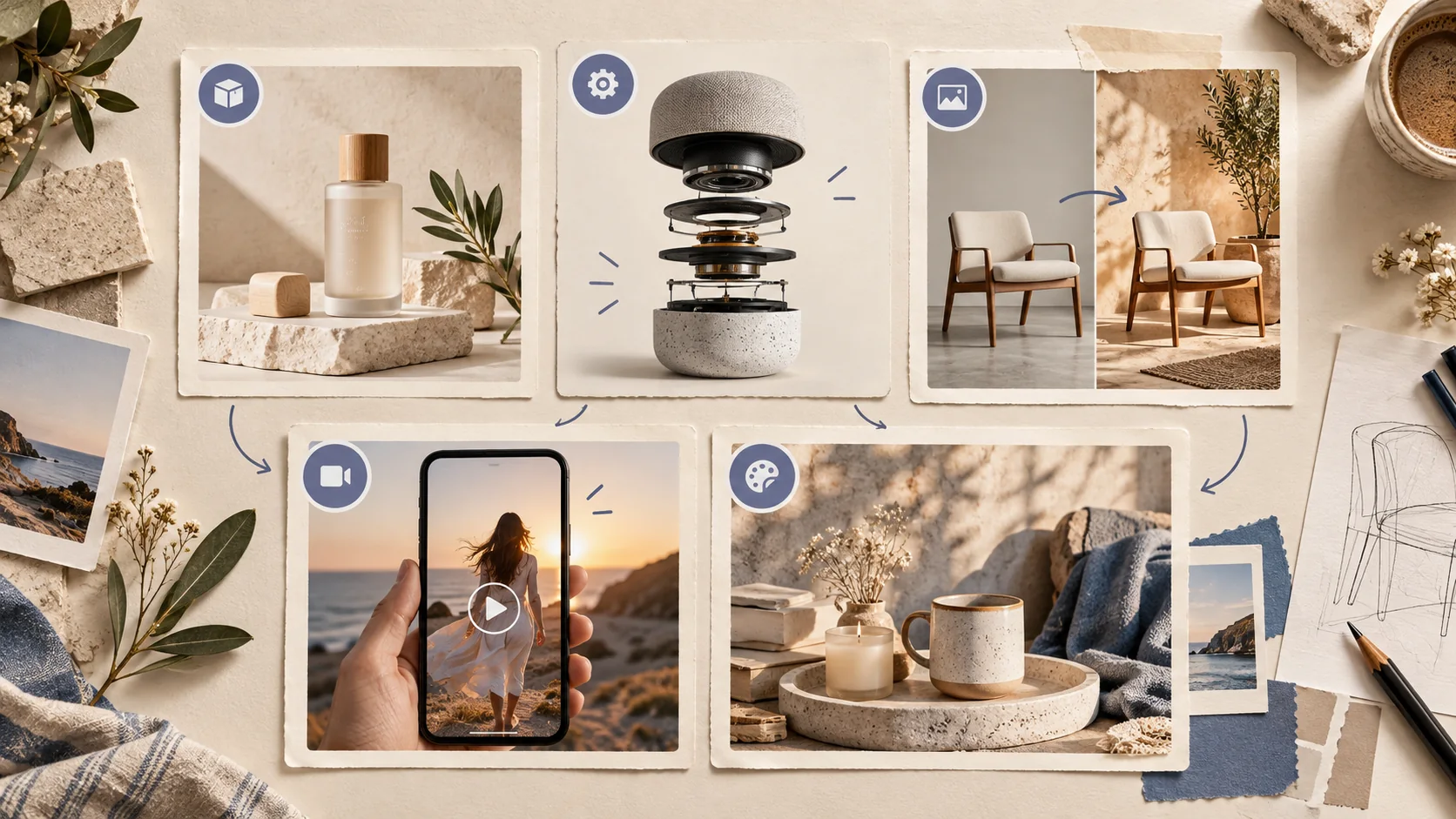
Different creative tasks need different inputs and review goals; this visual organizes the examples without ranking model results. Editorial concept, not a tested Pexo output.
Pexo Gallery · selected references
See these ideas in motion
A product demonstration and a step-by-step workflow illustrate two common creative task types in the comparison.
Independent Gallery examples, not outputs of the prompts above. Review your own generated result before publishing.
Pexo Gallery · playable example
Home Brew Machine UGC Demo
A man in a burgundy hoodie presents a black countertop home-brewing appliance and glasses of beer in a warmly lit modern home kitchen, speaking to the camera in a vertical UGC product demonstration.
Original Pexo Gallery prompt
Subject: man, burgundy hoodie, home-brewing appliance, beer glasses; Style: UGC product demonstration; Environment: modern home kitchen; Action: presents applia…
View full prompt ▾Show less ▴
Subject: man, burgundy hoodie, home-brewing appliance, beer glasses; Style: UGC product demonstration; Environment: modern home kitchen; Action: presents appliance, speaks to camera; Camera: vertical, medium shots, close-ups; Lighting: warm recessed kitchen light; Mood: practical, conversational.
A whiteboard explainer maps scattered files, reminders, approvals, and follow-ups into one automated digital system, freeing time for better decisions, deeper work, and faster progress.
Original Pexo Gallery prompt
Create a crisp 16:9 whiteboard explainer about reducing busywork with automation. Show an overloaded office worker, scattered files and reminders, a connected d…
View full prompt ▾Show less ▴
Create a crisp 16:9 whiteboard explainer about reducing busywork with automation. Show an overloaded office worker, scattered files and reminders, a connected digital system, completed tasks, a rising chart, and the final message Less Busywork. More Progress. Use clean black line art, restrained burgundy accents, a fixed overhead camera, bright even lighting, and practical business pacing.
Use the supplied photos of the travel mug. Open on the real lid, show one hand opening its actual latch, then pour into a glass. Finish on the approved logo and leave space for verified product copy. Keep the mug shape and hardware accurate.
Review the mug silhouette against the supplied references. If a preview invents a latch, revise only that detail: “Keep the mug silhouette. Replace the invented latch with the latch shown in reference image 2.”
Service explainer
Prompt text
Create a three-beat explainer from the approved booking steps. Show the customer choosing a time, receiving the real confirmation screen and arriving at the location shown in supplied photos. Use only verified interface text.
Image edit
Prompt text
Keep the photographed lamp and its proportions unchanged. Replace only the background with a quiet bedside setting at dusk. Preserve the real switch, color and logo. Leave negative space on the right for approved copy.
Social video
Prompt text
Make a vertical video about one practical use of the supplied backpack. Hook with the real front pocket opening, show a notebook going inside and finish on the full bag profile. Preserve the pocket layout and approved mark.
Brand mood piece
Prompt text
Use the approved bakery exterior and pastry photos. Open on the real storefront, move to a close pastry detail and finish on the supplied logo. Warm morning light and quiet shop ambience; no invented offer or customer quote.
These briefs are copy-ready once you replace the placeholders with your own assets and remove instructions that do not apply.
Compare Prompts by Task and Review Goal
Task
Critical input
What to check in the preview
Product demonstration
Product photos and feature facts
Geometry, moving parts and logo
Explainer
Approved process and screens
Step order and on-screen wording
Image edit
Source image and edit boundary
Whether unchanged areas stay intact
Social video
Platform goal and real assets
Hook clarity, crop and captions
Mood piece
Brand references
Identity, tone and rights
The table compares briefs, not model performance. A result quality score would require repeatable runs and real output evidence.
Where Each Prompt Can Fall Short
A good product prompt can still invent a hinge or distort packaging. An explainer can show the wrong step or misread interface text. An image edit can alter a product detail you meant to preserve. A social draft may crop a logo or rush the hook. A mood piece can look attractive while missing the brand. Check the actual preview against the supplied references and edit the specific mismatch.
Run a Prompt in Pexo
Pexo's create directory organizes workflows by task. Choose the closest one, give Pexo the brief and authorized references, then inspect the first draft before requesting a change. Pexo describes a conversational workflow; the exact model and controls available can vary by account and task. Treat every output as a draft until visuals, claims, captions and rights have been reviewed.
YOUR NEXT STEP IN PEXO
Try the prompt that fits your task.
Pick a curated starter brief, replace the sample subject with your own and compare the draft with the original goal.