ChatGPT Photo Editing Prompts: Edit Photos in Chat
Tell ChatGPT exactly what to change and what to preserve. Check the returned image; wording cannot guarantee a perfect preservation. The copy-ready briefs below are original starting points. Adapt them to your own subject and assets; no example is presented as a tested product output.
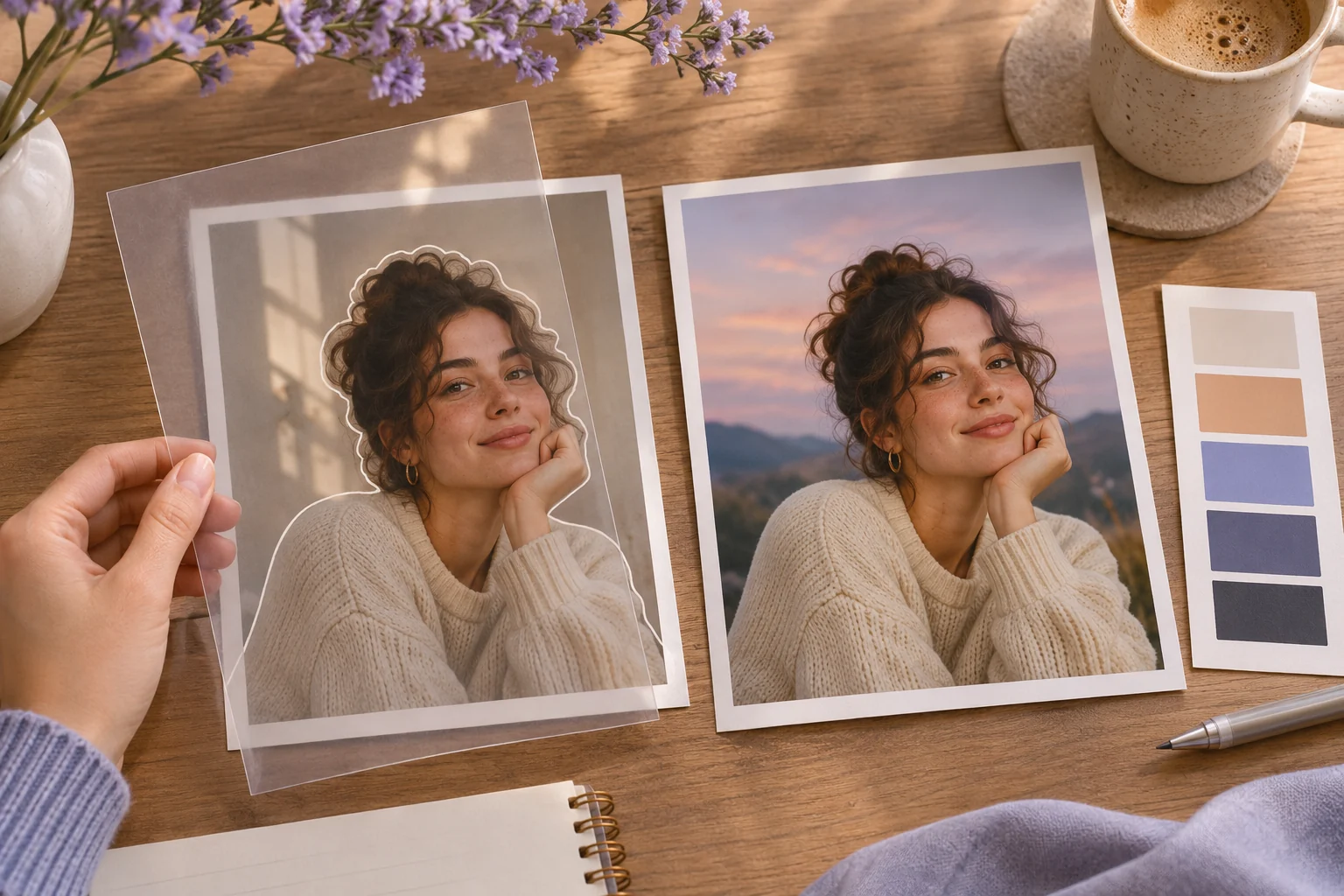
Illustrative concept image made for this page · not a tested product output.
Prompts to Paste Into ChatGPT
Tell ChatGPT what image you uploaded and identify the one region allowed to change.
How do you prevent a one-region edit from changing the person?
Mark the background as the only editable region and list the protected face, pose, clothing and light direction. After ChatGPT returns an image, compare the protected areas with the uploaded source at a similar crop before judging the new wall. If any protected feature changes, request a narrower correction instead of accepting the pleasant overall look.
Copyable starter brief
Prompt text
In ChatGPT, edit the image I uploaded. Replace only the background with a soft neutral wall. Keep the person’s face, pose, clothing and lighting direction unchanged; show me a preview before further edits.
Selection rule: Use the first for a single background swap; use the second for repair without recreating people or the scene.
Source-to-instruction relationship: The uploaded source fixes face, pose and clothing in one case, and the original scan fixes people and objects in the other.
If the draft misses the brief
Visible signal: A cleaner wall comes with altered face proportions, or scratch removal changes a person's expression.
Next revision: Request a smaller edit area and compare unchanged regions with the original at the same crop.
Keep the source and review together
Source to retain: the uploaded portrait or scan and the exact one-region edit request. After an actual run: save the exact prompt version, resulting file and a review note stating whether protected face, clothing and pose or original scanned scene remain unchanged. Until that run exists, leave the result and review fields unfilled. The Gallery cases below are separate published projects and cannot complete this record.
Keeping the Original Intact
Use a narrow edit instruction and compare the result with the original, especially faces and scene details.
Copyable starter brief
Prompt text
In ChatGPT, remove dust marks from this scanned photo without changing the people or the original scene. If a detail is too damaged to recover, leave it understated rather than inventing it.
Mark the allowed edit region
For the background-replacement brief, the wall is editable; face, pose, clothing, product labels and the chosen crop are protected. Put the original beside the edited image at the same scale and inspect the boundary around hair or product edges. If a protected area changes, return to the original and request a narrower edit. This is a checking worksheet, not a before-and-after result from this page.
Official Pexo Gallery · selected references
See these ideas in motion
Compare 2 separately published Pexo Gallery examples related to this page's visual or workflow choices.
Official Gallery examples with Prompts published on their source pages. Visual edit comparisons only; these sources are not ChatGPT outputs and do not establish pixel-level preservation. These videos are separate from this page's starter briefs, supplied assets and any named model. Review your own result before publishing.
Related Official Pexo Gallery example · separate published project
Anim8 Keyframe and Vectorization Demo
A keyframe timeline and abstract shapes lead to an Original chicken photo beside a Vector interpretation of the same scene. The original chicken image and its vector interpretation provide a side-by-side change to inspect, though the medium changes much more than this page's narrow edit examples.
Prompt published with this Gallery video
Create a product demo for Anim8 showing keyframe editing, motion controls, and image-to-vector conversion. Use a chicken image for a clear original-…
View full prompt ▾Show less ▴
Create a product demo for Anim8 showing keyframe editing, motion controls, and image-to-vector conversion. Use a chicken image for a clear original-versus-vector comparison, with precise timeline interactions and clean creative-tool UI.
Related Official Pexo Gallery example · separate published project
Virtual Styling Fashion Card Workflow
A styling interface selects a portrait and outfit cards, shows a From still to motion title and resolves on a full-body dressed figure. Repeated portraits and outfit cards make identity and wardrobe changes visible across a styling workflow, offering a related comparison point.
Prompt published with this Gallery video
Create an elegant virtual styling product demo. Show selecting a person and outfit, generating styled looks, and revealing animated full-body fashio…
View full prompt ▾Show less ▴
Create an elegant virtual styling product demo. Show selecting a person and outfit, generating styled looks, and revealing animated full-body fashion cards through clean controls, image masks, and refined editorial transitions.
How to Write Your Own ChatGPT Photo Editing Prompts
Upload an image you may edit. Tell ChatGPT the smallest change you want, then list the face, product or scene elements that must remain. Review the edited image beside the source before another request.
If the edit changes the person as well as the background: Return to the untouched upload and make a narrower request: “Change only the wall behind the subject. Keep the face, hairline, clothing, pose and original light direction as reference points.” If your editing workflow offers a region selection, confine the change there. Compare the new image side by side with the original before accepting it; wording alone cannot preserve pixels.
Animate a Reviewed Still in Pexo
Use the prompt in the named third-party image product first. After reviewing a still you have rights to use, bring it to Pexo image-to-video and describe only the motion you want. Availability and credit conditions depend on your account.
YOUR NEXT STEP IN PEXO
Bring a reviewed brief into Pexo.
Use authorized assets, inspect the draft, and revise what does not match the brief.
Use this brief when: Upload only an image you may edit and name the smallest region allowed to change.
Acceptance check: Compare original and result at the same crop: face, pose, clothing and light direction should remain while only the requested background or dust marks change.
If it fails: If another region changes, restore the original and specify a tighter edit boundary.
OpenAI's Images in ChatGPT guide documents uploading an image and describing an edit, with optional selection of a region. The same guide warns that a selected area is not always exact, so a narrow instruction still needs a visual comparison.
Starter brief
Editable area
Protected information
Inspect after the edit
Neutral-wall portrait
Background wall only
Face, pose, clothing, lighting direction
Hair edge, face shape and the wall boundary at full size.
Dust removal from a scan
Visible dust marks
People, clothing and original scene
Compare the untouched scan and cleaned image at the same crop.
Keep a copy of the uploaded original. If a protected feature changes, request a smaller edit from that copy; do not accept a cleaner-looking image as proof that the source was preserved. This is a review method, not a before-and-after result from this page.
Remove one temporary object from a real scene
Background replacement and scan cleanup do not cover a narrow object-removal task. Use a separate brief when the photograph itself is otherwise approved:
Prompt text
In ChatGPT, edit my uploaded café interior photo. Remove only the temporary paper placard taped to the left window. Keep the window frame, reflections, furniture, people and every other sign unchanged. Fill the removed area with a plausible continuation of the same glass and light; show the result for comparison with the original.
Inspect the window edge and reflected shapes at full size. This is a written test case; the page does not contain the source café photograph or an edited result.
ChatGPT Photo Editing Prompts FAQ
How should I phrase a ChatGPT photo edit?
Upload a permitted image and describe exactly what changes and what must stay the same.
Can the wording guarantee an unchanged face or label?
No. Inspect the returned image against the source and request a narrower revision if a protected detail changes.
Related Prompt Collections
Compare Background Change Prompts for a narrow scene swap, or Photo Restoration Prompts when damage to the original is the issue. For currently published examples, browse the Pexo prompt library.