
Pexo

THE PEXO PROMPT LIBRARY / LISTING

Photo Restoration Prompts: Fix, Colorize and Bring Old Photos to Life

Restoration should distinguish repair from invention. Keep the original scan and mark interpretive color choices. The copy-ready briefs below are original starting points. Adapt them to your own subject and assets; no example is presented as a tested product output.

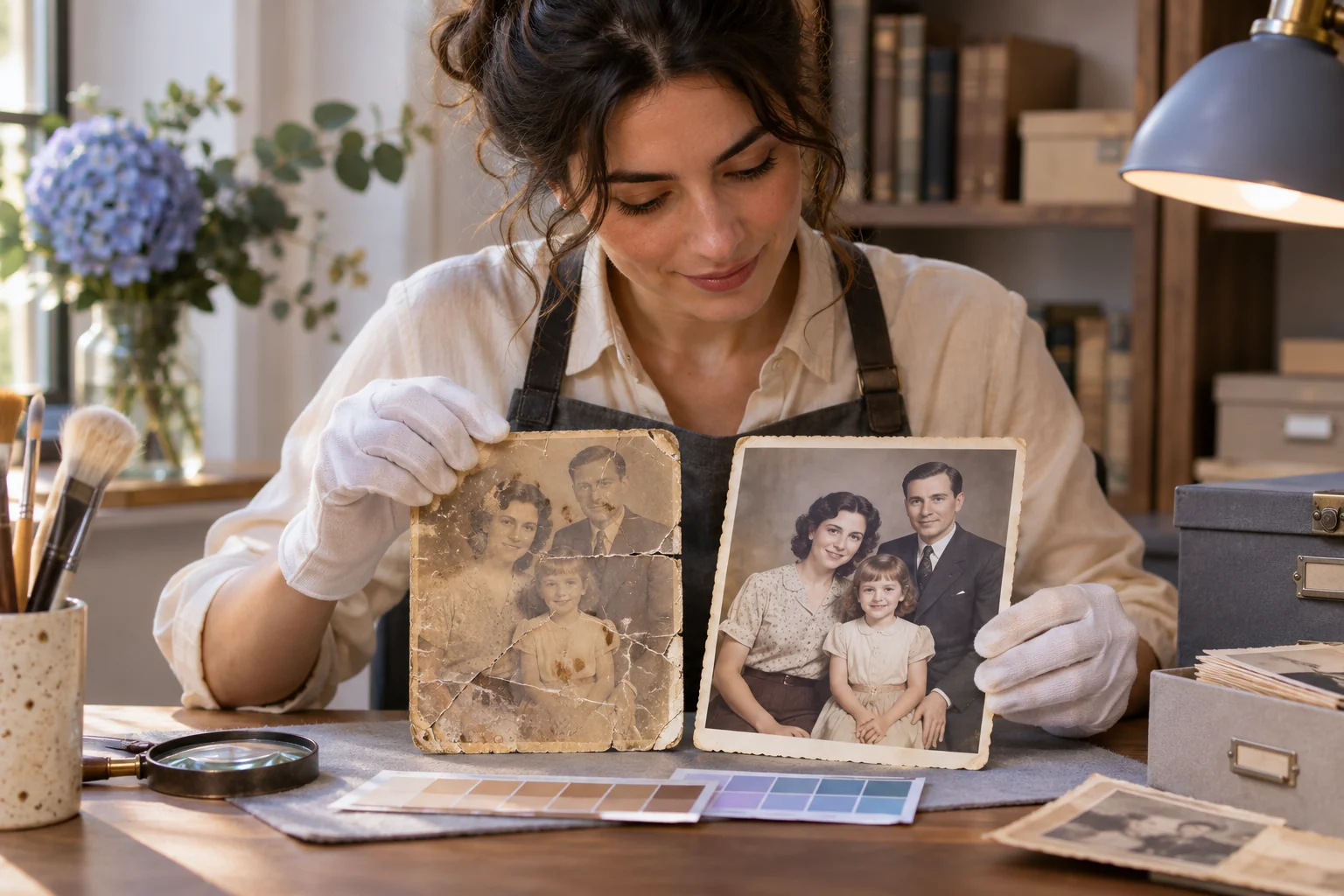
A fictional old family portrait being carefully restored at an archival desk, with one faded damaged print, one cleaner physical print, soft gloves and color reference swatches
Illustrative concept image made for this page · not a tested product output.

Restore and Colorize Prompts

Keep restoration separate from interpretation. Repair scratches and faded areas before choosing any new color.

Copyable starter brief

Prompt text
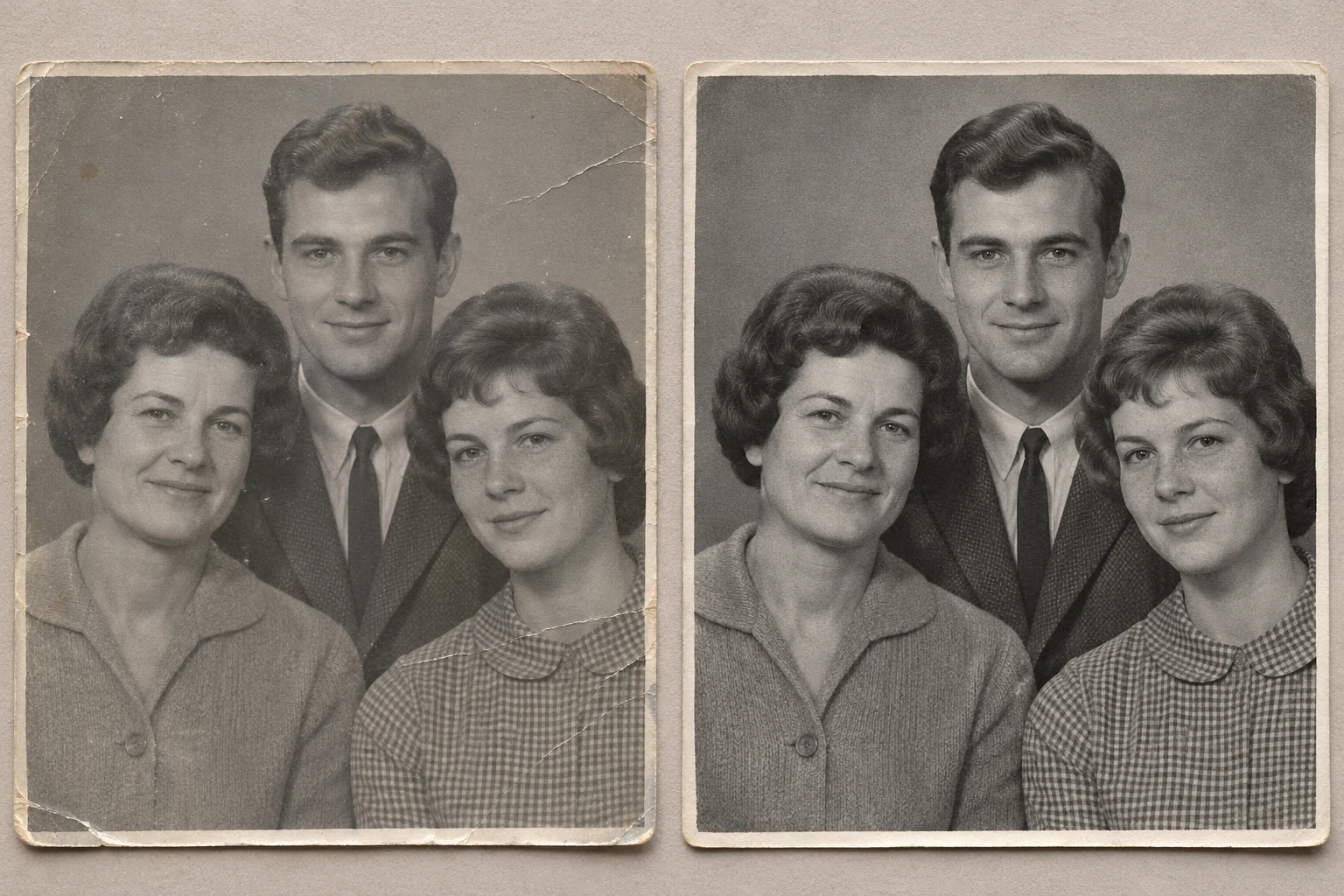
Restore this scan of my own 1960s family photograph. Reduce dust and creases, retain facial features and clothing, and keep the original monochrome version for comparison.
The same fictional monochrome family portrait shown before and after conservative repair of dust and creases.
Illustrative before-and-after using fictional subjects; not a restoration of a supplied family photo or a tested Pexo output.

Copyable colorization brief

Prompt text
Create a separate colorized interpretation of my restored monochrome photo. Use the supplied color references where available. Preserve faces, clothing shapes and all printed details. Keep uncertain colors muted and retain the untouched monochrome original for comparison.

Color choices without reference evidence are interpretations, not verified historical colors.

Keep three review versions

Save the untouched scan, a repaired monochrome version and any colorized interpretation as separate files. Compare faces, clothing shapes and printed details at the same crop; flag each color that lacks a supplied reference rather than treating it as a historical fact. This page supplies written restoration briefs, not a verified before-and-after result.

Which brief fits your source?

Brief 1: Monochrome scratch repair. Brief 2: Separate colorized interpretation.

Selection rule: Repair the monochrome scan first; make colorization a distinct optional version after the repaired source is approved.

Source-to-instruction relationship: The untouched scan preserves provenance; uncertain colors are interpretation, while faces and printed details remain source constraints.

If the draft misses the brief

Visible signal: A missing facial feature is reconstructed confidently or the colorized file replaces the only original scan.

Next revision: Retain both the untouched and repaired files, mute uncertain color and label the color version interpretive.

Keep the source and review together

Source to retain: the untouched monochrome scan, restored version and any separate color interpretation. After an actual run: save the exact prompt version, resulting file and a review note stating whether no uncertain face or printed detail was invented and the original file remains retained. Until that run exists, leave the result and review fields unfilled. The Gallery cases below are separate published projects and cannot complete this record.

Animate an Old Photo

Once the restored still is approved, a restrained camera move can turn it into a video without inventing missing faces or signs.

Copyable starter brief

Prompt text
Use the reviewed restoration of my licensed archival street photo as the opening frame. Add a very slow camera push and subtle ambient light change. Preserve every face, sign and period detail from the approved still; do not invent missing people or words.

How to Write Your Own Photo Restoration Prompts

Keep an untouched scan. First request dust and crease repair, then decide whether colorization is justified by references. Mark uncertain colors as interpretive; animate only an approved restored image.

If a restoration invents detail: Keep the original scan beside every draft. If a damaged face becomes newly sharp without source evidence, request a more conservative repair or leave the area understated. If color is uncertain, label the colorized copy as an interpretation and retain the monochrome version. Do not use a vivid hue as evidence of the photographed object’s historical color.

Animate a Reviewed Still in Pexo

Bring an approved still or source image to Pexo image-to-video, describe the motion and details to preserve, then review the preview. A requested look is not a guaranteed output; check identity, text and usage rights.

Keep restoration separate from interpretation

Use this brief when: Preserve an untouched scan and repair visible dust, scratches and creases before considering colorization.

Acceptance check: Compare the repair with the scan at the same zoom; retain faces, clothing and uncertain details instead of inventing missing features.

If it fails: If color references are absent, label the color version as interpretation and keep the monochrome repair available.

Record uncertainty instead of painting over it

A family scan may have a damaged corner where neither clothing nor background can be inferred. Before restoration, mark that region on a copy and classify it as “source visible,” “partly recoverable,” or “unknown.” Remove dust from visible areas, but leave the unknown shape subdued rather than constructing a new sleeve or face. If a relative later provides a second original print, compare that independent source before revising the unknown area. Keep a short change log naming what was cleaned and what remains uncertain. This provenance step is separate from the page's monochrome-versus-color decision and does not imply a real family archive was examined here.

Preserve a traceable source before repair

Give the untouched scan its own file and identifier. On a separate copy, list each repair region, what the source still shows and what is unknown. Remove a visible scratch without repainting an uncertain face or sleeve; mark a colorized version as an interpretation and retain the monochrome repair. If another family print later resolves an unknown detail, record that new source before updating the edit.

The Library of Congress digitization guidance treats the original item's condition and the creation of a digital surrogate as separate preservation decisions. It supports retaining a stable source for comparison, not any claim that AI can reconstruct lost history. This page supplies no original family scan, intervention log or historically verified colors; its prompts are procedures for a future authorized image.

Photo Restoration Prompts FAQ

What is restoration versus invention?

Restoration repairs visible damage; missing faces or signs should not be invented as if historically certain.

When is it appropriate to animate an old photo?

Use a reviewed restoration you may use, choose restrained motion and protect period details in every frame.