
Prompt 1: Bottle product still.
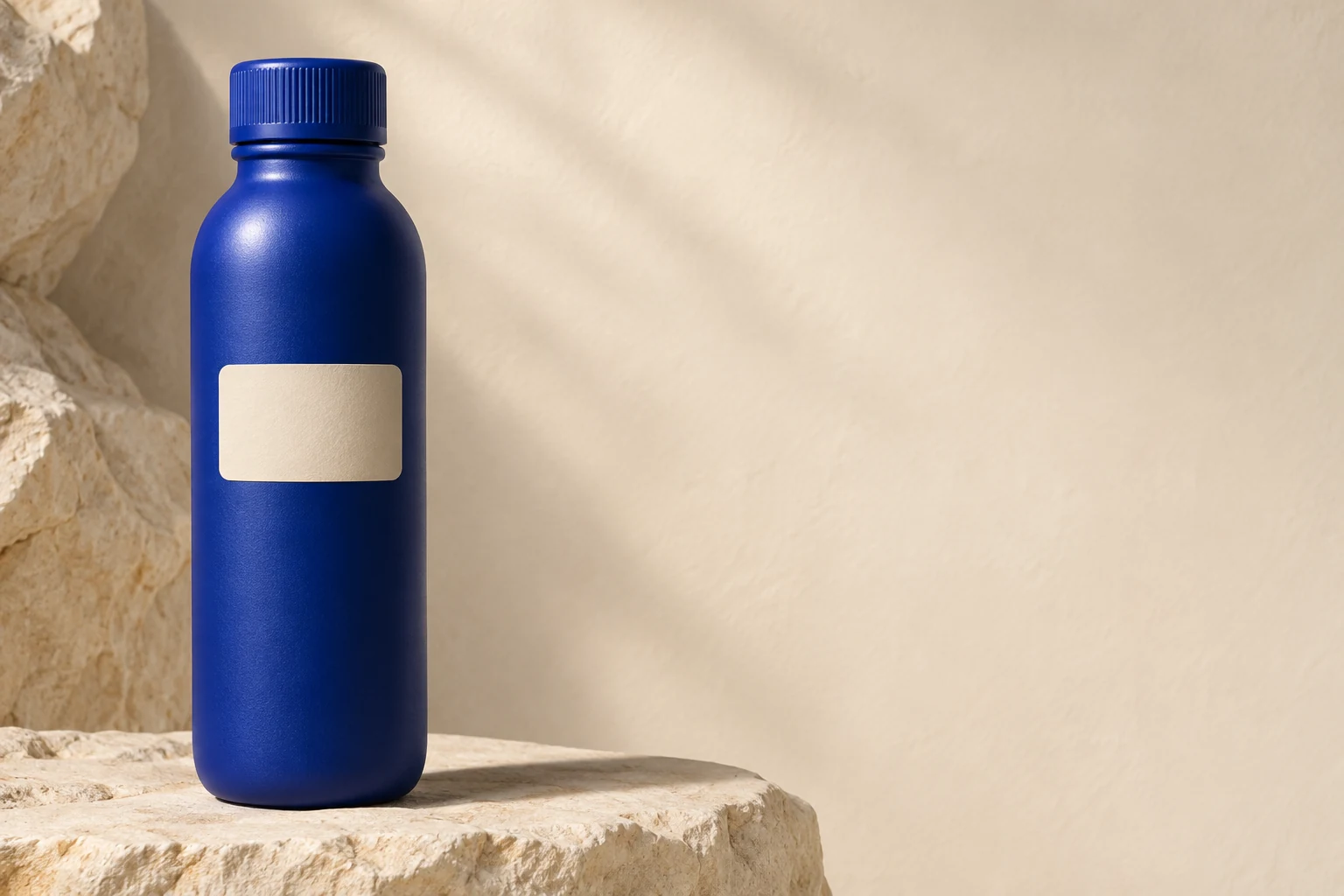
Create a clean product still of the supplied blue reusable bottle on pale stone. Keep the real cap and label, use soft side light and leave empty space for approved copy.
THE PEXO PROMPT LIBRARY / HUB
Choose a new still when no existing image must survive; choose a targeted edit when a supplied person, product label or composition must stay recognizable. Then name the subject, framing, light and protected details. These are original starter briefs, not tested output examples.
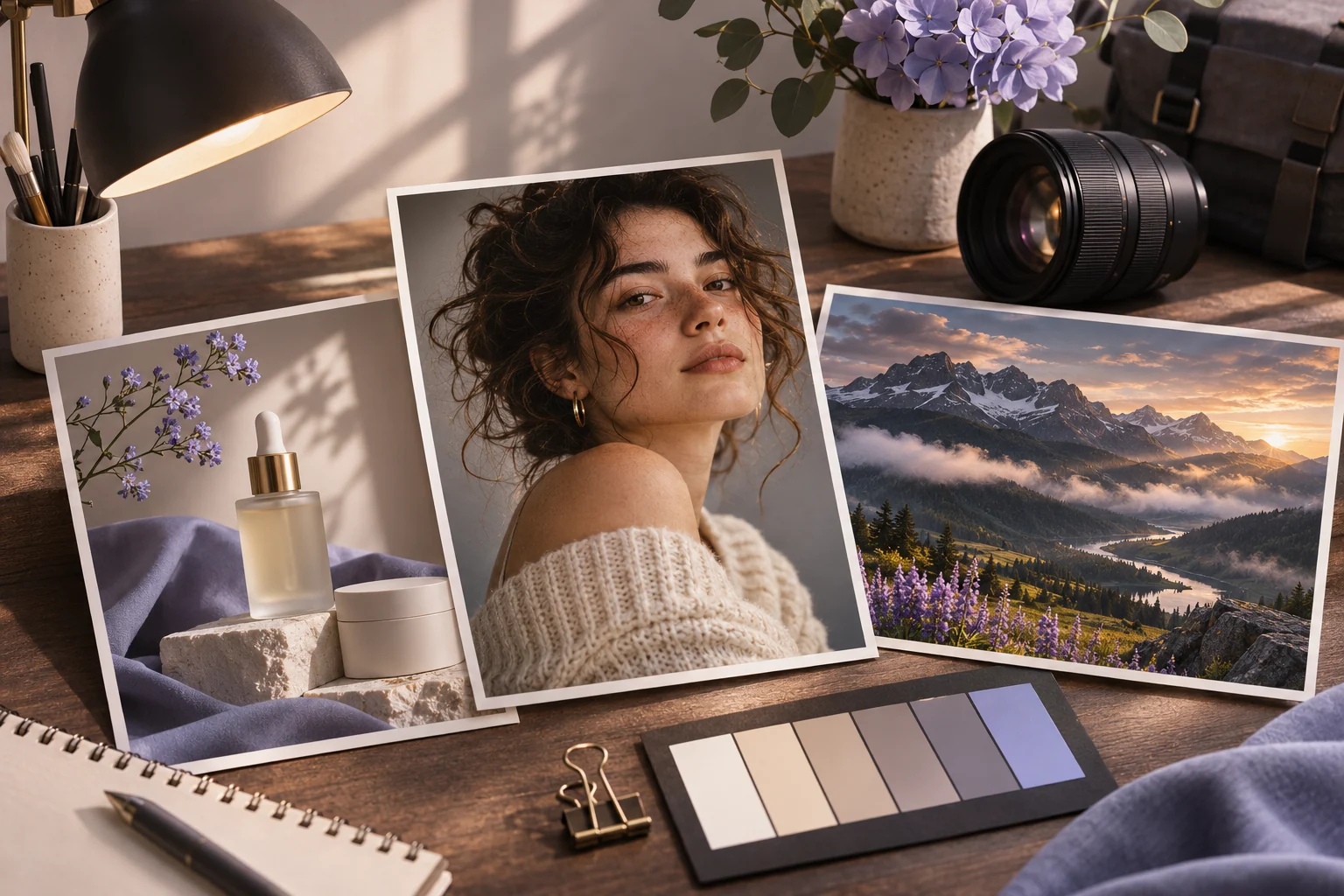
A direction to explore
Image Prompt Categories
Choose a section below, adapt the source brief to your own task, and review the result.
Eight original starter briefs follow. Choose one that matches the still image you need.
Create a clean product still of the supplied blue reusable bottle on pale stone. Keep the real cap and label, use soft side light and leave empty space for approved copy.
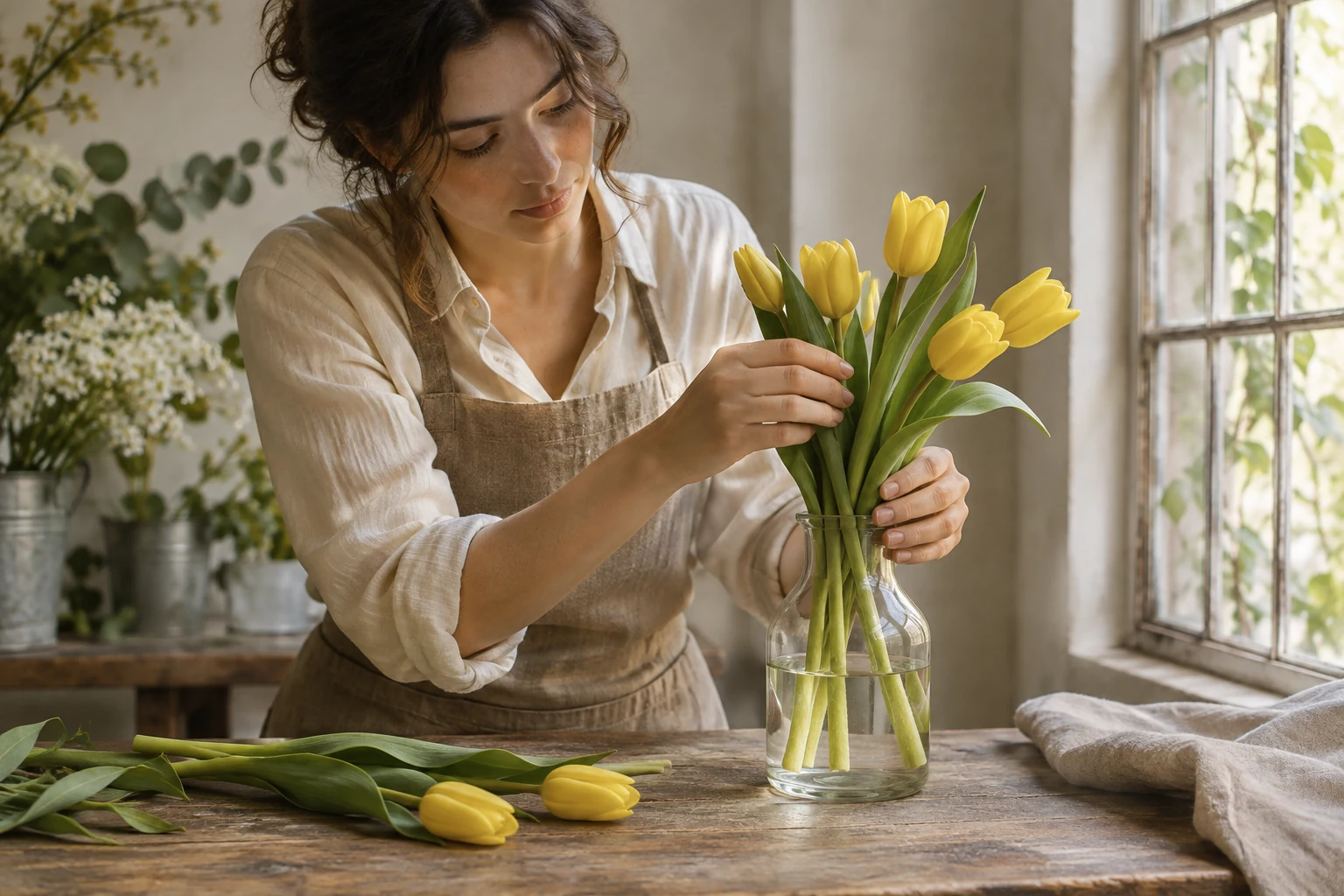
Create an original editorial photo of a florist arranging yellow tulips at a wooden table. Natural window light, a single focal subject and no text.
Create a studio portrait of the consenting adult in my reference photo. Preserve facial features and hairstyle; use soft side light, a neutral backdrop and a chest-up crop. No beauty-filter effect.
Create an original 1970s-inspired travel still of a coastal bus stop, faded teal and warm orange, soft grain and slight print wear. No real film-brand logo or copied poster.
Create a cinematic still of a cyclist waiting under a railway arch at dawn. Use a low three-quarter angle, one strong backlight and visible depth between foreground and street. No title text.
Create a stylized 3D render of the supplied desk lamp. Preserve its real silhouette and switch placement; use matte metal, soft studio shadows and a simple beige plinth.
Create an original ink drawing of a bicycle repair bench. Use fine black contour lines, sparse crosshatching and a cream-paper background. Keep the chain tool and wheel readable.
Create an original gouache-style illustration of a neighborhood florist. Use opaque color blocks, visible brush texture, a limited coral-and-sage palette and a balanced street composition.
Choose by the still image you need: a person, an era, a film-like frame, a product render, a drawing or an illustration. Describe the visual result before deciding whether to animate it.
Brief 1: Bottle still from supplied product. Brief 2: Original florist editorial photo.
Selection rule: Choose the bottle when design fidelity must follow a real reference; choose the florist when the scene can be composed without a product source.
Source-to-instruction relationship: The product photo fixes cap and label; the florist brief defines a new subject, not a claim that a reference was tested.
Visible signal: The bottle gains a different cap or the florist image contains accidental readable signage.
Next revision: For the bottle, narrow the edit around the real silhouette; for the florist, remove text and simplify the background.
Source to retain: the real blue-bottle source photo for the product branch; no source photo is implied for the original florist branch. After an actual run: save the exact prompt version, resulting file and a review note stating whether the bottle cap and label match source, or the florist still remains free of invented readable text. Until that run exists, leave the result and review fields unfilled. The Gallery cases below are separate published projects and cannot complete this record.
| Image direction | Choose it when | What to keep in the brief |
|---|---|---|
| Portrait and selfie | A consenting person is the subject | Face, hair and clothing reference |
| Retro and vintage | Era mood matters | Palette, grain, props and original scene |
| Cinematic still | One film-like frame is the deliverable | Focal subject, depth and light |
| 3D render | Material and scale matter | Product silhouette and view angle |
| Drawing and art | A visible medium shapes the result | Line weight, texture and composition |
These directions help you select a still-image task. Write a separate motion brief only after the still is approved.
First create or select a still you are allowed to use. Check the subject, text and composition. Then write a separate motion brief that protects the recognizable details: “Keep the bottle and label unchanged; make a slow camera push and let the background light shift slightly.” Review the moving result frame by frame before publishing.
Official Pexo Gallery · selected references
Compare 2 separately published Pexo Gallery examples that illustrate the visual choices discussed in this page.
Official Gallery examples with Prompts published on their source pages. These videos are separate from this page's starter briefs, supplied assets and any named model. Review your own result before publishing.
Official Pexo Gallery example · separate published project
A rendered vintage camera sits on a wooden table as the viewpoint circles it and reveals its materials and details. The orbit changes viewpoint while the vintage camera's shape and materials remain recognizable. This illustrates a bounded motion brief, not proof of an image-input workflow.
A vintage film camera, rendered in a realistic 3D style, sits on a wooden table in an attic room. The camera orbits the object, showcasing its details. Sunlight streams through a skylight, creating dramatic shadows and light rays, illuminating the dusty, warm, and nostalgic atmosphere.Official Pexo Gallery example · separate published project
A dew drop forms on a leaf, reveals a flower in its reflection and falls as the focus changes. The visible leaf, reflected flower and falling drop illustrate a small subject action and focus change that can be described after approving a still.
Subject: dew drop, red flower; Style: photorealistic, cinematic; Environment: spiky fern-like leaf; Action: drop shifts, falls, focus transitions; Camera: extreme close-up, macro; Lighting: warm backlighting, golden highlights; Mood: serene, delicate, intimate.Review the image first, then take an authorized still to Pexo image-to-video. Describe the movement and details to preserve, inspect the preview, and approve facts, text and usage rights before publishing.
YOUR NEXT STEP IN PEXO
Use authorized assets, inspect the draft, and revise what does not match the brief.
Use this brief when: Pick creation for a new scene, editing for a supplied image, and animation only after a still has been reviewed.
Acceptance check: Write down which elements come from an authorized source and which are creative directions; compare the result with that list before reuse.
If it fails: If identity or a product label must stay exact, switch to a reference-led brief and inspect the image at full size.
For a new still rather than an edit of a source image, Pexo Image Generation is the corresponding workflow; review the still before using it as a video source.
For a still, describe subject, framing and light. After approving the image, write a separate motion brief that protects its details.
Supply authorized product images and identify the cap, label, color or other details that must stay accurate.
For a change to an existing image, compare Photo Editing Prompts; for movement after the still is approved, compare Image to Video Prompts. For currently published examples, browse the Pexo prompt library.