
Pexo

THE PEXO PROMPT LIBRARY / LISTING

AI Photo Prompts: Realistic Looks You Can Copy

Realistic photos depend on subject reference, viewpoint and framing, light direction and details to preserve. The copy-ready briefs below are original starting points. Adapt them to your own subject and assets; no example is presented as a tested product output.

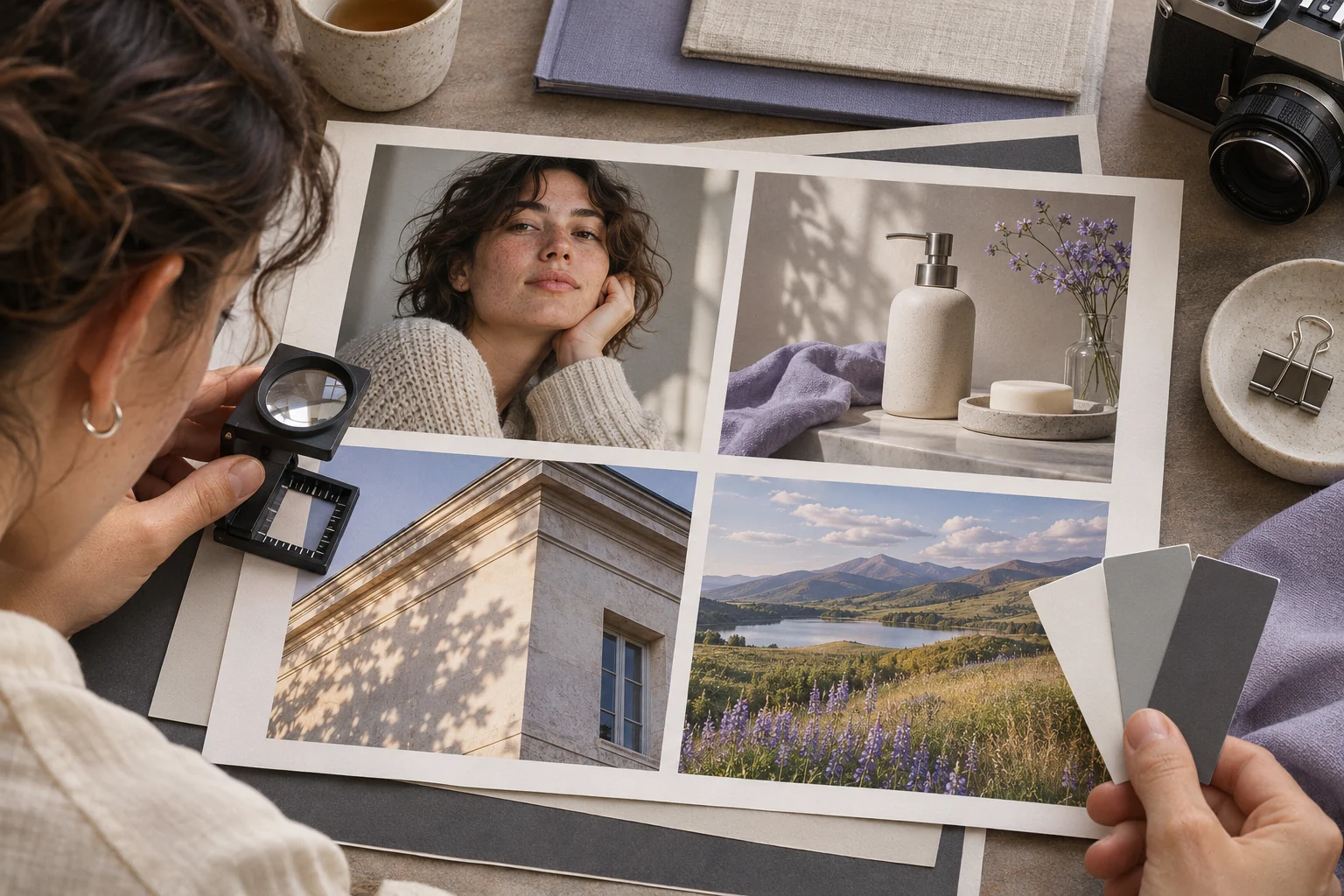
Four realistic photo looks in a studio contact sheet
Illustrative concept image made for this page · not a tested product output.

Lighting and Viewpoint Cues

A realistic product image needs viewpoint, light direction, material detail and an approved reference when design fidelity matters.

Copyable starter brief

Prompt text
Create a realistic editorial photo of a blue running shoe on pale stone, three-quarter view, soft side light and natural shadow. Use the supplied shoe image to keep the real design accurate.

Which brief fits your source?

Brief 1: Blue-shoe product still. Brief 2: Window-light adult portrait.

Selection rule: Use the shoe route when real design accuracy is central; use the portrait route when identity and skin texture are central.

Source-to-instruction relationship: The supplied shoe fixes materials and profile; the adult reference fixes facial identity; three-quarter crop and light remain editable.

If the draft misses the brief

Visible signal: The shoe gains a different sole or the portrait adds jewelry absent from the reference.

Next revision: Limit the revision to crop and light, and check the protected object or face against its own source.

Keep the source and review together

Source to retain: the real blue-shoe source or consenting adult portrait reference. After an actual run: save the exact prompt version, resulting file and a review note stating whether shoe sole and profile or facial features remain unchanged under the new crop and light. Until that run exists, leave the result and review fields unfilled. The Gallery cases below are separate published projects and cannot complete this record.

Portrait and Scene Prompt Examples

A portrait prompt should protect facial features and skin texture as carefully as it describes the camera crop.

Copyable starter brief

Prompt text
Create a natural portrait of the consenting adult in my reference image by a north-facing window. Keep skin texture and features, frame from shoulders up, and avoid added jewelry.

A third scene without a person or product

This original landscape brief specifies depth and weather while keeping the subject simple.

Prompt text
Create a realistic photograph of a narrow coastal footpath after rain, viewed from standing height. Keep wet stones sharp in the foreground, a single bend in the midground and a pale horizon under soft overcast light. No people, signs, text or invented landmark.

Check that the path remains continuous from foreground to bend; if it breaks, simplify the terrain before adding atmosphere.

How to Write Your Own AI Photo Prompt

State whether the deliverable is a product still, portrait or landscape scene. Describe viewpoint, light and material or facial details. Use a reference when identity or product design must stay exact.

If the photo looks flat or the product shape drifts: Separate lighting from viewpoint. First retain the approved shoe silhouette and three-quarter view; then ask for softer side light and a visible contact shadow. Review the toe, sole, color and crop against the source before changing mood. This focuses the next attempt on observable details rather than adding an unsupported lens specification.

Keep the landscape shot readable

For the coastal-path text brief, hold a standing-height viewpoint. The wet foreground stones should lead to one continuous bend, with a simple pale horizon behind it. If the bend disappears, remove competing terrain details before asking for more atmosphere. These are proposed review points, not observations from a generated image.

Animate a Reviewed Still in Pexo

Bring an approved still or source image to Pexo image-to-video, describe the motion and details to preserve, then review the preview. A requested look is not a guaranteed output; check identity, text and usage rights.

Judge the photograph as a specific shot

Use this brief when: Choose a viewpoint and light source before adding a mood; use an approved reference if the shoe or person must stay exact.

Acceptance check: Check the shoe silhouette, natural shadow and side light, or the portrait's facial features and shoulder crop, against the brief.

If it fails: If the image looks generic, name one missing shot detail rather than adding several style adjectives.

For a new image from a text brief, Pexo Text to Image is a matching workflow; review the result before any later video step.

Distinguish an editorial mockup from a product-accurate still

The blue-shoe brief relies on a supplied shoe image, so compare sole shape, laces, color blocks and any mark with the reference before approving the pale-stone scene. The window portrait relies on a consenting person's photo; check identity before light and mood. If no source is supplied, rewrite the job as a fictional editorial image and remove product-accuracy or likeness requirements. This avoids a visually polished but false representation. A good brief identifies the source, which elements are protected and which background details are creative. The page gives written starting points rather than tested photographs.

AI Photo Prompts FAQ

How do I make a product photo look realistic?

Describe viewpoint, material, light direction and a reference for the real product design.

What should a portrait prompt protect?

Preserve consented facial identity and natural skin detail while changing only the requested crop or setting.