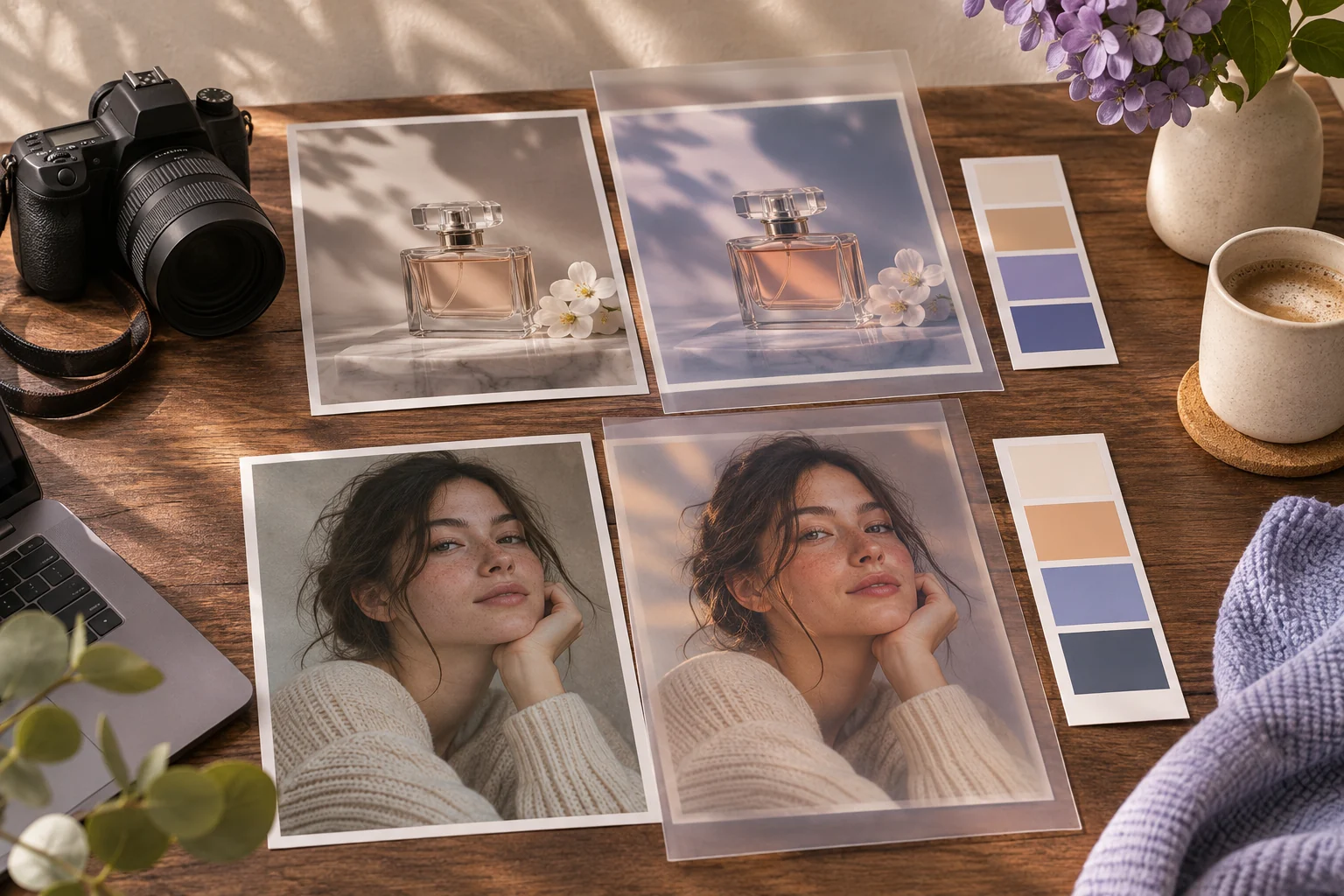
ChatGPT Image Prompts: Product Stills and Photo Edits
These are prompts for ChatGPT image generation. Pexo can be a separate image-to-video step after you review the still. The copy-ready briefs below are original starting points. Adapt them to your own subject and assets; no example is presented as a tested product output.
Illustrative concept image made for this page · not a tested product output.
Portrait and Product Prompts
For a new ChatGPT image, describe the intended still and the reference details that must remain accurate. Use an authorized portrait reference for a person and an approved product photo for a product.
When does the reference photo control the result?
For a product still, the supplied bottle fixes the cap, label and silhouette while the cream background and side light may change. For a portrait, the consenting adult's face and hairstyle are protected. Review each output against its own source; if a label or facial feature changes, a polished crop is not a successful edit.
Product still starter brief
Prompt text
In ChatGPT image generation, create a product still from my supplied bottle photo. Preserve the label and cap, use a clean cream background and soft side light, and leave space for approved copy.
Portrait starter brief
Prompt text
In ChatGPT image generation, create a natural chest-up portrait of the consenting adult in my supplied reference. Preserve facial features, hairstyle and skin texture. Use soft window light and a plain background; do not add jewelry or text. Compare the result with the reference before use.
Review the two stills against their sources
For the bottle brief, compare the cap shape and each readable label word with the approved product photo before judging the cream background. For the portrait brief, confirm consent and compare facial features, hairstyle and skin texture with the supplied reference; reject added jewelry or text. These are acceptance checks for future outputs, not examples that this page generated.
Selection rule: Use the bottle route for packaging fidelity; use the portrait route for face and skin-texture fidelity.
Source-to-instruction relationship: The uploaded bottle fixes label and cap; the adult reference fixes face and hairstyle, while light and backdrop may change.
If the draft misses the brief
Visible signal: The output adds jewelry to the portrait or repaints a product label into plausible text.
Next revision: Repeat the protected source details and narrow the change to lighting and background.
Keep the source and review together
Source to retain: the uploaded bottle or consenting portrait reference. After an actual run: save the exact prompt version, resulting file and a review note stating whether label and cap or face, hair and skin texture match the corresponding uploaded source. Until that run exists, leave the result and review fields unfilled. The Gallery cases below are separate published projects and cannot complete this record.
Official Pexo Gallery · selected references
See these ideas in motion
Compare 2 separately published Pexo Gallery examples that illustrate the visual choices discussed in this page.
Official Gallery examples with Prompts published on their source pages. These videos are separate from this page's starter briefs, supplied assets and any named model. Review your own result before publishing.
Official Pexo Gallery example · separate published project
Suede Handbag UGC Review
A red-haired woman in a beige room speaks to camera, then lifts a taupe suede handbag and shows its closure close to the lens. The steady home portrait and handbag close-up make person framing and the product's suede material visible; it is a Gallery visual reference, not a ChatGPT output.
Prompt published with this Gallery video
Subject: red-haired woman; Style: UGC fashion review; Environment: beige home interior; Action: presents suede shoulder bag; Camera: vertical talkin…
Official Pexo Gallery example · separate published project
Classic Watch Product Launch
A watch launch moves between a full watch view and close views of the dial, case and bracelet under directional light. The watch hero and dial close-ups make product form, material and lighting concrete; it is a Gallery visual reference, not a ChatGPT output.
For an edit, identify the source photo and restrict the change to medium or color while preserving its layout.
Copyable starter brief
Prompt text
In ChatGPT, restyle my own room photo as a watercolor concept. Keep the floor plan, window and main furniture positions; change only color and medium.
How to Write Your Own ChatGPT Image Prompt
For a new image, name subject, framing, light and approved references. For an edit, define exactly what changes and what remains. Compare the resulting still with the source before using it in video.
If a portrait or product detail changes: Review the generated still beside its authorized reference. For a portrait, name the changed facial or hair feature and ask for that one correction. For a product, check cap shape and every letter on the label; if exact text cannot be preserved, keep the approved source image for any video step. These are editorial review instructions, not reported ChatGPT outputs.
Animate a Reviewed Still in Pexo
Use the prompt in the named third-party image product first. After reviewing a still you have rights to use, bring it to Pexo image-to-video and describe only the motion you want. Availability and credit conditions depend on your account.
YOUR NEXT STEP IN PEXO
Bring a reviewed brief into Pexo.
Use authorized assets, inspect the draft, and revise what does not match the brief.
The bottle brief uses a supplied product image and asks for an edited setting; preserve its real cap and label before judging cream background and copy space. The portrait brief uses an authorized person reference; compare face, hair and skin texture with that source before adjusting window light. A third, wholly original scene would not need a protected source, but should not claim to depict an actual product or person. Save each original file and evaluate the result at full size, because a clean thumbnail can hide changed lettering or facial detail. The official ChatGPT guide documents the workflow, not this page's outcomes.
ChatGPT Image Prompts FAQ
When should I use a new-image prompt rather than an edit prompt?
Create a new image when there is no source to preserve; use an edit prompt when changing a permitted photo.
What is Pexo’s role afterward?
Review the still in the image workflow, then use an authorized image as a separate image-to-video input in Pexo.
Related Prompt Collections
Compare ChatGPT Photo Editing Prompts for a narrow edit, or Photo Prompt Template for a new image brief. For currently published examples, browse the Pexo prompt library.