AI Portrait and Selfie Prompts: Natural, Studio and Creative
Use a consenting reference to preserve identity. Lighting and framing can change; facial details should not be treated as optional. The copy-ready briefs below are original starting points. Adapt them to your own subject and assets; no example is presented as a tested product output.
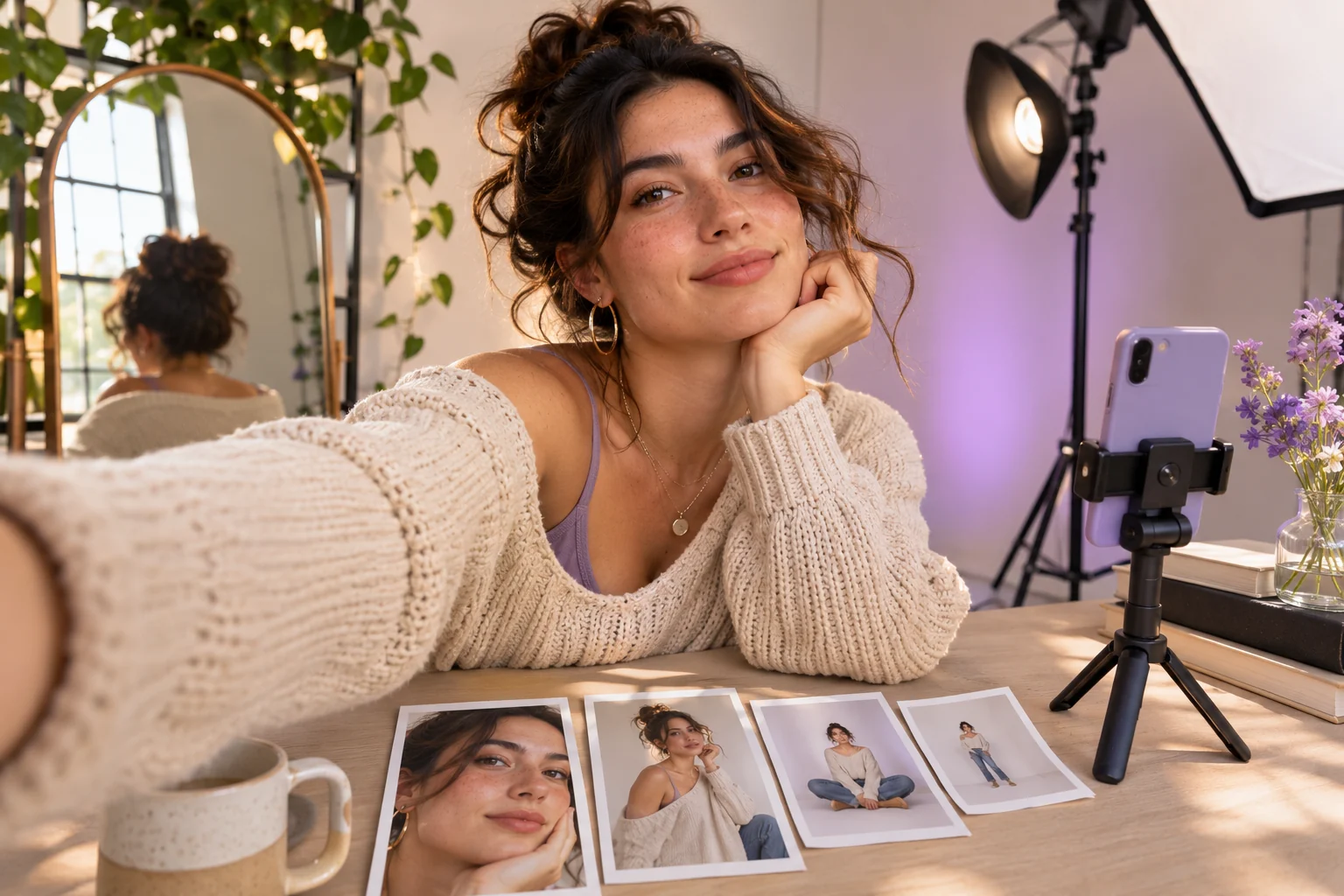
Illustrative concept image made for this page · not a tested product output.
Studio and Natural Light Portraits
Specify the authorized reference and what may change. A studio treatment can alter background and light while preserving identity.
Which portrait details can change, and which must stay?
Treat the consenting reference as the identity source. The neutral backdrop, chest-up crop and soft side light are allowed changes; facial structure and hairstyle are protected. Compare both eyes, hairline and face shape with the approved image at the same crop. If they drift, narrow the edit before attempting another style.
Copyable starter brief
Prompt text
Create a studio portrait of the consenting adult in my reference photo. Preserve facial features and hairstyle; use soft side light, a neutral backdrop and a chest-up crop. No beauty-filter effect.
Which brief fits your source?
Brief 1: Studio portrait from a consenting source. Brief 2: Window-light selfie from the same subject.
Selection rule: Use studio framing for a controlled backdrop; use the selfie when eye-level intimacy and the original clothing matter.
Source-to-instruction relationship: The authorized reference fixes identity and hairstyle across both choices; lighting and backdrop can change.
If the draft misses the brief
Visible signal: The selfie changes clothing or face shape despite matching the requested light.
Next revision: Restate the source identity and crop, then request only the window light or background adjustment.
Keep the source and review together
Source to retain: the consenting adult's reference image for both portrait treatments. After an actual run: save the exact prompt version, resulting file and a review note stating whether facial shape, hairline and clothing remain source-consistent across the chosen crop. Until that run exists, leave the result and review fields unfilled. The Gallery cases below are separate published projects and cannot complete this record.
Official Pexo Gallery · selected references
See these ideas in motion
Compare 2 separately published Pexo Gallery examples that illustrate the visual choices discussed in this page.
Official Gallery examples with Prompts published on their source pages. These videos are separate from this page's starter briefs, supplied assets and any named model. Review your own result before publishing.
Official Pexo Gallery example · separate published project
Pool Float Summer Selfie Alt
The same woman in a green cap stays centered in an outdoor selfie while her expression and graphic lettering change. The repeated eye-level outdoor selfie keeps the same face and green cap in view while expression changes; it illustrates stable portrait anchors.
Official Pexo Gallery example · separate published project
Fashion Editorial Color-Block Opener
One fashion subject repeats in a nine-frame portrait grid as red, navy and white color blocks and large type move around her. The same woman's face repeats in a portrait grid as framing and graphic color blocks change, making identity and crop differences easy to compare.
For a series, repeat the face and clothing anchors and compare each image with the same reference.
Copyable starter brief
Prompt text
Create a natural-light selfie concept for the consenting subject in my reference image: eye-level framing by a window, relaxed expression and the same clothing. Avoid changing identity.
Compare the same person across two lighting briefs
Before trying a studio and a window-light version, write down the source photo's face shape, hairstyle and clothing as fixed details. Let background, crop and light change one at a time. Compare each candidate with the authorized reference at the same face size; a pleasing portrait that changes those fixed features fails the brief. This is a review method, not a claim that the two examples were generated here.
Hold identity fixed while changing the light
Keep fixed: The consenting subject's face shape, hairstyle and approved clothing from the reference.
Change one at a time: Background, crop or lighting direction; compare each new image with the same reference at a matching crop.
Reject and return to source: A changed hairline, eye shape or outfit. Correct that one feature before changing the light again.
This is a comparison checklist, not a claim that the two starter briefs were tested.
How to Write Your Own Portrait Prompts
Use a consenting reference and list stable features such as face shape, hair and clothing. Change one factor at a time, such as background or light. Compare each new image with the source before reusing it.
If the face drifts between images: Compare the first accepted portrait with the new image at the same crop. Name the changed feature, such as eye shape or hairline, and request only that correction while keeping the approved light and framing. If identity is essential and the result still differs, retain the source reference and reject the draft rather than treating a preservation phrase as proof of a match.
Animate a Reviewed Still in Pexo
Bring an approved still or source image to Pexo image-to-video, describe the motion and details to preserve, then review the preview. A requested look is not a guaranteed output; check identity, text and usage rights.
YOUR NEXT STEP IN PEXO
Bring a reviewed brief into Pexo.
Use authorized assets, inspect the draft, and revise what does not match the brief.
Use this brief when: Use a consenting reference for a real person and a fictional brief when no real likeness is needed.
Acceptance check: View the studio portrait and selfie beside the same source: facial proportions, hairstyle and clothing should stay recognizable while lighting and framing change.
If it fails: If identity shifts, reduce the change to one lighting or crop instruction and review again.
Compare two looks against one authorized source
Use the same consenting reference for the studio and window-light briefs. Record the reference file and permission before editing; the comparison below is a plan, not a pair of images generated on this page.
Attribute
Studio portrait
Window-light selfie
Review rule
Face, hairstyle, clothing
Protected
Protected
Compare at matching face size against the source.
Light
Soft side light
Window light
Change direction without changing facial structure.
Camera
Chest-up, neutral backdrop
Eye-level, closer crop
Keep the head and shoulders proportionate.
Review identity first, then light and crop. If the face or clothing differs, return to the authorized image and narrow the edit; a pleasing new portrait does not satisfy a reference-led brief. If no real person's likeness is needed, write a fictional character brief instead of attaching a stranger's photograph.
Add an outdoor author portrait without changing identity
The studio and window briefs can be complemented by a third use case with its own source constraints:
Prompt text
Create an outdoor author portrait from my authorized reference photo. Keep the person's face, glasses, hair and jacket unchanged. Place them beside a plain brick wall under soft overcast light, frame from waist up, and leave space on the right for approved page copy. Do not add credentials, a name badge or readable signage.
This is a copyable candidate, not an observed photo. It is useful when the image will accompany a biography: any written credentials must come from the actual author, not from the generated picture.
Portrait Prompts FAQ
How do I preserve the subject’s identity?
Use a consenting reference and list stable facial and clothing details. Compare every output with that source.
What can I change safely in a portrait brief?
Change one factor such as background, crop or light while keeping the protected identity cues explicit.
Related Prompt Collections
Compare Influencer Model Prompts for a repeat fictional character, or Background Change Prompts when only the setting changes. For currently published examples, browse the Pexo prompt library.