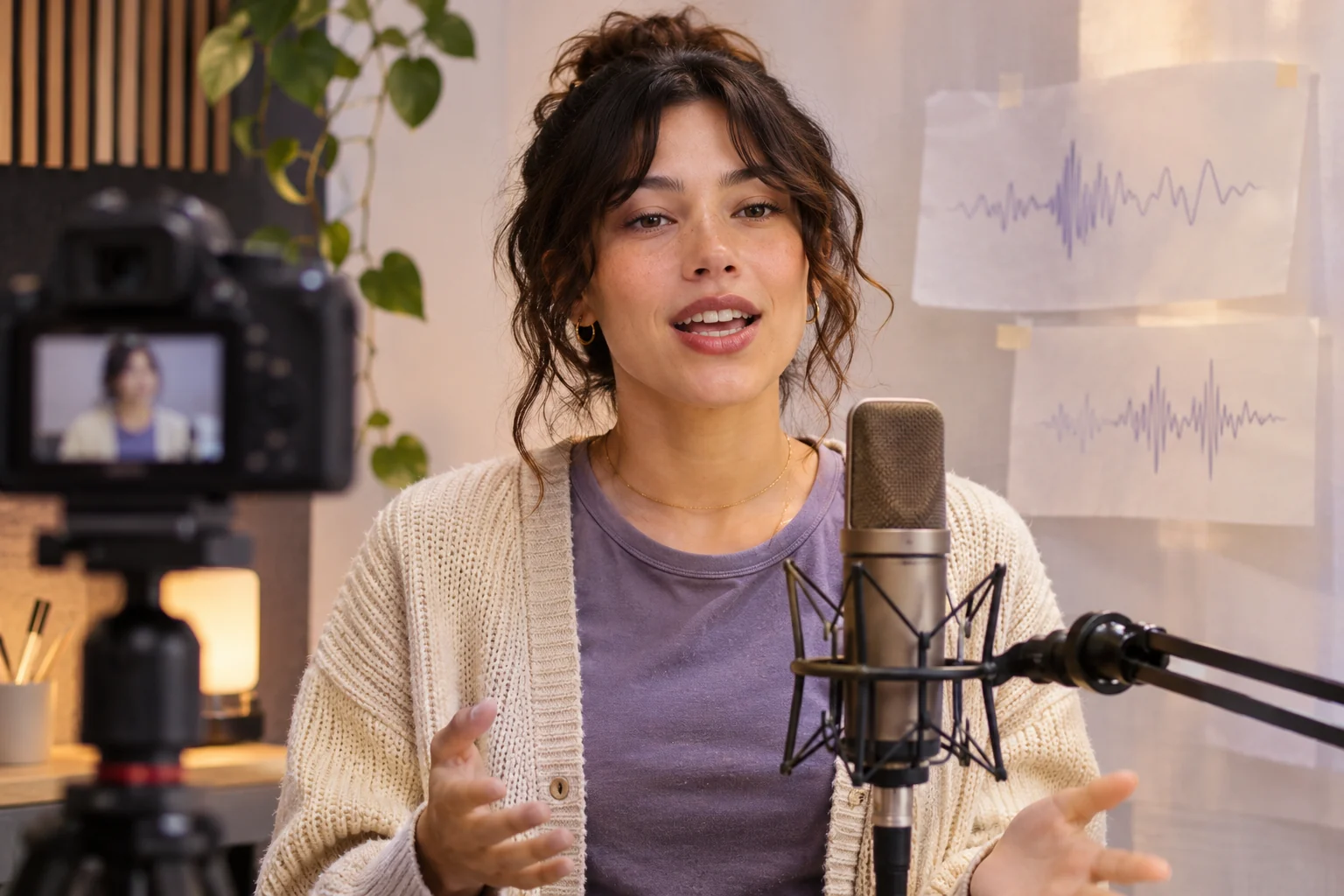
Use this brief when: Choose a near-frontal shot and a clean recording when lip timing is the main job.
Acceptance check: Replay long words, pauses and sentence endings with sound on; mouth opening and closure should follow the supplied audio, not just general speech motion.
If it fails: If a mismatch appears, note its timecode and fix that segment before judging the whole clip.
Identify the two files required for a timing check
Pexo's Lip Sync workflow describes a visible face in a video or image plus a speech recording; the recording supplies words and timing, while the visual supplies identity and framing. For the brief above, keep both original files and note the timecodes of long words, pauses and sentence endings. Compare those moments with the rendered mouth and face before judging the result. A Gallery video without the reader's source recording cannot verify sync for this brief.
Use a word-level playback log
Choose three checkpoints in the authorized speech file: a clear consonant, a long vowel and a pause. Write each timecode beside the expected mouth opening or closure, then compare the generated video at normal speed and in short replay. Record which word drifts and whether the face stays visible; a near-frontal frame alone cannot establish timing.
Adobe's lip-sync tutorial explains the general relationship between sounds and visible mouth poses. It documents Adobe Animate, not Pexo's implementation. Here it informs the review question only: does the visible mouth follow the supplied audio at the selected words? Without the original recording and actual playback, the Gallery talking head is a framing reference, not a sync test.