
Pexo

THE PEXO PROMPT LIBRARY / GUIDE

Image to Video Prompts: Bring a Still Image to Life

The still already supplies subject and composition. Prompt for movement and preservation rather than redescribing the whole picture. The copy-ready briefs below are original starting points. Adapt them to your own subject and assets; no example is presented as a tested product output.

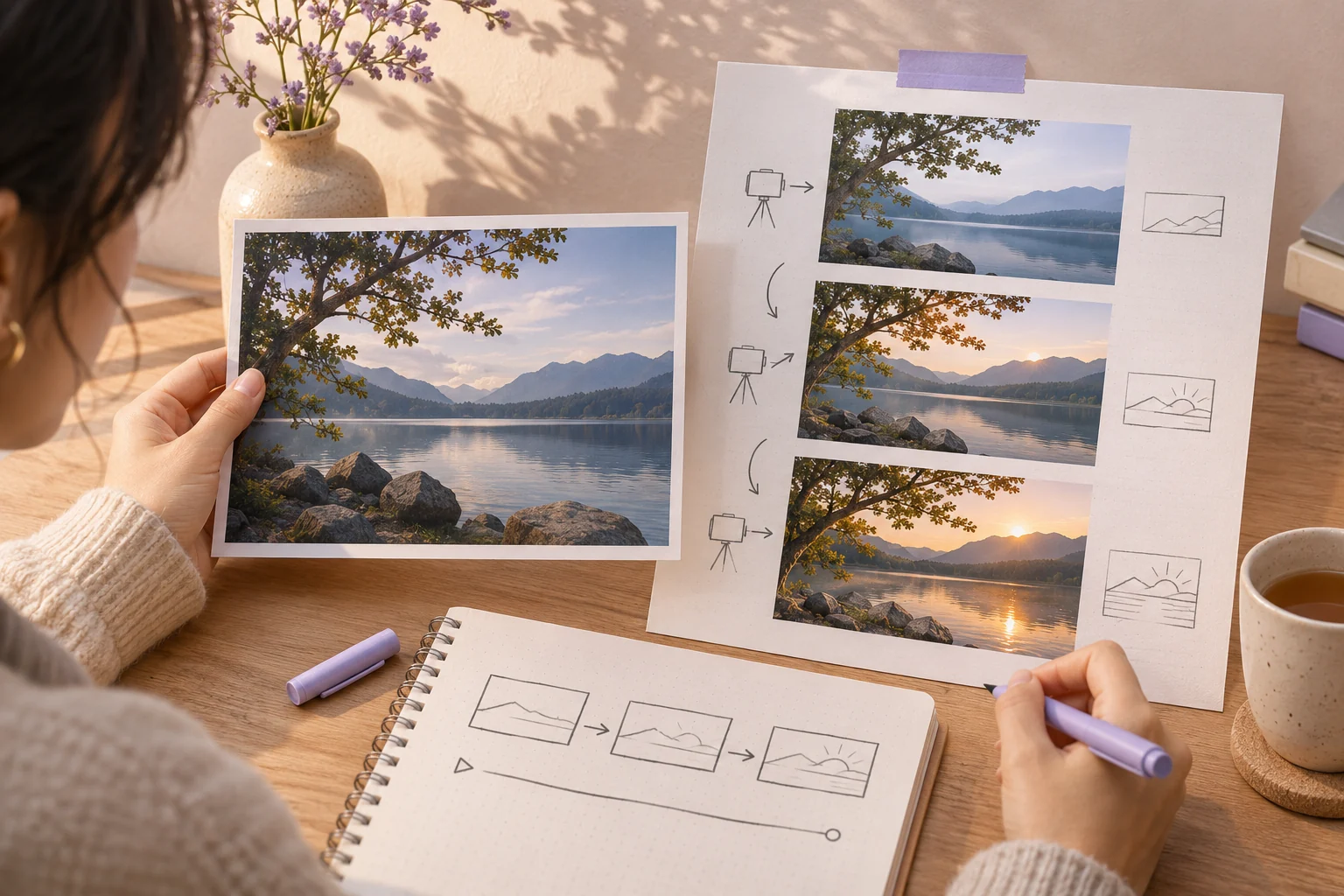
One original still landscape photograph held beside three sequential storyboard frames showing the same scene with a gentle camera move and changing light
Illustrative concept image made for this page · not a tested product output.

Quick Answer

For image-to-video, the still is the visual reference. Describe what moves, how the camera moves and which details must stay fixed. Begin with a restrained action, then review the resulting frames for changes to faces, labels or geometry.

Which brief fits your source?

Brief 1: Mountain-path camera push. Brief 2: Tulip-bouquet close detail.

Selection rule: Use the path for depth along existing geometry; use the tulips for subtle object motion inside a fixed still-life arrangement.

Source-to-instruction relationship: The uploaded still fixes path, petals and vase; camera motion may reveal detail but cannot reconstruct unseen content as fact.

If the draft misses the brief

Visible signal: A new person appears on the path or petals and vase change while the camera moves.

Next revision: Lower motion strength, keep the source frame as the comparison anchor and limit movement to clouds or stems.

Keep the source and review together

Source to retain: the original mountain-path or tulip still. After an actual run: save the exact prompt version, resulting file and a review note stating whether path geometry, stem count and vase remain unchanged between source and result. Until that run exists, leave the result and review fields unfilled. The Gallery cases below are separate published projects and cannot complete this record.

Describe Motion, Not the Image

The image already defines the subject and composition. Put the new information into camera movement and restrained subject motion.

Copyable starter brief

Prompt text
Use my own image of a mountain path as the opening frame. Add a gentle forward camera move and subtle cloud motion; preserve the path geometry and avoid adding people.

Image-to-Video Prompt Examples

Repeat only the visual anchors that must survive animation, such as a vase, product label or pathway.

Copyable starter brief

Prompt text
Animate my supplied photo of a yellow tulip bouquet. Keep the petals and vase unchanged; move the camera slowly from a medium view to a close detail while the stems sway slightly.

A published image-to-video example

Lan He's Pexo image-to-video tutorial describes attaching a perfume-bottle packshot, clarifying the product name and reviewing a vertical ad preview. This is a separate author-reported workflow, not a result of the tulip or other starter brief above. It supports checking the supplied still and product identity before judging the motion.

Check the mountain-path animation against its source

Keep the approved still beside the preview. Review the whole clip, using the opening, middle and final frames as checkpoints.

Check Compare with the approved still If it differs
Path geometry The bend and near-to-far layout Reduce requested movement; reject a draft that replaces the path.
Added subjects People or objects absent from the still Remove the added subject or reject the draft if it remains.
Requested motion The forward camera move and subtle cloud movement Change one motion instruction at a time.
Continuity Changes between checkpoints Replay the affected interval; matching end frames alone do not establish continuity.

These are review criteria for a future animation, not results from a recorded test of this starter brief.

Common Mistakes and Fixes

Identify the approved source frame, one plausible movement and the details to keep fixed. Avoid requesting a reveal of a hidden product side when the only reference is a front photograph. Review frame continuity.

If the still changes shape during motion: Recheck the source frame and ask for a smaller move: “Keep the mountain path and horizon in their original positions. Use a slow forward push; let only the visible clouds shift slightly.” Compare the opening, middle and final frames for added people, altered paths or invented edges. A tighter motion request is a review tactic, not a guarantee of preservation.

Take the Brief to Pexo

Bring an approved still or source image to Pexo image-to-video, describe the motion and details to preserve, then review the preview. A requested look is not a guaranteed output; check identity, text and usage rights.

Separate source facts from motion

Use this brief when: Use image-to-video when the approved still already establishes the subject, palette and layout.

Acceptance check: Compare the first and last frames with the source: path geometry, petal count, vase shape or other protected details should still match.

If it fails: If the image is redrawn, reduce motion to a camera move and state the fixed details again.

What the published image-to-video workflow establishes

Pexo's image-to-video workflow says an uploaded still anchors the subject and composition, while the user directs subject motion, camera movement and details to keep stable. That supports the source-and-motion split used in the briefs above. It does not prove that a particular face, label or shape will survive a render. Keep the approved still beside the first and last frames and mark any changed protected detail before accepting a clip.

Image To Video Prompts FAQ

What should stay fixed when I animate a still?

Keep identity, product shape, labels and other recognizable source details unless you deliberately authorize a change.

Can a prompt reveal what is behind an object?

A single front image does not document hidden geometry. Ask for a modest camera move and inspect any newly shown detail.