
Natural-light scene
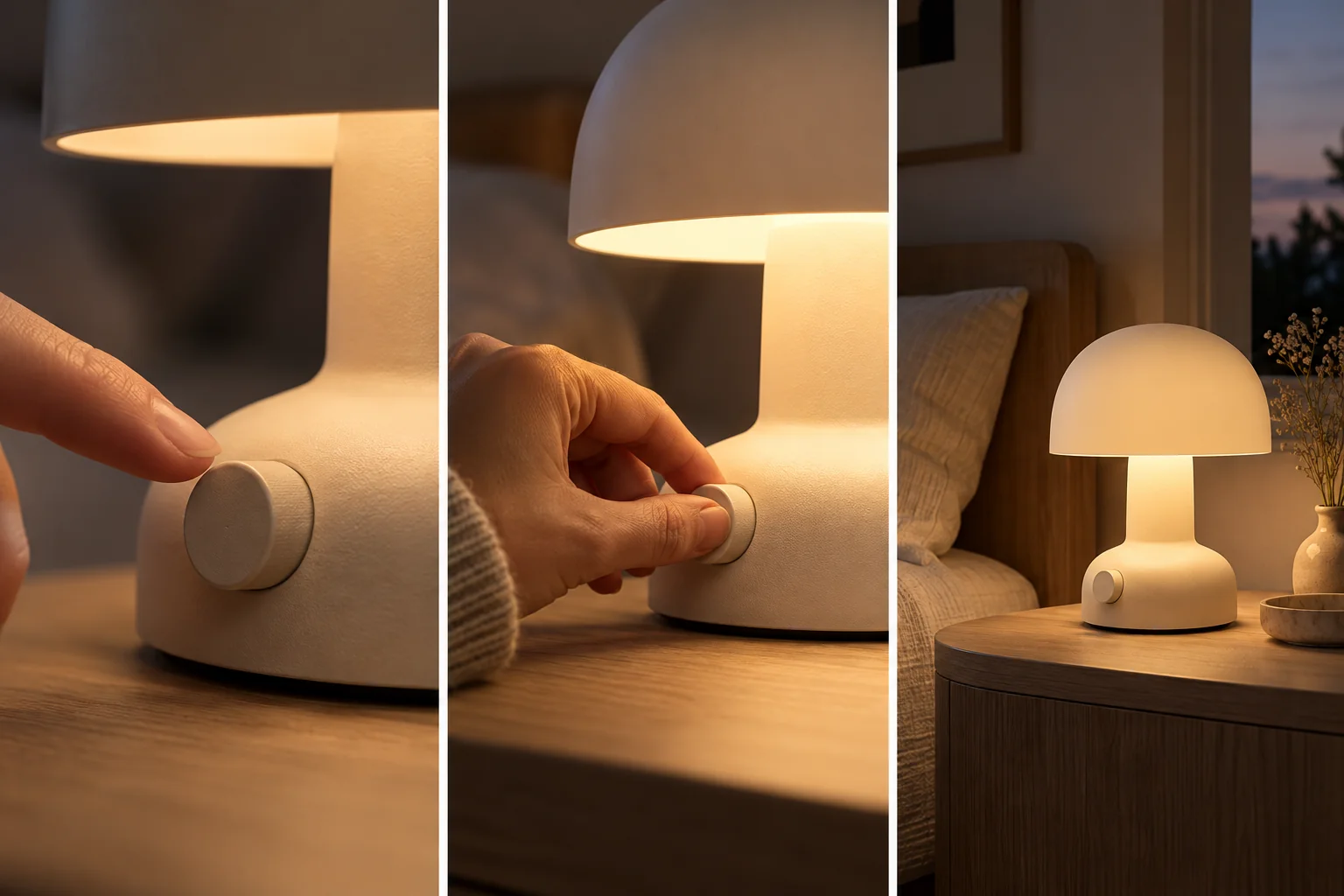
Show the supplied lamp on a bedside table at dusk. Start wide, move closer to the actual dial, and preserve its control markings.THE PEXO PROMPT LIBRARY / HUB
Choose a model after you know the deliverable: motion, an image edit, a product visual or a short explainer. Pexo's model directory lists options for different creative tasks, while its workflow describes automatic model routing. The prompts here are original starter briefs, not a cross-model benchmark. Check the current choices and controls in your own account before attributing a result to one model.
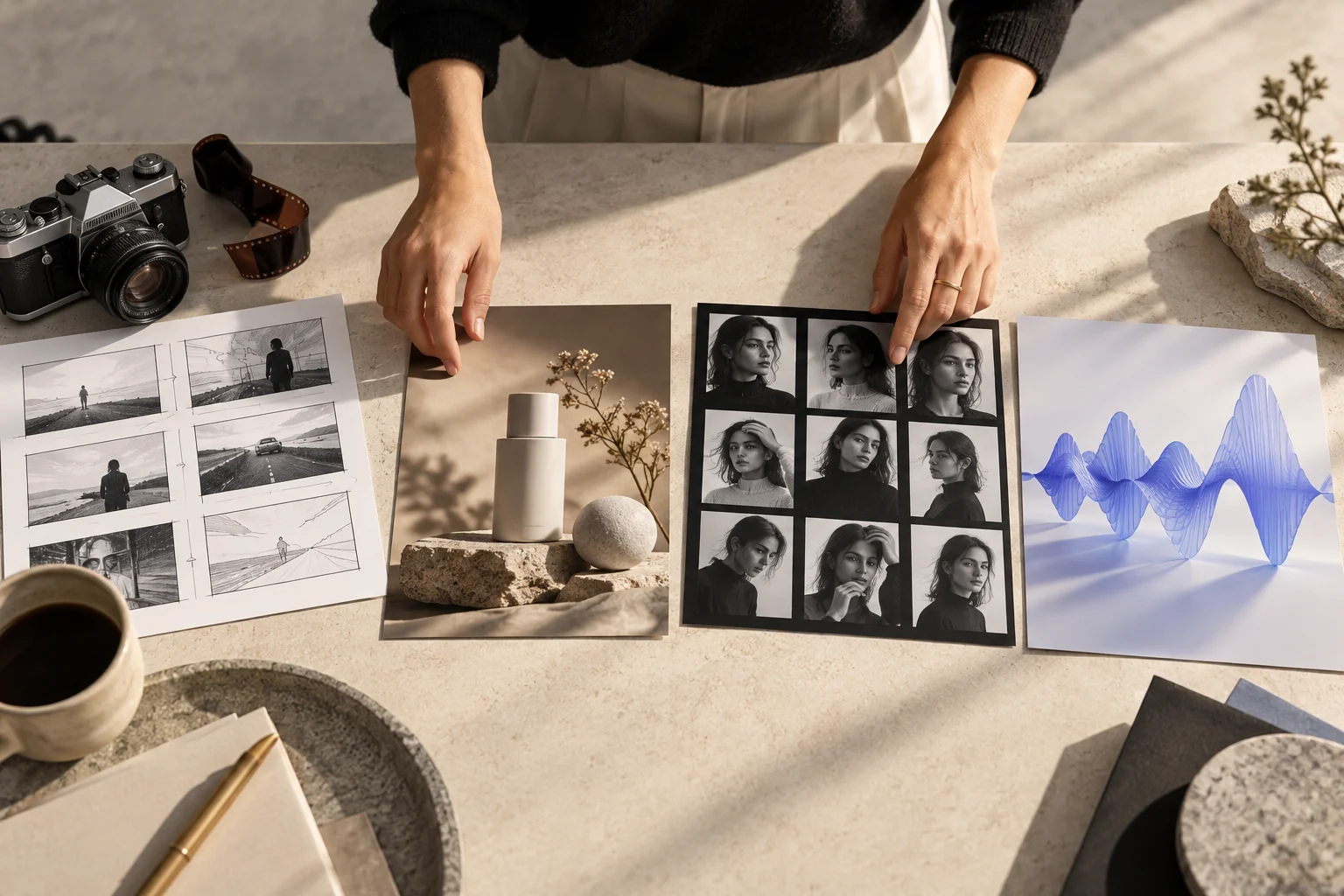
A direction to explore
Prompt Guides by Model
Use the sections below to find a direction and adapt the source prompts to your own brief.
These briefs specify review targets. They are not paired with generated examples in this article.
Copy a starting prompt and adapt it to your approved assets. Images are editorial references, not outputs from the copied prompts.
Show the supplied lamp on a bedside table at dusk. Start wide, move closer to the actual dial, and preserve its control markings.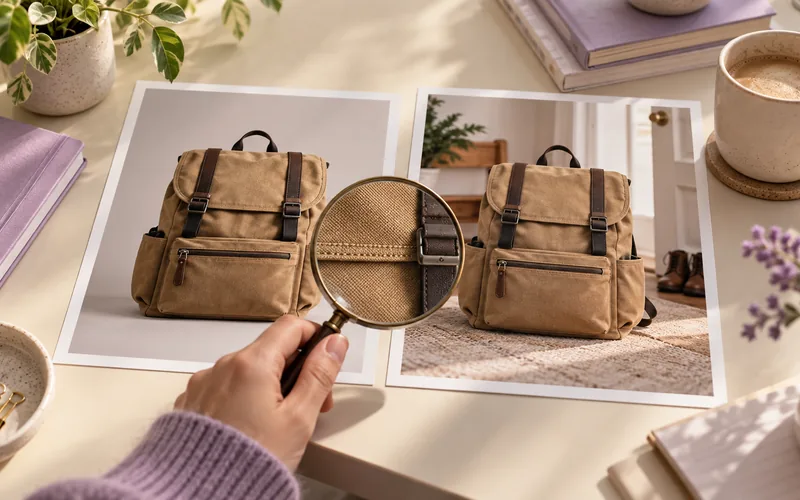
Keep the photographed backpack unchanged. Replace only the background with a clean entryway; preserve color, straps and hardware.Use the supplied travel mug photos. Show the real lid opening, one pour and the correct logo at the end. Keep the hardware and mug shape consistent.Use the approved booking screens. Show one verified action per beat and finish on the real confirmation state. Leave room for checked captions.Follow an original cyclist from behind on one gentle bend, then cut to a low wheel detail. Keep the jacket and bicycle consistent across views.Use the approved product photo and exact headline. Keep the product silhouette intact, place the headline in a clear text area and verify every character after generation.Use the real bakery exterior and pastry references. Open on the storefront, show one close detail and finish on the supplied mark; no invented offer.Make a vertical product video from the supplied water-filter photos. Open with the question of fit, show the correct alignment and end on the approved product name.Pexo Gallery · selected references
Image variation, exploded 3D headphone parts and a narrative scene illustrate different creative tasks. These independent clips are not outputs of the named models.
Independent Gallery examples, not tested outputs of the named model or this page's prompts.
Pexo Gallery · playable example
A virtual styling flow selects a portrait and outfit, then reveals animated full-body fashion cards through elegant image masks, clean controls, and editorial transitions.
Create an elegant virtual styling product demo. Show selecting a person and outfit, generating styled looks, and revealing animated full-body fashion cards through clean controls, image masks, and refined editorial transitions.Pexo Gallery · playable example
An exploded headphone animation separates ear cups, speakers and headband, then returns to the complete form. Use it as a 3D assembly and camera-motion reference.
Create a polished product video titled “Floating Headphone Assembly.” Use crisp hero-object framing, accurate English text, controlled product labels, clean lighting, and energetic transitions. Keep the product consistent in every shot and show only the intended Pexo watermark.Pexo Gallery · playable example
A young man and woman in school uniforms interact in a sunlit school hallway, then walk through a suburban neighborhood sharing an umbrella during a rain shower, captured in a cinematic style.
Subject: Young man, woman, school uniforms; Style: Cinematic short story; Environment: Sunlit school hallway, suburban neighborhood; Action: Interact, walk, share umbrella; Camera: Conservative composition; Lighting: Sunlit, rainy overcast; Mood: Cinematic.The guides below start with the deliverable, then add model-specific briefing advice. Linked Pexo model pages describe published capabilities; they do not prove that a given model or control is available in every account. The prompt emphases are editorial guidance, not paired model tests. Developer sources in the table were checked on 2026-10-20; confirm current specifications and Pexo account routing before production.
| Model and published description | Deliverable | Prompt emphasis | Availability check |
|---|---|---|---|
| Seedance 2.0·developer source | Multi-beat video | Name each action, camera change and continuity anchor; review sound against the visible beat. | Check the model shown in your Pexo session. |
| Kling AI 3.0·developer source | Video with deliberate cuts | Write the shot order and the transition purpose; check object and character continuity between shots. | Check the route and controls available to your account. |
| Nano Banana | Image edit | Supply the original image, define the edit region and list the product details to preserve. | Check whether the image-edit workflow accepts your reference. |
| GPT-Image-2·developer model card | Image or poster concept | Separate the approved words from visual direction and verify every character in the result. | Check the current image workflow and text-review path. |
Choose the row that matches the output you need. Keep the same approved assets and review criteria if you compare two available options.
Use the linked Pexo model descriptions in the table to inspect the current published capability. For a video brief, specify action and timing; for an image edit, define the area to change and what must remain intact.
| Need | Start with | Review carefully |
|---|---|---|
| Moving product scene | A video workflow | Motion, logo and object consistency |
| Still image edit | An image workflow | Unchanged source areas |
| Poster with text | An image workflow | Exact wording and readability |
| Multi-beat explainer | A video workflow | Step order, captions and claims |
This is a task-fit guide, not a test ranking. Run the same approved brief through available options if you need a real comparison, then record settings and outputs before drawing a conclusion.
Open Pexo's create directory or video agent overview, give the goal and references, and review the first draft. If a shot changes a product detail, specify exactly what to keep and what to revise. Check the final result for rights, factual claims, captions and platform requirements before publication.
YOUR NEXT STEP IN PEXO
Start with the outcome you need, bring a suitable brief to Pexo and verify the current workflow and model routing.
No. They are copy-ready task briefs. This page publishes no controlled runs, scores or model-specific output claims.
Pexo describes automatic routing; exposed options can depend on the workflow and account. Confirm the current controls in your session.
For a concrete starting job, explore the product video workflow or the social-media video workflow.