GPT-Image-2 Prompts: Text, Posters and Photo-Real Examples
Pexo's GPT Image 2 page presents the model for image generation, including text and realistic scenes. The prompts here are original examples with review instructions, not results from a Pexo test. Exact words, faces and product details still require human checking.
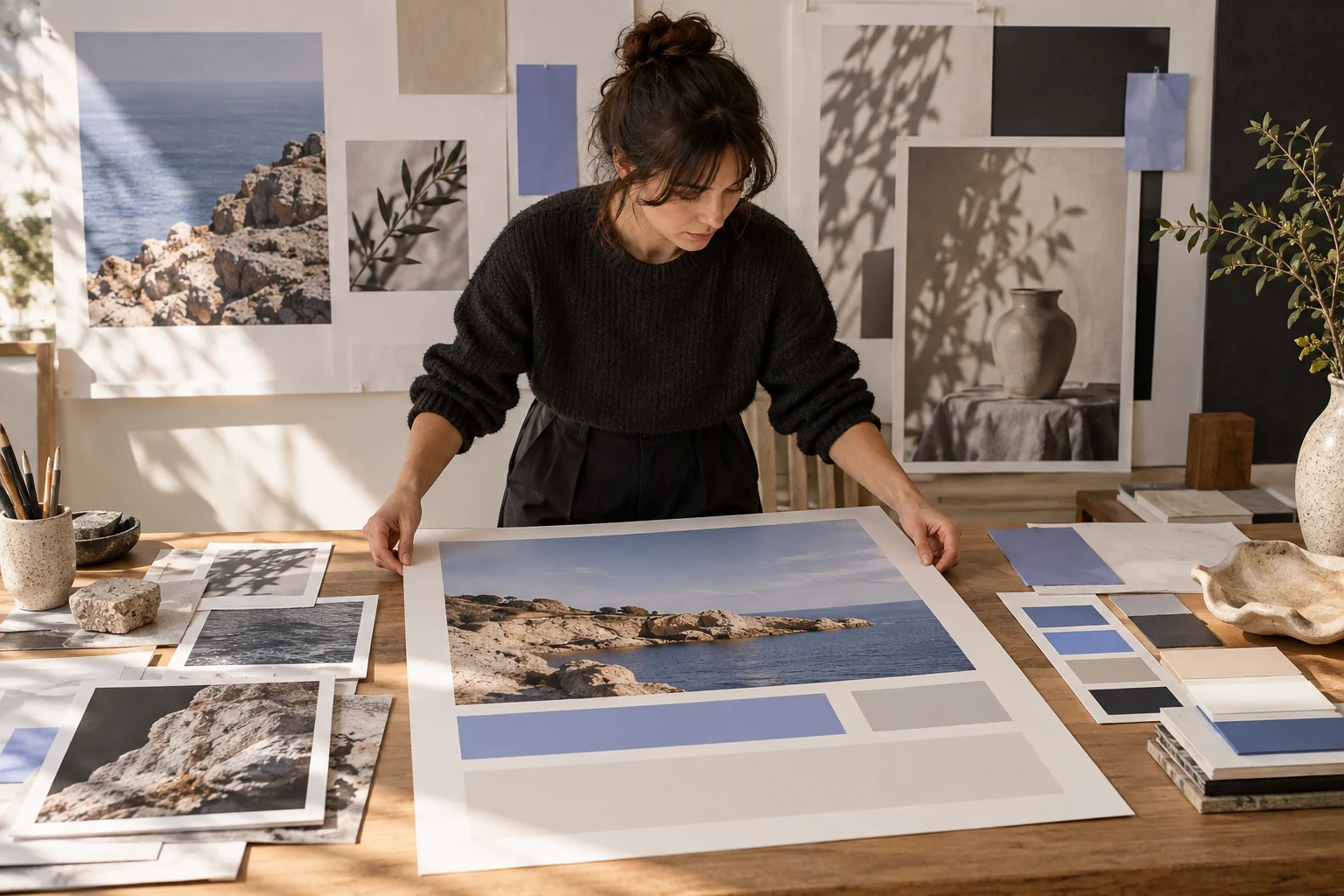
Illustrative concept image made for this page · not a tested product output.
What Gpt Image 2 Supports
Use an image brief when one frame, rather than motion, is the deliverable. A poster needs an approved headline and clear reading order. A product scene needs faithful geometry and a plausible setting. Pexo advertises GPT Image 2 for such work, but the result in your account is the only evidence of whether a particular prompt met the brief.
Developer source.OpenAI's GPT Image 2 model card lists image generation and editing (checked 2026-10-20). This published capability does not prove text accuracy or image fidelity for these prompts; inspect each actual result.
Pexo Gallery · selected references
Composition references
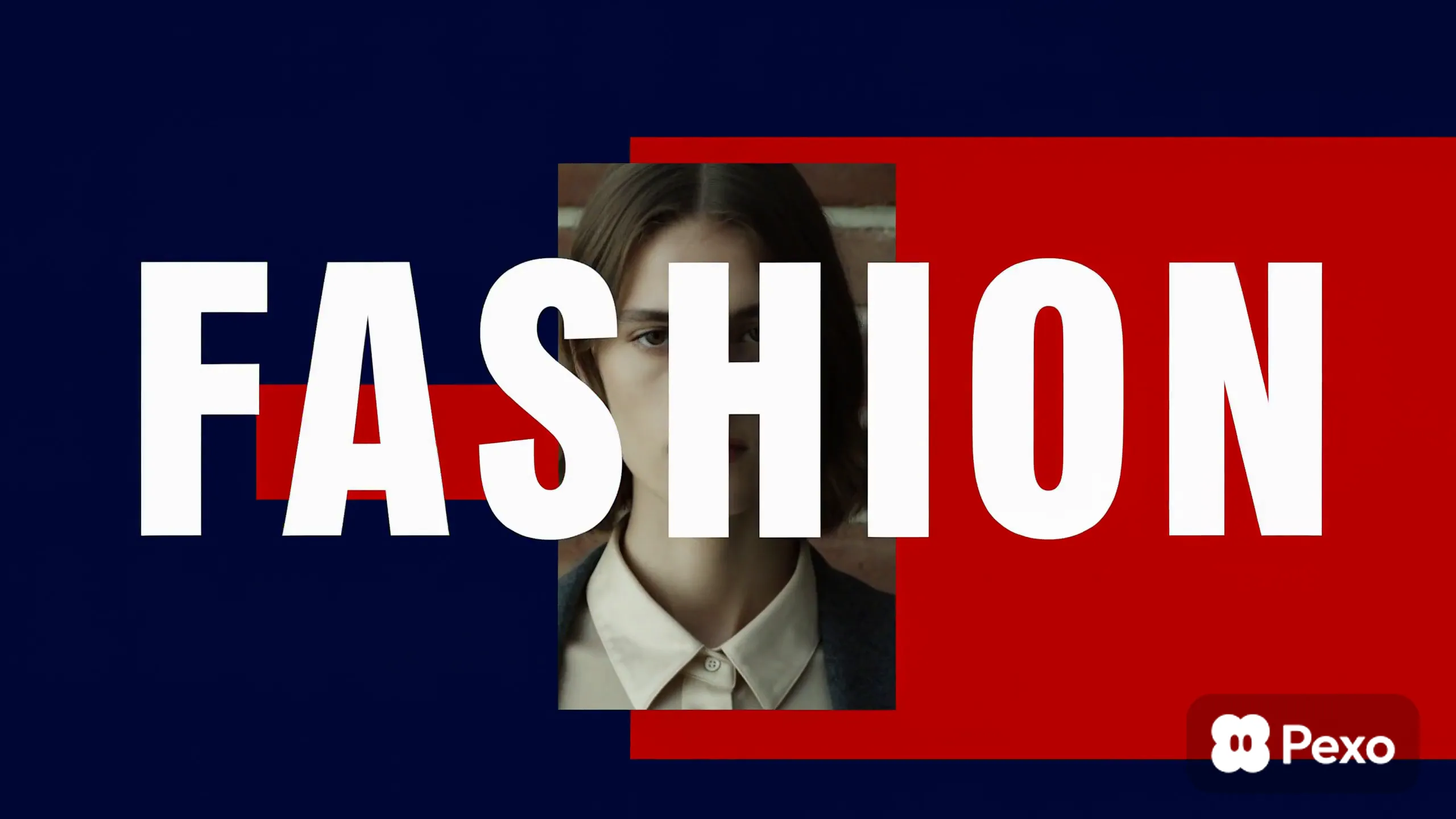
Study portrait placement, headline hierarchy and editorial typography in these cover stills; they are layout references, not GPT Image 2 results.
Cover stills from independent Gallery videos; use them to study composition, not as proof of model capability.
Pexo Gallery · cover reference
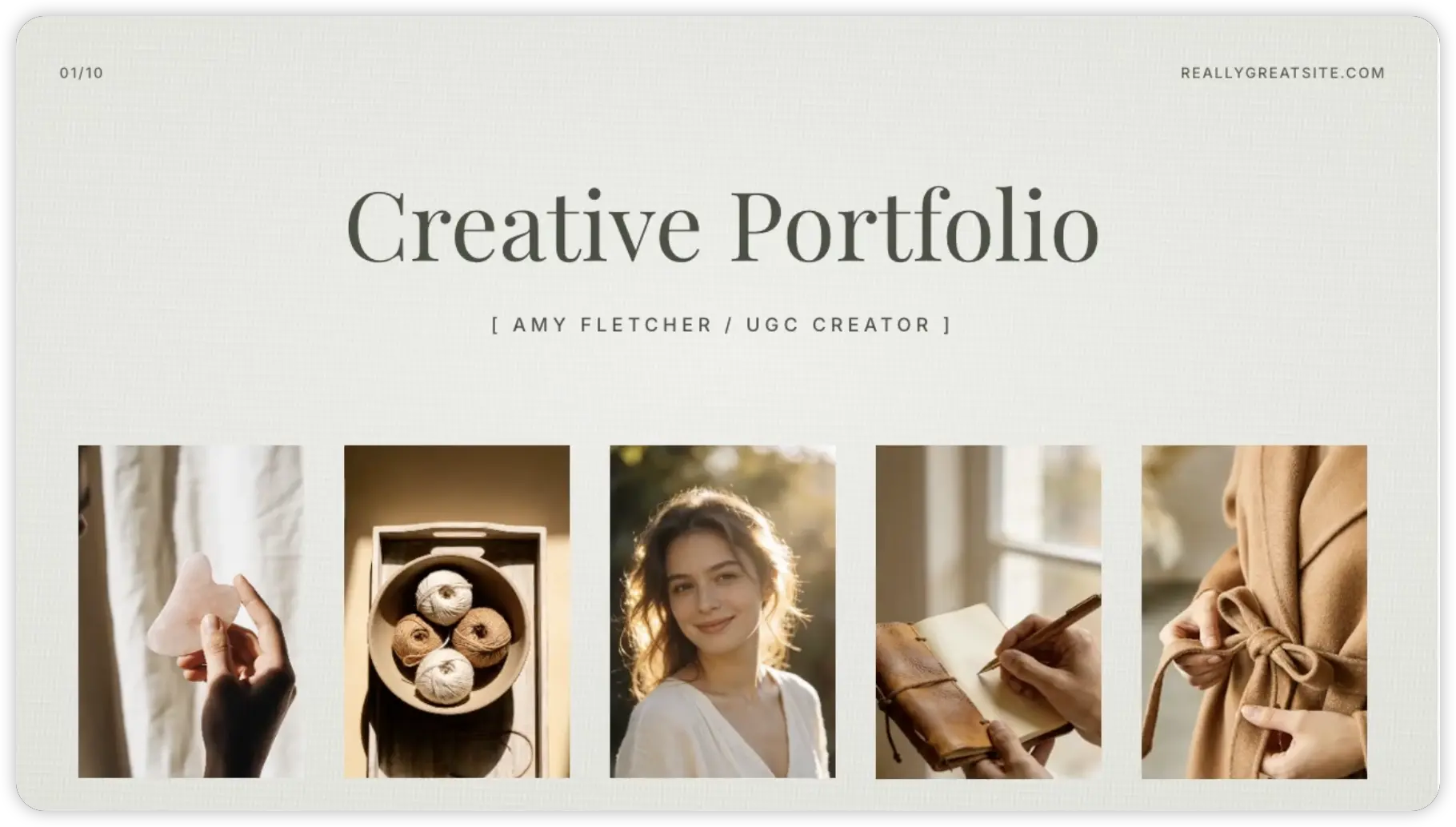
Skincare Portfolio Showcase
A minimal editorial portfolio presents a young woman's portrait and lifestyle stills of skincare, yarn, handwriting, and a neutral garment on a clean cream layout with elegant typography.
Fashion portraits, bold type, and saturated color blocks slide through an editorial opener, using layered layouts and crisp transitions to create a stylish campaign mood.
Use the supplied travel mug photo and approved headline "Morning, made simple." Create a vertical poster with the real mug in the lower half and a clear headline area above. Preserve the lid, color and logo. Do not add a price or claim. Verify all text after generation.
Event visual
Prompt text
Use the approved venue photo, event name, date and logo exactly as supplied. Create a clean social graphic with strong contrast and room for the verified details. Do not invent speakers, sponsors or ticket prices. Leave final typography to human review.
Copy-Ready Prompts and Review Goals
Lifestyle scene
Prompt text
Keep the supplied lamp shape, control dial and color unchanged. Place it on a bedside table in soft evening light with a closed book nearby. Avoid extra buttons or markings. Leave quiet space for approved copy.
Controlled edit
Prompt text
Keep the photographed backpack and its hardware unchanged. Replace only the background with a bright entryway. Retain the original product proportions and shadow direction; remove no label from the bag.
Review the product against the source image and check typography character by character. These are expected checks, not annotated failure records or paired output examples.
GPT-Image-2 Limits and Fixes
If lettering is inaccurate, shorten the on-image text or reserve a blank area and typeset the exact copy in the final design. If the product changes, strengthen the preservation constraint and use a clearer reference. If a portrait looks unlike the supplied subject, do not publish it as an authentic likeness. These are editing strategies, not a claim that this article observed a specific failure on GPT Image 2.
Model Comparison: When to Pick Something Else
Choose a video workflow for motion. To compare image models, hold the approved source, edit boundary and review criteria constant; record real outputs before stating one performs better. A page of prompts alone cannot establish a winner.
Use It Inside Pexo (Auto Model Routing)
Open Pexo's GPT Image 2 page, provide a clear brief and authorized references, and inspect the result. Pexo describes automatic routing, so verify which model your session used. Check text, rights, likeness and product accuracy before reusing the image.
YOUR NEXT STEP IN PEXO
Give your image brief real source detail.
Use approved references for text, posters or product imagery, then inspect lettering, likeness and composition.