
Pexo

THE PEXO PROMPT LIBRARY / MODEL

Kling 3.0 Prompts: Examples for Ad-Quality AI Video

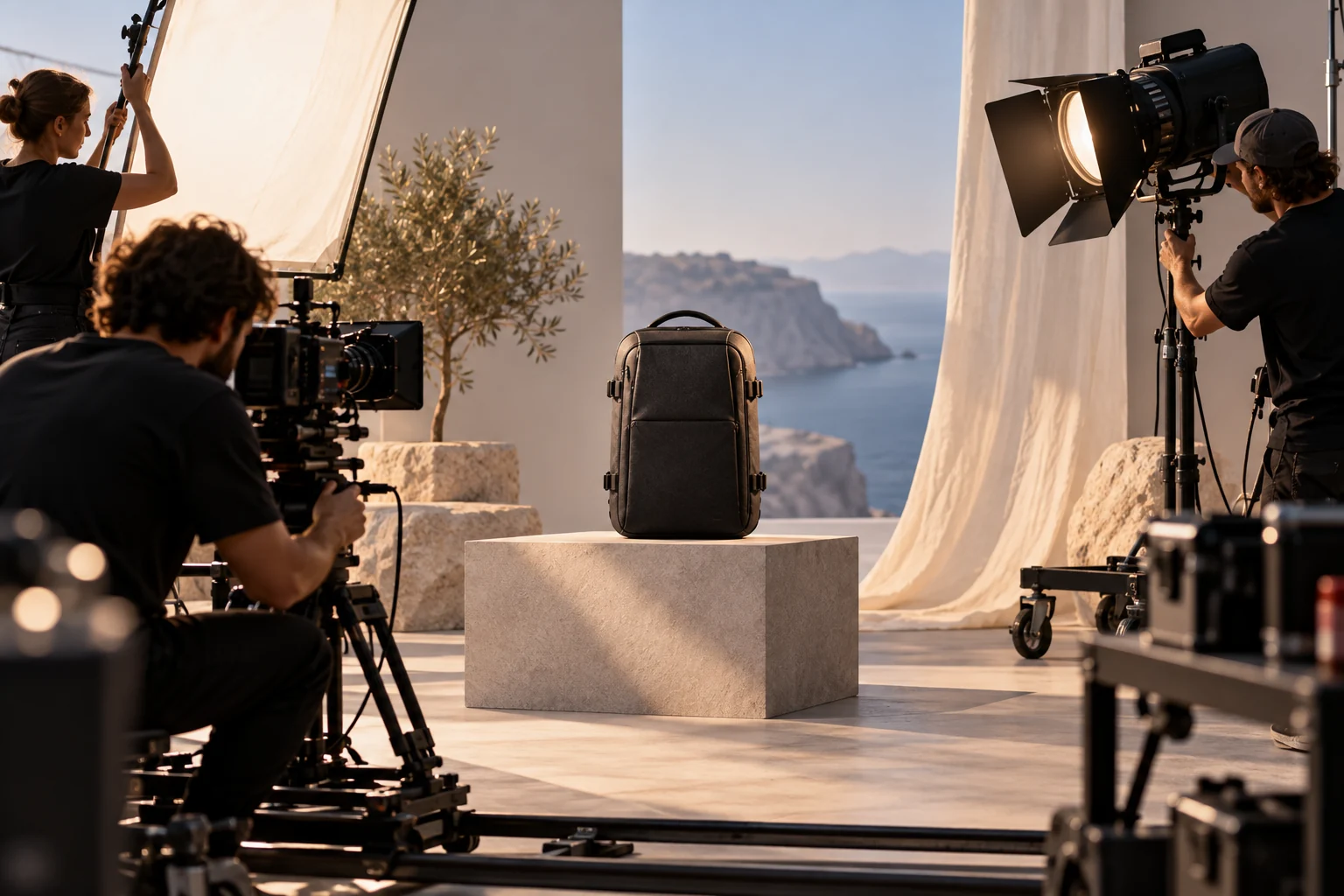
Commercial film crew preparing a precise product shot
Illustrative concept image made for this page · not a tested product output.

What Kling 3.0 Supports

Use Kling 3.0 for a short scene whose motion, camera changes and sound need to work together. Its developer documents multi-shot narration and native audio. Pexo lists Kling AI 3.0 as available in its model directory, but the exact controls exposed in an account may differ from the model maker’s own interface.

Prompting for Realistic Motion

Realistic motion prompts work best when they name the physical action and the object that must stay consistent. Describe the start, the movement and the end frame rather than stacking adjectives.

Prompt text
A canvas tote hangs from one shoulder as a person walks through a station. Begin with a medium side view, track at walking speed, then cut close to the real strap and fabric moving. End on the same tote resting on a bench. Keep the supplied logo and bag shape unchanged; use station ambience.

For liquid, fabric or hair, give one movement at a time and inspect how it changes between shots.

Copy-Ready Prompts and Review Goals

The review goals below are illustrative checkpoints, not videos generated for this article.

Product motion

Prompt text
Show a stainless-steel travel mug on a kitchen counter. A hand lifts it, pours water into a glass, then places it beside a notebook. Start wide, cut to the lid mechanism and finish on the supplied front logo. Natural morning light and quiet pour sound.

Review goal: three connected product beats. Compare the actual lid, logo and mug geometry with supplied photos.

Moving character

Prompt text
An original cyclist in a yellow jacket rounds one gentle bend on a coastal road. Follow from behind, cut to a low side view of the wheels, then end on a wide sea-facing frame. Keep jacket, bicycle and travel direction consistent. Use wind and tire sound.

Review goal: one continuous journey across three camera positions. Check the bicycle geometry at each cut.

Small service ad

Prompt text
Create a short ad for a local bakery using its supplied storefront and product photos. Open on the real exterior, show hands placing a loaf on a counter, then finish on the approved logo with space for a verified address. Warm available light; no customer testimonial.

Review goal: exterior, product action and end card. Add the exact address in the final edit.

Kling 3.0 Settings and Limits

Kuaishou's Kling 3.0 announcement describes video generation up to 15 seconds, native audio and multi-shot storytelling (source checked 2026-10-20). The published capabilities do not establish which durations or controls a particular Pexo account exposes.

For a Pexo brief, state the desired duration, one or two essential cuts, and the audio cue. Check the controls and output offered in your account before planning a production around a specific setting. Review any generated dialogue, continuity and text after the render.

Model Comparison: When to Pick Something Else

Choose a still-image workflow when one frame is the deliverable. For a motion-led ad, compare Kling 3.0 and another available video model with the same product reference and target shot list. A preview can show which treatment serves your brief; model marketing alone does not establish a universal winner.

Use It Inside Pexo (Auto Model Routing)

Start from Pexo’s Kling AI model page or model directory. Describe the task, attach authorized references when the account workflow allows, and request the camera and sound direction in plain language. Pexo describes automatic model routing, so confirm what your session actually used before attributing the result to Kling 3.0.

Pexo’s model page advertises a free start. Its terms require account registration, and generation can depend on credits; check the current offer and balance before rendering.

Kling 3.0 Prompts FAQ

Do I need to specify every camera cut?

No. Name the cuts essential to the story and the visual anchors that must carry across them. Pexo’s available workflow may handle additional transitions.

Are the review goals above real Kling renders?

No. They are illustrative review targets paired with original prompt text. Judge actual motion, audio and continuity from a generated preview.