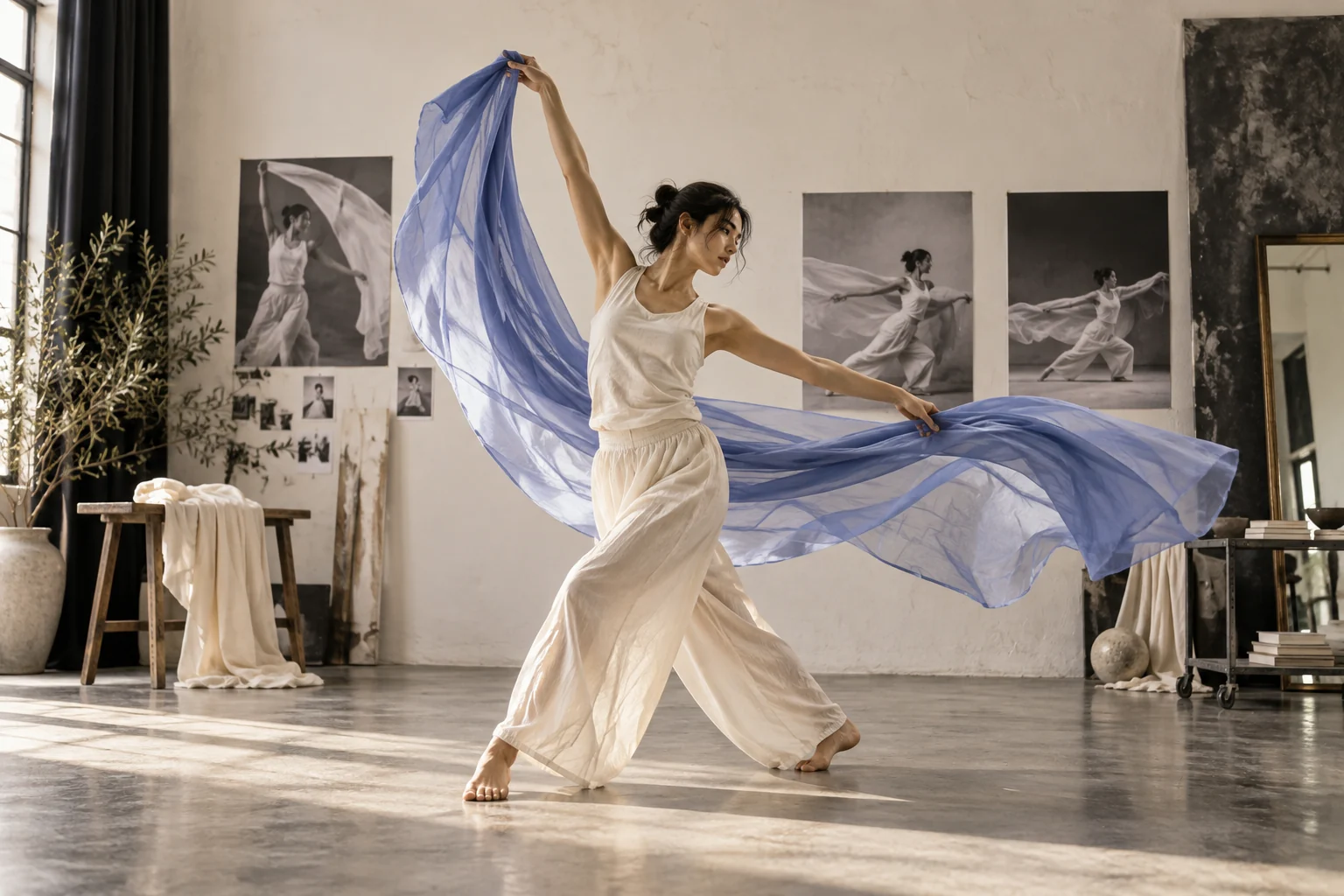
Pexo describes H3 as taking text, image, video and sound context for audiovisual output. That makes reference roles worth stating explicitly in a brief: which image defines appearance, which clip suggests motion and which rights-cleared sound supplies ambience. These are prompt-design choices based on Pexo's published description, not measured performance claims. Check which inputs your current session accepts before uploading. If sound is the main source, compare Pexo's audio-to-video workflow with this multi-input brief.
For the presenter example below, use the approved product photo for the mug's shape, the consented presenter reference for appearance and an authorized sound reference only if that input is available. Ask for the lid click at the visible opening action. Review both its timing and the mug hardware in the preview; do not assume the model preserved either automatically.
Developer source. MiniMax's H3 announcement describes multimodal context and audiovisual output (checked 2026-10-20). This supports the published capability summary above; it does not verify which input types are enabled in a Pexo session.