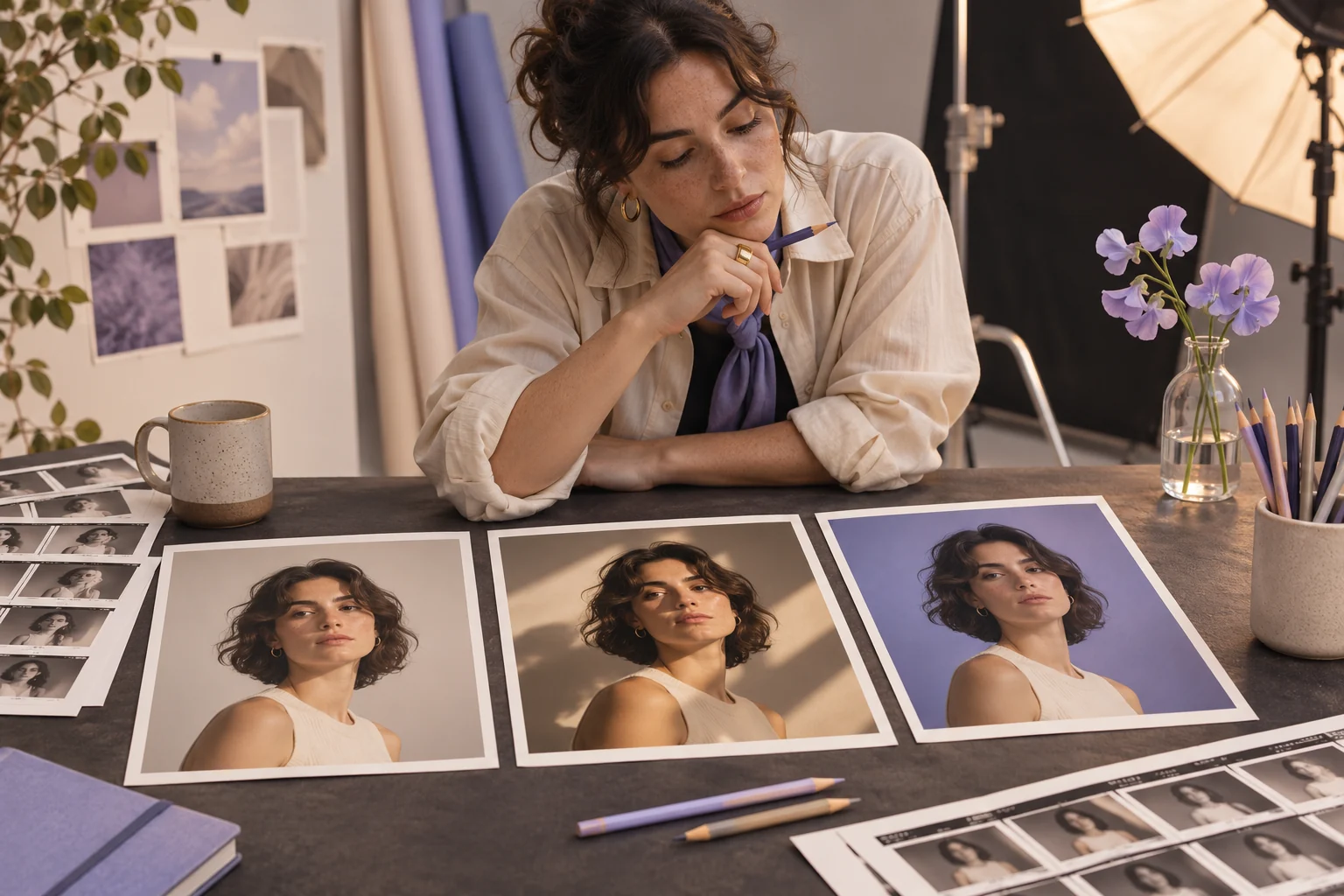
Nano Banana Pro is Google’s Gemini 3 Pro Image model. The examples are prompts for Google’s product; Pexo’s access to this exact version and account conditions must be checked separately. The copy-ready briefs below are original starting points. Adapt them to your own subject and assets; no example is presented as a tested product output.
Illustrative concept image made for this page · not a tested product output.
Nano Banana Pro Prompt Uses and Limits
Nano Banana Pro is a Google image model. State the still-image task and review it in the product where the model is available.
Copyable starter brief
Prompt text
In Gemini with Nano Banana Pro selected, create a studio portrait of the consenting adult in my supplied reference. Preserve facial features and clothing; use a soft key light and neutral background.
Selection rule: Choose the portrait to protect a consenting face; choose the product edit to protect packaging during a background swap.
Source-to-instruction relationship: The named Google model is an authoring context, not proof that Pexo offers that exact model or produced these stills.
If the draft misses the brief
Visible signal: A changed label or face is accepted because the kitchen or lighting looks polished.
Next revision: Compare the actual Gemini result with its authorized source before calling the still approved for any later motion.
Keep the source and review together
Source to retain: the reference submitted in Gemini with the named model selected if available. After an actual run: save the exact prompt version, resulting file and a review note stating whether the actual still keeps source face or packaging before it is treated as approved input elsewhere. Until that run exists, leave the result and review fields unfilled. The Gallery cases below are separate published projects and cannot complete this record.
Portrait, Product and Stylized Prompt Examples
For a product edit, give the model an approved reference and one narrow background change. For a stylized image, name a new subject, visible medium and composition. Do not infer that Pexo offers this exact version to every account.
Copyable starter brief
Prompt text
In Gemini with Nano Banana Pro selected, place my approved product image in a warm kitchen setting. Preserve exact packaging, label and camera angle; change only the background and contact shadow.
Stylized scene starter brief
Prompt text
In Gemini with Nano Banana Pro selected, create an original paper-cut illustration of a small greenhouse at dusk. Use layered botanical shapes, a muted sage-and-coral palette and one warm interior glow. Keep a clear foreground path and do not add logos or readable text.
Reference roles and text checks
Google’s Nano Banana Pro prompting guide recommends naming the subject, composition, action, location and style, and stating each uploaded reference’s role when several images are used. For a product edit, distinguish “Image A supplies the bottle shape and label” from “Image B supplies only the kitchen lighting.” If a label must be exact, provide its approved wording and inspect every letter in the image; Google’s guide also notes that small text and fine details can still fail. These are model-specific authoring cues, not proof that an example here was generated or that every Pexo account offers this model.
Illustrative revision when references are blended incorrectly
Prompt text
In the Gemini image workflow where Nano Banana Pro is available, use my uploaded Image A only for the approved bottle, cap and label. Use Image B only for the warm kitchen light and background. Keep the bottle front-facing and compare every visible label character with Image A; do not copy unrelated objects from Image B.
Official Pexo Gallery · selected references
See these ideas in motion
Compare 2 separately published Pexo Gallery examples that illustrate the visual choices discussed in this page.
Official Gallery examples with Prompts published on their source pages. These videos are separate from this page's starter briefs, supplied assets and any named model. Review your own result before publishing.
Official Pexo Gallery example · separate published project
Product Designer: Build Less, Think More
One woman speaks in a steady medium office shot; a lower-third name and a short closing statement appear beside her. The stable presenter portrait shows face, wardrobe, background and crop that an editor could compare in a still brief; it does not show Nano Banana Pro output.
Prompt published with this Gallery video
A professional product designer speaking directly to camera from a bright modern office, clean lower-third role title followed by the message Build…
View full prompt ▾Show less ▴
A professional product designer speaking directly to camera from a bright modern office, clean lower-third role title followed by the message Build Less, Think More, steady medium framing, soft daylight, thoughtful educational tone.
Official Pexo Gallery example · separate published project
Coconut Drink Paper Cut Ad
Layered paper-cut shapes open around a coconut drink and become a bright, flat product composition. The layered cut-paper drink scene shows a visible medium, subject and composition for the stylized-image example; it does not show Nano Banana Pro output.
Prompt published with this Gallery video
Create a polished product video titled “Coconut Drink Paper Cut Ad.” Use crisp hero framing, controlled lighting, accurate product proportions, prod…
View full prompt ▾Show less ▴
Create a polished product video titled “Coconut Drink Paper Cut Ad.” Use crisp hero framing, controlled lighting, accurate product proportions, product-focused color, and energetic transitions. Keep packaging consistent, avoid invented label text, and include only the intended Pexo watermark.
Use the same subject, reference, aspect ratio and evaluation checklist for each model. Record the date, access tier and output, then compare instruction following, identity preservation and text legibility. This page has not run that comparison and makes no performance ranking.
Use a Reviewed Still in Pexo
Use the prompt in the named third-party image product first. After reviewing a still you have rights to use, bring it to Pexo image-to-video and describe only the motion you want. Availability and credit conditions depend on your account.
YOUR NEXT STEP IN PEXO
Bring a reviewed brief into Pexo.
Use authorized assets, inspect the draft, and revise what does not match the brief.
Use this brief when: Use these briefs only in a Gemini workflow where Nano Banana Pro is actually available to your account.
Acceptance check: Compare portrait features and clothing, or the product package and label, with approved references; judge text one letter at a time.
If it fails: If the model is unavailable or a protected detail changes, record that limit and revise the brief rather than describing an untested output as a result.
No. It is a Google image model; check the exact version and account controls in the product where you run the prompt.
How would I compare results fairly?
Use the same authorized brief and reference, record model/version and settings, then compare actual outputs. This page publishes no ranking.
Related Prompt Collections
Compare Gemini AI Photo Prompts for a broader Google image brief, or Image to Video Prompts for the reviewed still’s later motion. For currently published examples, browse the Pexo prompt library.