Nano Banana Prompts: Image Editing and Consistency
Pexo's Nano Banana model page describes image generation and conversational edits. This smaller collection focuses on clear edit boundaries and consistent product details. It does not contain 100 examples, paired outputs or model test results. Use your own rights-cleared images and review each result against the source.
Illustrative concept image made for this page · not a tested product output.
What Nano Banana Supports
An image task can be easier to review when the prompt separates what changes from what stays. Pexo presents Nano Banana for image generation and editing, including text and character-oriented work. Those are advertised uses, not a guarantee that every render preserves every detail. For brand work, supply the exact product, mark and approved wording instead of asking the model to invent them.
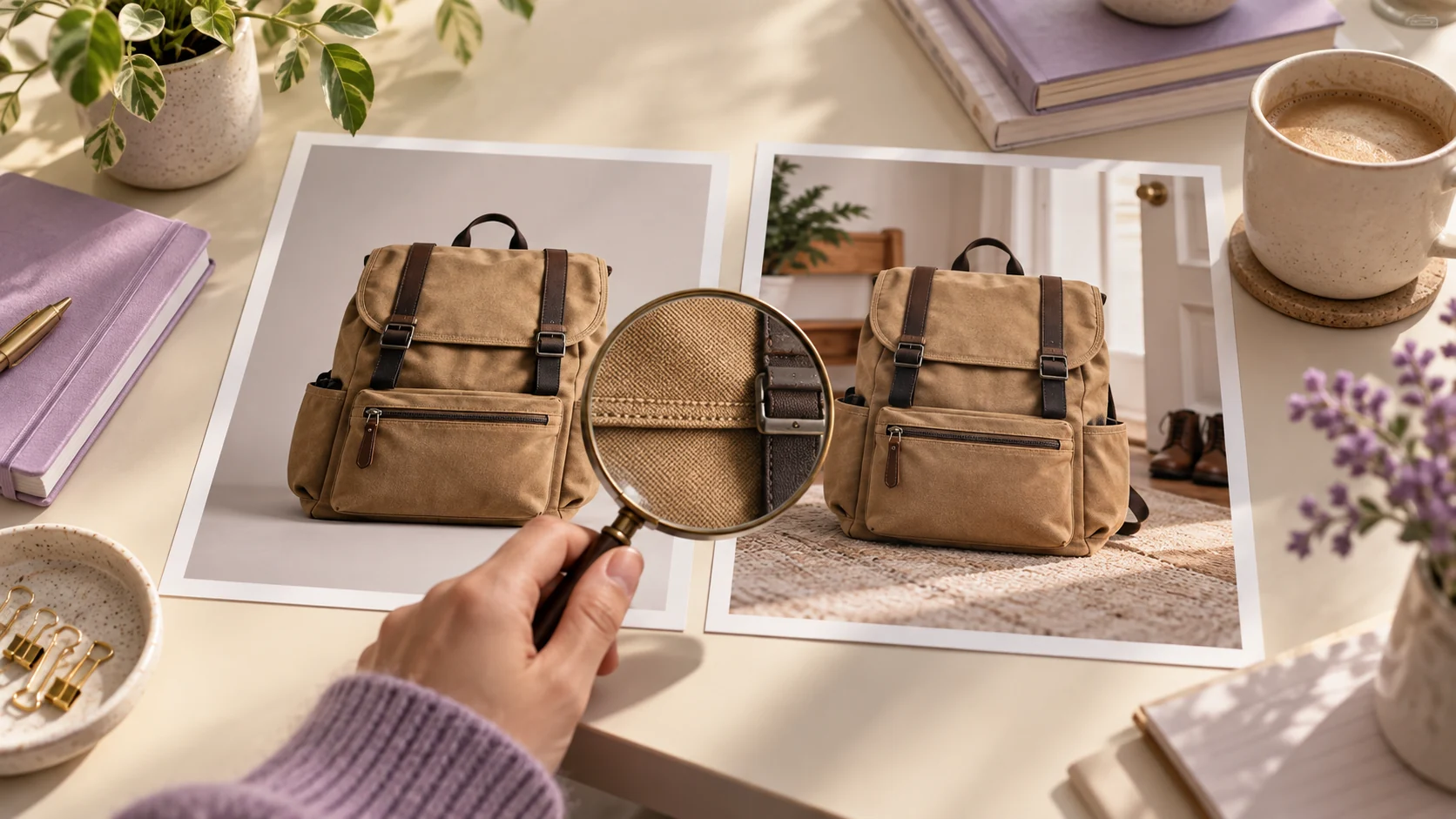
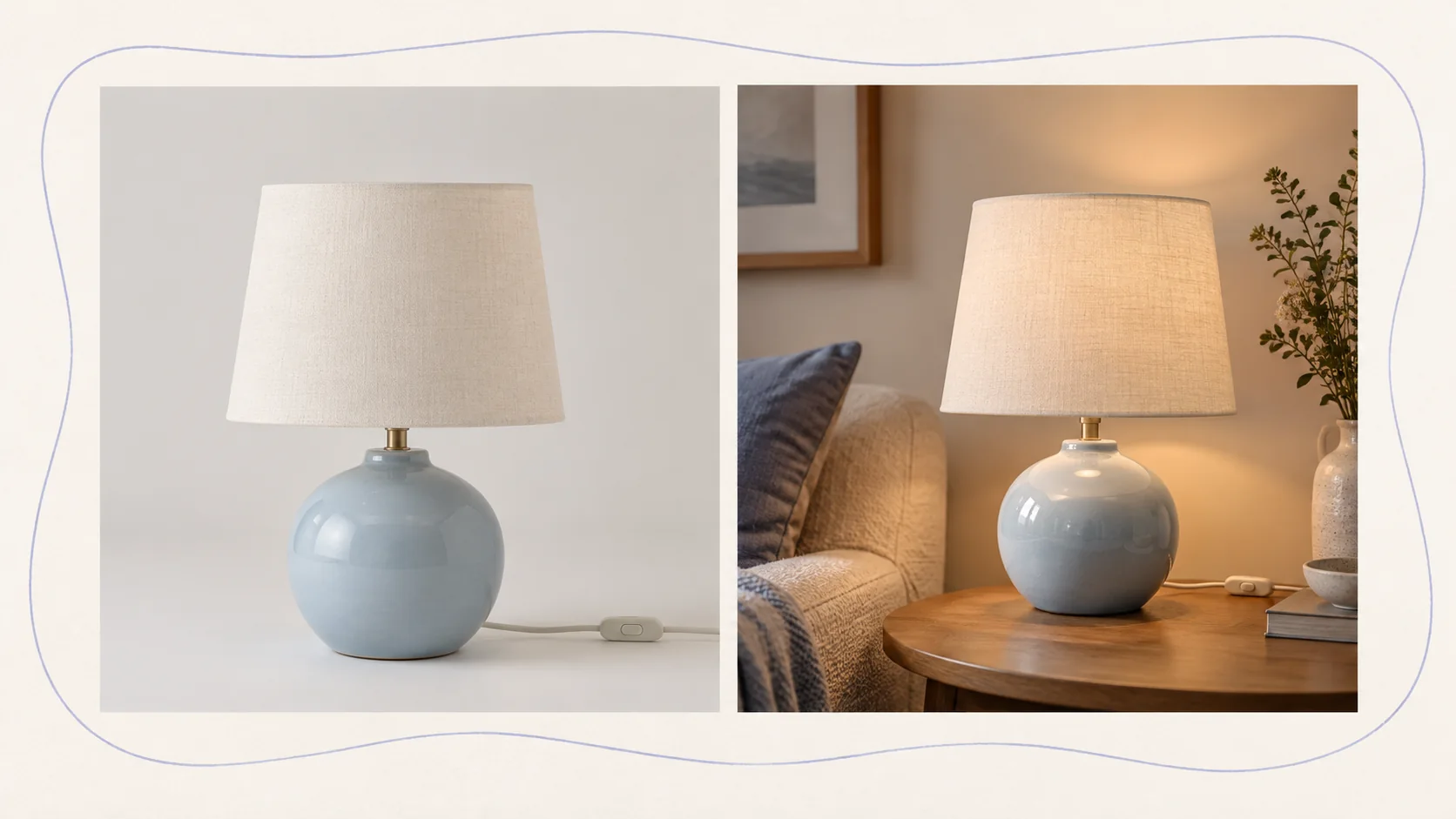
An edit brief can change the setting while asking that the object's shape and parts stay consistent. Illustrative concept, not a Nano Banana result or test.
Developer source.Google's Nano Banana examples describe image creation and editing (checked 2026-10-20). The prompts below are original text examples, not tested Nano Banana results in Pexo.
Pexo Gallery · selected references
Composition references
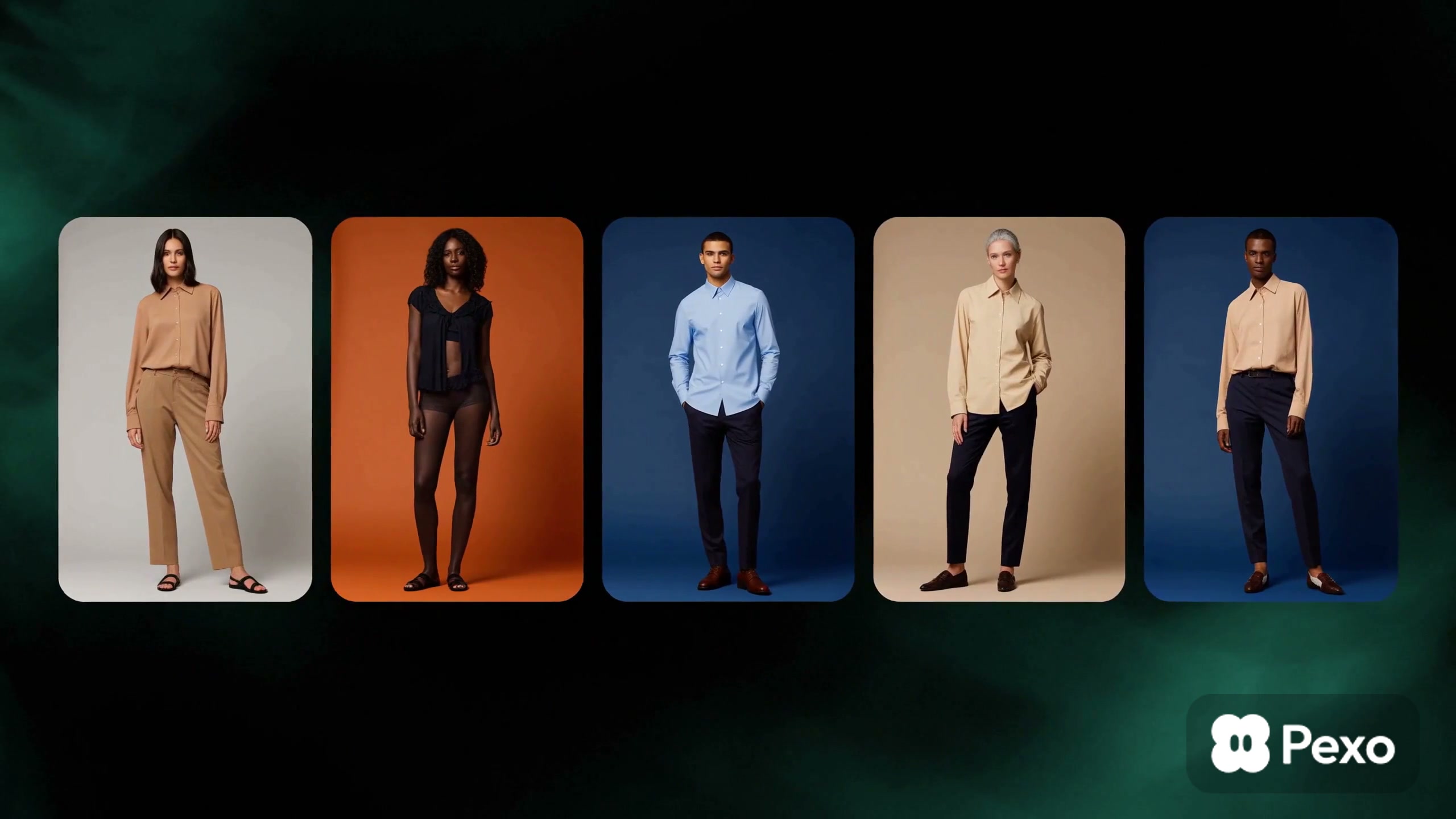
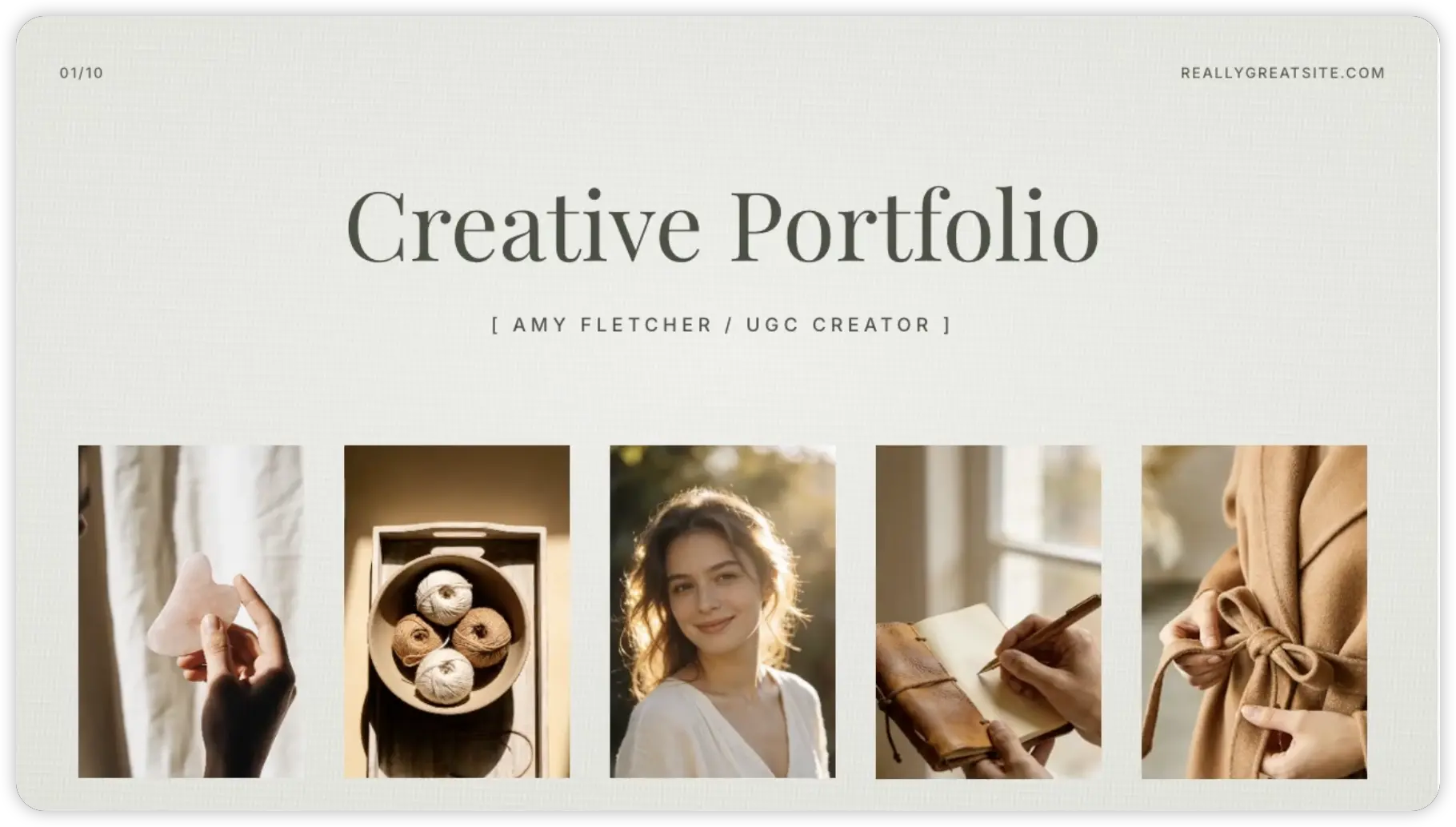
The styling cards and skincare portrait layout illustrate subject consistency and controlled edits; these stills are not Nano Banana outputs.
Cover stills from independent Gallery videos; use them to study composition, not as proof of model capability.
Pexo Gallery · cover reference
Virtual Styling Fashion Card Workflow
A virtual styling flow selects a portrait and outfit, then reveals animated full-body fashion cards through elegant image masks, clean controls, and editorial transitions.
A minimal editorial portfolio presents a young woman's portrait and lifestyle stills of skincare, yarn, handwriting, and a neutral garment on a clean cream layout with elegant typography.
Keep the photographed backpack, its straps, zipper layout, color and logo unchanged. Replace only the background with a clean home entryway in soft daylight. Maintain the original product scale and leave space above it for approved copy.
Product consistency across settings
Prompt text
Use the approved bottle photos as the product reference. Create a second lifestyle image at a work desk. Preserve the actual bottle shape, cap, label and approved color name. Change only the setting and lighting.
Portrait crop
Prompt text
With the subject's consent, use the supplied portrait to create a tighter editorial crop. Keep the person's facial features, clothing and skin tone consistent. Replace no identifiable personal detail; use a neutral background.
These are prompt text examples. No Nano Banana outputs from these prompts are displayed here.
Copy-Ready Prompts and Review Goals
For a poster, provide the exact headline and ask for a clear text area:
Prompt text
Use the supplied product image and approved headline "Carry what matters." Create a vertical poster concept with the real bag centered and a simple light background. Keep the product geometry unchanged. Place the headline in a readable area, then verify every character before use.
For a multi-image campaign, repeat the same approved reference files and explicitly preserve color, mark and product proportions. Compare the resulting images side by side for continuity. The review goal is fidelity, not an assumed model success rate.
Nano Banana to Video Workflow
An approved still can become a reference for a short video brief. Describe the real product action and state which image details must carry into motion. Pexo's product video workflow is a task entry point; check whether your account accepts the still as a reference. Review the video separately, because consistency in an image does not prove consistency in motion.
Model Comparison: When to Pick Something Else
Use a video workflow when movement is the deliverable. For a different image model, run the same edit request and reference, then compare product fidelity and text accuracy using the actual outputs. This page does not rank Nano Banana against another model.
Use It Inside Pexo (Auto Model Routing)
Start at the Nano Banana page and describe the change in ordinary language. Upload only assets you are permitted to use. Pexo describes automatic model handling; confirm the model and controls in your session before naming an output. Inspect unchanged areas, faces, logos and text before approval.
YOUR NEXT STEP IN PEXO
Keep the image edit faithful to the source.
Supply the authorized base image, name one change and inspect what should remain identical.
Compare the edit with the original image, narrow the edit to the background, and list the product parts that must remain unchanged. Review the next result for any remaining changes before using it.
Can I trust generated text in a poster?
Treat it as draft artwork. Compare every word and character with approved copy and correct it in the final design process.
Related Model Prompts
Pexo's model directory lists other current image and video options. Choose based on your deliverable, then verify the actual result.