
Pexo

THE PEXO PROMPT LIBRARY / MODEL

Seedance 2.5 Prompts: What's New and How to Prompt It

Pexo has a Seedance 2.5 model page and a separate Seedance 2.0 page. This guide turns the published descriptions into usable task briefs. It does not contain a controlled 2.0-versus-2.5 test or side-by-side renders. Verify the controls and output available to your account before planning around a published capability.

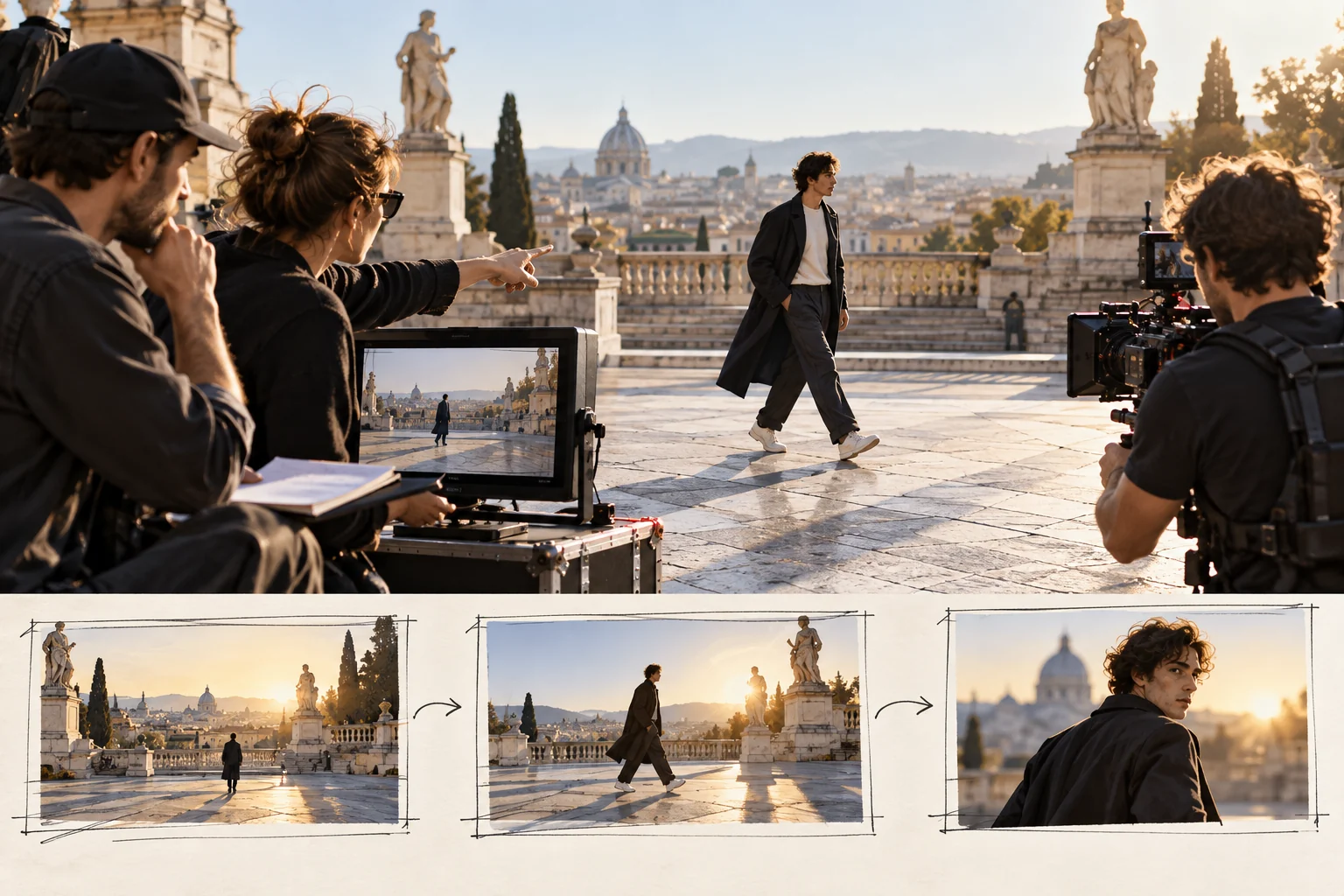
Production team planning an outdoor movement scene in three beats
Illustrative concept image made for this page · not a tested product output.

What Seedance 2.5 Supports

Pexo positions 2.5 for longer, reference-led video with sound and editing options. The practical use case is a scene with a clear beginning and end, several real assets to preserve and a reviewable action. A prompt should still name one deliverable rather than assuming that more references will solve an unclear story.

Developer source. ByteDance's Seedance 2.5 launch note describes longer single-pass clips, multiple reference inputs and targeted editing (checked 2026-10-20). These are developer specifications, not a Pexo account test; confirm the available route, limits and controls before using the brief.

Pexo's Published 2.5 vs Seedance 2.0 Claims

Pexo's model page advertises longer continuous clips, more reference inputs and localized editing for 2.5 compared with 2.0. Those are vendor-published claims, not measurements made for this article. The available settings, credits and result quality may differ in a live Pexo session. If a comparison matters, use the same approved brief and assets on both available workflows, save the settings and inspect the actual outputs.

Copy-Ready Prompts and Review Goals

One continuous product action

Prompt text
Use the supplied travel mug photos. Begin with the mug on a kitchen counter, show the real lid opening and one pour, then end on the approved front logo. Keep the lid hardware, mug shape and color consistent. Use quiet room ambience.

Review goal: product geometry and action continuity. This is not a generated example.

Reference-led brand scene

Prompt text
Use the approved bakery exterior, pastry and logo files. Open on the real storefront, move to a pastry detail and return to a wide counter view. Keep the brand mark unchanged. Warm morning light and natural shop sound; no invented offer or testimonial.

Review goal: reference fidelity across shots, with claims and rights checked separately.

Updated Prompt Patterns

For a longer scene, write an opening state, two essential actions and a final state. For multiple references, label each asset's job: product identity, location, logo or sound. If you need a local revision, name the exact region and the detail to preserve elsewhere; do not request a global restyle when only one prop is wrong. These instructions help make feedback specific even when an account does not expose every advertised control.

Model Comparison: When to Pick Something Else

Choose a still-image workflow when one frame is the final deliverable. For a short video with a different shot or audio emphasis, compare another available model using the same brief. Pexo's model directory is a starting list; no model wins every task by name alone.

Use It Inside Pexo (Auto Model Routing)

Open the Seedance 2.5 page or a relevant Pexo create workflow. State the task and upload authorized references if your session supports them. Pexo describes automatic routing, so confirm which model handled the request before labeling a result "Seedance 2.5." Inspect the preview and request a targeted revision. Review visual accuracy, captions, claims and rights before publication.

Seedance 2.5 Prompts FAQ

Are the review goals actual Seedance 2.5 outputs?

No. They tell you what to inspect in a future output. This page contains no paired renders or benchmark scores.

Should I specify every advertised setting?

No. Start with the creative brief and check the controls your account actually shows. Add technical settings only when they are available and necessary.