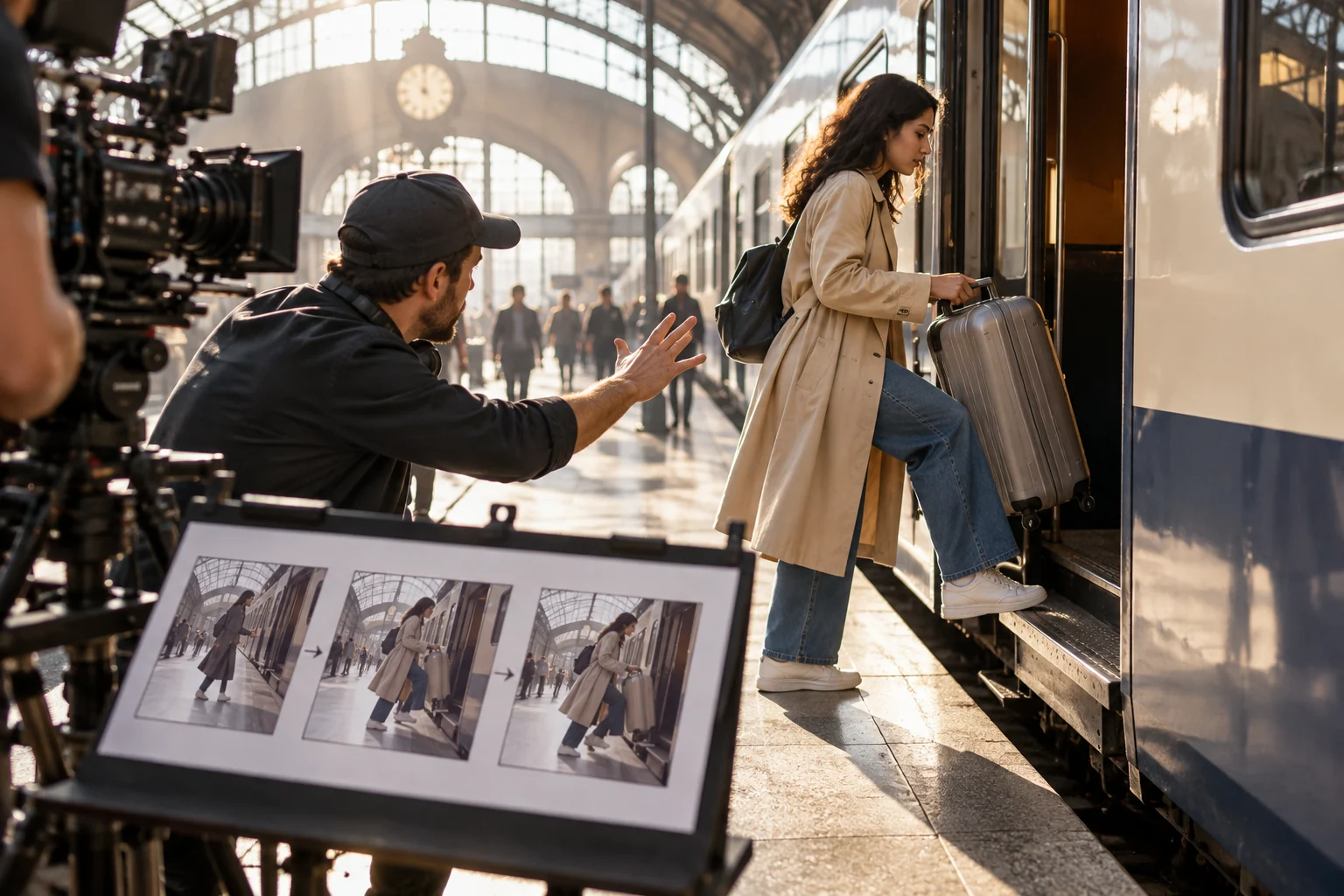
Sora 2 popularized detailed shot briefs that combine subject, action, camera and sound. Its original web/app experience and API have been discontinued, so use these original prompt structures with a currently available video workflow rather than assuming Sora 2 can still be selected. Pexo can help turn an approved brief and assets into a draft for review.
Illustrative concept image made for this page · not a tested product output.
What Sora 2 Prompts Can Still Teach
A shot description is more useful than a stack of visual adjectives. Give a subject one action in a defined place, name the camera position and specify any sound tied to that action. For marketing work, anchor the prompt to real product photos, approved screens and verified language. The structure transfers to another model even when the original service is unavailable.
Pexo Gallery · selected references
See these ideas in motion
A liquid splash and moving fabric give concrete motion references for the physics and scene prompts.
Independent Gallery examples, not tested outputs of the named model or this page's prompts.
Pexo Gallery · playable example
Golden Liquor and Ice Drop into a Dark Glass
Golden liquor pours into a clear tumbler before a large ice cube drops and splashes, captured in dramatic close-up lighting against a dark reflective studio background.
Original Pexo Gallery prompt
A clear glass is filled with golden liquor, then a large ice cube is dropped into it, creating splashes. The shot is a close-up, studio-style, with a dark backg…
View full prompt ▾Show less ▴
A clear glass is filled with golden liquor, then a large ice cube is dropped into it, creating splashes. The shot is a close-up, studio-style, with a dark background and reflective surface, using dramatic, high-contrast lighting to highlight the liquid and ice. The mood is sophisticated and refreshing.
A dancer in a blue bodysuit sweeps a long yellow scarf through the air on a pale shoreline, moving gracefully beneath a dramatic cloudy sky in a cinematic wide shot.
Original Pexo Gallery prompt
A cinematic shot of a female dancer in a blue bodysuit performing with a long yellow scarf on a white, sandy shore next to calm water under a dramatic, cloudy s…
View full prompt ▾Show less ▴
A cinematic shot of a female dancer in a blue bodysuit performing with a long yellow scarf on a white, sandy shore next to calm water under a dramatic, cloudy sky. The camera is at eye level, capturing her full body as she moves gracefully. The lighting is natural and soft, highlighting the vibrant colors of her attire and the scarf against the muted tones of the environment. The mood is artistic and expressive.
Use this order: shot size + subject + action + setting + camera movement + sound + end state. Add constraints for product shape, logo, people and text only when those details matter to the task. A short scene is easier to inspect when the prompt describes what happens first and last.
Prompt text
Medium shot of an original cyclist on a coastal road at dawn. The cyclist approaches one gentle bend and continues forward. Camera tracks from behind at riding speed, then settles into a wide view. Wind and tire sound; keep jacket, bicycle and direction consistent.
That is an illustrative brief, not a Sora 2 output or a promise of identical behavior in another model.
Service status source.OpenAI's Sora discontinuation notice states that the original web/app experience and API have ended (checked 2026-10-20). The briefs below are transferable writing exercises, not instructions to select a currently available Sora 2 route.
Copy-Ready Shot Briefs
Product action
Prompt text
Close view of the supplied travel mug on a kitchen counter. One hand opens the real lid and pours water into a glass. Camera pulls back to the correct full mug profile and approved logo. Quiet latch and pour sounds; preserve color and hardware.
Service sequence
Prompt text
Use the approved three-step booking screens. Begin with the user's goal, show one selection action, then end on the real confirmation state. Keep interface text and order exact. Leave captions for human approval.
Atmosphere with a clear ending
Prompt text
Use the approved bakery exterior and pastry references. Begin with the camera crossing the real doorway in morning light, then follow a loaf being placed on the counter. Hold on the approved shop sign at the end. Keep ambient sound natural and omit promotional claims not supplied by the brand.
Review geometry, sequence, sound and brand details in the actual output. The examples are reusable prompt text, not paired renders.
Physics and Story Prompts
For a scene with physical motion, identify what moves, what it touches and where it ends. For a story beat, identify a small change the viewer can follow. A product being lifted, a lid opening or a person reaching a destination is clearer than asking for several unrelated events in one shot. Keep continuity anchors such as clothing, object shape and direction of travel consistent across cuts.
When to Choose a Current Video Workflow
Choose a workflow according to the deliverable. A product demonstration needs fidelity to supplied images. An explainer needs the right order and exact claims. A social clip needs a first frame that makes the topic clear. Compare real previews from currently available options if a model choice matters; a historical prompt pattern is not a performance ranking.
Use a Current Workflow in Pexo
Pexo's create directory offers task-based video entry points. Start with the brief above and authorized assets, then inspect the direction and preview. Pexo describes model routing behind the scenes; check the current model used by your session instead of attributing a draft to Sora 2. Revise a specific shot and complete the usual factual, rights and caption review before publishing.
YOUR NEXT STEP IN PEXO
Use the shot structure in a current workflow.
The Sora 2 examples teach a useful brief pattern. Bring that pattern to an available Pexo workflow and verify the model used.
OpenAI discontinued its Sora web/app experience and API in 2026. Use these shot structures with a current workflow; confirm any model choice in the product you actually use.
Are the examples above real Sora 2 clips?
No. They are original, copy-ready briefs intended to transfer the prompt structure to another video workflow.
Related Model Prompts
Pexo's model directory lists currently displayed options. Start with the model or task page that matches your deliverable, then judge the actual preview.