
Pexo

THE PEXO PROMPT LIBRARY / MODEL

Veo 3.1 Prompts: Examples for Video With Native Audio

Google's published Veo 3.1 material describes video generation with audio. Pexo's video-ad use case mentions Veo 3.1 among possible shot-generation models, but that marketing page is not proof that your account can select or receive Veo on a given request. The prompts below are documentation-led starting briefs, not Pexo-generated clips or benchmark results.

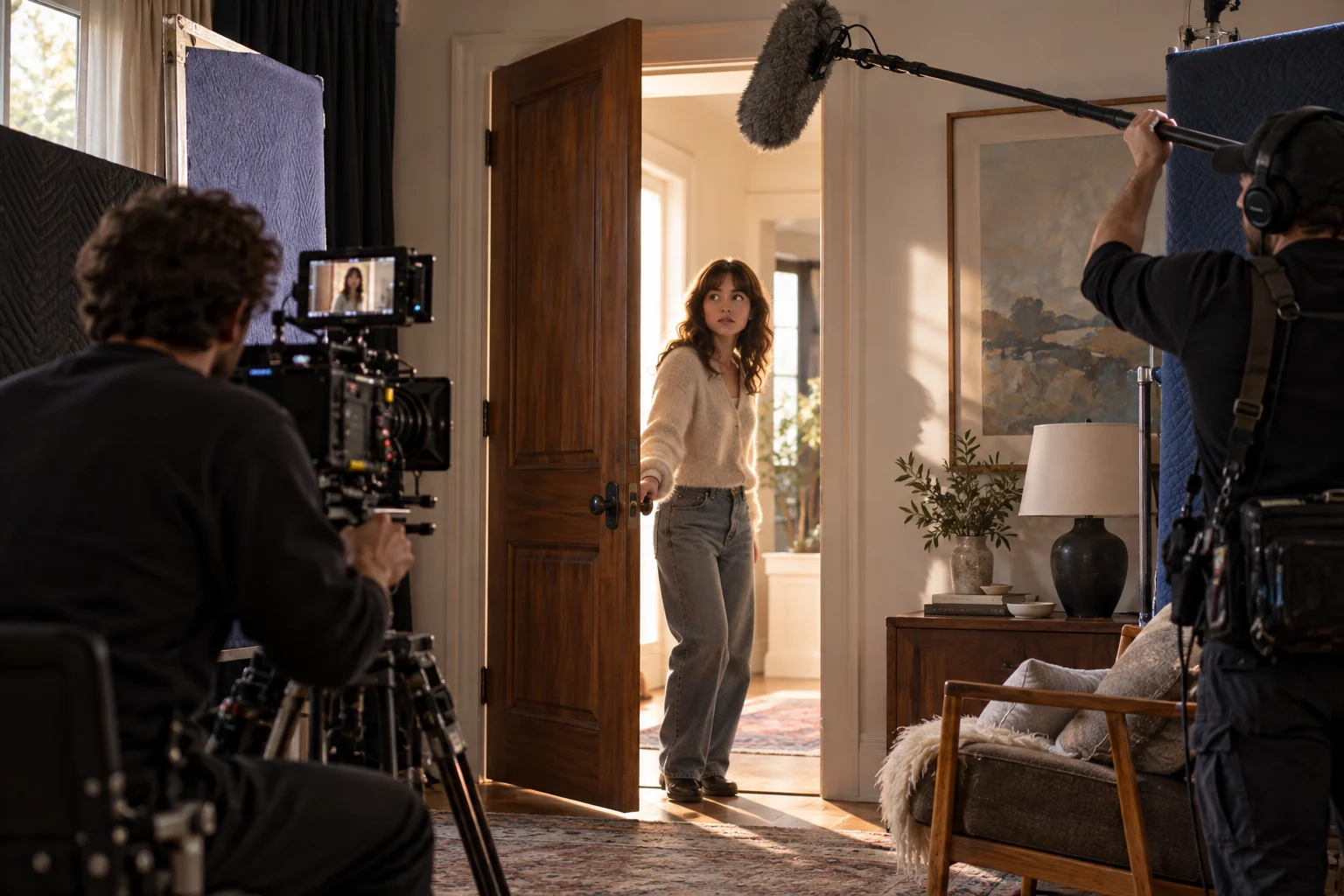
Film crew recording an actor opening a door with camera and boom microphone
Illustrative concept image made for this page · not a tested product output.

What Veo 3.1 Supports

An audio-aware video brief should make a visible event and its sound relationship clear. Describe who or what is on screen, the camera position, the action, any dialogue and the ambient sound. For brand work, keep spoken claims in an approved script and review the actual waveform and captions after generation. Google DeepMind's Veo 3.1 overview describes video generation with audio (checked 2026-10-20). That published capability is separate from the editorial advice above; it does not guarantee a particular result or Veo routing in Pexo.

Dialogue and Sound Prompts

A short exchange

Prompt text
In an original bakery setting, an adult staff member places a loaf on the counter. Medium shot, then a close view of the loaf. The staff member says the approved line, "Fresh from the oven," once. Quiet shop ambience and a soft paper-bag sound. No customer testimonial or invented offer.

Action with matching sound

Prompt text
Use the supplied travel mug photos. Close on the actual lid as one hand opens it, then show a pour into a glass. Keep the hardware and logo accurate. The latch click should align with the opening action; use natural room ambience and no narration.

Dialogue and synchronized effects are review goals here. Neither prompt was run for this article.

Copy-Ready Prompts and Review Goals

Product sequence

Prompt text
Create a short product scene using the approved lamp photos. Open on the real control dial, show one turn and a visible change in light, then end on the correct full product profile. Use a quiet switch sound and no spoken claim. Keep the dial markings and logo unchanged.

Atmospheric scene

Prompt text
An original cyclist rounds one gentle bend along a coastal path. Follow from behind, cut to a wheel detail, then end wide on the same direction of travel. Use wind and tire sound. Keep clothing, bicycle and weather consistent across the cuts.

Check timing, continuity, audio, product fidelity and rights in a real preview. These are illustrative prompts, not example outputs.

Veo 3.1 Strengths and Limits

Google describes Veo's native-audio capability; prompt writers can therefore specify an audible event alongside the visual action. But a model may still miss exact words, timing, logos or object geometry. Review dialogue and captions against approved text. If a sound lands at the wrong moment, revise that event rather than adding a longer list of unrelated style terms.

Model Comparison: When to Pick Something Else

Use an image workflow for a still deliverable. If a different video workflow is available, compare it with the same approved brief and references, recording the actual model and output. No cross-model result is claimed on this page.

Find a Pexo Workflow and Verify Routing

Pexo's video-ad page names Veo 3.1 as a possible model in its broader workflow. Start with the task and approved assets, then confirm the model and controls exposed in your account. Do not label a Pexo draft "made with Veo 3.1" until its route is verified. Review visual claims, dialogue, audio rights, captions and the final channel crop before publication.

Veo 3.1 Prompts FAQ

Are the example outputs shown here real Veo clips?

No. This is a prompt-only guide with review goals, not a gallery of paired renders.

Does the Pexo use-case page guarantee Veo routing?

No. It mentions Veo as part of its marketing description. Check the actual model path in your account for a specific request.