
Prompt 1: Mug product video.
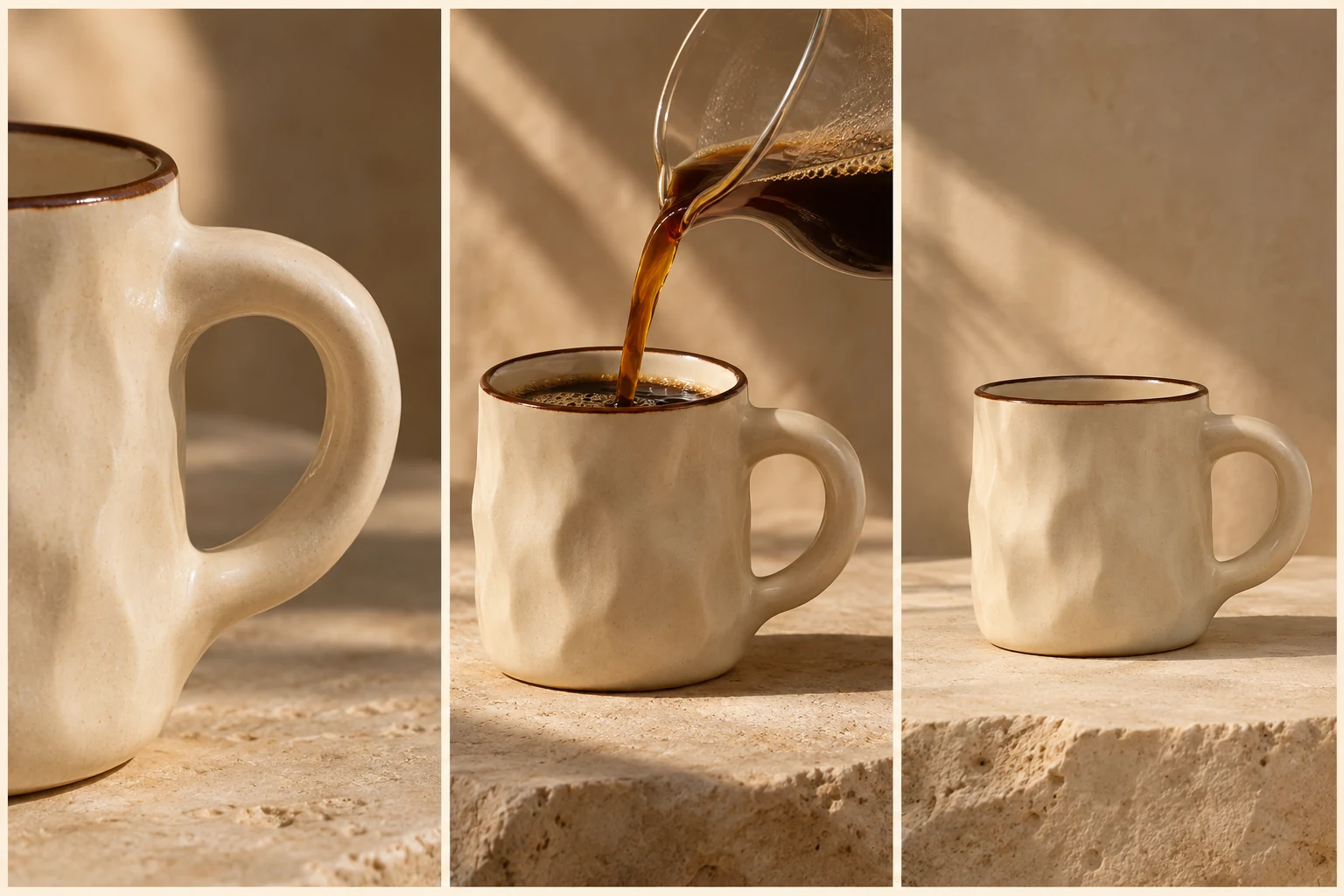
Create a 12-second product video of a ceramic mug using my photos. Show the actual handle, a pour and a final clean hero frame. No price or invented claims.
THE PEXO PROMPT LIBRARY / HUB
Browse by output: video briefs describe motion and sound; image prompts describe a frame; reflection templates ask a useful question. The copy-ready briefs below are original starting points. Adapt them to your own subject and assets; no example is presented as a tested product output.
A direction to explore
Browse by Category
Choose a section below, adapt the source brief to your own task, and review the result.
Eight original starter briefs follow. These are text examples, not observed product outputs.
Create a 12-second product video of a ceramic mug using my photos. Show the actual handle, a pour and a final clean hero frame. No price or invented claims.
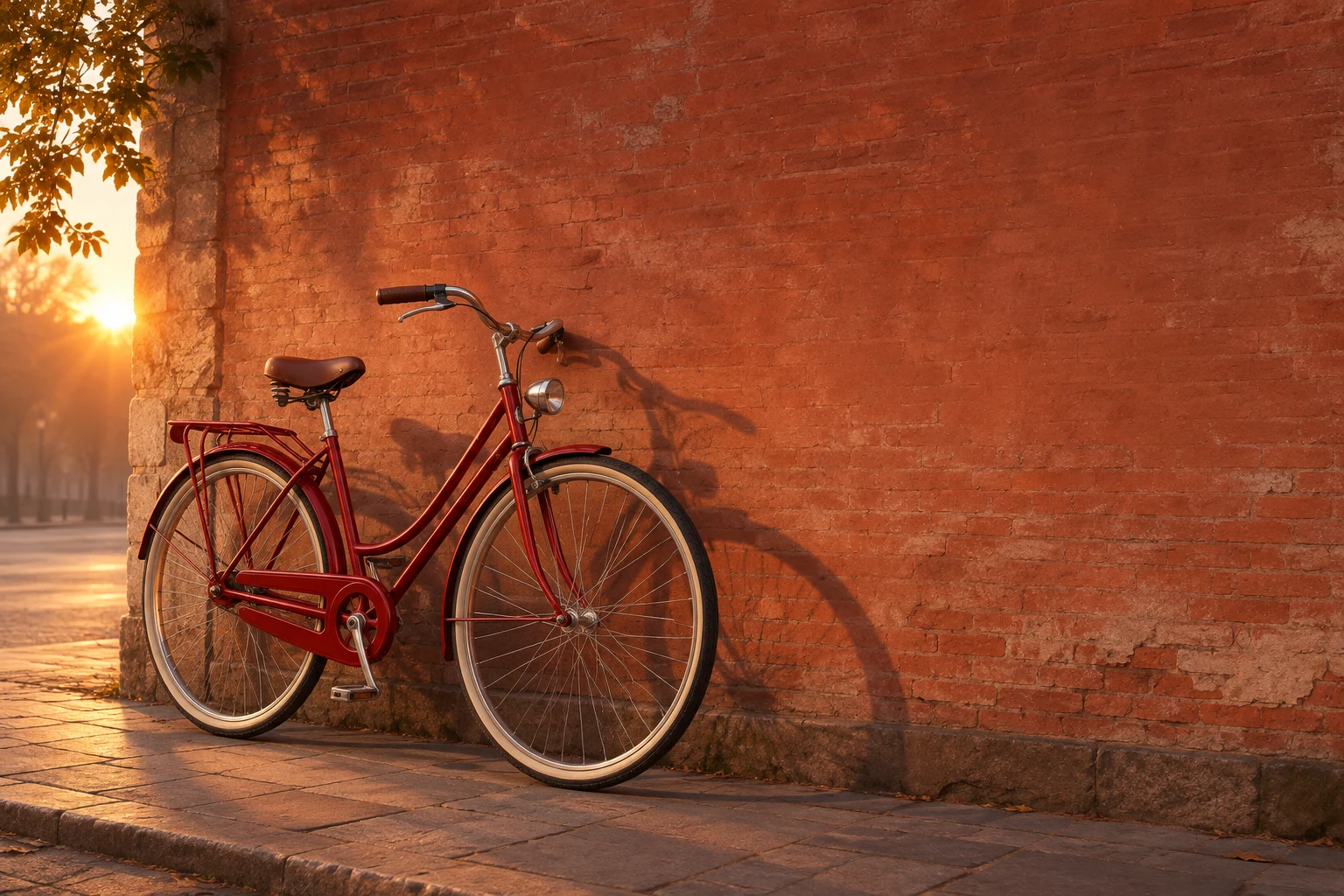
Create an editorial still of a red bicycle against a brick wall at sunrise. Keep the frame uncluttered and leave space for an approved headline.
Edit my authorized product photo. Change only the cluttered background to a warm neutral wall; keep the object, logo, edges and light direction unchanged. Compare the edit with the source.
Morning journal: What is one useful action I can finish today? What can wait without harm, and what would make me change the plan?
Create a short dance clip with one performer, two repeated eight-count phrases and a clear final pose. Keep the full body visible in a steady wide shot before one side-tracking move. Use only the licensed track I provide.
Use my licensed instrumental track to make a moody night-drive music video. Introduce wet street reflections in the first phrase, move to a passenger-window view at the chorus, and end on a stationary skyline. No unapproved lyric text.
Create a 10-second video of a red bicycle outside a bookshop. Start wide, track slowly toward the front wheel as a rider arrives, then hold on the bicycle beside the door. Morning light, natural street sound.
Animate my supplied photo of a yellow tulip bouquet. Keep the petals and vase unchanged; move the camera slowly from a medium view to a close detail while the stems sway slightly.
| Featured prompt and task | Starting material | Intended output | Matching guide |
|---|---|---|---|
| 1 · Product story | Approved mug photos and copy | Short product video | AI Video Prompt |
| 2 · Bicycle still | A new scene idea | Still image | AI Photo Prompts |
| 3 · Background edit | Authorized product photo | Edited still | Photo Editing Prompts |
| 4 · Morning reflection | Your private notes or blank page | Written journal entry | Morning Journal Prompts |
| 5 · Dance clip | Licensed track and choreography brief | Dance video | AI Dance Video Prompts |
| 6 · Track-led visuals | Licensed instrumental and section markers | Music video | Music Video Prompts |
| 7 · Bicycle arrival | New scene idea, no reference image required | Text-led video | Text to Video Prompts |
| 8 · Bouquet motion | Approved tulip photo | Image-led video | Image to Video Prompts |
Match the guide to your starting material and intended output; the featured text above is complete enough to adapt on its own.
Brief 1: Mug-photo product clip. Brief 2: Original bicycle still.
Selection rule: Choose by output: motion from owned product photos for the mug, a new editorial still for the bicycle.
Source-to-instruction relationship: The mug photos fix handle and product form; the bicycle still has no product reference and should not borrow the mug's claim rules.
Visible signal: The hub sends a still-image user to a video workflow or the mug clip invents a performance claim.
Next revision: Follow the output-type route in the category table and keep approved product facts separate from visual instructions.
Source to retain: the approved mug photos for motion or the original bicycle-still brief. After an actual run: save the exact prompt version, resulting file and a review note stating whether the chosen category matches output type and the mug clip keeps real handle and shape. Until that run exists, leave the result and review fields unfilled. The Gallery cases below are separate published projects and cannot complete this record.
Official Pexo Gallery · selected references
Compare 3 separately published Pexo Gallery examples that illustrate the visual choices discussed in this page.
Official Gallery examples with Prompts published on their source pages. These videos are separate from this page's starter briefs, supplied assets and any named model. Review your own result before publishing.
Official Pexo Gallery example · separate published project
A watch launch moves between a full watch view and close views of the dial, case and bracelet under directional light. The product watch hero and detail shots provide a concrete product-video category example.
Subject: dark classic wristwatch; Style: cinematic luxury launch; Environment: black-blue studio; Action: rotating macro details; Camera: conservative composition; Lighting: warm metallic highlights; Mood: precise, premium, dramatic.Official Pexo Gallery example · separate published project
A recurring illustrated traveler moves through Madrid landmarks and ends on a Diary of a Creative in Madrid title card. The recurring illustrated traveler and diary title frame provide a distinct personal-story category example.
Subject: Paper-collage girl; Style: Collage animation; Environment: Madrid landmarks; Action: Girl walks, poses; Camera: Fixed perspective; Lighting: Flat, muted colors; Mood: Whimsical, nostalgic.Official Pexo Gallery example · separate published project
A dance group performs on a reflective stage; wide views show the formation, while closer shots show hands and footwork. The stage performance alternates ensemble and detail views, providing a distinct dance-video category example.
Subject: K-Pop girl group; Style: dancing video; Environment: reflective stage, pink neon lights, circular screen with clouds; Action: choreographed dance routine; Camera: close-ups, wide shots; Lighting: bright, pink neon; Mood: dynamic.Worked choice: If you have approved photos of a ceramic mug and need a moving product story, choose prompt 1, not the still-image or journal prompt. List the real handle, visible lid and permitted copy before pasting. Inspect the draft for the handle shape and final frame; if the label is unreadable, request a revision to that shot or use an approved text treatment. If you only need a product photo, choose the still-image route instead. This is a selection example, not a reported Pexo result.
For a video prompt, bring the reviewed brief and authorized media to Pexo's AI video generator. Image, edit and reflection prompts belong in their matching workflows first; this library does not turn every prompt into a Pexo video automatically.
YOUR NEXT STEP IN PEXO
Use authorized assets, inspect the draft, and revise what does not match the brief.
Use this brief when: Start from the material you actually have: product photo, written scene, audio, approved facts or a private journal entry.
Acceptance check: Choose a brief whose required input exists, then mark what must remain exact and how you will recognize a correct result.
If it fails: If a brief depends on missing evidence, move to a different category or obtain the source first.
Start with the deliverable: video, still image, edit or reflection. Then choose the example closest to that job.
No. Use image or chat prompts in their matching workflows; bring a reviewed video brief and authorized assets to Pexo.