
Product organization
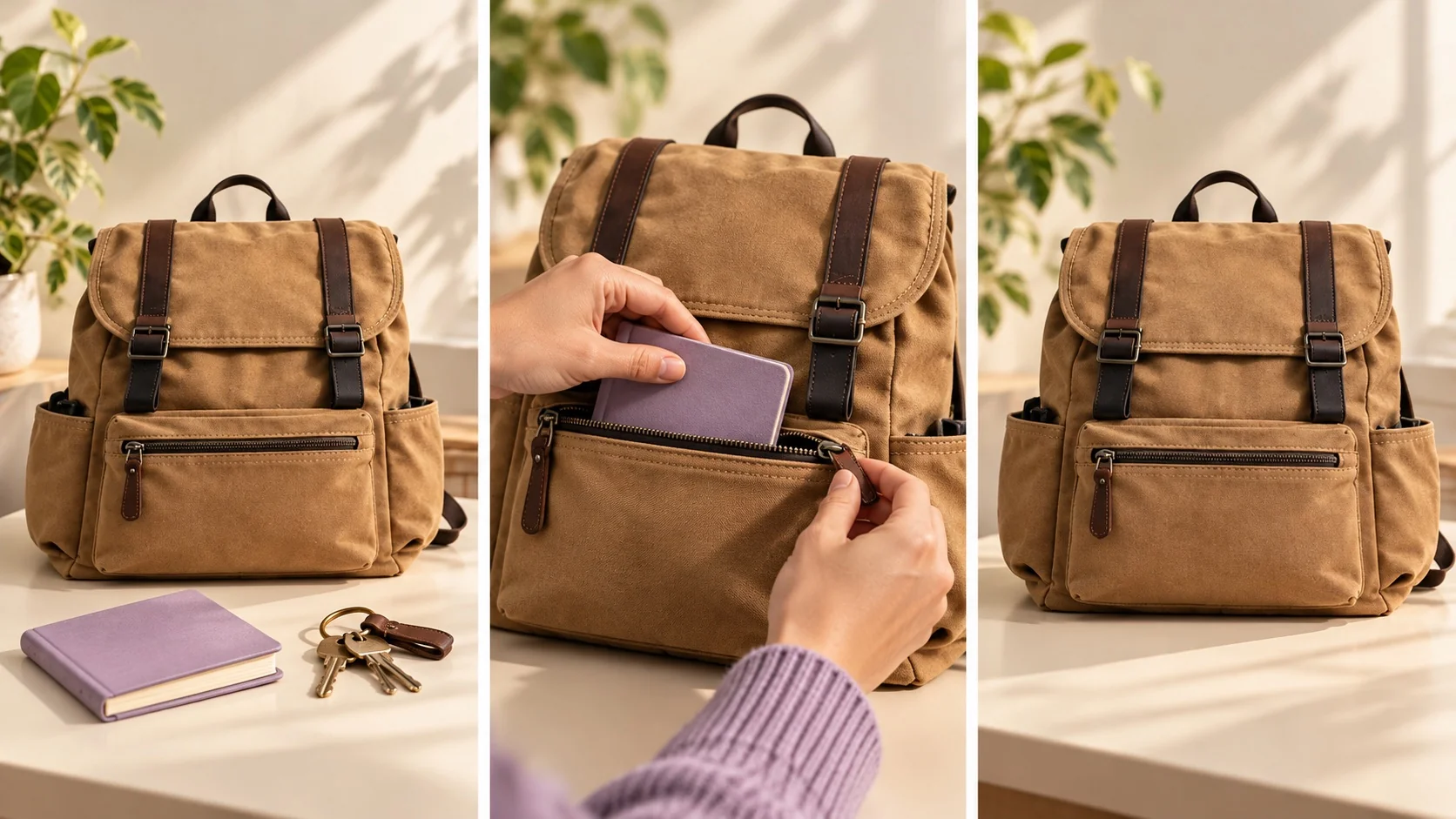
Open on a notebook and keys beside the supplied backpack. Show the real front pocket opening and the notebook going inside, then reveal the full bag profile. Use the approved mark and keep the pocket layout accurate.THE PEXO PROMPT LIBRARY / HUB
Give a short-form video one message and one action. Start with the product or question the viewer recognizes, then show a proof point and a frame that can carry approved text. The platform changes the packaging; it does not replace accurate brand assets.
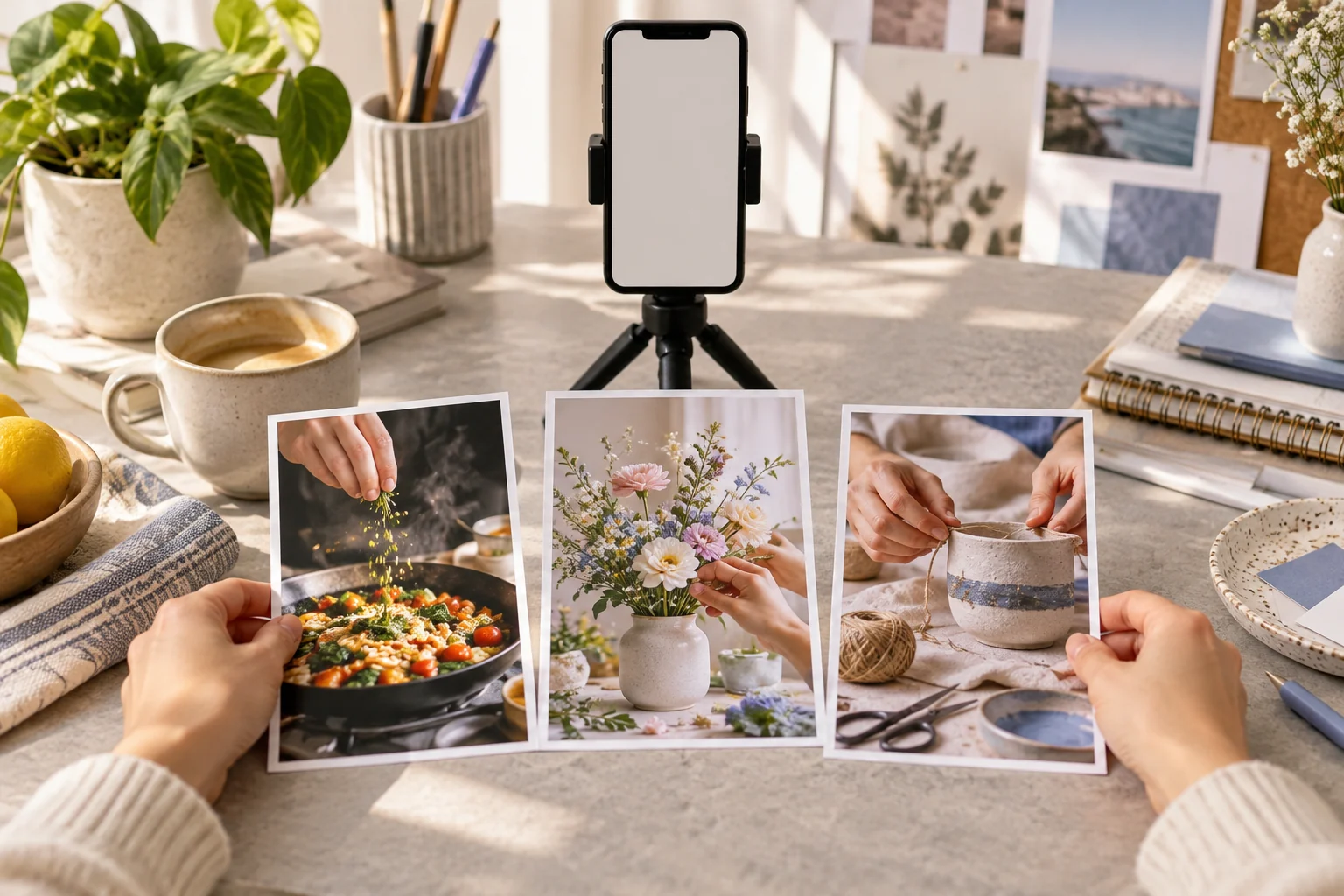
A direction to explore
Prompts by Platform
Use the sections below to find a direction and adapt the source prompts to your own brief.
Copy a starting prompt and adapt it to your approved assets. Images are editorial references, not outputs from the copied prompts.
Open on a notebook and keys beside the supplied backpack. Show the real front pocket opening and the notebook going inside, then reveal the full bag profile. Use the approved mark and keep the pocket layout accurate.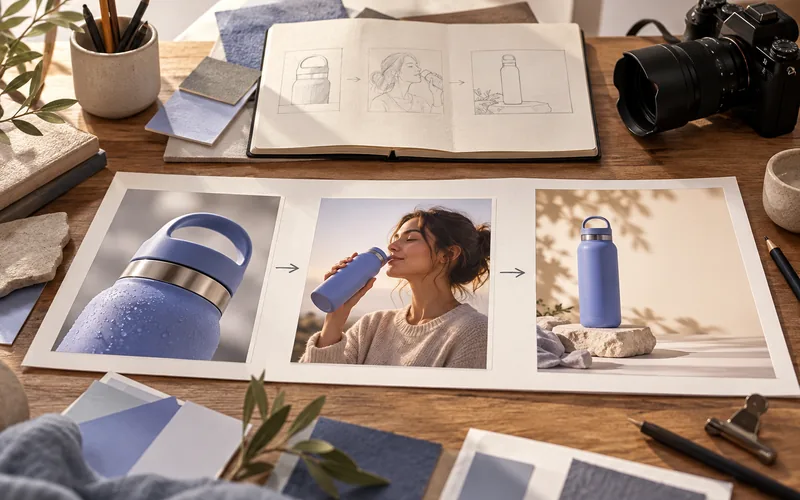
Show the supplied insulated bottle at a work desk, then on a day walk. Keep the same bottle, cap and color. End on one approved feature rather than an invented performance number.Make a vertical tutorial from the supplied water-filter installation photos. Show alignment, insertion and the finished fit in three clear beats. Keep the real parts and labels unchanged.Start close on the supplied linen shirt fabric, pull back to show its fit on a model with consent, then finish on the approved color name. Soft daylight; preserve the real fabric tone.Start with the on-screen question "Where does the cable go?" Show the approved desk setup and the supplied cable channel, then end on a wide view of the same desk.Use the real package and product photos. Open with the sealed box, show hands lifting out the item, and finish on the correct product profile. Keep all visible packaging text aligned to the approved artwork.Explain the verified three-step app workflow with approved screenshots. Begin with the user goal, show one action per screen and end on the confirmed result. Leave room for human-checked captions.Use the supplied bakery exterior and pastry photos. Show the real storefront, a close pastry detail and the approved logo in a vertical frame. Warm ambient sound; no customer quote or invented offer.Pexo Gallery · selected references
Vertical typography hook, lifestyle selfie and creator product review represent three social-video formats.
Independent Gallery examples, not outputs of the prompts above. Review your own generated result before publishing.
Pexo Gallery · playable example
This kinetic typography video features bold white, black, and red text on warm amber and black fields, utilizing hanging strings and bouncy motion to create a punchy social media engagement hook.
Subject: Bold white, black, red text; Style: Kinetic typography, bouncy motion; Environment: Warm amber field, hanging strings; Action: Text forms engagement hook; Camera: Static, conservative composition; Lighting: Flat, even, warm amber; Mood: Punchy, engaging, dynamic.Pexo Gallery · playable example
A smiling young woman in a green bucket hat takes a wide-angle selfie beside a sunny outdoor pool, surrounded by inflated pink letters with a summer theme, in a playful vertical lifestyle clip.
Subject: smiling young woman; Style: playful vertical clip; Environment: sunny outdoor pool; Action: takes wide-angle selfie; Camera: wide-angle selfie; Lighting: bright direct sunlight; Mood: carefree and summery.Pexo Gallery · playable example
A woman in black glasses and a dark blazer reviews a purple OLIPOP classic grape can in a neutral indoor tabletop setting, presenting, opening, pouring over ice, tasting, and reacting positively.
Subject: woman in black glasses; Style: UGC beverage review; Environment: neutral indoor tabletop; Action: presents, opens, pours, tastes; Camera: vertical close-up; Lighting: warm soft light; Mood: positive, sensory.| Placement | Briefing priority | Review point |
|---|---|---|
| TikTok | Immediate question or visual action | Hook clarity and text-safe framing |
| Instagram Reels | Recognizable brand visual and compact story | Crops, logo placement and caption accuracy |
| YouTube Shorts | Clear sequence that works without surrounding context | The first frame and final takeaway |
Use the current platform upload requirements when producing the final export. Platform dimensions, duration limits and caption behavior can change.
Build a repeatable set by task: product demonstration, explanation, brand scene, tutorial or launch. Change the product evidence and hook for each post; keep approved visual identity consistent across the series.
A hook should make the next shot necessary. Try a visible action, a concrete question or a product detail that the following frames answer. Give each shot one job: introduce, demonstrate or conclude. Leave enough time for the viewer to understand the feature rather than cutting simply to look fast.
Create a vertical product social video from the supplied compact vacuum photos. First frame: crumbs near a keyboard. Second beat: show the real nozzle clearing that small area. Third beat: the same product beside the clean desk. Keep the nozzle, buttons and logo faithful to the references. End with space for one approved feature line.
Pexo's Social Media Video page is the relevant task entry. Provide product assets, the intended platform and one message. Review the proposed direction and preview, then ask for a specific change while keeping what works. Before posting, check rights, product facts, subtitles, crop and platform settings.
YOUR NEXT STEP IN PEXO
Choose the channel, opening action and safe crop, then review the Pexo draft in the target app before posting.
A shared story can work across placements, but review the opening frame, text-safe area and crop for each destination. Keep the product proof point intact when reframing.
The marketing operator still owns the final check. Use the Social Media Video workflow to shape and revise the video, then inspect brand details and claims before posting.