
Pexo

THE PEXO PROMPT LIBRARY / LISTING

AI Dance Video Prompts: Choreography, Style and Camera

Name the movement in counts or simple actions. Keep a wide shot long enough to judge body position before using close camera moves. The copy-ready briefs below are original starting points. Adapt them to your own subject and assets; no example is presented as a tested product output.

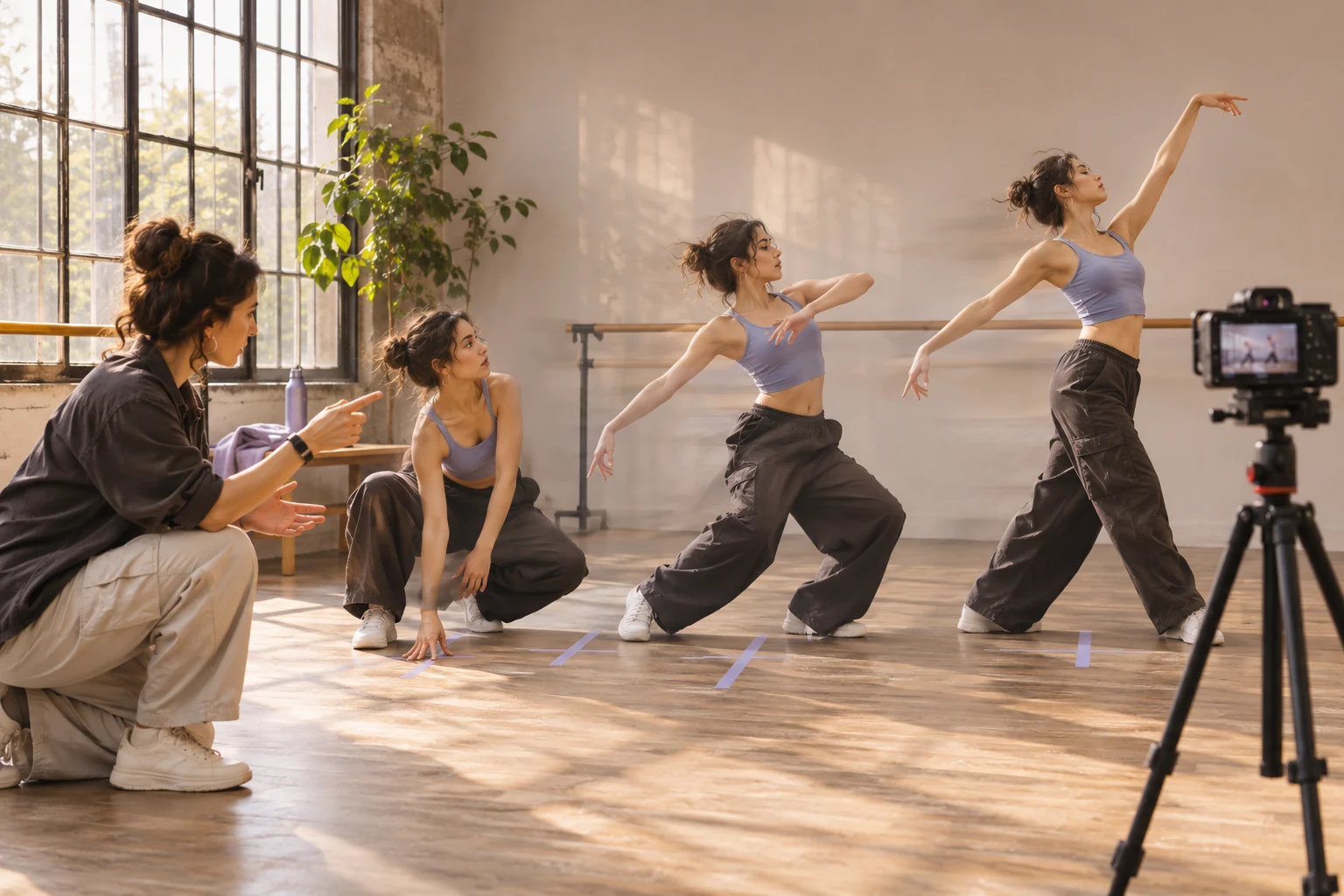
A choreographer and one dancer marking three successive poses in a sunlit rehearsal studio, with floor tape, a camera on a tripod, and restrained motion blur
Illustrative concept image made for this page · not a tested product output.

Style and Choreography Keywords

Describe repeatable steps or counts before adding style words. A stable wide shot lets you check both the choreography and body continuity.

How can you check the choreography before the camera style?

Read the two eight-count phrases as a movement map, then inspect a wide-view result at the right touch, left touch and final pose. A close-up may look energetic while hiding incorrect feet or extra limbs. Keep the wide shot until those checkpoints remain continuous; only then add the side-tracking move.

Copyable starter brief

Prompt text
Create a short dance clip with one performer, two repeated eight-count phrases—step right and touch, step left and touch, repeat once—then a clear final pose. Keep the full body visible in a steady wide shot before one side-tracking move. Use only the licensed track I provide.

Which brief fits your source?

Brief 1: Solo two-phrase step-touch. Brief 2: Mirrored duet with footwork detail.

Selection rule: Use the solo route to assess counted movement; use the duet only when two performers and their mirrored timing are the point.

Source-to-instruction relationship: The wide shot establishes bodies and count; the close-up can add detail only after the feet and final pose remain coherent.

If the draft misses the brief

Visible signal: The close-up hides a skipped count, unsynchronized dancers or an extra limb.

Next revision: Hold the frontal wide view through a complete phrase, then add a single footwork insert without changing the step order.

Keep the source and review together

Source to retain: the licensed track and the written two-phrase step count. After an actual run: save the exact prompt version, resulting file and a review note stating whether the right touch, left touch and final pose remain continuous through the camera change. Until that run exists, leave the result and review fields unfilled. The Gallery cases below are separate published projects and cannot complete this record.

Camera Work for Dance

Give each camera move a job: show the whole phrase, then isolate one detail of the footwork without hiding the final pose.

Copyable starter brief

Prompt text
Show two dancers mirroring a simple step-touch pattern in a bright rehearsal room. Alternate a frontal wide shot with one close-up of footwork; avoid impossible extra limbs.

Count the move before changing the camera

For a solo phrase, keep the performer full-body in one wide view through an eight-count and check the final pose. For the mirrored two-person brief, watch both dancers in the same uninterrupted wide eight-count before cutting to hands or feet. If one person's step disappears at the edit, move the close shot later. These are viewing criteria for the written briefs, not a record of generated choreography.

Choose a count pattern before a style label

For a solo side-step phrase, mark counts one to four as step, touch, step, touch and repeat that sequence before the final pose. For a two-person mirror phrase, have one dancer lead right while the other leads left; hold a frontal full-body view until both complete the same eight counts. These are alternative written blocking plans.

How to Write Your Own AI Dance Video Prompts

Break the movement into simple counts, name the performer count and keep one wide camera angle for a full phrase. Add a close-up only after the movement is clear. Check limbs and beat alignment in the preview.

Use a Reviewed Video Brief in Pexo

Bring your brief and approved assets to Pexo's dance video workflow. Review the proposed direction and preview, request specific changes in conversation, and check the final video for factual, visual and rights accuracy. Account credits and eligible free use depend on the current plan.

Check choreography before style

Use this brief when: Start with one performer when timing is the priority; add a second only when mirrored movement is the point of the clip.

Acceptance check: Watch a full phrase without pausing: feet, count pattern and final pose should remain visible in the wide view.

If it fails: If a close shot hides the next step, return to the wide view before that count.

Inspect the cut after the wide dance phrase

The solo wide shot can establish the eight-count sequence; a later detail shot should resume on a matching body position. Write a cut note such as “after the final left touch, return on the next planted right foot.” Compare the performer's clothing, hand placement and floor position immediately before and after the cut. An extra hand or a reset pose can make the motion unreadable even when each shot looks plausible alone. If the match fails, keep the whole phrase in the wide view and omit the detail. This is an edit decision for a future generated clip, not a claim of an observed dance result.

AI Dance Video Prompts FAQ

How should I describe choreography?

Write simple actions or counts, name the number of performers and keep a wide shot through one full phrase.

What should I check in the preview?

Watch limbs, repeated steps, music timing and the final pose before adding close camera moves.