
Pexo

THE PEXO PROMPT LIBRARY / LISTING

Music Video Prompts: Visuals That Match Your Track

Let the track control scene changes. Confirm music and lyric rights and check every on-screen word before publishing. The copy-ready briefs below are original starting points. Adapt them to your own subject and assets; no example is presented as a tested product output.

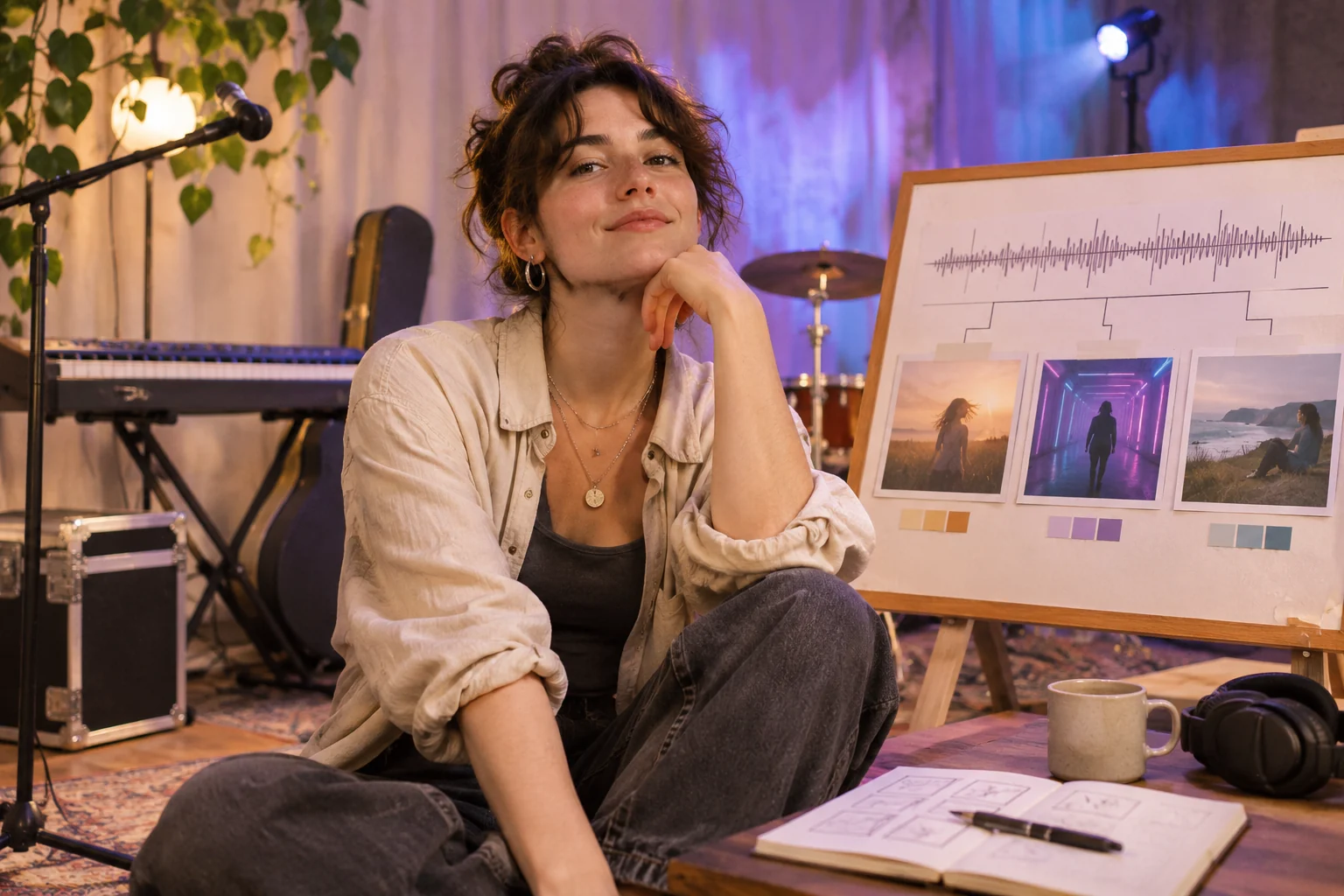
An independent musician at a small performance set, unbranded keyboard and instrument cases, colored stage light, and a physical storyboard that maps rhythm to three visual scenes
Illustrative concept image made for this page · not a tested product output.

Matching Visuals to Tempo and Mood

Map visual changes to known musical sections rather than asking for unrelated scenes. State what the supplied track permits you to show.

What if the track's section times are unknown?

Listen to the licensed recording and write the opening, lift and ending timecodes into the brief before generating scenes. If the chorus begins later than the planned window view, change the shot marker to the real audio rather than inventing a beat. Leave lyric text out unless its exact words and use are approved.

Copyable starter brief

Prompt text
Use my licensed instrumental track to make a moody night-drive music video. Introduce wet street reflections in the first phrase, move to a passenger-window view at the chorus, and end on a stationary skyline. No unapproved lyric text. Section markers: opening [time], lift or chorus [time], ending [time]. Fill these from the actual recording.

Which brief fits your source?

Brief 1: Instrumental night drive. Brief 2: Lyric storyboard with approved text.

Selection rule: Choose the night drive when the track has no approved lyric sheet; choose typography only after exact lyrics and timing are supplied.

Source-to-instruction relationship: The recording fixes section timing; the lyric sheet fixes words, while camera and graphic treatment are editorial choices.

If the draft misses the brief

Visible signal: A chorus visual arrives before the real chorus or the screen displays a guessed lyric.

Next revision: Mark real section timecodes from the licensed file and delete unsourced lyric text before assigning scenes.

Keep the source and review together

Source to retain: the licensed recording with marked section times, plus an approved lyric sheet if typography is used. After an actual run: save the exact prompt version, resulting file and a review note stating whether scene changes meet the recorded sections and each displayed word matches the sheet. Until that run exists, leave the result and review fields unfilled. The Gallery cases below are separate published projects and cannot complete this record.

Lyric Video Prompts

Treat approved lyrics as fixed source text. Specify where words appear, then check spelling and timing against the lyric sheet.

Copyable starter brief

Prompt text
Create a lyric-video storyboard for my supplied song: one understated type treatment per verse, stronger motion at the chorus, and a final hold on the approved title. Check every lyric against the supplied sheet.

Turn a licensed track into a visual map

Listen to the actual track before assigning shots. Mark the opening, first musical lift and ending at their real timecodes; beside each mark, write the one visual change that should happen there. For a lyric treatment, keep the approved transcript in a separate column and compare every displayed word with it. If no lyric rights or reliable transcript are available, use visual rhythm without on-screen lyrics. The page's written briefs are planning examples, not synchronized outputs.

How to Write Your Own Music Video Prompts

Divide the licensed track into opening, verse or build, chorus and end. Give each section a visual purpose. If lyrics appear, supply an approved transcript and check every on-screen word against it.

Use a Reviewed Video Brief in Pexo

Bring your brief and approved assets to Pexo's music video workflow. Review the proposed direction and preview, request specific changes in conversation, and check the final video for factual, visual and rights accuracy. Account credits and eligible free use depend on the current plan.

Mark the music-to-picture handoff

Use this brief when: Use the night-drive brief for instrumental mood; use the lyric treatment only with an approved transcript and display rights.

Acceptance check: Mark the track's phrase changes on a timeline and check whether each visual change lands on the intended phrase; compare every displayed lyric with the source.

If it fails: If the cut or text drifts, fix the timing or remove the lyric rather than inventing a line.

Prepare a performance-led alternative

The night-drive and lyric briefs are not suitable when the artist wants the actual performer visible. A separate starter brief can keep one licensed performance source central:

Prompt text
Build a 20-second music-video teaser from my approved single-room performance footage and licensed song. Keep the singer's visible phrase in sync with the supplied master track, use one wide room view and one authorized hand-detail shot, and return to the wide view for the final chord. Do not invent an audience, venue name or lyric card.

Compare the visible phrase and final chord with the supplied recording. This is an additional written direction, not a finished teaser or proof that sync was achieved.

Music Video Prompts FAQ

Can I use any song with these prompts?

Use only tracks and lyric text you have permission to use. Check where the music changes before assigning scene cuts.

How do I handle lyrics on screen?

Supply approved lyrics, identify the lines that appear and compare every displayed word with the source sheet.