Pexo

THE PEXO PROMPT LIBRARY / LISTING

AI Vlog Prompts: Influencer-Style Daily and Travel Clips

A vlog feels personal when place, point of view and sequence are clear. Supply your own footage or references and decide which moments actually happened. The copy-ready briefs below are original starting points. Adapt them to your own subject and assets; no example is presented as a tested product output.

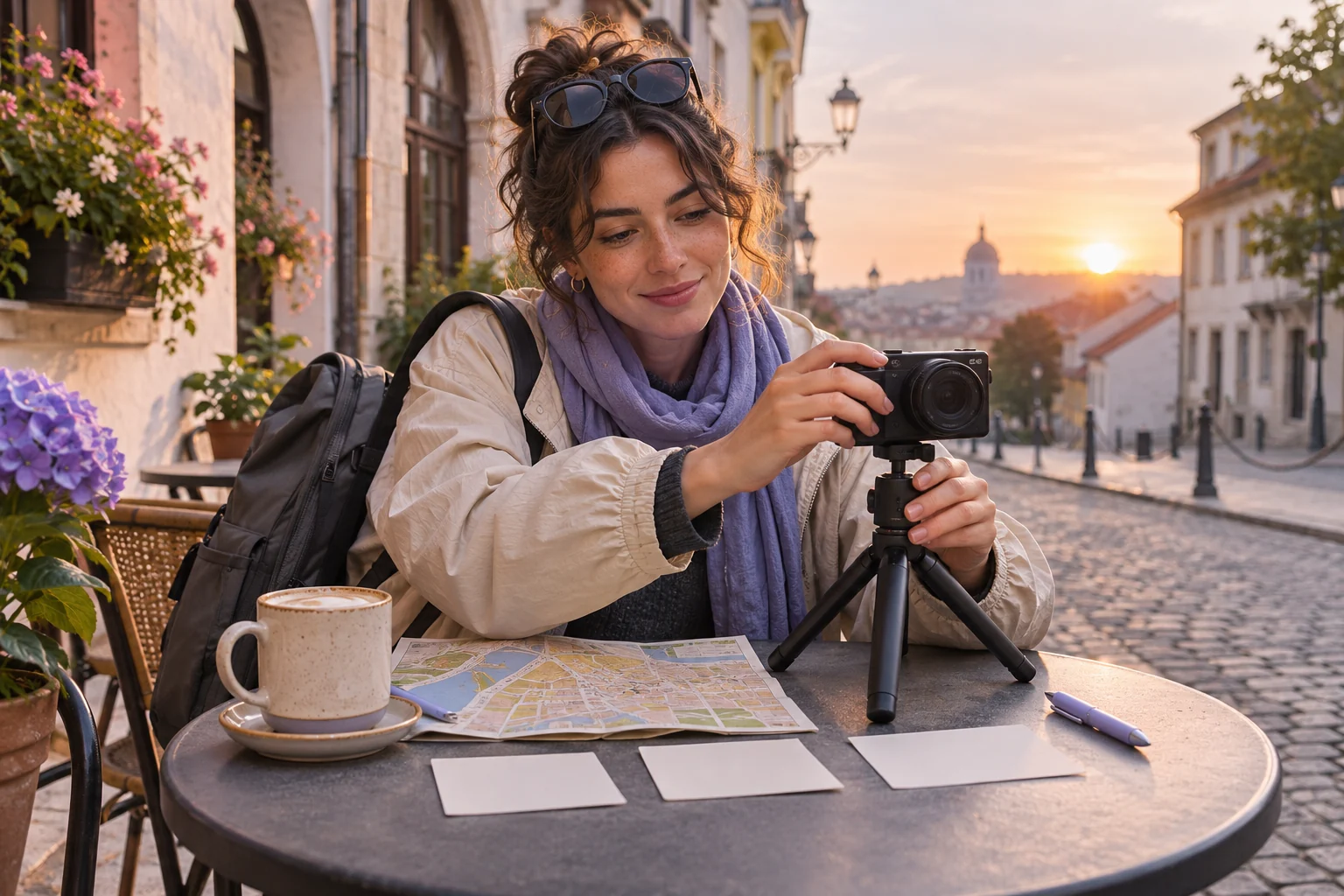
An original travel vlogger preparing a quiet sunrise street sequence: compact unbranded camera, small tripod, city map with no readable labels, and three blank shot cards
Illustrative concept image made for this page · not a tested product output.

Handheld and First-Person Framing

Use a camera viewpoint that matches the source footage. A handheld brief should still keep the place and subject legible.

How do you keep a generated vlog true to your trip?

Make a three-shot source list before copying the brief: station, street, market entrance. Keep that order and use only place names visible in or verified against your own clips. If the output inserts a location you did not visit, remove that shot rather than making the caption sound plausible.

Copyable starter brief

Prompt text
Create a 15-second vertical travel-vlog opener from my own station and street clips. Use a handheld walking perspective, one location card and a final view of the market entrance. Keep the order of places accurate.

Which brief fits your source?

Brief 1: Station-to-market travel opener. Brief 2: Door-to-ceramic-bowl studio day.

Selection rule: Use the travel route for a journey with verified locations; use the studio route for a process with a real finished object.

Source-to-instruction relationship: The creator's clips establish place and order; a location card is a label for that source, not permission to invent a stop.

If the draft misses the brief

Visible signal: The edit jumps to a market before the station exit or shows a bowl before the making sequence.

Next revision: Reorder cuts to the clip log and remove any location card or process step that lacks source footage.

Keep the source and review together

Source to retain: the station, street and market clips, or the door-to-bowl studio footage. After an actual run: save the exact prompt version, resulting file and a review note stating whether every cut follows the source clip order and every place card names a visited location. Until that run exists, leave the result and review fields unfilled. The Gallery cases below are separate published projects and cannot complete this record.

Travel and Daily-Life Prompts

Choose the actual moments you recorded and preserve their order. A daily-life sequence needs a clear beginning and a natural stopping point.

Copyable starter brief

Prompt text
Turn my day-in-the-studio footage into a short first-person vlog: opening the door, setting out tools, then the finished ceramic bowl. Keep natural room sound and a quiet pace.

Check the route before adding cutaways

For the station-to-market travel brief, arrange authorized clips in the order the narrator actually experienced them: arrival, street walk, market stop. Keep one point of view across those shots and make each location card name a place shown in the footage. If a cutaway changes city or time without a transition, remove it or add a truthful bridge; do not use a generic travel clip to imply the narrator visited a place.

How to Write Your Own AI Vlog Prompts

Choose footage that records a real sequence. Tell the video workflow which location appears first, what the viewer follows and which location card is approved. Check that it does not combine places or claim an event happened when it did not.

Three shots for the studio day

For the existing ceramic-bowl brief, use one first-person camera position for three beats: open the studio door, set out the actual tools, then show the finished bowl. Hold the last shot long enough to recognize the bowl and let the room sound continue across the cut. If the footage does not contain one of those actions, remove that beat instead of inventing it. This is a proposed shot list, not an observed edit.

Use a Reviewed Video Brief in Pexo

Bring your brief and approved assets to Pexo's social video workflow. Review the proposed direction and preview, request specific changes in conversation, and check the final video for factual, visual and rights accuracy. Account credits and eligible free use depend on the current plan.

Check the vlog's point of view

Use this brief when: Use the travel brief for a route through real places; use the studio brief for one small activity with a visible beginning and finish.

Acceptance check: Check that the same narrator's footage carries the sequence, the location card names a real place, and the final shot completes the activity.

If it fails: If stock-like cutaways break continuity, replace them with authorized footage or shorten the story.

Pick the camera position before cutting the vlog

The Gallery clips on this page show useful route and day-in-the-life order, but their cameras are outside the subject. The two copyable briefs ask for a first-person account, which changes what footage can support the story.

Brief Keep from the supplied footage Reject or rewrite
Station-to-market travel opener Eye-level walking view, actual station exit, then the market entrance A stock market view that skips the walk or reverses the places
Ceramic studio day One camera position entering the studio, hands setting out tools, finished bowl A third-person shot presented as the maker's own view

Before editing, label each clip with its location and camera holder. If an essential beat was not recorded, shorten the story instead of building a false journey from unrelated scenes. Keep the location card tied to the place visible at that moment. This is a footage-selection method, not a claim that either vlog was produced here.

Protect real location sound and bystanders

For a station-to-market vlog made from personal footage, list which clips contain usable room or street sound. A door slam or train announcement should not continue across a cut into the market unless it was intentionally recorded as a transition. Check each clip for recognizable bystanders and private signs before selecting it. If a needed shot reveals someone who did not agree to appear, crop only when the route still reads; otherwise replace that shot with an authorized view of the location. This adds a source and privacy decision to the route plan; no actual footage or consent record is included here.

AI Vlog Prompts FAQ

How do I keep a vlog true to the places I visited?

Use your own clips in their actual order. Add only location cards you can verify and remove scenes that imply an event you did not record.

Should every vlog use handheld camera motion?

No. Choose a viewpoint that fits the footage; keep enough stability for the viewer to recognize the subject and place.