Pexo

THE PEXO PROMPT LIBRARY / LISTING

YouTube Channel Intro Prompts: Logo Reveals and Opening Titles

An intro should identify the channel quickly. Use one logo action and one readable end frame; adjust the requested duration to the channel’s placement. The copy-ready briefs below are original starting points. Adapt them to your own subject and assets; no example is presented as a tested product output.

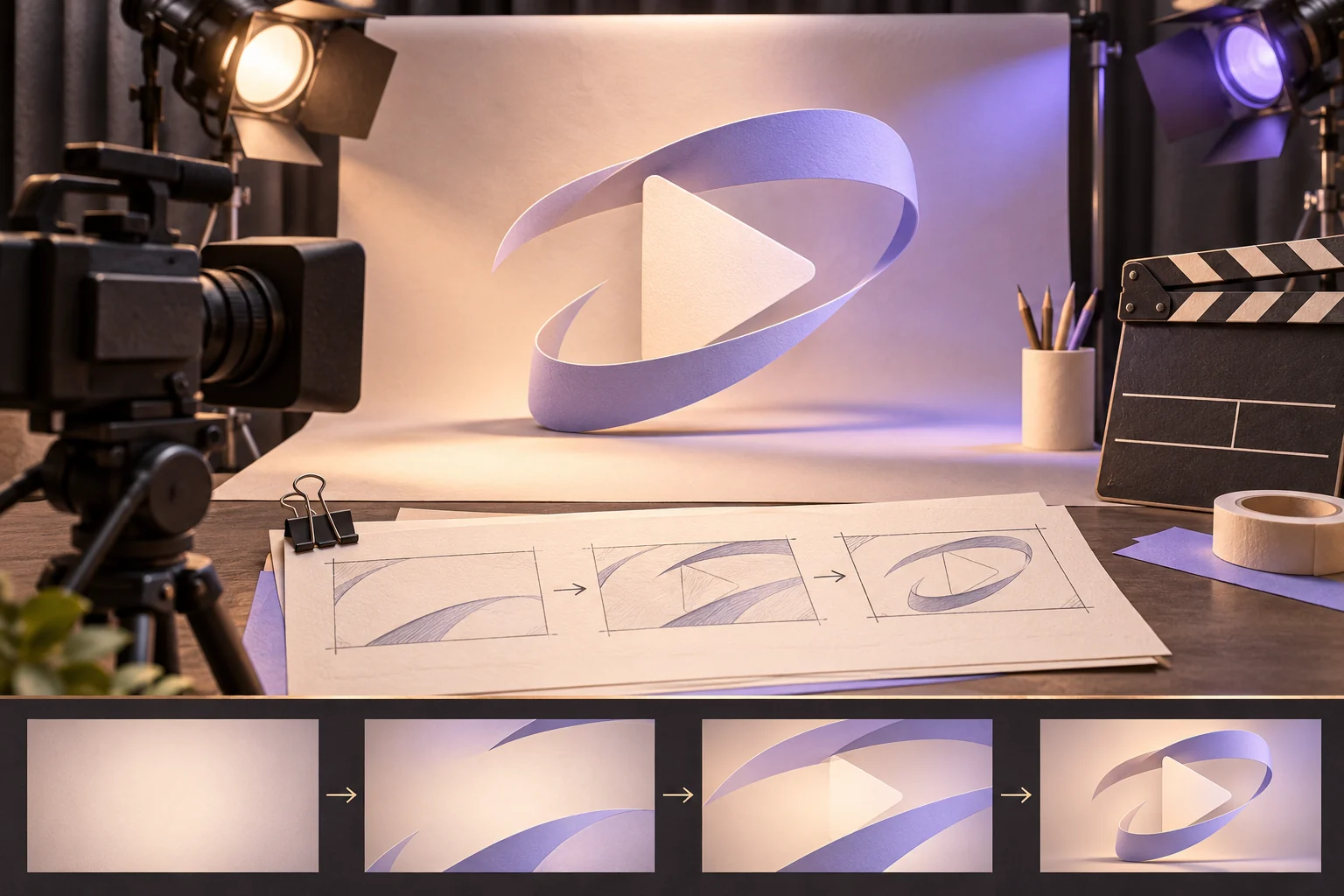
Unbranded video studio with a camera and storyboard for an opening sequence
Illustrative concept image made for this page · not a tested product output.

Logo Reveal and Title Prompts

Use the approved mark as the visual anchor. One reveal action and a readable name frame give the viewer enough time to recognize the channel.

What makes a channel intro readable?

Give the approved mark one reveal action, then hold the exact channel name as an uncluttered end frame. Check the exported intro once without audio at phone size: if the name cannot be read before the next scene, shorten the reveal or extend the hold. Do not add an invented slogan to fill empty space.

Copyable starter brief

Prompt text
Create an 8-second channel intro from the supplied circular leaf logo. Begin on a dark green field, let a fine line trace the leaf, then reveal the approved channel name. Hold the end frame long enough to read; no new slogan.

Which brief fits your source?

Brief 1: Leaf-logo trace and name hold. Brief 2: Baking footage before wordmark.

Selection rule: Use the mark-led route when recognition of the existing logo is the task; use the baking route when showing the channel topic first matters more.

Source-to-instruction relationship: The supplied mark or wordmark fixes brand identity; the reveal and sound can vary, but the name cannot be rewritten.

If the draft misses the brief

Visible signal: The name disappears before it can be read on a phone, or a slogan appears that the owner never supplied.

Next revision: Remove one reveal beat and reserve the final frame for the exact approved name; omit any added slogan.

Keep the source and review together

Source to retain: the approved leaf-logo artwork and channel name, or the baking clips and wordmark. After an actual run: save the exact prompt version, resulting file and a review note stating whether the last title frame matches the name file and remains readable at phone size. Until that run exists, leave the result and review fields unfilled. The Gallery cases below are separate published projects and cannot complete this record.

Intro Length and Sound

Write sound and length for the placement: a short social intro may need a faster reveal, while a longer channel opener can hold the title.

Copyable starter brief

Prompt text
Make a 6-second opening for a home-baking channel. Start on flour falling across a wooden board, cut to a close-up of a whisk, then reveal the supplied wordmark. Warm kitchen sound, no spoken claims.

An eight-second title check

For the leaf-logo brief, use an illustrative sequence: reveal the approved mark first, stop its motion before the channel name appears, and reserve the final two seconds for a still, readable name frame. Check the mark's shape and exact approved wording at phone size. If the name cannot be read, simplify the early reveal before asking for a longer intro. This timing is a planning example, not a tested render.

How to Write Your Own YouTube Channel Intro Prompts

Start with the channel mark you are allowed to use. Decide on one reveal action, name the final title exactly and state how long that last frame should remain legible. Review both logo shape and title spelling.

Use a Reviewed Video Brief in Pexo

Bring your brief and approved assets to Pexo's YouTube intro workflow. Review the proposed direction and preview, request specific changes in conversation, and check the final video for factual, visual and rights accuracy. Account credits and eligible free use depend on the current plan.

Review the channel opening

Use this brief when: Use the logo-led brief when the channel name and mark are approved; use the footage-led brief when the subject needs introducing first.

Acceptance check: Pause the final frame at phone size: the approved name should be readable and the supplied mark should retain its shape.

If it fails: If either fails, remove an early transition or give the final frame more time.

Adapt the approved title to two crops

A channel may need a wide player and a vertical social teaser. Keep the same approved logo and channel name, but make a separate layout plan for each crop. In 16:9, place the mark and name within a central area that remains readable in a small player. In 9:16, stack them rather than scaling the wide frame down until the words become tiny. Check the actual export on a phone with controls visible; if either crop clips the name, move the composition inward before altering the brand mark. The source logo and exported frames are not supplied here, so these are layout checks for the reader's own versions.

YouTube Channel Intro Prompts FAQ

How long should a channel intro be?

Use only the time needed for the reveal and a readable title. The examples use six and eight seconds; adjust the hold for the placement.

How do I keep the logo accurate?

Supply the approved mark and wordmark. Review their shape, color and spelling in the last frame before publishing.