
Pexo

THE PEXO PROMPT LIBRARY / TEMPLATE

Image to Prompt Template: Describe a Reference Image

Turn a reference image into a written image brief by observing what is actually visible. This worksheet does not inspect an upload or recover the original prompt used to make an image. Fill the worksheet, copy the completed prompt into the relevant workflow, and review the actual result. The examples below are editorial drafts, not observed outputs.

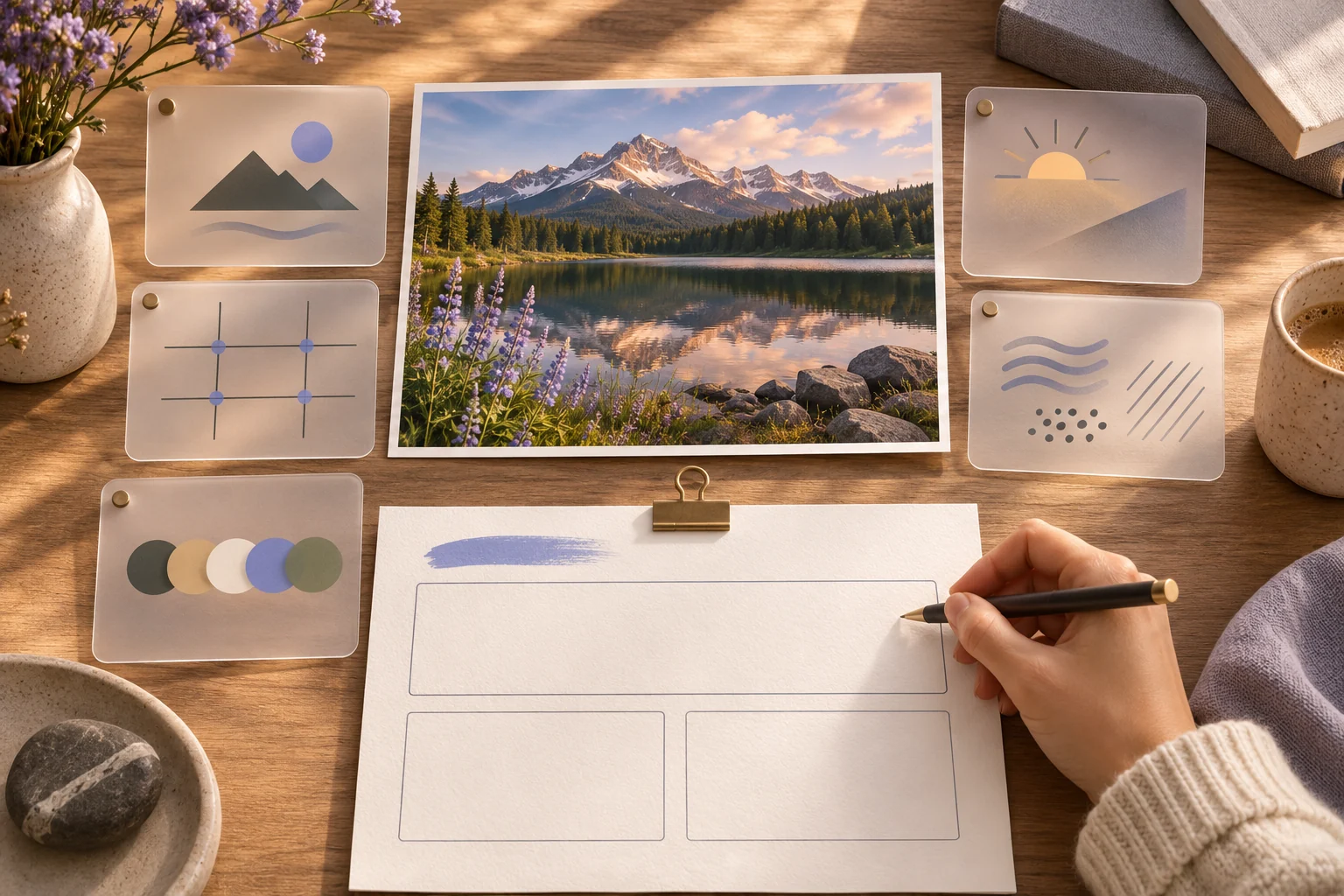
Landscape reference photo analyzed with blank cards for image details
Illustrative concept image made for this page · not a tested product output.

Reference Image Worksheet

Replace each bracket with your own information. Keep unknown facts out of the brief.

Prompt text
Reference: [your authorized image]
Main subject and action: [visible facts only]
Framing and viewpoint: [crop, distance, angle]
Light and color: [observable qualities]
Background and style: [specific visual cues]
Keep unchanged: [identity, product details, text]
Uncertain or hidden details: [do not guess]

Which brief fits your source?

Brief 1: Reference-image observation worksheet. Brief 2: Blue-cup example from an authorized reference.

Selection rule: Use the worksheet to record only visible facts; use the cup example after the actual source image is available.

Source-to-instruction relationship: Observed crop and light may be described; hidden details belong in an uncertainty field, not in a confident prompt.

If the draft misses the brief

Visible signal: The draft invents the unseen rear of the cup or treats a guessed brand as visible fact.

Next revision: Move the claim into uncertain details and describe the source-facing cup shape and glaze marks only.

Keep the source and review together

Source to retain: the authorized reference image and an observation sheet separating visible and hidden details. After an actual run: save the exact prompt version, resulting file and a review note stating whether the output description includes only observable cup shape, glaze, viewpoint and light. Until that run exists, leave the result and review fields unfilled. The Gallery cases below are separate published projects and cannot complete this record.

Describe Subject, Light and Composition

Start with the subject, then add framing and light. Separate observed details from guesses. If the reference includes a real product or person, specify what must remain accurate. A useful description is a new creative brief, not a forensic reconstruction.

Example: Photo to Image Prompt

Example 1: Reference observation: a blue ceramic cup on a pale desk, side window light.

Prompt text
Create a still of a blue ceramic cup on a pale wooden desk, viewed at a slight three-quarter angle. Use soft daylight from the left and a quiet cream background. Keep the cup shape and glaze marks from my authorized reference; add no text.

Example 2: Reference observation: a florist beside a shop window, yellow flowers in hand.

Prompt text
Create an editorial image of a florist holding yellow flowers beside a shop window. Medium framing, overcast daylight and natural color. Preserve the subject’s approved clothing and the shop sign; do not invent words on the window.

These are written example prompts; they are not screenshots or measured outputs.

Separate observations from assumptions

Before writing the prompt, make a three-column note. For the cup example above, observed is “blue cup, pale desk, daylight from the left”; inferred might be “ceramic” if the surface is ambiguous; unknown includes the hidden back, exact lens and original prompt. Move an inference into the final brief only if you want it as a new creative choice. Never present it as a recovered fact.

If you need accessible alt text, describe what the image shows without adding a new style or scene. If you need a generation prompt, specify the new scene you want, then list the reference details to preserve. These are different outputs from the same observation notes.

Mark observations and guesses separately

For a cup photograph, record a visible handle, three-quarter camera angle and left-side shadow as observations. An exact lens model, maker or material grade may be impossible to infer from pixels; mark those as unknown rather than putting them into the copyable prompt. If the brief must preserve a product identity, obtain the approved product reference separately and compare the final image with it.

What a Description Cannot Recover

The visible image alone cannot reliably reveal the original prompt, hidden objects, lens settings or the creator’s intent. File metadata, if present, is a separate source and is not analyzed by this worksheet. Use this page to write a plausible still-image description and mark unknown details as unknown. If your goal is movement from the photo, use a separate image-to-video motion brief.

Continue in Pexo

Use the completed still-image brief in Pexo Text to Image and review the image against your reference. If you then want motion, take the approved still to Pexo Image to Video with a separate motion brief. This worksheet itself produces text, not an image or a recovered original prompt.

Privacy and Usage Notes

Use only references you have permission to submit. Remove unnecessary personal or customer information. Before sending sensitive material to any service, review its current terms and privacy policy; this worksheet makes no claim about storage, deletion or account conditions.

Write only what the image shows

Use this brief when: Use the worksheet to describe a permitted reference, not to recover its hidden creation prompt.

Acceptance check: Mark subject, view, light and colors as visible observations; label lens, model, location and intent as unknown unless another source confirms them.

If it fails: If a proposed detail cannot be pointed to in the image, remove it or frame it as a new creative choice.

For a direct visual-description brief rather than this worksheet, see the image-to-prompt guide.

Image to Prompt FAQ

Does this page analyze an uploaded image automatically?

No. Observe your authorized reference and fill the worksheet yourself.

What can a reference photo tell me?

It shows visible shape, framing and light; it cannot recover the original prompt, hidden sides or the maker’s intent.