
Pexo

THE PEXO PROMPT LIBRARY / TEMPLATE

Midjourney Prompt Template: Subject, Style and Aspect

Write a copyable Midjourney image brief from the visible scene you want. This worksheet does not run Midjourney, and optional parameters must be checked against its current documentation. Fill the worksheet, copy the completed prompt into the relevant workflow, and review the actual result. The examples below are editorial drafts, not observed outputs.

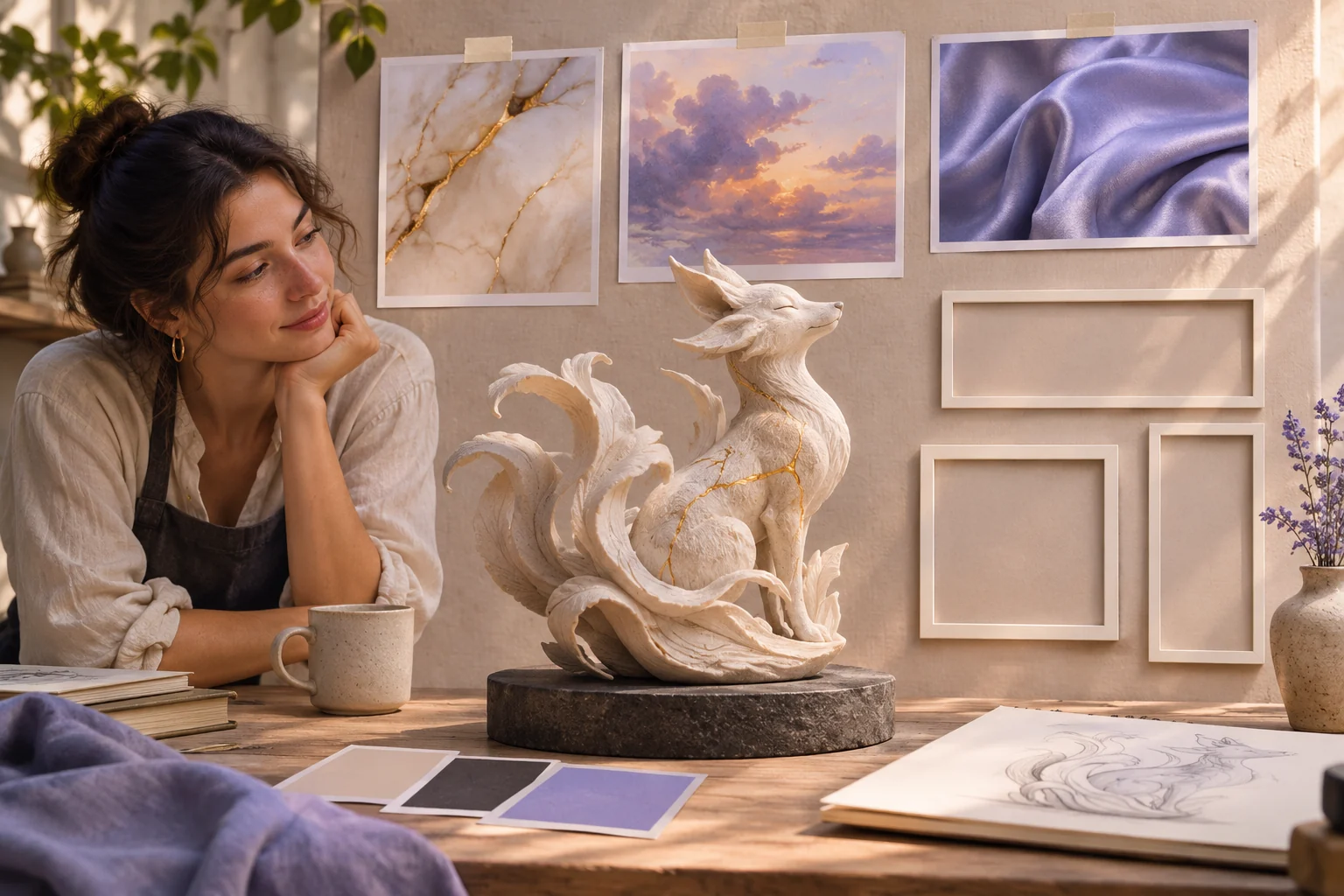
An imaginative image-making mood board with one original sculptural subject, three style/material references and physical aspect-ratio frames of different shapes
Illustrative concept image made for this page · not a tested product output.

Midjourney Prompt Worksheet

Replace each bracket with your own information. Keep unknown facts out of the brief.

Prompt text
Subject and action: [visible scene]
Setting: [place and relevant objects]
Composition: [camera distance and angle]
Light and visual treatment: [coherent cues]
Keep out: [unwanted text or marks]
Optional current parameter: [only after checking the docs]

Which brief fits your source?

Brief 1: Subject-setting-parameter worksheet. Brief 2: Red-bicycle bookshop example.

Selection rule: Use the worksheet to decide the visible scene first; add a Midjourney parameter only after checking current documentation.

Source-to-instruction relationship: Subject and composition are semantic instructions; an optional parameter controls output behavior but does not verify facts about the scene.

If the draft misses the brief

Visible signal: The prompt over-specifies an outdated parameter while omitting the bicycle's viewpoint.

Next revision: Move the bicycle and three-quarter view to the opening clause and verify any parameter against the current docs before use.

Keep the source and review together

Source to retain: the completed scene worksheet and current parameter documentation if a parameter is used. After an actual run: save the exact prompt version, resulting file and a review note stating whether subject, viewpoint and setting remain clear without relying on an undocumented option. Until that run exists, leave the result and review fields unfilled. The Gallery cases below are separate published projects and cannot complete this record.

Build Subject, Style and Composition

Lead with subject and scene. Add composition and light that a viewer can see. Use a small number of compatible visual cues instead of stacking unrelated styles.

Check Optional Parameters

The example aspect-ratio parameter is optional. Midjourney documents parameters and aspect ratio separately; check syntax and account availability in its current product before pasting. The examples are untested prompts, not generated results.

Copyable Image Examples

Example 1: Idea: a bicycle outside a bookshop at dawn.

Prompt text
A red bicycle parked outside a small bookshop at dawn, eye-level three-quarter view, soft cool street light, warm interior glow through the window, quiet editorial photograph, no readable signage

Example 2: Idea: a ceramic cup still life in a wide crop.

Prompt text
A dark ceramic cup beside folded linen on a wooden table, low side light, restrained earth-tone palette, wide editorial composition with negative space on the right, no logo or text --ar 16:9

These are written example prompts; they are not screenshots or measured outputs.

Use a Reviewed Still in Pexo

After generating and reviewing a still in your chosen image workflow, bring an authorized image to Pexo image-to-video for a separate motion brief.

Privacy and Usage Notes

Use only references you have permission to submit. Remove unnecessary personal or customer information. Before sending sensitive material to any service, review its current terms and privacy policy; this worksheet makes no claim about storage, deletion or account conditions.

Check the prompt before parameters

Use this brief when: Write the visible subject, setting, composition and light first; add optional Midjourney parameters only for a current workflow that supports them.

Acceptance check: Read the prompt without its parameters: it should still describe a coherent image; then check that any parameters appear at the end.

If it fails: If a parameter is rejected, consult the current official list and remove it instead of assuming older examples still work.

For current product controls, see Midjourney's parameter list; availability may differ by account.

Build a second scene before adding parameters

The bicycle example is a street photograph. A different use of the worksheet is a small interior object study:

Prompt text
An original ceramic desk lamp with a rounded cream shade on an oak table in a quiet reading room, three-quarter close view, one cool window light from the left and a faint warm glow from the lamp, visible cord, no logo, no lettering or extra lamps

Subject, setting, crop and two light sources remain understandable without any parameter. If a later Midjourney version rejects an optional setting, keep this scene description and check the current official parameter list before retrying. A parameter can change rendering behavior; it cannot supply a missing subject or source photo. This is a second written brief, not a model test or generated result.

Midjourney Prompt FAQ

Does Pexo provide the Midjourney generator here?

No. This page supplies text to copy into a Midjourney workflow you choose.

When should I add an aspect-ratio parameter?

Add it only when the crop matters and you have checked the current Midjourney syntax and account options.