
Pexo

THE PEXO PROMPT LIBRARY / TEMPLATE

Video to Prompt Template: Describe Shots and Motion

A video can be described shot by shot to make a new brief. This page provides a manual observation template; it does not upload a clip or reverse-engineer the exact prompt behind it. Fill the worksheet, copy the completed prompt into the relevant workflow, and review the actual result. The examples below are editorial drafts, not observed outputs.

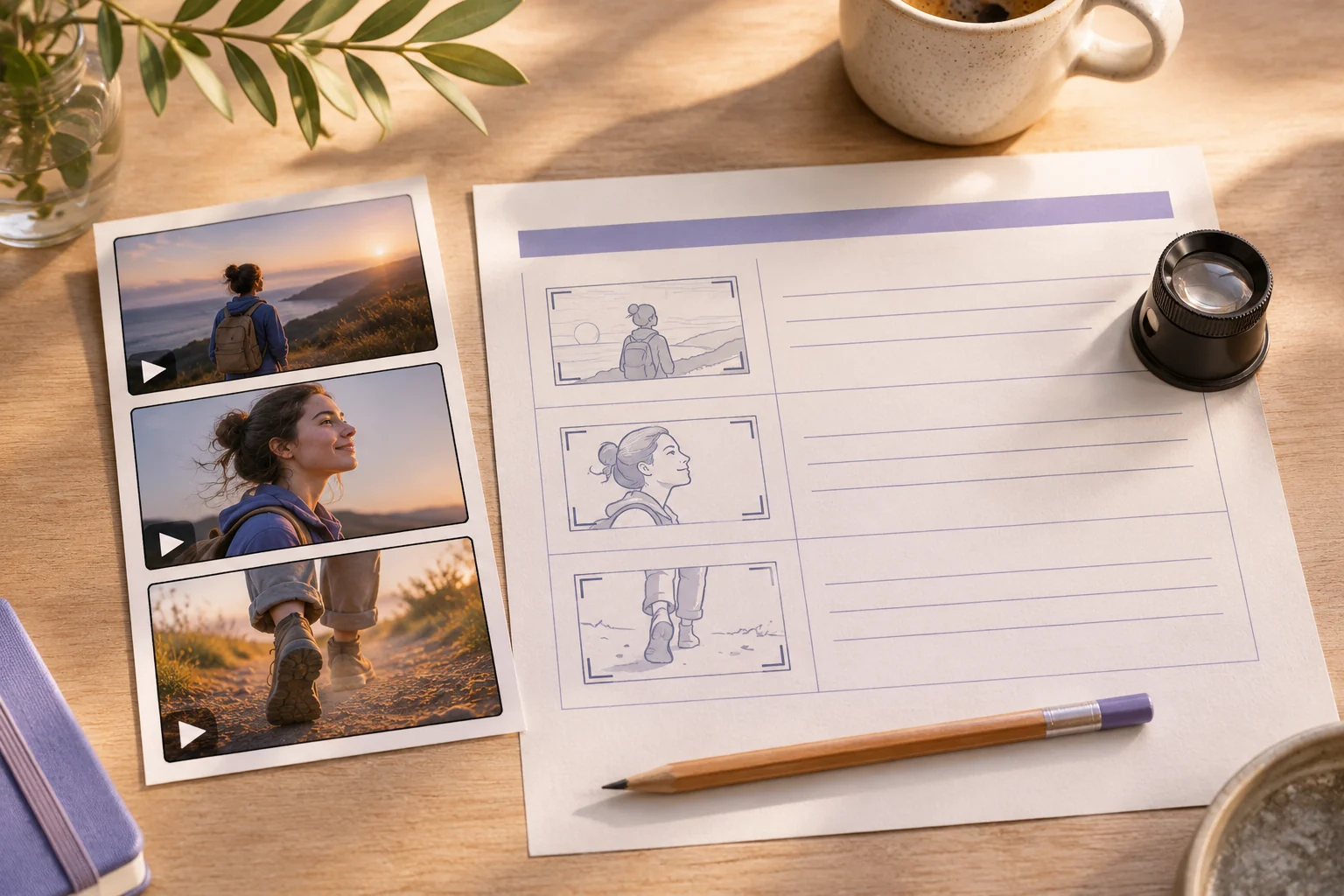
A strip of three original video frames on a light table beside a blank shot-description worksheet, pencil and loupe
Illustrative concept image made for this page · not a tested product output.

Video Observation Worksheet

Replace each bracket with your own information. Keep unknown facts out of the brief.

Prompt text
Source clip: [your authorized clip]
Purpose and audience: [what a new video should do]
Shot 1: [subject, action, framing]
Shot 2: [change, camera motion, timing]
Shot 3 or end frame: [resolution]
Sound and pace: [observable cues]
Preserve: [owned assets and verified facts]
Change for originality: [new subject or setting]

Which brief fits your source?

Brief 1: Three-shot source-clip worksheet. Brief 2: Pottery-footage process example.

Selection rule: Use the worksheet to observe any authorized clip; use the pottery example only when hands, rim forming and finished bowl are present in your own footage.

Source-to-instruction relationship: Observed shot order belongs to the source; new camera treatment may vary, but cannot make an unseen production step factual.

If the draft misses the brief

Visible signal: A brief claims the bowl was glazed when no glaze appears in the supplied clip.

Next revision: Remove the unsourced process step and keep shot labels tied to visible frames and wheel sound.

Keep the source and review together

Source to retain: the owned source clip and a shot log of visible pottery actions. After an actual run: save the exact prompt version, resulting file and a review note stating whether hands, rim formation, finished bowl and wheel sound appear in the recorded order. Until that run exists, leave the result and review fields unfilled. The Gallery cases below are separate published projects and cannot complete this record.

Shot and Motion Breakdown

Watch the clip twice: once for the story, once for camera movement, timing and sound. Write one visible action per shot. Build a new brief around your own material rather than copying a shot-for-shot work without permission.

Example: Clip to New Brief

Example 1: Observed clip: a maker shapes a clay bowl, then sets it on a shelf.

Prompt text
Create a short studio process video using my own pottery footage. Open on hands centering clay in a medium close shot, move to the bowl’s rim forming, and end on the finished bowl on a shelf. Keep the real sequence and natural wheel sound.

Example 2: Observed clip: a product appears in a wide scene, close detail, then final hero frame.

Prompt text
Use my approved travel-mug photos for a three-beat video. Begin with the full mug on a kitchen table, move closer to the actual lid opening, and end on the correct profile and logo. Keep hardware and color accurate; add no unverified claims.

These are written example prompts; they are not screenshots or measured outputs.

Make a shot log before drafting

Record the clip’s approximate time ranges and only what you can verify. This example is a writing aid for an imagined pottery clip, not an analysis result.

Time in source Visible action Camera or sound cue New brief decision
Opening Hands center clay Close view; wheel sound Keep one close process shot using your own footage.
Middle Bowl rim takes shape View stays on the hands Describe the shape change without inventing a tool or technique.
End Finished bowl rests on a shelf Wider, still frame End on your own finished object; check continuity.

When a clip cuts too quickly to identify an action, mark that shot “unclear” and review the source again. Do not fill the gap with a guessed event. Use the log to write a new sequence; it is not a transcript of hidden instructions.

What Cannot Be Recovered

A finished clip does not reveal its original prompt, model settings, source assets, editing history or rights. The worksheet is an interpretation of visible shots, not extraction of hidden metadata.

Privacy and Usage Notes

Use only references you have permission to submit. Remove unnecessary personal or customer information. Before sending sensitive material to any service, review its current terms and privacy policy; this worksheet makes no claim about storage, deletion or account conditions.

Turn observation into a new brief

Use this brief when: Use an authorized clip to record visible shots and actions, then write a related new video brief.

Acceptance check: For each proposed shot, note the observed time range and separate visible movement from guessed camera or model settings.

If it fails: If a detail is not visible or audible in the clip, treat it as a new direction, not as recovered source data.

Video to Prompt FAQ

Can this recover the exact original prompt?

No. It helps you describe observable shots and make a new brief.

How do I make the new brief original?

Describe the source clip’s visible structure, then use your own subject, assets and permitted footage for the new video.