
Show a mechanism
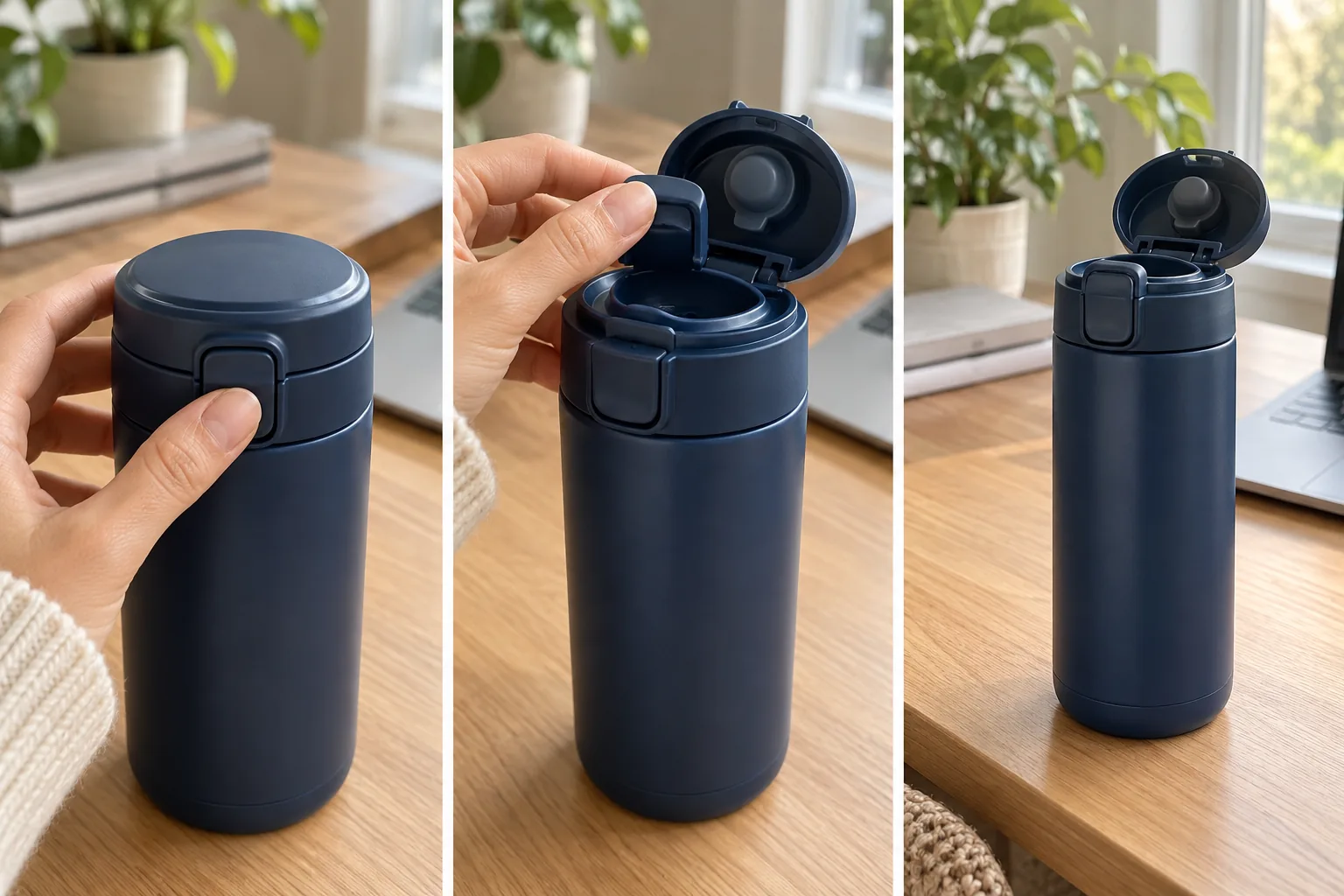
Use the supplied travel mug photos. Open on the closed lid, show a hand operating the real latch, then pour into a glass. Finish on the approved front logo. Natural kitchen light and quiet pour sound.THE PEXO PROMPT LIBRARY / HUB
Start with what the viewer should understand, then describe the subject, action, camera and end frame. A usable video brief also names the real product or brand assets that the result must preserve. Copy a prompt below and replace its example subject with yours.
A direction to explore
Video Prompt Collections by Goal
Use the sections below to find a direction and adapt the source prompts to your own brief.
These are starting briefs. Review the generated result against the supplied assets before using it in a campaign.
Copy a starting prompt and adapt it to your approved assets. Images are editorial references, not outputs from the copied prompts.
Use the supplied travel mug photos. Open on the closed lid, show a hand operating the real latch, then pour into a glass. Finish on the approved front logo. Natural kitchen light and quiet pour sound.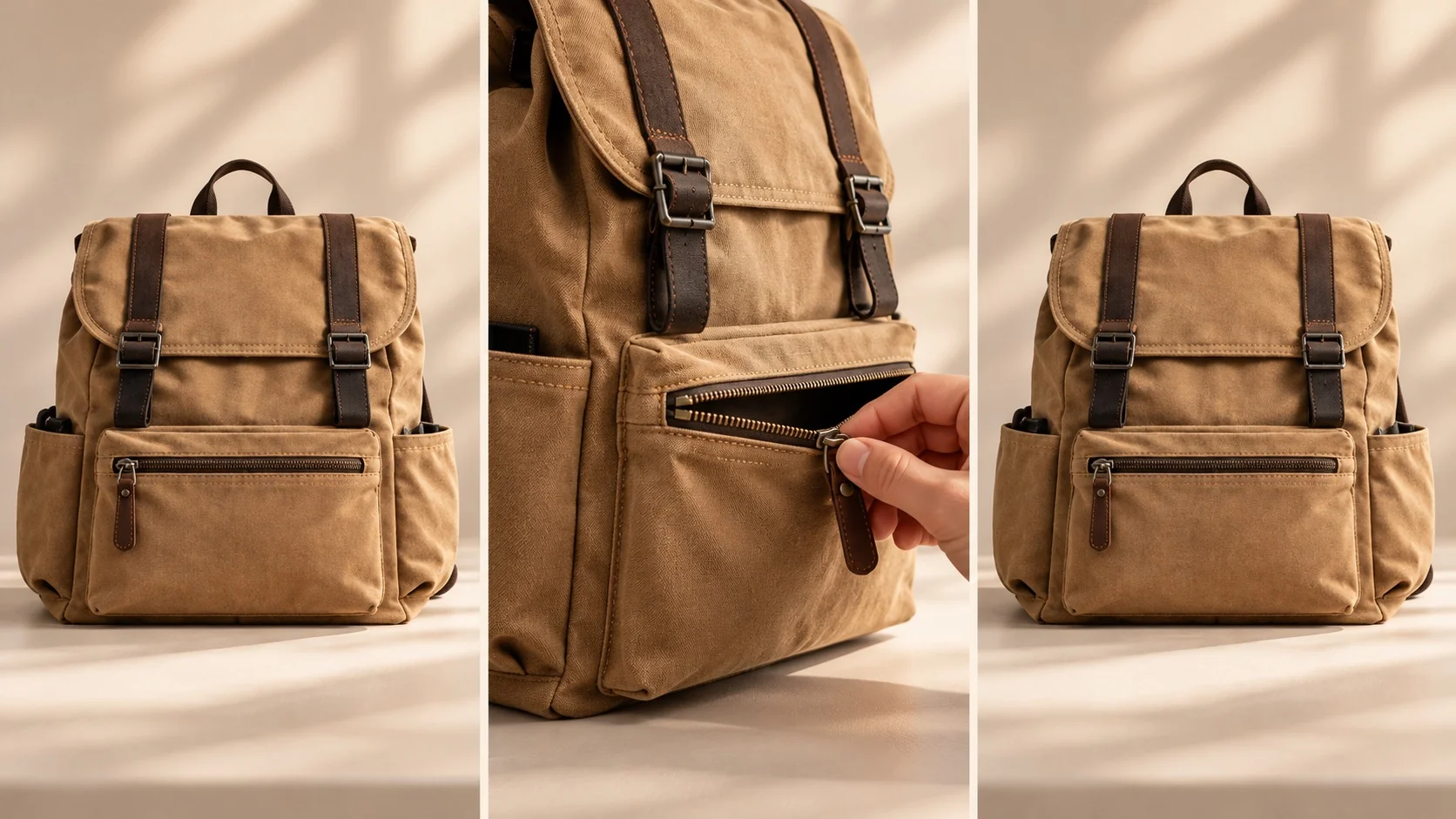
Show the supplied backpack from front, side and close detail. One hand opens the real pocket, then the bag returns to the starting position. Keep fabric and hardware consistent so the loop feels continuous.Turn the verified three-step booking flow into a short explainer. Show a person selecting a time, receiving a confirmation and arriving at the venue. Use the approved interface screens and leave room for checked captions.Make a launch teaser from the supplied shoe images. Reveal the sole texture, show one outdoor step, then end on the correct full product profile and approved name. Keep color and silhouette consistent.Start wide on the real desk in a home office, then move closer as the user raises it. End on the supplied control-panel photo. Preserve the desk dimensions and button arrangement.Build a short product explainer around "How does this filter fit?" Use the supplied installation photos. Show the correct alignment, one insertion action and the finished fit; leave exact compatibility claims to approved copy.Use the approved storefront and pastry photos. Open on the exterior, cut to a loaf placed on the counter, and finish with the real mark on a neutral end frame. Warm morning light, ambient shop sound, no customer testimonial.Use the approved room photos to show a cluttered desk, one organizing action and the same desk with the supplied storage tray in place. Keep the furniture layout stable and avoid inventing product features.Pexo Gallery · selected references
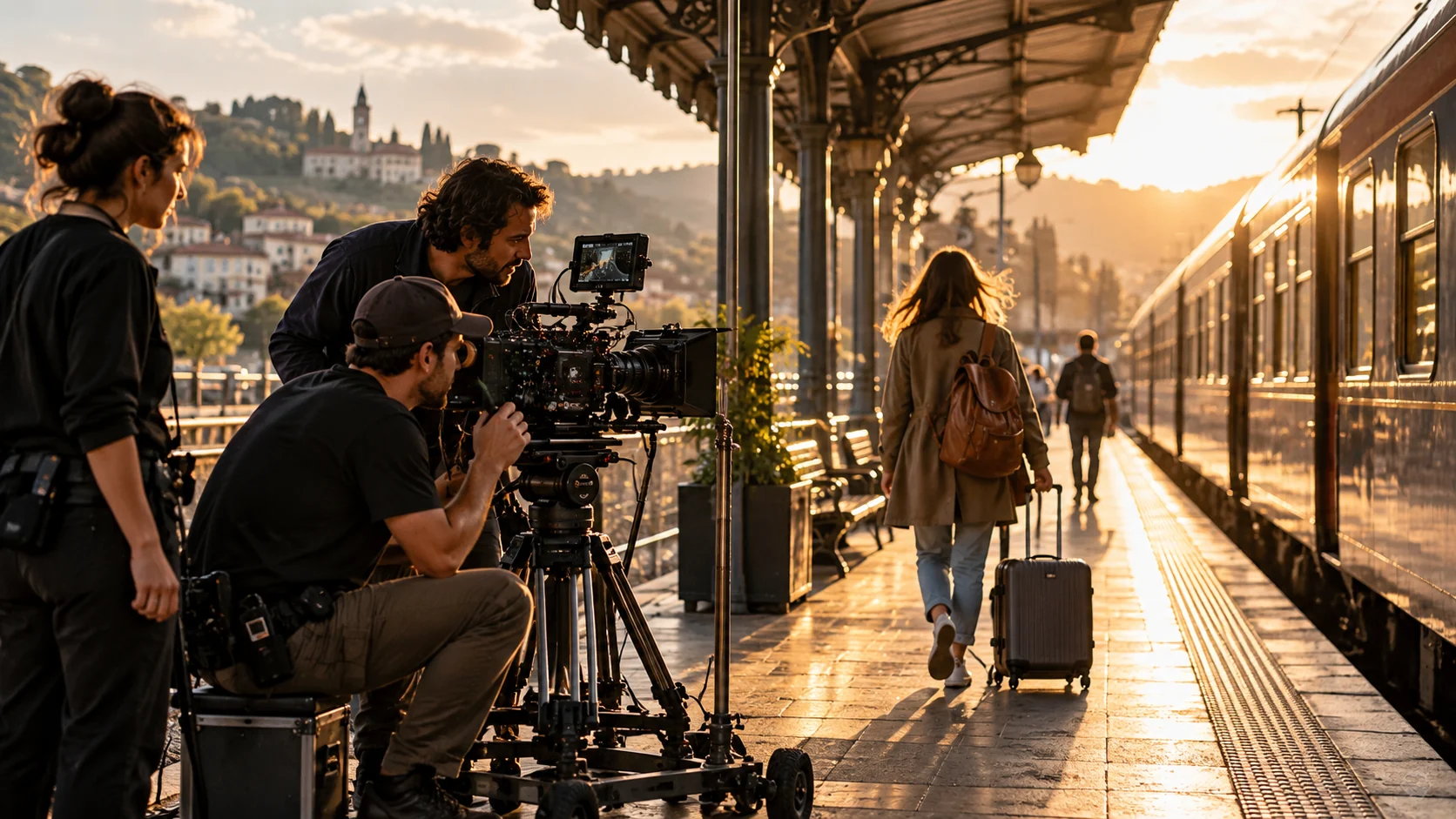
A step sequence, moving story and workflow explainer show the broad video-prompt categories.
Independent Gallery examples, not outputs of the prompts above. Review your own generated result before publishing.
Pexo Gallery · playable example
A salmon sandwich with cream cheese, cucumber, red onion, capers, and dill is assembled in a stop-motion style against a light blue background, presented with a clean and fresh aesthetic.
Subject: salmon sandwich; Style: stop-motion; Environment: light blue background; Action: assembled; Camera: medium shot, shallow depth of field; Lighting: bright, even; Mood: fresh, clean, appetizing.Pexo Gallery · playable example
A bicycle courier collects a parcel, rides through wet city streets, and delivers it to an older man, ending with the recipient opening it beside a green doorway.
A young man in a yellow jacket and black backpack is seen in a live-action, cinematic style. The environment transitions from a park with a wooden kiosk to a rainy city street with puddles and fallen leaves, and finally to the entrance of an old building with a green door. The man picks up a package, rides a bicycle, and delivers the package to an elderly man. The camera captures close-ups of the bicycle wheel splashing through puddles and the elderly man's hands opening the package. The lighting is natural and overcast, reflecting the rainy day, with a cool color palette. The mood is one of quiet diligence and heartwarming connection.Pexo Gallery · playable example
A whiteboard explainer maps scattered files, reminders, approvals, and follow-ups into one automated digital system, freeing time for better decisions, deeper work, and faster progress.
Create a crisp 16:9 whiteboard explainer about reducing busywork with automation. Show an overloaded office worker, scattered files and reminders, a connected digital system, completed tasks, a rising chart, and the final message Less Busywork. More Progress. Use clean black line art, restrained burgundy accents, a fixed overhead camera, bright even lighting, and practical business pacing.| Goal | What to supply | What the prompt should emphasize |
|---|---|---|
| Product ad | Product photos, approved claims, logo | Feature shown through an action |
| Product explainer | Screens or product flow, verified wording | Sequence a viewer can follow |
| Brand social | Brand assets, audience, one message | Hook and recognizable identity |
| Event teaser | Approved details and event visuals | Atmosphere and a clear final frame |
Choose a task before choosing a visual style. A product demonstration needs faithful details; a mood piece can spend more time on atmosphere.
Camera-movement prompts specify where the viewer looks. Lighting prompts set visibility and mood. Product prompts protect functional details; explainer prompts protect sequence and claims. Style prompts can help a shot feel coherent, but the task and its proof point come first.
Use this order: task → assets → opening frame → action → camera → sound → end frame → details to preserve. For example:
Create a short product video for the supplied portable lamp. Use the real product photos and approved logo. Open on a bedside table, show a hand turning the actual dial, then move closer to the light level change. Keep the lamp shape and control layout accurate. End on a clean frame with room for verified product copy.
If the first preview misses the brief, revise the specific part: "Keep the opening and product color. Replace the final shot with a wider view of the lamp beside a book."
Pexo's Product Video page and video agent overview describe a conversational path from assets and direction to a video you can refine. Bring the prompt together with real references. Review the direction, inspect the preview, then tell Pexo what to keep and change. Check visuals, claims, captions, rights and channel specifications before publishing.
YOUR NEXT STEP IN PEXO
Pick a copy-ready structure, bring owned source assets and check each scene against the intended deliverable.
No special syntax is needed for these briefs. A clear goal and accurate assets matter more than a long string of style words. The Product Video workflow starts from the task itself.
The same task brief can be a comparison starting point, but models and account controls differ. Review the actual output and revise the instructions that matter for your product.