
Pexo

THE PEXO PROMPT LIBRARY / LISTING

3D Animation Prompts: Stylized Characters, Clay and Isometric

Build an original stylized 3D world by specifying material, proportions, lighting and camera movement. These examples do not reproduce an existing character or imply a studio affiliation.

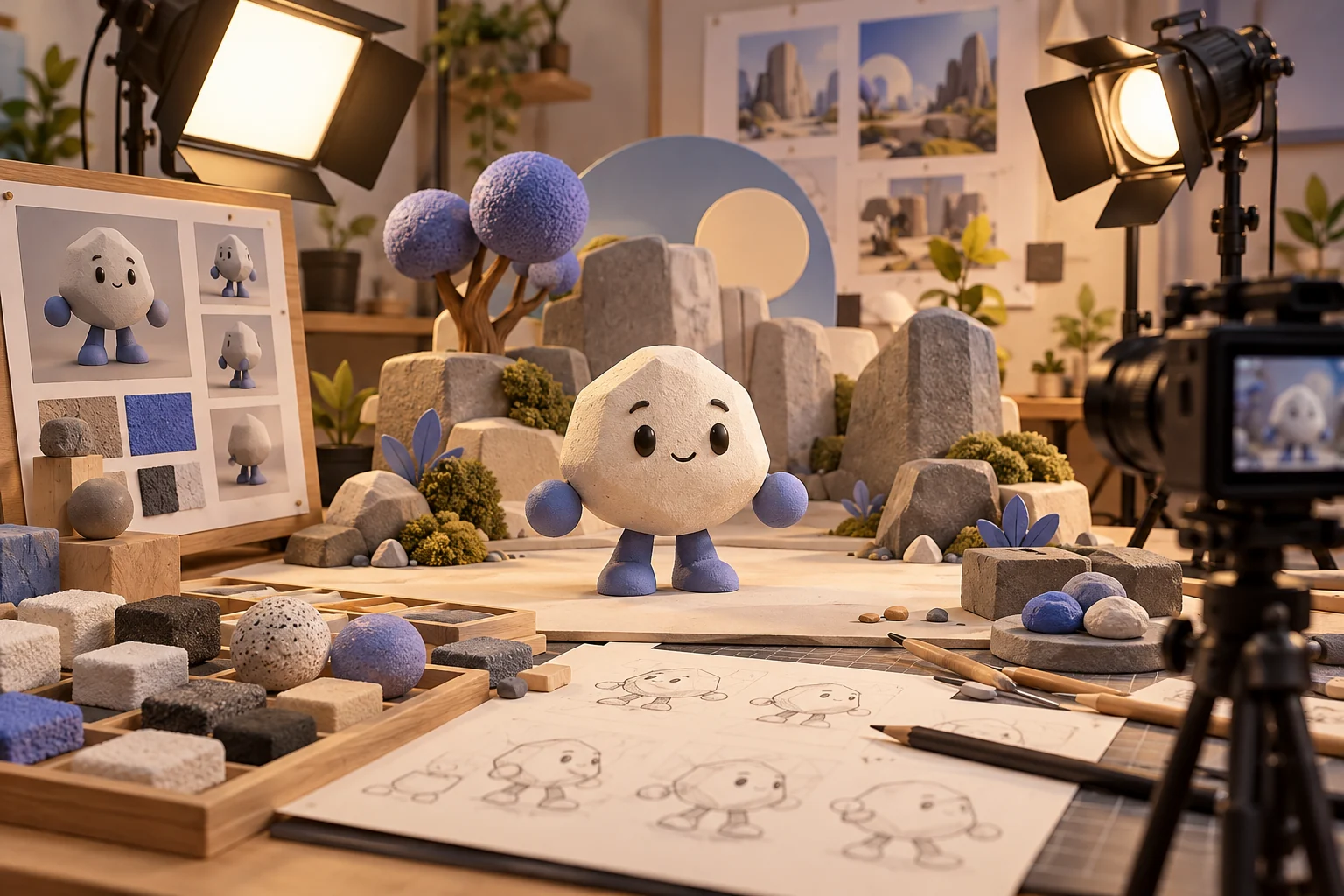
Original clay-like character with material swatches and miniature set
Illustrative concept image made for this page · not a tested product output.

3D Looks and Material Keywords

For clay, name matte surfaces and small sculpted irregularities. For polished 3D, describe controlled reflections. For isometric scenes, keep an elevated camera angle and stable proportions.

In a clay robot preview, check that surface roughness remains stable during the orbit. In polished 3D, check that reflections do not hide the subject. In an isometric desk scene, check that parallel edges and the elevated camera angle do not drift between frames.

Prompt 1.

Prompt text
An original rounded robot made of matte clay waves from a tiny desk, warm studio light, soft shadows, visible sculpted texture and a slow three-quarter camera orbit. No existing character likeness.
Original matte-clay robot waving at a small desk
Material and pose concept for the prompt above. Editorial image, not a tested Pexo video output.

Character Turntables and Product Spins

For a character turntable, request one full rotation and stable facial features. For a product spin, preserve the supplied logo and geometry; inspect the back and side frames for invented details.

Prompt 1.

Prompt text
Use the supplied bottle references. Rotate the bottle slowly on a neutral plinth with a fixed camera. Keep the label attached to the same place on the bottle so it turns with the surface. Preserve the actual material and finish on the approved front three-quarter view.

Isometric scene brief.

Prompt text
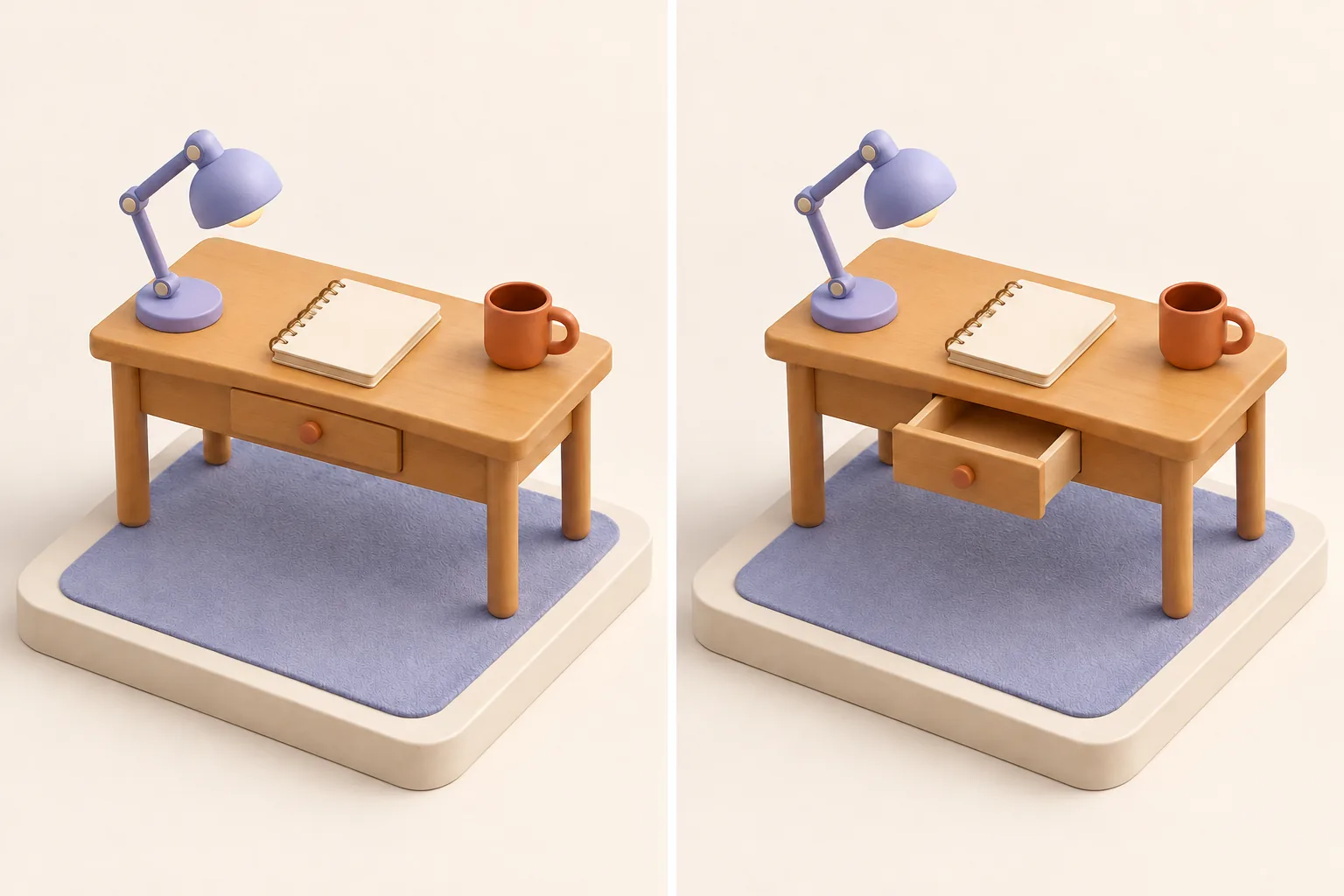
Build an original isometric desk scene from simple 3D shapes: fixed isometric camera, parallel edges, matte clay materials and three objects arranged on a square platform. Animate one drawer opening, then return to the approved wide composition.
Two fixed-isometric clay desk views, first with the drawer closed and then open
Same-camera before and after concept for the prompt above. Editorial image, not a tested Pexo video output.

How to Write Your Own 3D Animation Prompts

For product spins, hold the camera or object motion simple and specify the final angle. For a character, keep proportion and material cues constant across shots. For the clay robot, check surface roughness during the orbit; for an isometric desk, check that parallel edges and camera elevation stay stable.

Make a Finished Video From Any Prompt in Pexo

Supply the character or product reference, its material cues and final camera angle. Bring the brief and any source assets you own to Pexo. Review the preview and request one concrete revision. If you want to turn the brief into video, Pexo’s Seedance 2.5 page lists a free first video after account registration; check the current offer and credit conditions before rendering.

3D Animation Prompts FAQ

Is a famous animation studio involved?

No. These prompts describe original 3D visual traits and do not imply studio production or endorsement.

Which details keep a 3D character stable?

Repeat its proportions, material, colors and distinctive features. Use a simple camera path so you can spot changes between frames.