Abstract VFX Prompts: Particles, Smoke, Liquid and Light
Abstract VFX works best when the motion has one rule and an intentional transition point. Describe material, direction, light and how the effect resolves.
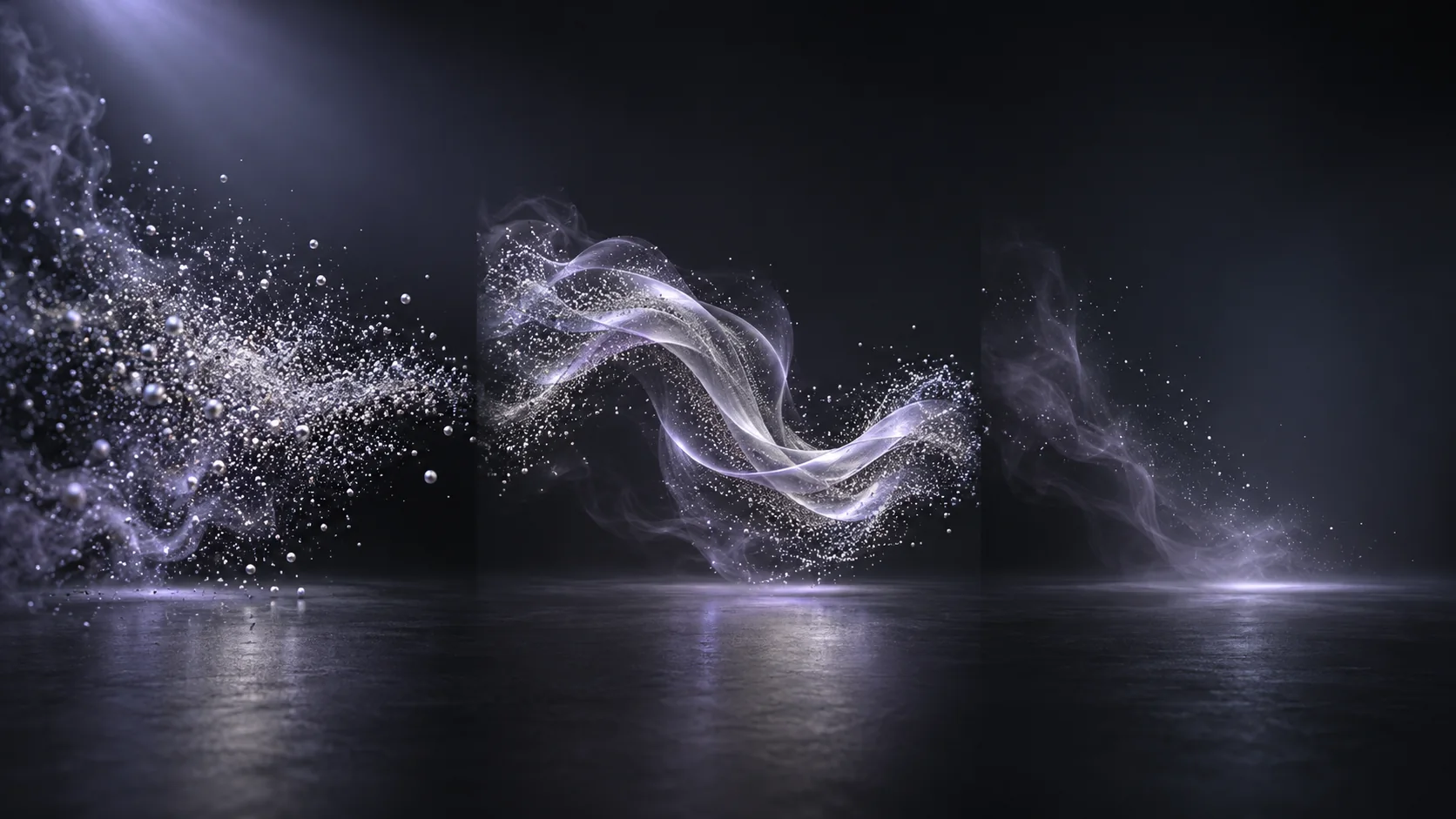
Illustrative concept image made for this page · not a tested product output.
Effect Types and Prompt Words
Choose one effect family and one motion rule. Particles can gather into a shape, smoke can curl around a product, and liquid can reveal a surface, each with a distinct transition point.
Give an effect a start state, one motion rule and a clean resting frame for the edit. Editorial concept, not a tested Pexo output.
Particles are useful for assembling or dissolving a shape; smoke reveals airflow and backlight; liquid needs a clear viscosity and direction; light trails need a path and exposure. Choose one physical behavior per shot.
Prompt 1.
Prompt text
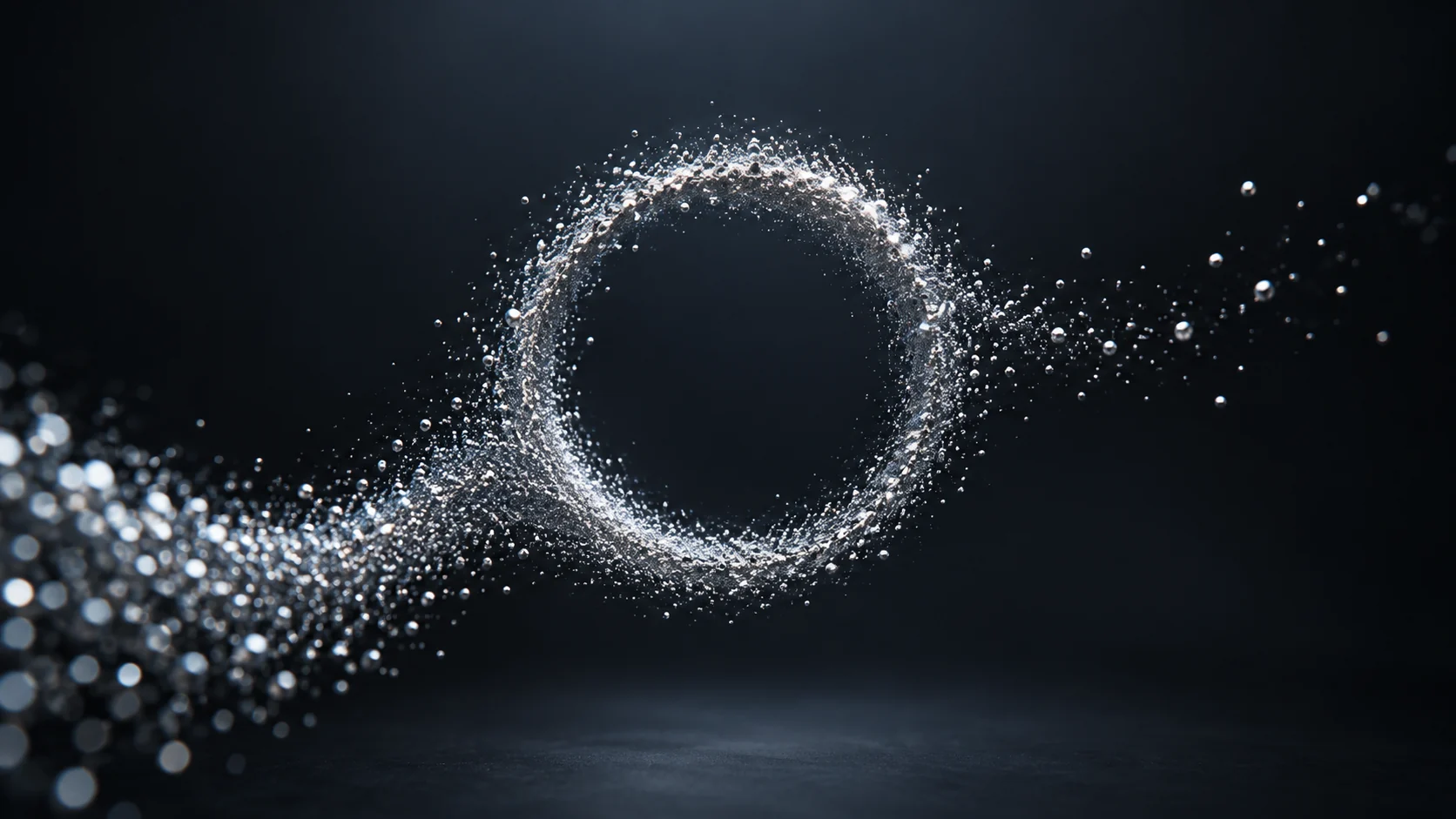
Fine silver particles drift from the lower left, gather into a clean ring at center, then disperse into darkness. Macro depth of field, soft cool backlight, no letters or logo.
Smoke brief (illustrative).
Prompt text
A narrow ribbon of pale smoke curls behind the supplied product, reveals its silhouette, then thins into a clear final frame. Keep the smoke off the label and review the edge separation against the background.
Light-trail brief (illustrative).
Prompt text
A single warm light trail follows a clockwise arc around an empty center area, fades along the same path, and leaves a calm dark frame for a later title. Check that the trail does not cross the safe text area.
Pexo Gallery · selected references
See these ideas in motion
Geometric blue light frames and an ink-smoke dissolve show two effect directions; they are not particle or liquid simulations.
Independent Gallery examples, not outputs of the prompts above. Review your own generated result before publishing.
Pexo Gallery · playable example
Immersive Focus Intro
A dark, abstract, and futuristic motion graphics animation features a tunnel-like environment with glowing blue square frames receding into the distance.
Original Pexo Gallery prompt
Subject: abstract tunnel; Style: motion graphics; Environment: futuristic; Action: camera moves forward; Camera: forward movement; Lighting: dim, blue neon; Moo…
Stylized monochromatic animation depicts dark, shadowy figures like a samurai, woman, man in suit, and cowboy emerging from and dissolving into swirling black smoke against a stark white background.
Original Pexo Gallery prompt
Subject: Dark, shadowy figures, samurai, woman, man, cowboy; Style: Stylized monochromatic animation; Environment: Stark white background; Action: Figures emerg…
View full prompt ▾Show less ▴
Subject: Dark, shadowy figures, samurai, woman, man, cowboy; Style: Stylized monochromatic animation; Environment: Stark white background; Action: Figures emerge, dissolve into swirling black smoke; Camera: Conservative composition; Lighting: Monochromatic, high contrast; Mood: Dramatic, mysterious.
An intro needs an opening frame and a clean resting point for a later title. A transition needs compatible outgoing and incoming colors, plus a moment where the frame is simple enough to cut.
Prompt 1.
Prompt text
A ribbon of cobalt liquid crosses a matte black frame, folds once, then becomes a flat blue background suitable for a later title. Smooth motion, no splashes covering the safe center area.
How to Write Your Own Abstract VFX Prompts
For a transition, specify the opening and closing frames so an editor can cut cleanly. Keep critical brand text outside the generated effect and add it in post if exact lettering matters. If the liquid veil hides the product at the transition point, shorten the veil and specify the frame where the unchanged product silhouette reappears.
Make a Finished Video From Any Prompt in Pexo
Describe the effect’s start state, motion rule and transition frame. Bring the brief and any source assets you own to Pexo. Review the preview and request one concrete revision. If you want to turn the brief into video, Pexo’s Seedance 2.5 page lists a free first video after account registration; check the current offer and credit conditions before rendering.
YOUR NEXT STEP IN PEXO
Control the effect instead of adding noise.
Specify how particles, smoke or liquid move and where they settle; review the effect against the subject.
Yes, but reserve calm space and verify contrast. Add important text in the final edit for accuracy.
How do I keep an abstract effect readable?
Give the effect one motion rule and a clear transition point. Leave the subject or title area visually uncluttered.
Related Prompt Collections
For a neighboring task, see AI Video Style Prompts: Find the Look for Your Video; AI Prompts Library: Copy-Ready Prompts for Video, Image & More; Documentary Video Prompts: Realistic Scenes and B-Roll. You can also browse Pexo use cases for another production goal.