Pexo

THE PEXO PROMPT LIBRARY / GUIDE

AI Video Prompt: Write It, Get a Finished Clip

A video prompt should specify subject, action, camera, style, audio and a final frame that you can review. The copy-ready briefs below are original starting points. Adapt them to your own subject and assets; no example is presented as a tested product output.

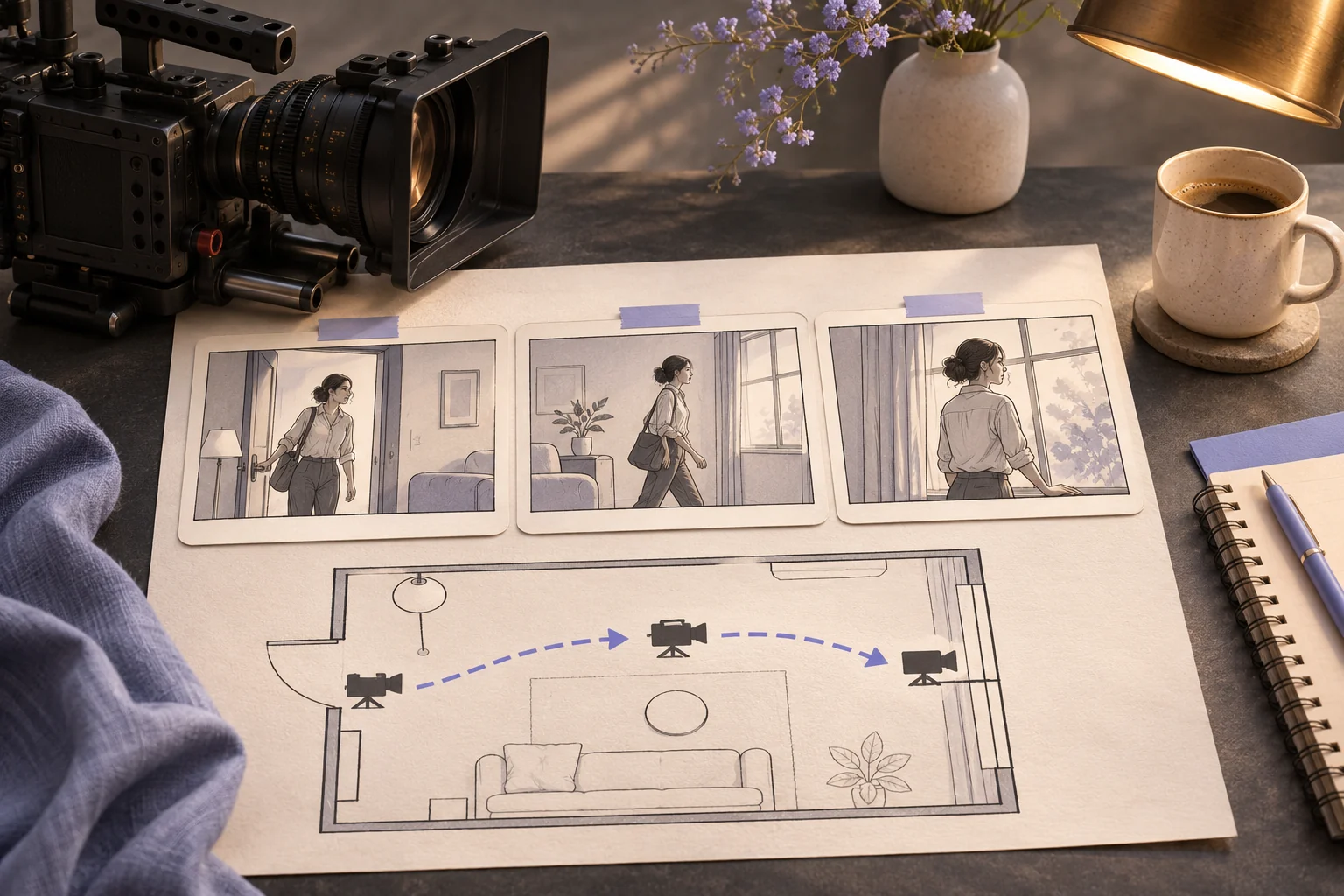
Cinema camera and sequential storyboard cards for an AI video brief
Illustrative concept image made for this page · not a tested product output.

Quick Answer

A useful AI video prompt names a subject, visible action, camera movement, style, sound and final frame. Add approved references for real products or people. Review the first draft, then change the single instruction that caused the clearest mismatch.

Which brief fits your source?

Brief 1: Original courier bridge scene. Brief 2: Mug clip from approved photos.

Selection rule: Use the courier for a new fiction scene; use the mug only when actual product photos and approved claims are available.

Source-to-instruction relationship: The destination sign in the courier brief needs a supplied reference; the mug's real handle and color come from product photos.

If the draft misses the brief

Visible signal: The sign becomes invented text or the mug changes shape between lift and hero frame.

Next revision: Remove unsupported lettering and bind each product shot to the same approved mug reference.

Keep the source and review together

Source to retain: the courier's supplied destination-sign reference or approved mug photos. After an actual run: save the exact prompt version, resulting file and a review note stating whether the sign text has a source and the mug's handle and color remain stable across shots. Until that run exists, leave the result and review fields unfilled. The Gallery cases below are separate published projects and cannot complete this record.

Scene, Motion and Camera Structure

A useful video prompt orders subject, action, camera, sound and a reviewable last frame.

Copyable starter brief

Prompt text
Create a short story scene of an original courier cycling over a riverside bridge. Track beside the bicycle, show wind in the jacket, then reveal the destination sign from the supplied reference.

AI Video Prompt Examples

Choose a scene that fits the intended output, then make the main visual change easy to judge in the first preview.

Copyable starter brief

Prompt text
Create a short product clip from my approved ceramic-mug photos for an online shopper. Opening: show the mug on a table in soft morning light, with its real handle visible. Middle: show one hand lifting it by that handle; keep the mug shape and color from the source photos. End: hold on a clean hero frame with space for the approved logo. Use quiet room sound and no unapproved price, benefit or on-screen wording. Show a preview so I can check the handle, scene order and final frame.

Common Mistakes and Fixes

Too vague: “Make the mug scene cinematic.” More specific: “Push slowly toward the supplied mug, keep the handle visible, and hold the final hero frame.” This is an illustrative rewrite, not a tested result. Compare the first preview with the brief and revise the largest mismatch.

If the preview misses the brief: Identify one observable mismatch. For a wrong handle, say: “Keep the opening and final frame; in the middle shot, use the handle shape shown in my supplied side photo and keep the hand on that handle.” For a missing final hold, revise the ending instead. Recheck the affected shot and any on-screen text before accepting a new draft. These are illustrative revision instructions, not tested output claims.

Choose one shot or a sequence

Use a single-shot brief when one visible action and one camera move are enough. Use a scene sequence when the story requires an opening, a change and a final frame. For the mug example, the lift and hero frame are separate beats; if one generation drops the ending, request the ending as its own shot and review continuity before combining clips. This is a planning choice, not a claim about a particular model’s clip length or editing controls.

Review point What to compare If it fails
Source accuracy Mug color, handle and approved logo against source assets Correct the affected shot; do not rewrite unrelated scenes.
Action continuity Hand position before and after the lift Simplify the action or split it into separate shots.
Ending Final frame leaves room for the approved mark Specify the final composition and hold in the ending brief.
Sound and text Audible cue and every visible word against the brief Remove unsupported wording and review the new preview.

The table is a manual acceptance checklist. No clip or revision on this page is presented as an observed Pexo result.

Make the courier brief observable

Weak editorial draft: “Show a cinematic bicycle courier.” Stronger editorial draft: “Track beside the original courier as the bicycle crosses the riverside bridge; show wind moving the jacket, then hold on the destination sign from the supplied reference.” The second version names a subject, ordered action, camera position and end frame. It is a written comparison, not a tested video pair.

Take the Brief to Pexo

Bring your brief and approved assets to Pexo's AI video generator. Review the proposed direction and preview, request specific changes in conversation, and check the final video for factual, visual and rights accuracy. Account credits and eligible free use depend on the current plan.

Review the shot sequence as a viewer

Use this brief when: Use a scene brief for an original action, or a reference-led brief when a real product must be preserved.

Acceptance check: Watch the result in order: the subject should persist, the camera move should reveal the requested detail, and the final frame should answer the brief's purpose.

If it fails: If the sequence jumps, remove a competing action and write the transition explicitly.

AI Video Prompt FAQ

What must an AI video prompt include?

Name a subject, visible action, camera direction and end frame; add audio only when the scene needs it.

How should I revise a weak first result?

Compare the preview with the brief, keep what worked and change the clearest mismatched instruction.