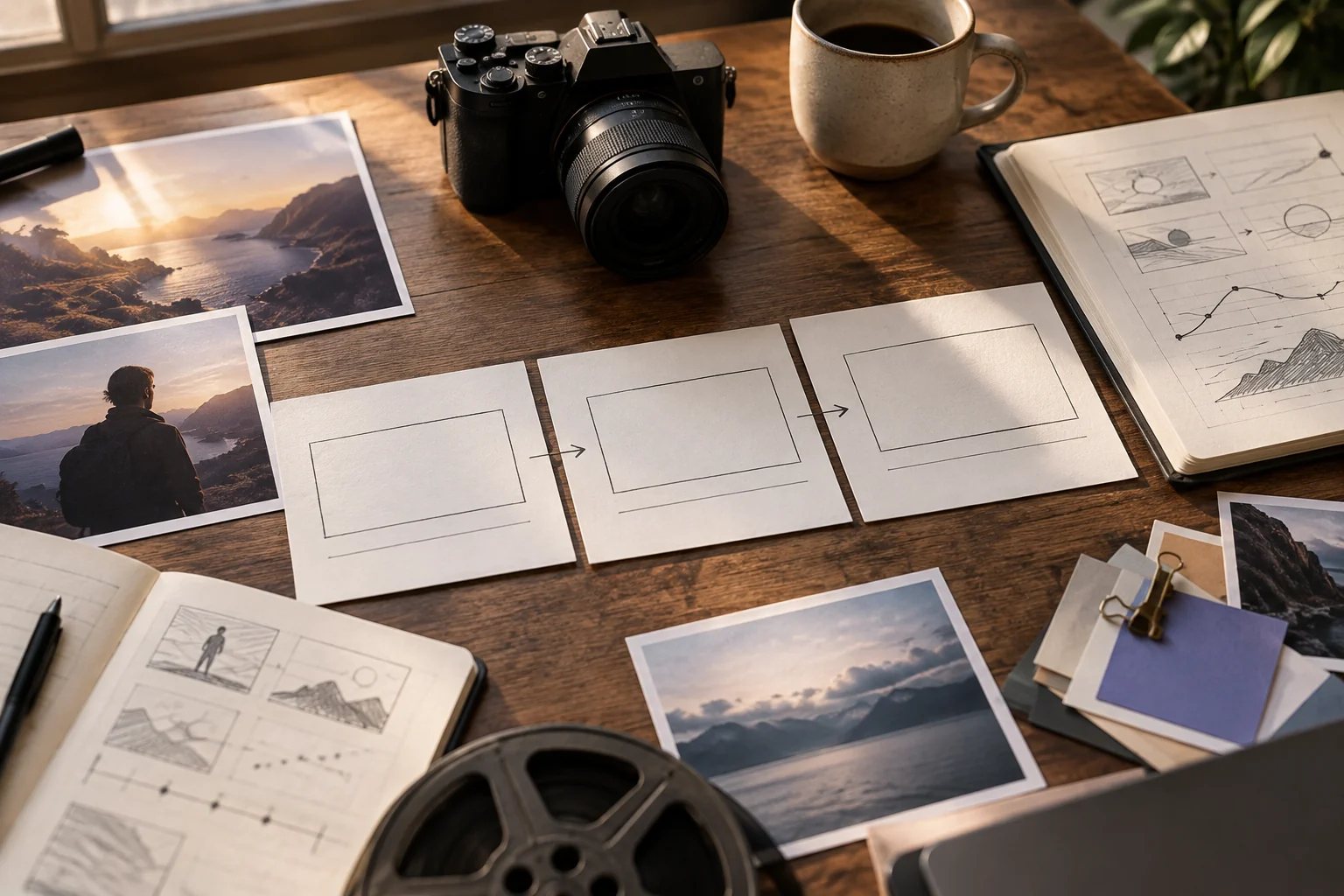
Plan a video prompt as a sequence a viewer can follow: opening, action, proof and end frame. Fill the worksheet below, then use it as a brief for a video workflow. This is a static template rather than a live prompt-generation form; the deliverable here is copy-ready text, not a rendered clip.
Illustrative concept image made for this page · not a tested product output.
Video Prompt Builder Worksheet
Prompt text
Video goal: [what the viewer should understand]
Audience and channel: [who and where]
Approved assets: [product photos, screens, logo, script]
Shot 1 - hook: [first frame and reason to keep watching]
Shot 2 - action: [one visible change or demonstration]
Shot 3 - proof: [verified detail shown on screen]
End frame: [approved name, CTA space or clear conclusion]
Camera and sound: [only directions that help the story]
Keep unchanged: [product, character, brand and factual details]
If the workflow supports fewer shots, combine the action and proof. If it supports more, add only the beats that improve comprehension.
Pexo Gallery · selected references
See these ideas in motion
A food assembly sequence and a booking-interface flow show distinct shot-by-shot tasks for the worksheet.
Independent Gallery examples, not outputs of the prompts above. Review your own generated result before publishing.
Pexo Gallery · playable example
The Perfect Salmon Sandwich
A salmon sandwich with cream cheese, cucumber, red onion, capers, and dill is assembled in a stop-motion style against a light blue background, presented with a clean and fresh aesthetic.
Original Pexo Gallery prompt
Subject: salmon sandwich; Style: stop-motion; Environment: light blue background; Action: assembled; Camera: medium shot, shallow depth of field; Lighting: brig…
View full prompt ▾Show less ▴
Subject: salmon sandwich; Style: stop-motion; Environment: light blue background; Action: assembled; Camera: medium shot, shallow depth of field; Lighting: bright, even; Mood: fresh, clean, appetizing.
A purple incoming-call card introduces a Lyngo AI interface mockup. Caller identification, appointment-slot selection and booking confirmation assemble into a final call-and-calendar layout.
Original Pexo Gallery prompt
Design a purple UI motion concept for an appointment-calling assistant called Lyngo AI. Introduce an incoming caller portrait, reveal an identification state, t…
View full prompt ▾Show less ▴
Design a purple UI motion concept for an appointment-calling assistant called Lyngo AI. Introduce an incoming caller portrait, reveal an identification state, then transition through available calendar slots and a selected Friday appointment. Animate confirmation badges and bring the call card and calendar together in a polished final composition.
Write the outcome. State the video task and what the viewer should know or do afterward.
Map the shots. Give each shot one job and attach the references that make it accurate.
Review the draft. Paste the brief into your video workflow, inspect the preview and correct the shot that missed its purpose.
The shot plan is the prompt. Generation, editing and publishing remain separate steps.
What the Template Builds
Use the same structure for different tasks:
Product demonstration
Prompt text
Make a short video from the supplied travel mug photos. Hook: close view of the real lid. Action: a hand opens its actual latch and pours water. Proof: show the correct hardware and no invented feature. End: full mug profile with approved logo. Natural kitchen sound and steady camera.
App explainer
Prompt text
Use the approved booking screens. Hook: the user's goal in one caption. Action: show selecting a time and confirming it. Proof: the verified confirmation state. End: the approved product name. Keep screen order and on-screen wording exact; leave captions for human review.
Brand social clip
Prompt text
Use the real bakery exterior and pastry images. Hook: storefront sign in a vertical frame. Action: a hand places one loaf on the counter. Proof: a close view of the supplied pastry. End: the approved logo. Warm room ambience, no testimonial or invented offer.
Each example is a prompt plan. Actual video quality depends on the assets, model route and review process.
Set Length, Ratio and Visual Style
State the channel and preferred framing, such as vertical for a short social placement or horizontal for a product page, without assuming every model offers the same controls. Give a duration target only if the story needs it. Choose one coherent visual treatment; a long list of conflicting styles can obscure the action. Sound cues should name a source and moment, such as a latch click when the lid opens.
Example: Idea to Shot-by-Shot Prompt
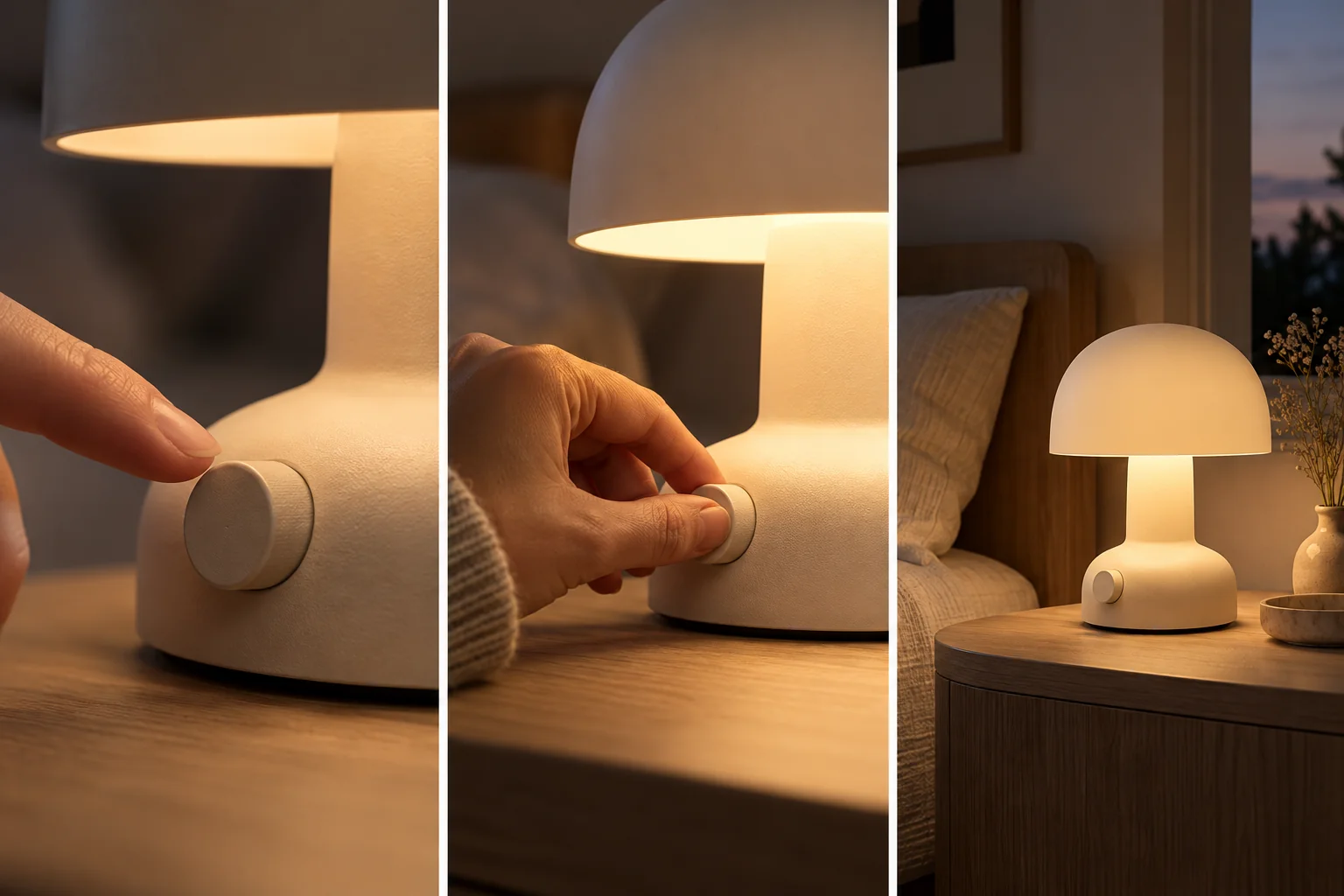
Rough idea: Show how our desk lamp works.
Completed prompt:
Prompt text
Use the approved lamp photos for a short product demonstration. Shot 1: close on the actual control dial. Shot 2: one hand turns the dial and the light changes. Shot 3: pull back to the full lamp on a bedside table. Keep the dial markings, color and logo unchanged. Use a quiet switch sound and finish with room for approved product copy.
Three-shot concept for the example above. The lamp is illustrative, not an approved product reference or tested Pexo output.
Review the first draft for control accuracy, hand movement, sound timing and readable copy space. The example does not represent a generated output.
Privacy and Usage Notes
Supply only assets you have rights to use. Remove unnecessary personal information before uploading a brief or reference. Pexo's terms explain account conditions; inspect current product controls for any additional workflow-specific options.
Continue in Pexo: From Brief to Video Draft
Choose a matching task in Pexo's create directory or begin with its product-video workflow. Share the shot plan and authorized references, then review Pexo's direction and preview. Keep the parts that work and request a specific change to the missed shot. Approve facts, captions, sound rights and channel crop before publishing.
YOUR NEXT STEP IN PEXO
Build a shot-by-shot brief, then test it.
Fill the scene, action, camera and end-state fields, then inspect each beat in a Pexo draft.