Pexo

THE PEXO PROMPT LIBRARY / LISTING

Camera Movement Prompts: Dolly, Pan, Orbit and More

Give the camera one clear job per shot. Name the subject, starting frame, movement and end frame, then describe what should remain recognizable. Copy a starter prompt and adapt it to the real product or scene.

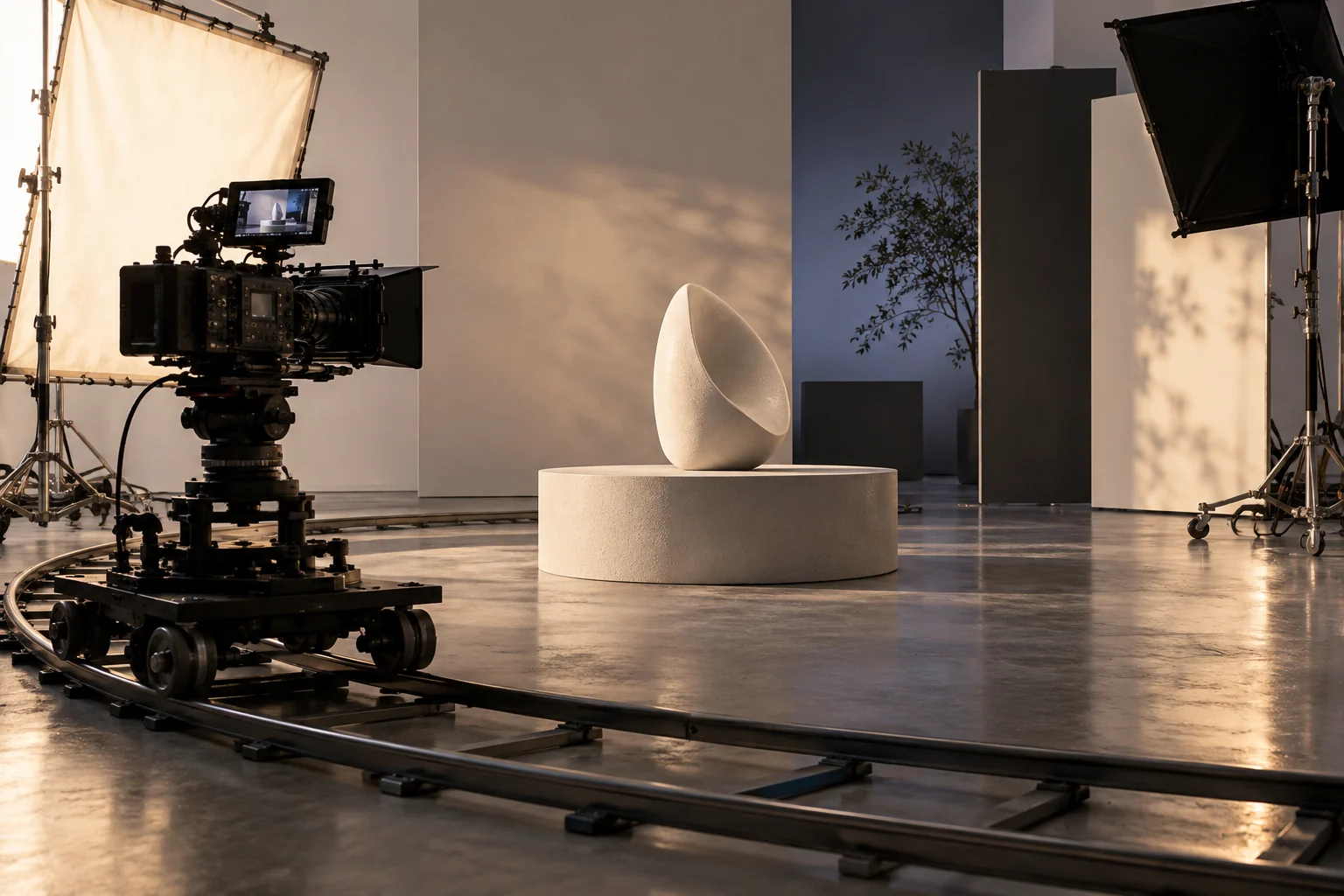
Cinema camera on a curved dolly track around a studio subject
Illustrative concept image made for this page · not a tested product output.

Camera Moves and the Words to Use

MoveUse it whenPrompt wording
Dolly inA product detail should gain importance"Begin wide on the desk, then move the camera slowly toward the real bottle label."
Dolly outThe setting matters after a close detail"Start close on the shoe stitching, then pull back to reveal the runner at the track."
PanThe viewer should discover an adjacent object"Hold the camera in place and pan right from the package to the unpacked product."
OrbitShape and material need several angles"Circle halfway around the chair at a steady distance, keeping its silhouette consistent."
TrackAn action should stay centered"Track beside the cyclist at walking speed; keep the bicycle and jacket consistent."

For a product ad, choose a move that reveals a real feature. A decorative orbit adds little if the audience needs to see how a lid opens. To turn a still into a directed moving shot, see Pexo's camera movement tool.

Prompt text
Use the supplied photo of a reusable bottle as the identity reference. Begin in a medium shot on a kitchen counter. Dolly in as a hand opens its actual cap, hold for the seal detail, then end on the approved front label. Keep the shape and logo unchanged. Natural window light; quiet room sound.

Same cap, two camera briefs (illustrative comparison).

Weak briefRevised briefFinal-frame check
Orbit continuously around the bottle while a hand opens it; end on a dramatic blur.Hold the supplied bottle front view, then dolly in as the hand opens its real cap. Pause on the cap-to-neck connection and end on the approved front label.The opening mechanism, bottle silhouette and label match the supplied reference; no invented hinge appears.

Combining Moves Without Breaking the Shot

Join two moves only when each has a purpose. A product reveal might start with a short lateral track, settle, then move closer for a detail. State where one action ends before the next begins.

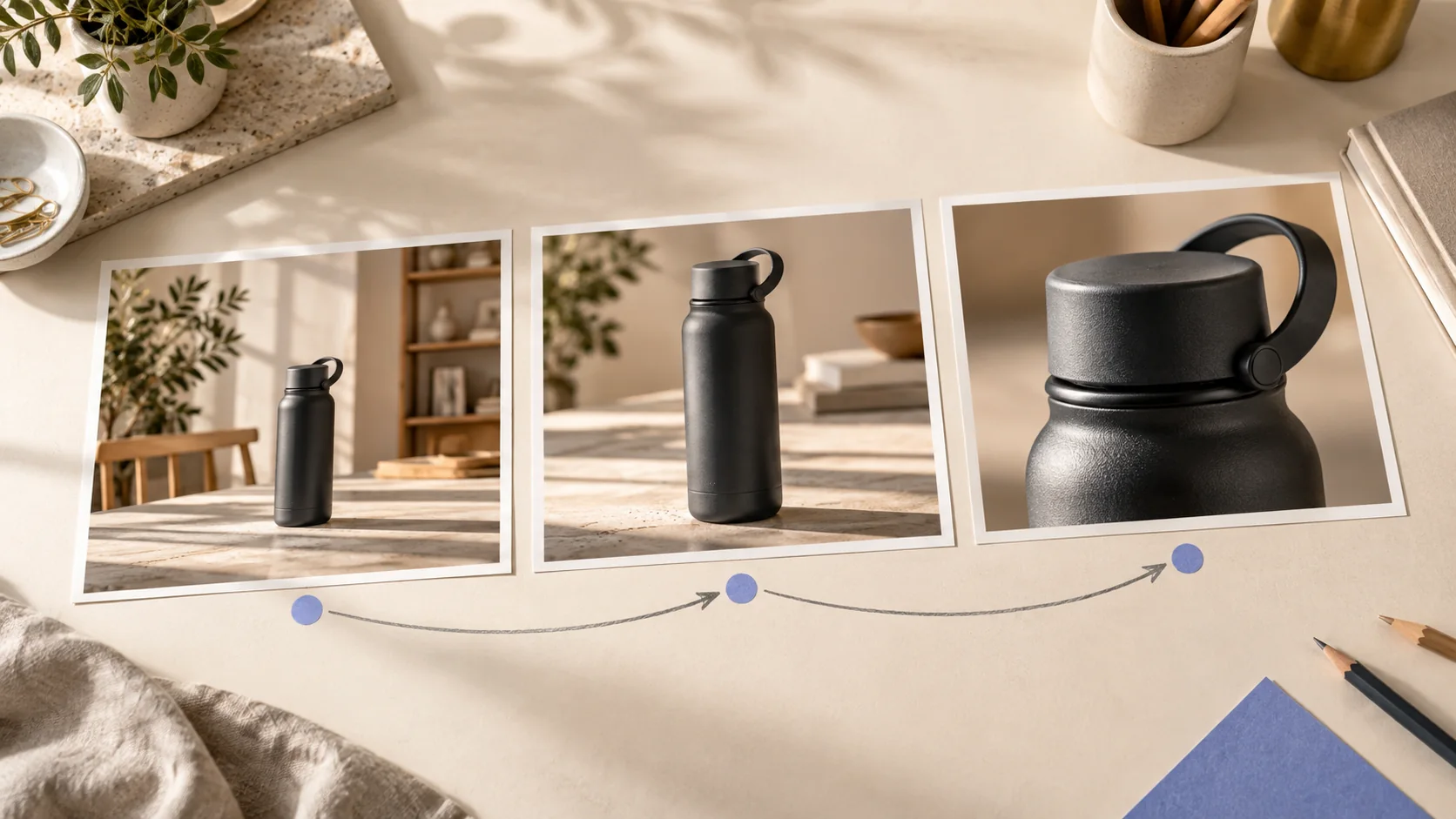
Three-frame concept storyboard showing a black bottle from wide view to closer product detail
One subject, three framing decisions: establish the scene, move with a purpose, then reveal a detail. Editorial concept, not a tested Pexo output.
Prompt text
Show the supplied canvas backpack on a bench. Track left for one steady view of the front pocket, stop, then move closer as a hand opens the real zipper. Finish on a still frame with room for an approved product name. Preserve the pocket layout and fabric color.

For a change of viewpoint, request a cut instead of making one camera travel through an implausible path. Check continuity of product orientation after the preview.

How to Write Your Own Camera Movement Prompts

  1. Choose the proof point. Decide what the viewer must understand: scale, material, mechanism or context.
  2. Set the first frame. Identify the subject and its position before movement starts.
  3. Specify one movement. Use a verb such as pan, track, orbit or dolly, with direction and speed.
  4. Name the end frame. Tell the model where to stop and which product details must still match the references.
  5. Review the preview. Ask for a narrower revision when the motion distracts from the product.
Prompt text
Create a short product explainer from the supplied standing-desk photos. Start wide enough to show the full desk. Track sideways while the desktop rises, then stop on the actual control panel. Keep its buttons, color and proportions faithful to the reference. Use a calm mechanical sound and leave space for verified dimensions.

Make a Finished Video From Any Prompt in Pexo

Pexo's Product Video page describes a product-led video workflow. Start with the product material and the movement brief, review the proposed direction, then refine the part that misses the real object. The Pexo video agent overview explains the conversational production approach. Check brand details, claims, captions and rights before publishing a generated cut.

Camera Movement Prompts FAQ

Should I specify every camera move?

Name the moves that carry information. A short product video often benefits more from one revealing movement and a clear end frame than from a long list of techniques.

What if the camera changes the product shape?

Use a supplied image as the identity anchor, request a simpler move and compare the preview with the original asset. The Product Video workflow is a starting point for giving that feedback in Pexo.