Explainer Video Prompts: Script, Visuals and Voiceover
An explainer works when the viewer can follow a problem, a mechanism and a result. Write the narration before choosing visual style.
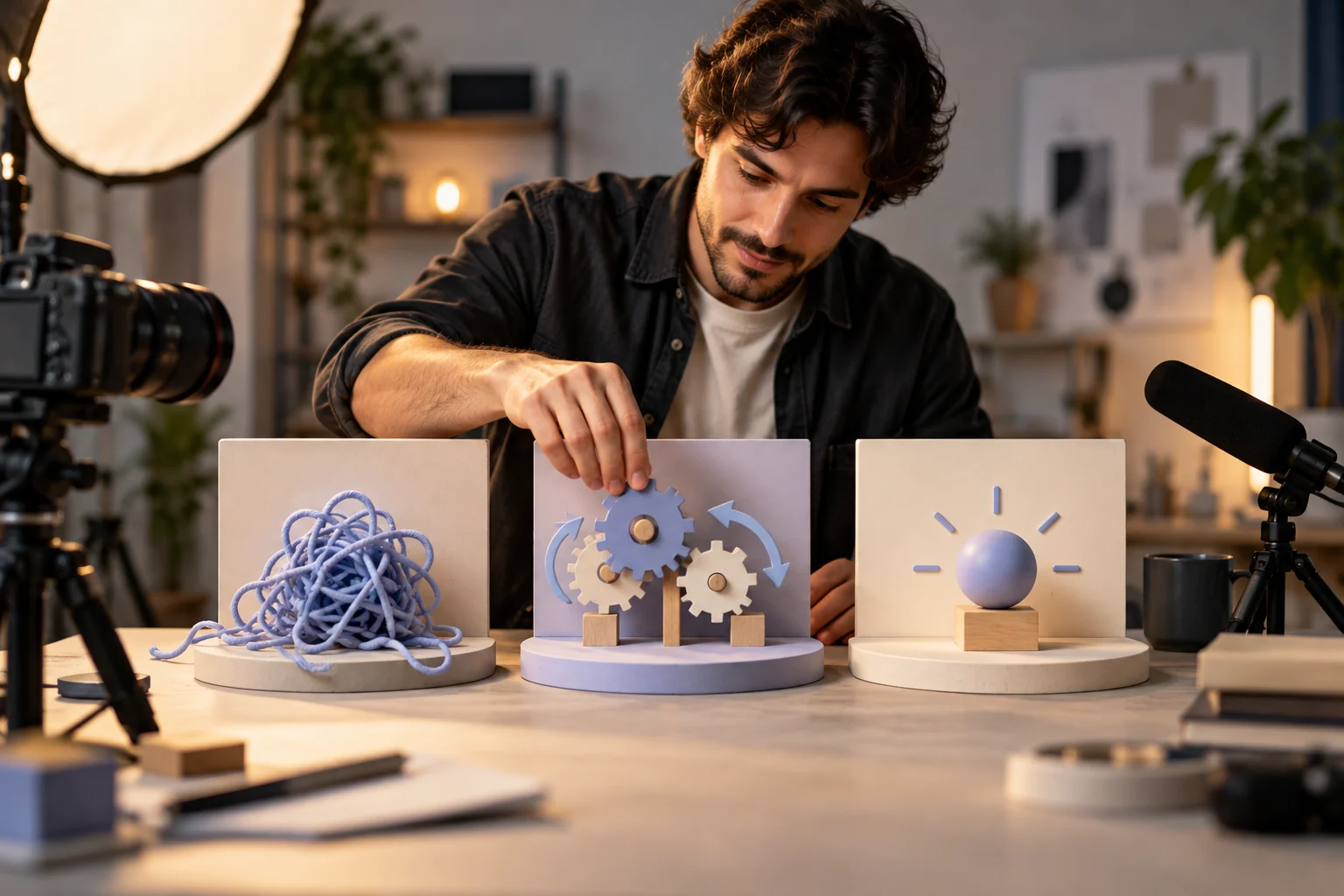
Illustrative concept image made for this page · not a tested product output.
Problem-Solution-Result Script Prompt
A problem-solution-result script works when each beat is visible. Use a real product reference for the mechanism and keep the narration aligned with what the viewer sees.
Prompt 1.
Prompt text
Create a 30-second explainer for a reusable coffee filter. Problem: disposable filters run out. Solution: show the actual filter being placed, rinsed and reused. Result: one clean cup. Use supplied product photos, simple line graphics and a calm voiceover; make no environmental savings claim.
Problem, use and rinse sequence with an unbranded illustrative filter. Use approved product photos for an actual render; this is not a tested Pexo output.
Illustrative script and shot plan:
Beat
Narration
Visual
Problem
“Out of paper filters?”
Show the supplied brewer and its empty filter holder.
Mechanism
“Place this reusable filter in the brewer.”
Show the actual approved filter being seated; do not invent a fitting step.
Next use
“After use, follow the product cleaning instructions before the next brew.”
Show only a cleaning action confirmed by the product owner.
Read the approved script aloud and adjust shot durations to the recording. Confirm filter fit and cleaning steps against the real product before generating or publishing.
Pexo Gallery · selected references
See these ideas in motion
A product problem-and-solution and a whiteboard workflow match the explainer structure and visual-style sections.
Independent Gallery examples, not outputs of the prompts above. Review your own generated result before publishing.
Pexo Gallery · playable example
Portable Egg Container Explained
A hand-drawn whiteboard explainer video illustrates the challenge of safely transporting eggs and seasonings, then introduces a compact purple protective container for travel.
A whiteboard explainer maps scattered files, reminders, approvals, and follow-ups into one automated digital system, freeing time for better decisions, deeper work, and faster progress.
Original Pexo Gallery prompt
Create a crisp 16:9 whiteboard explainer about reducing busywork with automation. Show an overloaded office worker, scattered files and reminders, a connected d…
View full prompt ▾Show less ▴
Create a crisp 16:9 whiteboard explainer about reducing busywork with automation. Show an overloaded office worker, scattered files and reminders, a connected digital system, completed tasks, a rising chart, and the final message Less Busywork. More Progress. Use clean black line art, restrained burgundy accents, a fixed overhead camera, bright even lighting, and practical business pacing.
Line art is useful for an abstract sequence; live product footage shows physical steps; real screen capture is best when interface details matter. Choose one primary visual language so the explanation stays coherent.
Prompt 1.
Prompt text
Explain a team booking workflow with three cards: request a room, see availability, confirm the booking. Use approved screen captures and a neutral voiceover. Keep the final call to action to the verified demo page.
How to Write Your Own Explainer Video Prompts
Assign one action to each sentence and one visual to each action. If the concept is abstract, use shapes; if the product UI matters, use real screenshots. If a visual contradicts the approved narration, keep the approved sentence and replace only its matching shot with a verified diagram or screen capture.
Make a Finished Video From Any Prompt in Pexo
Bring a problem-solution-result script and references for the actual mechanism. Bring the brief and any source assets you own to Pexo. Review the preview and request one concrete revision. If you want to turn the brief into video, Pexo’s Seedance 2.5 page lists a free first video after account registration; check the current offer and credit conditions before rendering.
YOUR NEXT STEP IN PEXO
Make the explanation easy to follow.
Turn one audience question into a script and visual sequence; verify terminology, narration and supporting screens.
Short enough that each claim can be shown and understood. Read it aloud, then adjust pacing after a preview.
What should an explainer show first?
Open with the problem the viewer recognizes, then show the mechanism and the result. Keep narration synchronized with the visible step.
Related Prompt Collections
For a neighboring task, see AI Video Prompts: Copy-and-Paste Prompts for Any Video; AI Prompts Library: Copy-Ready Prompts for Video, Image & More; App Launch Video Prompts: Show Your Product in 60 Seconds. You can also browse Pexo use cases for another production goal.