Real Estate Video Prompts: Property Tours and Listings
Use current, permission-cleared listing photos and accurate room details. Generated transitions can make a tour easier to follow, but must not change the property's condition or layout.
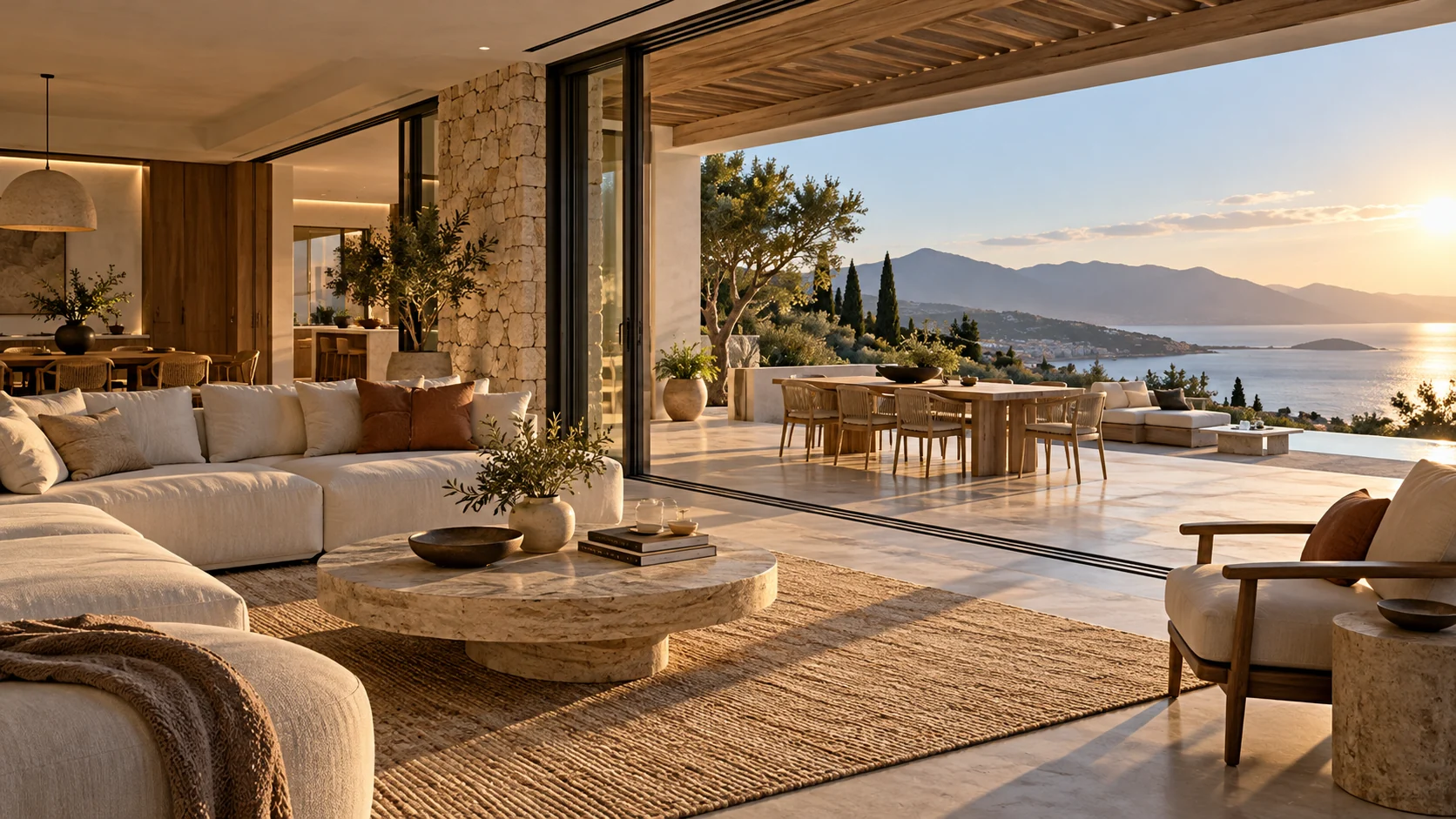
Illustrative concept image made for this page · not a tested product output.
Walkthrough and Flyover Prompts
A property walkthrough needs current, permission-cleared listing images and a sensible room order. Add address, floor area and amenities only from the approved listing.
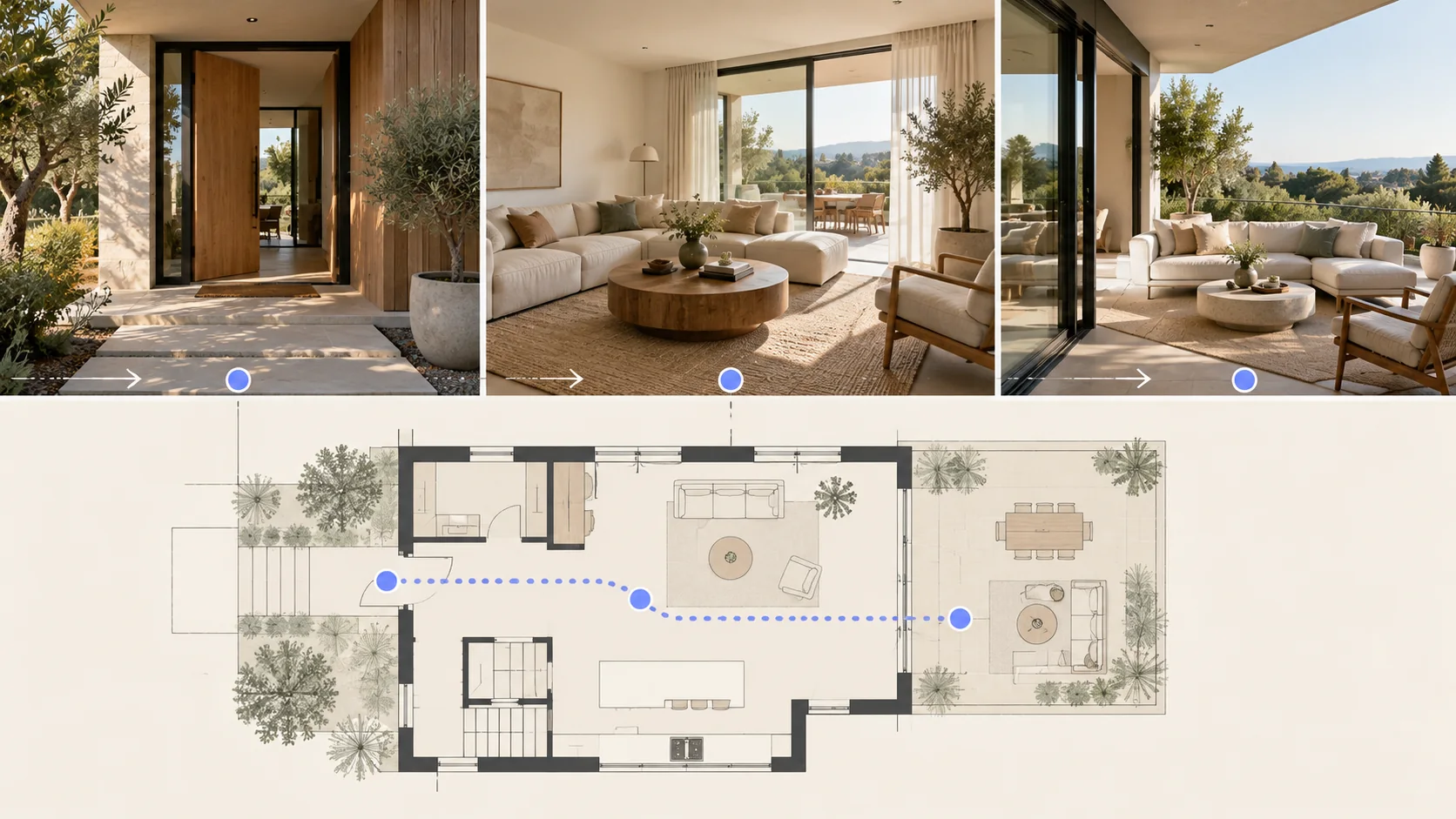
Plan a room order that follows the real property, then verify every view against authorized listing material. Illustrative concept, not a real listing or tested Pexo output.
A walkthrough follows the real floor plan. A flyover needs licensed, accurate aerial source material; otherwise use a clearly conceptual establishing view, not an invented recording of the property.
Prompt 1.
Prompt text
Create a listing teaser from supplied photos of a two-bedroom apartment: exterior, living room, kitchen, then balcony. Use restrained push-ins and a simple location card added from verified listing data. Do not add a pool or change room dimensions.
Licensed aerial opening brief:
Prompt text
Use the supplied licensed aerial clip of this property as the opening shot. Preserve the actual building and surroundings; add no structures or amenities. Cut to the verified exterior photo, then continue through the real room sequence.
Do not ask the model to invent missing aerial footage.
Pexo Gallery · selected references
See these ideas in motion
Villa promo, home-value narrative and listing tour cover teaser, story and walkthrough treatments for property video.
Independent Gallery examples, not outputs of the prompts above. Review your own generated result before publishing.
Pexo Gallery · playable example
Luxury Villa Promo Video
A modern waterfront villa moves from a sunset exterior and infinity pool to marble kitchens, open living areas, a serene bedroom, and a spa-like bathroom in a polished real estate tour.
Pexo Gallery prompt
This source video does not publish a prompt. Open its Gallery page for the available details.
A modern suburban house with autumn trees, interior kitchen and living room shots, real estate agents discussing documents, and a smiling couple in a polished, cinematic style.
Original Pexo Gallery prompt
Subject: suburban house, kitchen, living room, agents, couple; Style: polished, cinematic; Environment: modern home; Action: discussing documents, standing; Cam…
A cinematic luxury real-estate listing film showcases a modern white house exterior and spacious minimalist interiors, moving from a landscaped suburban property to interior room views.
Original Pexo Gallery prompt
Subject: modern white house exterior; Style: real estate; Environment: landscaped suburban property; Action: showcases interior views; Camera: conservative comp…
View full prompt ▾Show less ▴
Subject: modern white house exterior; Style: real estate; Environment: landscaped suburban property; Action: showcases interior views; Camera: conservative composition; Lighting: soft natural daylight; Mood: quiet, elegant, aspirational.
A teaser can show a verified exterior, one distinctive room and the view, then direct viewers to the real listing. Keep address, area and amenity claims in approved copy, not generated pixels.
Prompt 1.
Prompt text
Make a calm walkthrough storyboard for a townhouse: doorway to living room, turn toward dining area, then close on the garden view. Use actual floor plan and photos as references; avoid an invented aerial shot.
How to Write Your Own Real Estate Video Prompts
Match the shot order to the real floor plan. A flyover should use authorized aerial material or be clearly illustrative, never passed off as actual property footage. If the tour jumps from the kitchen to a room that is not adjacent on the floor plan, reorder the shots and check each doorway against the listing photos.
Make a Finished Video From Any Prompt in Pexo
Bring permission-cleared listing images in the exact room order. Bring the brief and any source assets you own to Pexo. Review the preview and request one concrete revision. If you want to turn the brief into video, Pexo’s Seedance 2.5 page lists a free first video after account registration; check the current offer and credit conditions before rendering.
YOUR NEXT STEP IN PEXO
Build a property tour from verified spaces.
Use current property photos and facts; check room order, views and listing details before sharing the tour.
Do not present invented rooms as the listed property. Use real source assets or label conceptual visuals clearly.
Which property details need source checks?
Match the room sequence, floor area, location and amenities to the current listing. Use permission-cleared photos for the tour.
Related Prompt Collections
For a neighboring task, see AI Video Prompts: Copy-and-Paste Prompts for Any Video; AI Prompts Library: Copy-Ready Prompts for Video, Image & More; Beauty and Skincare Ad Prompts: Luxury Product Videos. You can also browse Pexo use cases for another production goal.