
Pexo

THE PEXO PROMPT LIBRARY / GUIDE

How to Write AI Video Prompts: The Formula That Works

The subject–action–camera–style–audio formula is a checklist, not a magic incantation. A useful video brief says what must move and what should stay stable.

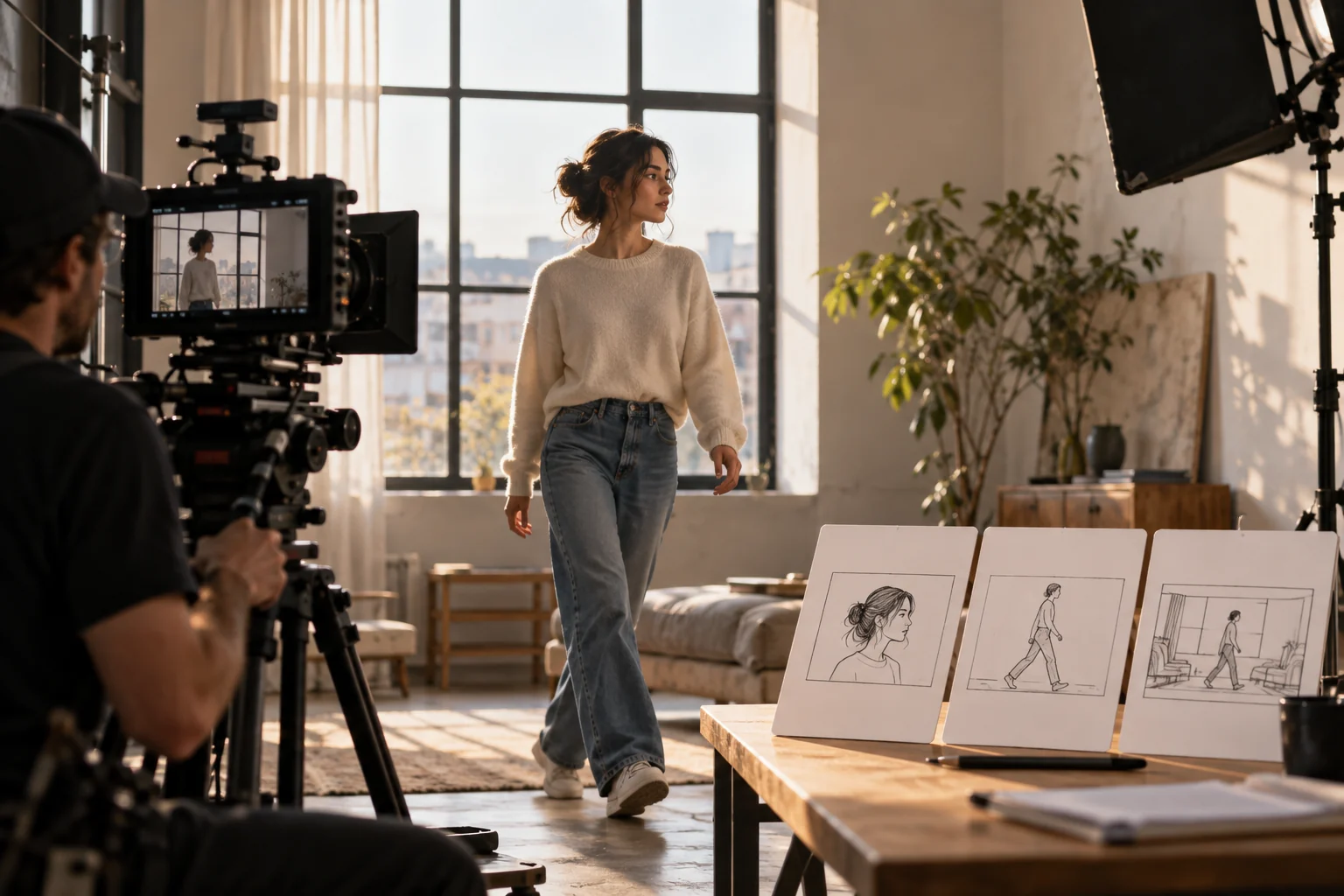
Performer and camera on a small film set with shot reference cards
Illustrative concept image made for this page · not a tested product output.

The Video Prompt Formula in Brief

A video prompt needs a subject and action, then a camera position, visual treatment and audio cue when relevant. State the opening and final frame so the motion has a destination. Keep the brief short enough to review against the actual result, and revise the element that drifted.

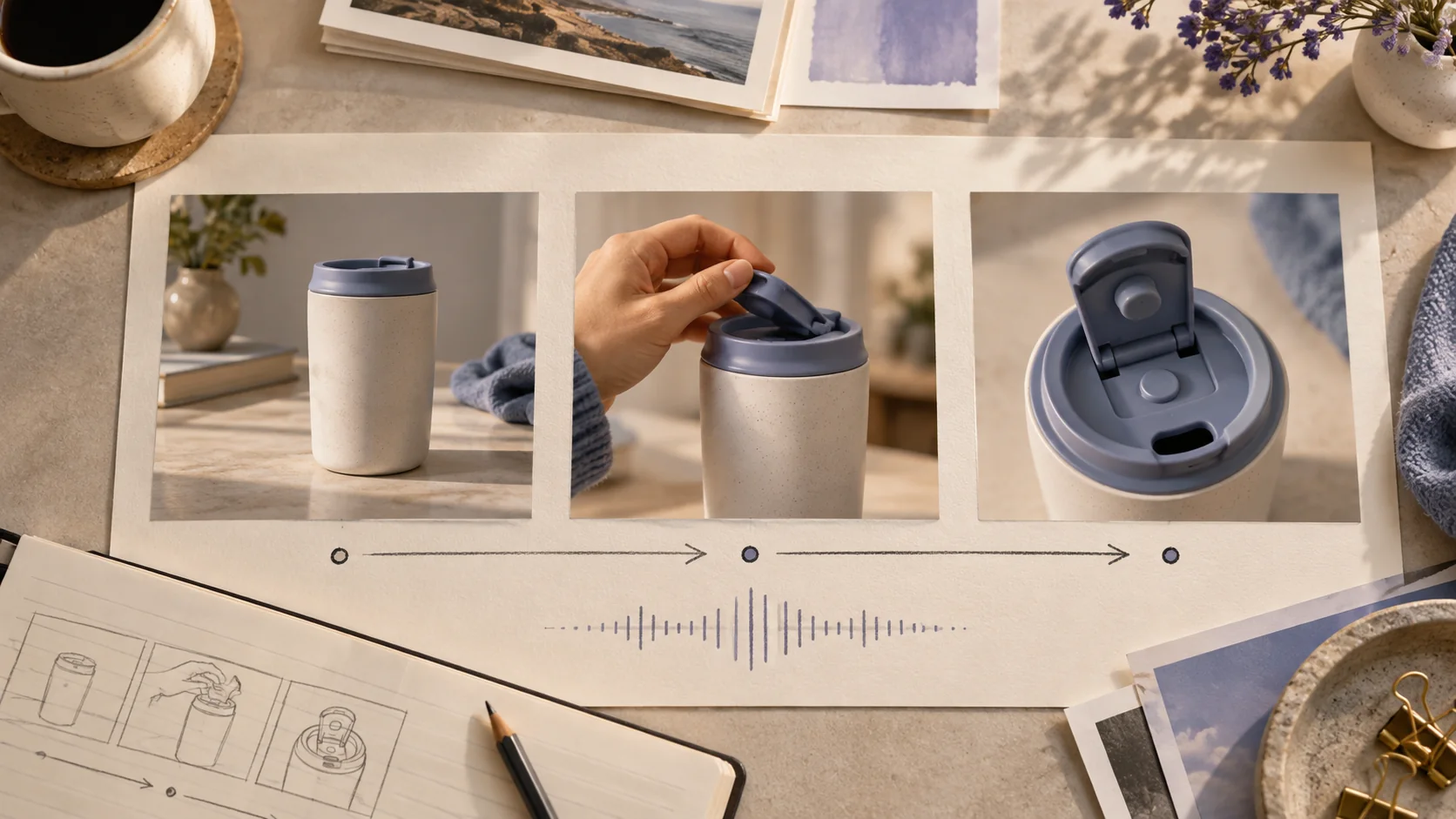
Three-frame storyboard showing opening frame, hand action, and final product detail
Show the first frame, one clear action and the final detail; then specify camera and audio only where they help. Editorial concept, not a tested Pexo output.

The Subject-Action-Camera-Style-Audio Formula

Use this order: subject; visible action; camera position and movement; visual style; audio request. If one part is irrelevant, omit it rather than filling every slot with vague adjectives.

Copy and complete this version:

Prompt text
Subject: [who or what].
Action: [one visible movement].
Camera: [start, move, end].
Style: [light and texture].
Audio: [source and cue, if supported].

Prompt 1.

Prompt text
Subject: a cyclist on a coastal road. Action: rides through one gentle bend. Camera: rear tracking shot at constant distance. Style: clear morning, natural color. Audio: wind and tire sound only.

Common Mistakes That Break a Video

Multiple actions and camera moves in one short shot can make the subject hard to follow. State the main action first, then choose one camera move and one ending frame. Keep required text in an approved asset or add it during editing.

Common Mistakes and Fixes

When motion is weak, replace a mood word with a visible verb. When the subject drifts, shorten the action and repeat its defining appearance. When sound misses the beat, specify the moment it should begin and review the actual audio.

Bicycle continuity revision (hypothetical drift, not a tested output). Initial brief: 'A courier rides across a bridge, tracking camera, warm daylight.' If the rider's jacket or bicycle changes after a cut, revise only the identity anchors:

Prompt text
Use the supplied reference of the same courier in a yellow jacket on the same dark commuter bicycle. Open in a side view at the near end of the bridge. Track alongside for one continuous ride; end at the far end with the same jacket, bicycle frame and handlebar shape visible. No outfit or bicycle change.

Check the subject (same courier), action (one ride), camera (single side track), style (warm daylight) and end frame (same jacket and bicycle) against the reference. Remove unrelated style words before adding more controls.

Try It Now in Pexo

Send the subject-action-camera-style-audio checklist as a concise scene brief. Bring the brief and any source assets you own to Pexo. Review the preview and request one concrete revision. If you want to turn the brief into video, Pexo’s Seedance 2.5 page lists a free first video after account registration; check the current offer and credit conditions before rendering.

How To Write AI Video Prompts FAQ

What if the tool ignores audio directions?

Treat audio as a creative request, not a guaranteed control. Check the actual output and add or replace sound in your final workflow if needed.

What if the generated camera move looks wrong?

State the camera start position, one move and the intended end frame. Shorten the action if the subject disappears during the move.