
One Compelling Question
Give the audience a situation they can understand before asking them to care about a reveal. A clear mystery is stronger than a string of unrelated dramatic images.
The AI Movie Trailer Maker turns a premise, selected story beats and creative direction into a movie teaser. The Pexo AI video agent plans the opening hook, scene progression and sound around what you want to reveal—and what should stay hidden.
Add the genre, audience, important characters and spoiler limits. You can provide visual references when you continue in Pexo.
A trailer is a promise, not a plot summary
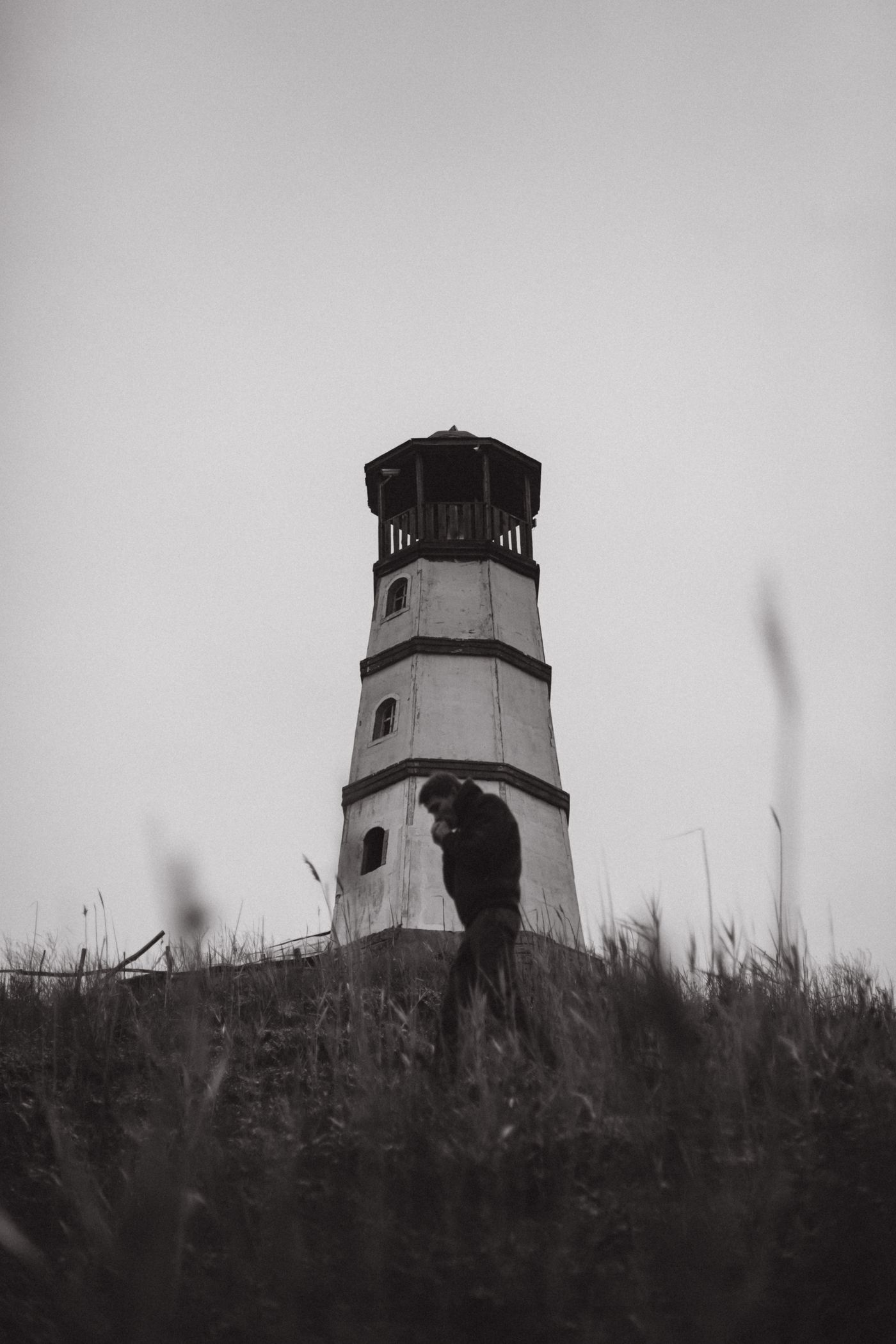
An illustrative mystery concept built around a place, a question and a final title.

The story, not the whole plot
A movie trailer introduces a world, a conflict and a reason to keep watching. It does not need to retell every scene. Start with the one question you want the audience to leave with, then identify the moments that make that question matter.
For an original concept, the trailer can use generated scenes rather than footage from a finished film. Pexo uses your brief to coordinate shot direction and pacing. Treat the result as a creative interpretation, and check whether it still represents the story you intend to tell.
A concept teaser should not imply that invented scenes are footage from a released movie. Keep project titles, release information and any claims about the production accurate before sharing it.
Give the audience a situation they can understand before asking them to care about a reveal. A clear mystery is stronger than a string of unrelated dramatic images.
Identify what the central character could lose. Choose beats that raise that pressure without explaining how the conflict is resolved.
Mark the twist, identity or final outcome that must stay out of the teaser. Review dialogue and background details as well as the main action for accidental spoilers.
From premise to teaser
Provide the story boundaries, direct the moments that build tension, and review how the trailer invites viewers into the film.

Describe the protagonist, setting, conflict and genre. Separate what viewers may learn from what must remain hidden. If you have a script, paste the relevant text and identify any dialogue that needs to stay exact.
Tell the Agent which discovery, confrontation or image should anchor the teaser. Add camera, lighting and sound direction where it matters. Ask for a quieter opening or a later reveal instead of requesting more intensity everywhere.
Watch once for story clarity and again for individual shots. Check character appearance, locations, dialogue and the final unresolved moment. Request changes to specific beats so a revision does not unintentionally expose the ending.
Inside trailer production
The Agent can coordinate scene and audio generation around the trailer brief. The creative direction determines which capabilities are useful.
Create moving scenes from descriptions of the subject, action and setting, with shot direction tied to the intended trailer beat.
Use a supplied still as the starting point for directed motion, then check that recognizable characters and visual details survive the change.
Describe a score’s mood and progression so the soundtrack supports the suspense rather than giving every scene the same intensity.
Describe individual cues for a discovery, impact or change in atmosphere, with timing and intensity suited to the scene.
Questions answered
Yes. Start with an original premise and describe the scenes you want to suggest. Generated shots can communicate a concept, but they are not evidence of a completed production. Label a concept or pitch trailer appropriately when sharing it.
List the information that must remain hidden before generation. Be specific: a character’s identity, a final location or the outcome of a confrontation. Review the pictures and dialogue together; a background detail can reveal more than the narration.
Provide the relevant script text and mark the lines or events that should guide the teaser. A trailer can rearrange selected beats to build curiosity, so explain which story order matters and which material must not appear.
Do not assume perfect continuity. Supply useful visual references and review faces, clothing, props and locations across the sequence. Identify the exact mismatch when requesting a revision rather than asking for the entire trailer to be regenerated without direction.
Yes. Describe the pacing change at the beat level, such as holding the first discovery longer or delaying a reveal. Repeat the story details that must remain intact so the revision stays focused on timing and presentation.
Start with the unanswered question
Bring the premise, the moments worth showing and the ending you want to protect. Build a teaser around those boundaries, then review its story and scene details before sharing.