
One Buyer Question
Choose the question the ad should answer, such as how the product fits a daily task. Keep the opening and final next step connected to that question.
The AI UGC Video Generator turns a product brief and approved references into a creator-style product video. The Pexo AI video agent coordinates the hook, script, AI presenter and demonstration around your audience, keeping product details and review in the same workflow.
Supply current product facts and approved wording. You can add product images and authorized presenter references when you continue in Pexo.
Creator-led, product-centered
Build the brief around what a viewer should see, hear and understand—without inventing a customer story.
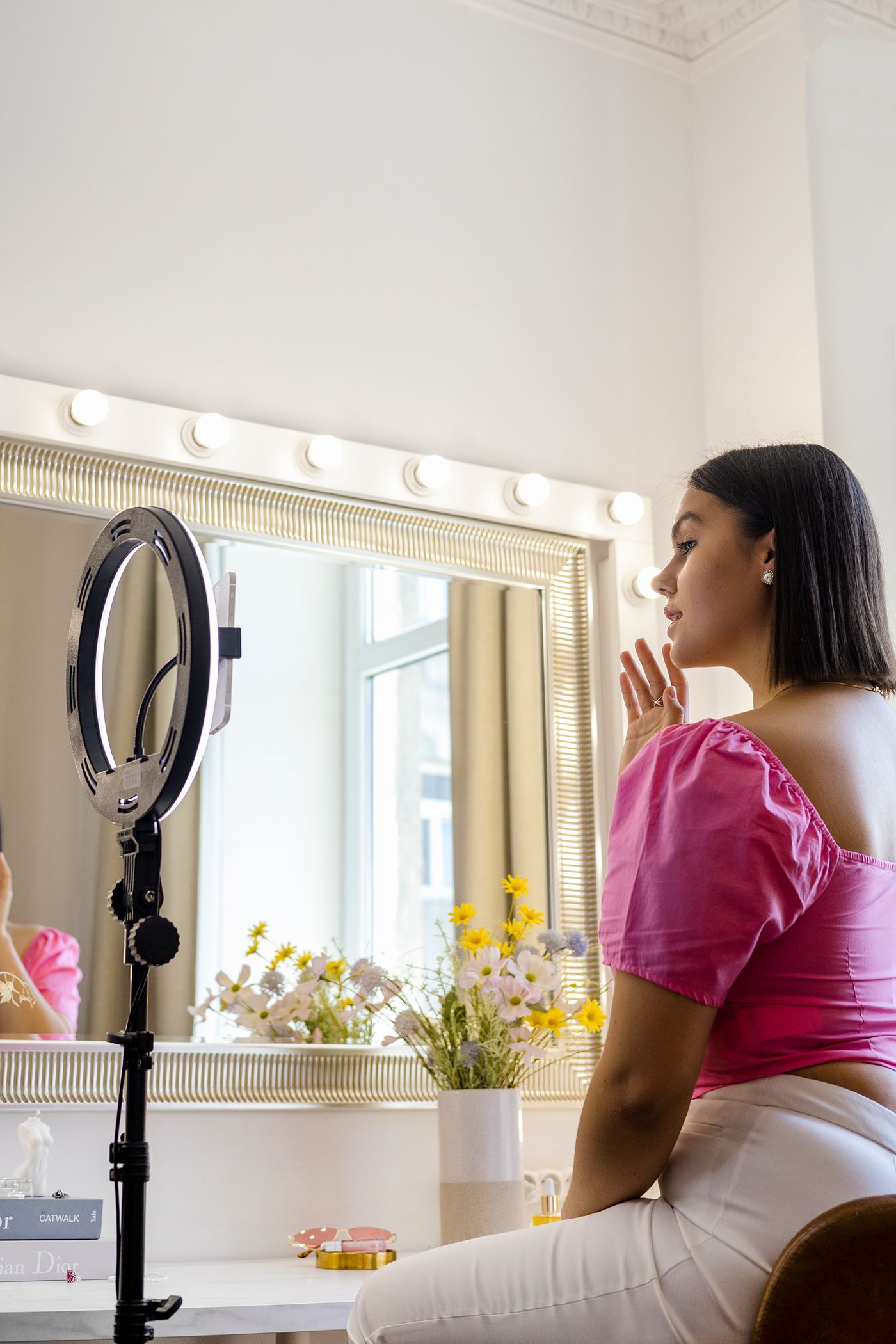 Creator scene reference
Sample script direction
Show the routine, not a made-up review.“Start with the product on the counter. Show the dispenser and texture, then close on the product name.”
Describe visible actions. Verify every product statement before using it in an ad.

Conversational delivery, specific product facts
An AI UGC-style video uses a conversational presentation to explain a product. The creator-style format can feel informal, but the product information still needs a dependable source. Start with one buyer question and one detail the video can show, rather than a list of every selling point.
Pexo uses the product context and your direction to coordinate a script, presenter and scenes. You can guide the setting and delivery without arranging the work as separate tool tasks. Review whether the spoken line and the visible product tell the same story.
AI-generated delivery is not a real customer’s experience. Use the presenter to explain supported facts, not to invent a purchase, a personal result or a recommendation from someone who never used the product. If genuine customer testimony is essential, start with that person’s authorized account instead.
Choose the question the ad should answer, such as how the product fits a daily task. Keep the opening and final next step connected to that question.
Provide a clear reference for the part the script discusses. Check the shape, label, color and visible function in the generated scene, especially during interaction.
Direct a conversational tone while keeping the speaker’s role clear. A relaxed delivery does not establish a purchase history, a measured result or customer satisfaction.
Inside the creator-style workflow
The Agent can coordinate the speaking performance, product-reference motion and supporting sound. The brief determines what each element needs to explain.
Connect a suitable presenter reference with the approved message and delivery direction. Review expression, mouth timing and the impression the speaker creates.

Shape narration around the audience, tone and pronunciation notes. Keep feature names and factual statements clear when revising how the line is delivered.

Use product images to guide moving scenes. Check that recognizable details remain intact rather than treating generated interaction as proof of product performance.
Describe restrained background music that suits the setting and mood. Keep the score secondary when the spoken explanation carries the product message.
From product source to reviewed creative
Start with facts, connect the hook to a visible product detail, and check the complete presentation before using the video.
Add an accessible product link or describe the product and supply useful images. Identify the audience, the feature to explain and the next action. Include exact wording where specifications or offers matter, along with anything the video must not imply.
Ask for an opening that addresses the buyer’s question, followed by a scene that explains the relevant detail. Describe the presenter’s tone and setting. Keep the approved product message stable while adjusting how the explanation is introduced.
Compare the video with the product references and approved script. Check the label, important details, narration and meaning of the demonstration. Review permissions and disclosure requirements for the intended placement; generated visuals alone do not establish accuracy or suitability.
Questions answered
Provide an accessible product URL or a short brief with clear product images. Add the audience, verified feature and intended next step. If a link requires an account or cannot be read, supply the relevant facts and images directly rather than assuming the page was understood.
No. AI UGC describes a creator-style production format, not an actual customer’s experience. A synthetic presenter can explain product facts, but should not be presented as a real buyer giving a personal account that never happened. Keep that distinction clear in the script and presentation.
Yes. Describe the tone, pace, emphasis and pronunciation you want, and supply exact wording when the message must stay fixed. Use an authorized reference if a particular person or voice is involved. Review the finished performance rather than assuming the direction guarantees a specific identity or expression.
Ask for a focused revision to the opening and state which product facts, demonstration and next step must remain. Keeping those elements stable makes the creative differences easier to compare. A revised hook is a new creative option, not a guarantee of better advertising results.
Check visible details against current product references, including labels and any parts involved in a demonstration. Watch for invented features or awkward interaction. If a scene cannot show the detail clearly, simplify the action or use an approved close-up instead of relying on a convincing-looking result.
Keep the message grounded in the product
Bring the product sources, the buyer’s question and the words you can support. Build a creator-style explanation around them, then review the picture and spoken message together before sharing.