
Pexo

AI Video Meme Maker

Give an inside joke a moving reaction with the AI Video Meme Maker. Describe the situation, the punchline and what viewers should see; the Pexo AI video agent creates the scene and motion around that joke.

Include the context your audience already knows and the reaction that makes the punchline clear.

Make the joke readable

Same situation. Better punchline.

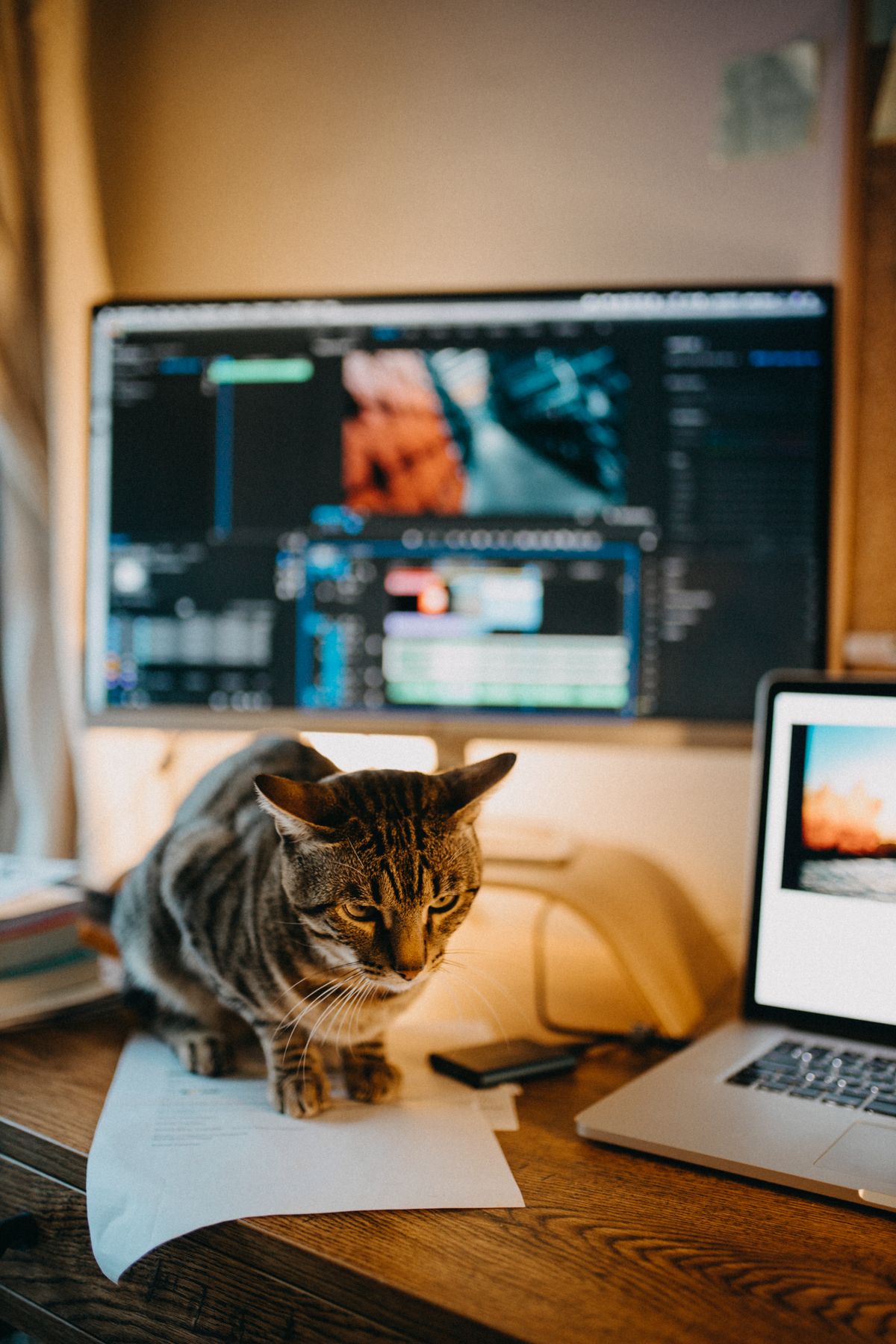
Me: I will not touch anything.
Tabby cat beside an open laptop in a home office
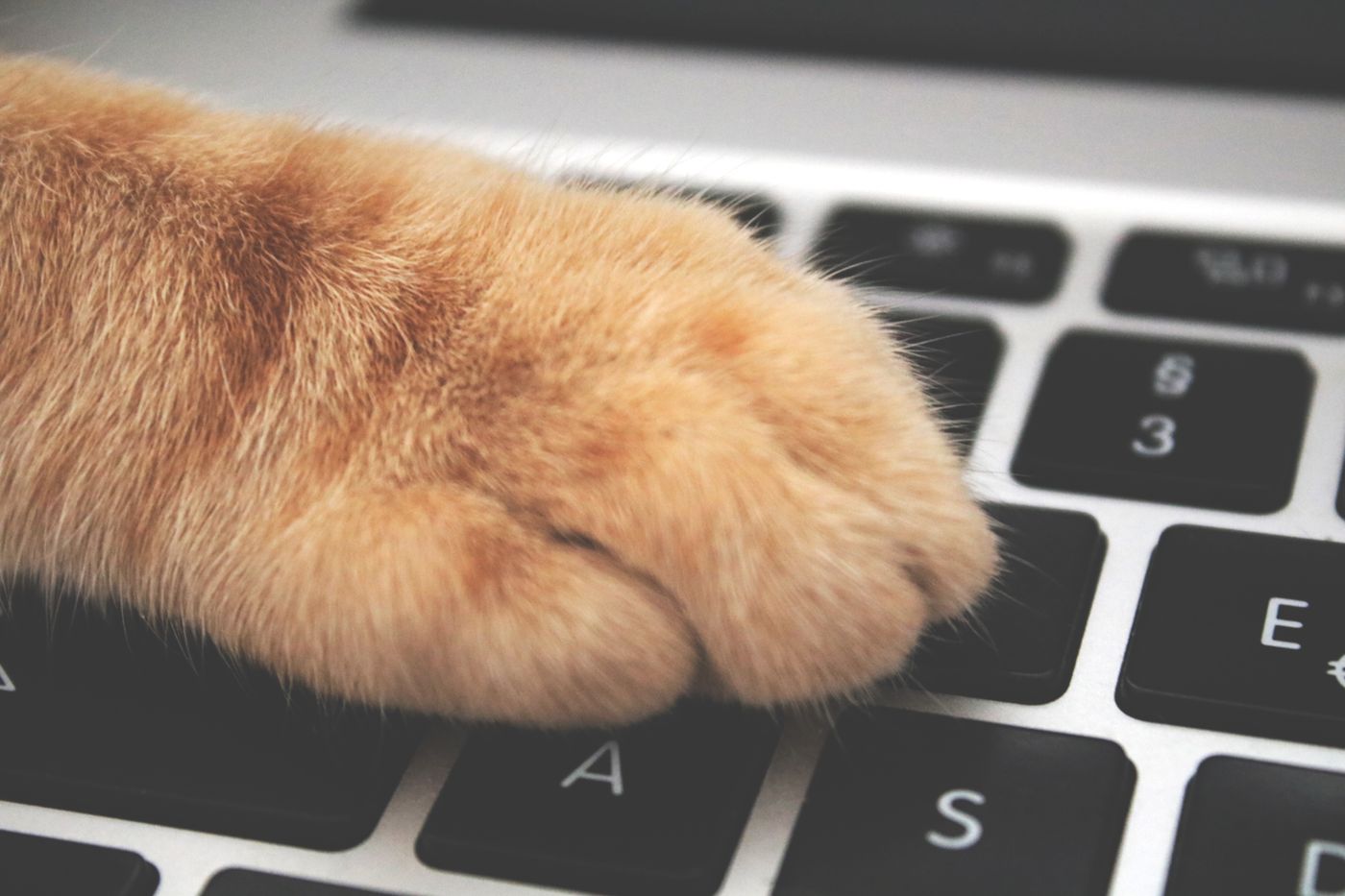
Also me: one tiny edit.
Orange cat paw pressing a laptop keyboard

Caption layout preview

Keep the image simple and let the caption do one clear job.

Try your wording here. In Pexo, add the action, reaction and timing you want the video to follow.

How it works

Turn the Joke into a Moving Reaction

Give the Agent the context first, the reaction second, and a clear test for whether the meme makes sense.

Situation

“I opened my laptop for one thing.”

Punchline

“Three hours later…”

01

Write the Situation and Punchline

Explain what happened and why your audience will recognize it. Include the exact wording if the joke depends on a phrase, and keep background information separate from what should appear on screen.

Yawning cat used as a reaction reference
Choose the reaction
02

Describe the Reaction Viewers Should See

Name the character, action and moment of surprise. Add a reference image if its appearance is important, and explain whether the reaction should be understated or deliberately absurd.

Cat paw on keyboard
Just one tiny edit.
03

Check the Joke Without Explaining It

Watch the result as a viewer who has only the intended context. If it needs a long explanation, simplify the action or make the reaction clearer instead of adding more unrelated details.

Context before effects

A Meme Starts with Shared Context

An AI video meme turns a recognizable situation into a short visual reaction or punchline. It works best when the audience already understands the reference, so the moving image does not have to explain the entire joke.

In Pexo, start from a description and add a reference image when a particular character matters. This is a generation workflow: describe the reaction you want to create rather than assuming there is a searchable library of popular meme clips or a fixed caption template.

Situation

Name the Shared Experience

Write the specific moment your audience recognizes. An inside joke needs a little context; a familiar workday frustration may need only a few words.

Reaction

Make the Feeling Visible

Describe what the character actually does: a slow stare, a triumphant fist pump or a quiet exit. A visible action gives the Agent more direction than a mood word alone.

Wording

Keep the Punchline Exact in Your Brief

If particular words carry the joke, quote them separately from the scene description. Check every word if text appears in the result; do not assume generated lettering will be exact.

Meme clarity

Keep the Reaction, Lose the Extra Explanation

A short meme needs a clear target. These choices keep the moving scene focused on the part your audience will recognize.

Cat next to a laptop
Me: just checking one email.

One Recognizable Situation

Use a concrete trigger such as a cancelled plan, a surprise task or a small victory. Broad requests about being relatable leave the scene without a clear point.

Real yawning tuxedo cat
The email: “one small change…”

One Readable Reaction

Choose the expression or action that carries the feeling. Competing gestures and background events can make a simple reaction harder to understand.

The situation before the reaction
01 · Context
Cat paw touching the keyboard
02 · Response

A Reveal in the Right Order

Tell the Agent what viewers should notice first and what should come afterward. A reaction makes more sense when the event that causes it is clear.

Authorized stock-photo character reference
Reference note

Keep the sleepy expression.

One reaction.
One readable caption.

A Reference That Serves the Joke

Use an image to guide the subject when that appearance matters. Prefer an original or authorized character instead of relying on an unlicensed familiar face to make the meme work.

Questions answered

Video Meme Questions

Can I start with just an inside joke?

Yes. Explain the shared situation and the reaction you want. Include the small piece of context an outsider would need, but keep the final scene focused on the part your intended audience already recognizes.

Do I need a popular meme template?

No. You can describe an original moving reaction or an absurd scene. Do not assume that a specific viral clip is available as a built-in template; use your own idea or references you have permission to use.

Can I attach a character image?

You can use a reference image to guide the character in your generated meme video. Tell the Agent which visible features matter and what action the character should perform; check the resemblance in the result.

What if the meme depends on exact on-screen words?

Provide the wording separately and proofread it in the result. AI-generated lettering can be inaccurate. If the text is essential and still wrong, correct it before sharing rather than relying on viewers to infer the intended joke.

Will the AI meme video go viral?

There is no guarantee. Whether a meme connects depends on the audience, context, timing and the joke itself. Judge the first version by whether the reaction is clear, not by an assumed number of views.

Inside joke to moving reaction

Make the Reaction Your Joke Needs

Describe the shared situation and the moment that says it all. Add a reference if the character matters.