
Pexo

Gaming Video Editor

The Gaming Video Editor turns recorded gameplay and your cut instructions into a focused highlight or montage. The Pexo AI video agent works from the moments you identify, coordinating clip boundaries and sequence while keeping the original play available for review.

Recorded gameplay

Upload Your Gameplay Footage

Add the recording and identify the moments, timestamps or clip ranges you want to keep.

Use an existing recording. Include the lead-in, payoff and any commentary that should stay in the edit.

From recording to highlight

Edit Recorded Gameplay in 3 Steps

Identify the play, explain how the cut should work, and check that the edited version preserves what actually happened.

Actual Xonotic recording context screenshot
Identify the source moment
01

Upload the Recording and Mark the Moments

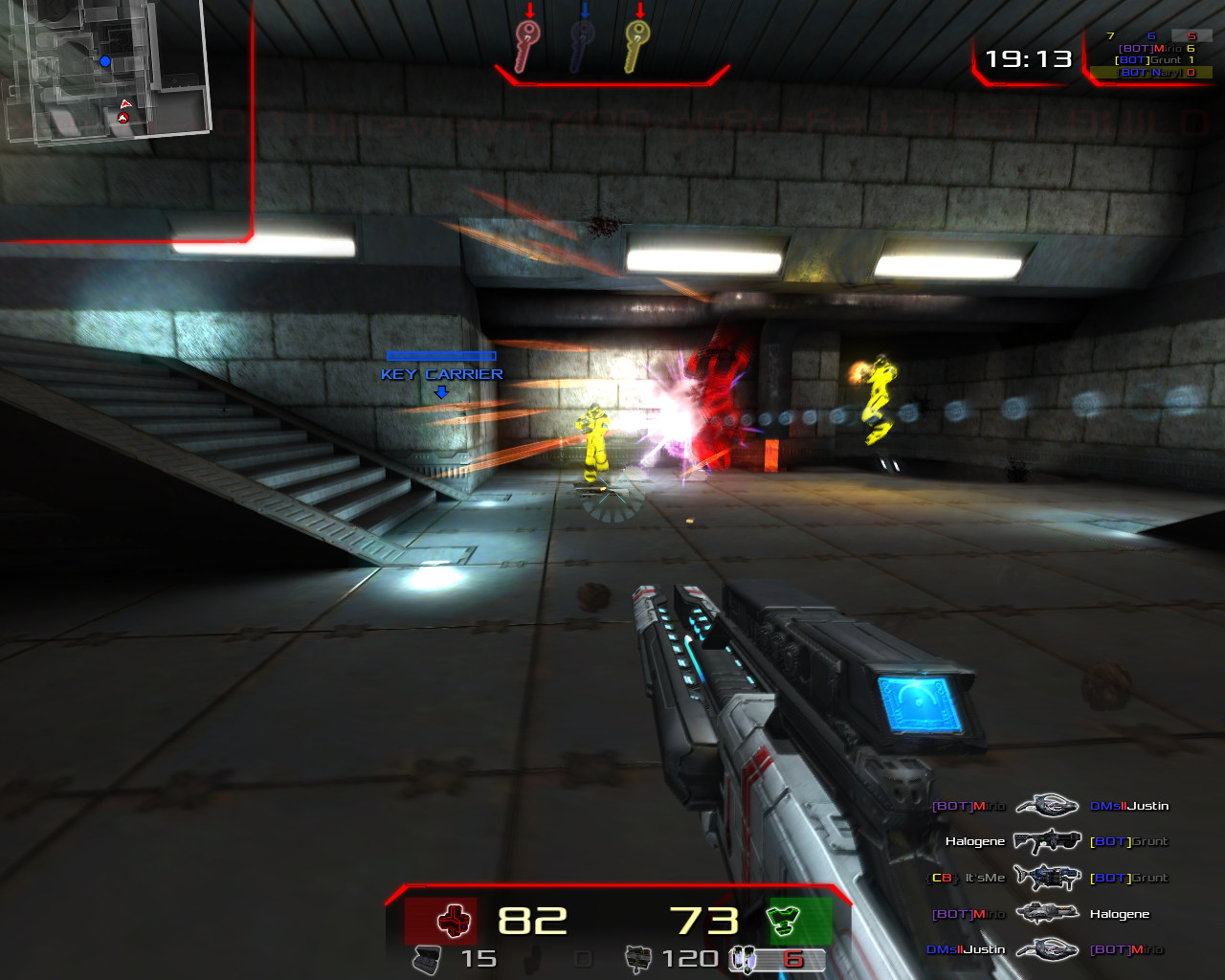
Provide your footage and name the game for context. Add timestamps for the action you want to feature, or describe the visible start and end events. Include a little material before and after the moment so the cut has useful context.
Source-frame edit planning example
00:0201 → 02 → 0300:06
02

Set the Cuts and Clip Order

Describe which ranges to keep and the order they should appear in. Say whether the edit is a single highlight, a montage or a focused walkthrough. Identify any spoken explanation or on-screen information that must remain understandable.

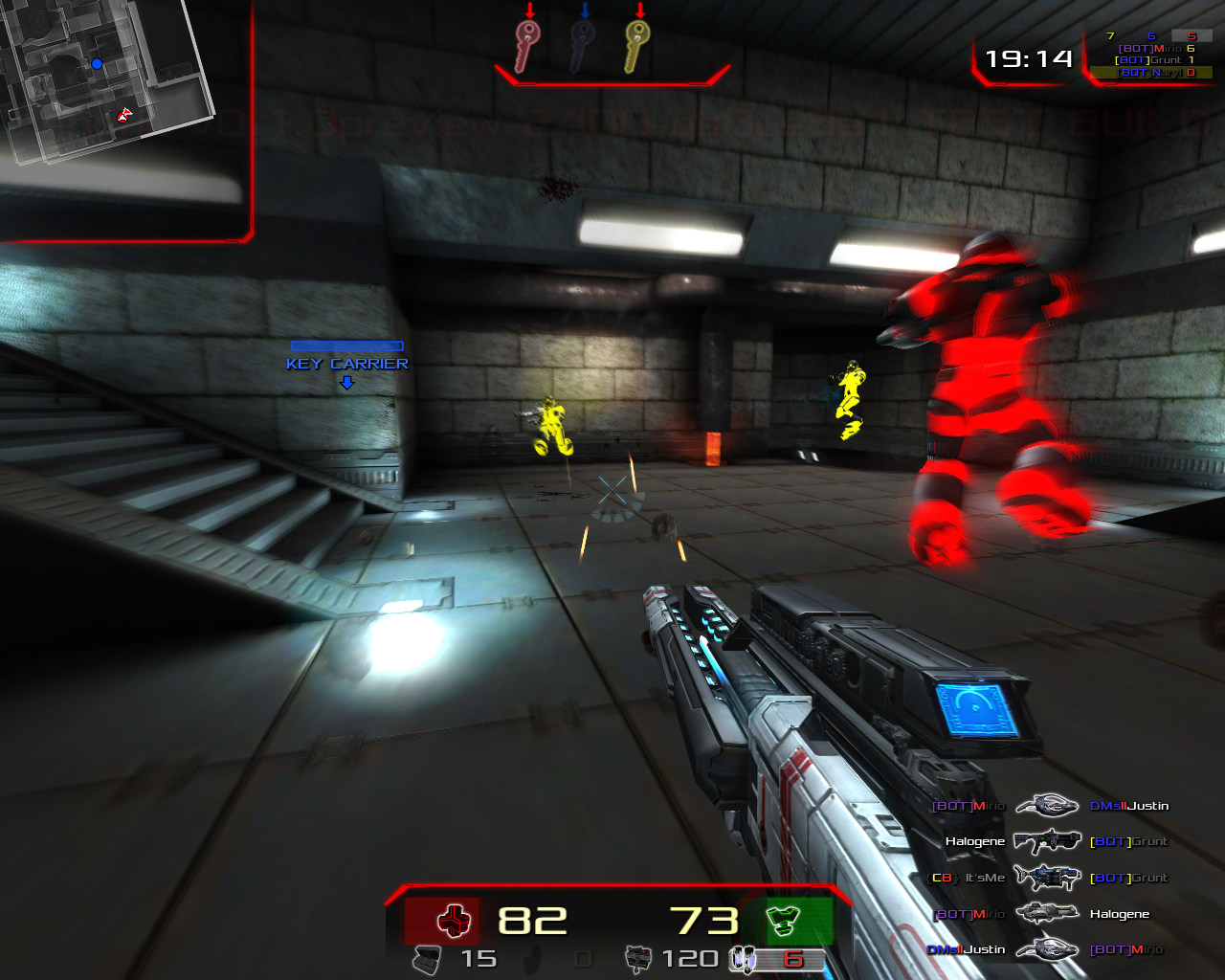
Xonotic screenshot for source comparison
Check action and HUD
03

Check the Play Against the Source

Review the lead-in, payoff and reaction at every cut. Confirm the edit does not hide the action needed to understand the result. Ask for a precise boundary or sequence change if a moment starts late or ends too soon.

Keep the reason behind the highlight

Keep the Play, Cut the Waiting

A useful gaming edit preserves the setup that makes a moment satisfying. A close finish, unexpected mistake or clever solution usually needs more than its final frame. The aim is to remove unhelpful waiting without removing the reason the play matters.

Pexo follows your editing directions using the supplied recording. Give the Agent concrete ranges instead of assuming it knows which match event is important. For a walkthrough, prioritize the actions that explain the solution; for a montage, prioritize the sequence and rhythm of the selected plays.

Keep competitive claims tied to the original footage. Do not use generated replacement action as evidence of a real score, match result or player achievement. Review names and any private information visible in the recording before sharing.

Keep the action in the frame

Actual Xonotic gameplay screenshot showing a first-person arena viewLandscape source
Check the HUD and the action before deciding what to crop.
ContextKey momentReaction
Before the action

Enough Setup to Understand

Retain the movement, objective or obstacle that explains the payoff. A shorter clip is not automatically a clearer clip.

During the action

Readable Gameplay

Check that the viewer can follow the important action and read any necessary on-screen information. Avoid cutting away at the decisive moment.

After the action

A Complete Payoff

Leave room for the outcome or reaction when it gives the highlight meaning. End after the viewer understands the result, not simply when the action stops.

Processing your recording

Editing Capabilities for Gameplay Footage

These source-video operations support the cut you describe. They do not imply live game capture or automatic recognition of game events.

Source-frame edit planning example
00:02Selected range00:06

Trim Video

Keep a continuous range around a chosen play, with enough footage on either side to preserve the setup and outcome.

Source-frame edit planning example
00:02Clip 01 │ Clip 0200:06

Split Video

Divide a recording at the boundaries you specify so separate plays or walkthrough sections can be reviewed individually.

Xonotic gameplay shot one
01
Xonotic gameplay shot two
02

Merge Videos

Join selected clips in a requested sequence, checking that each transition preserves the order and context you intended.

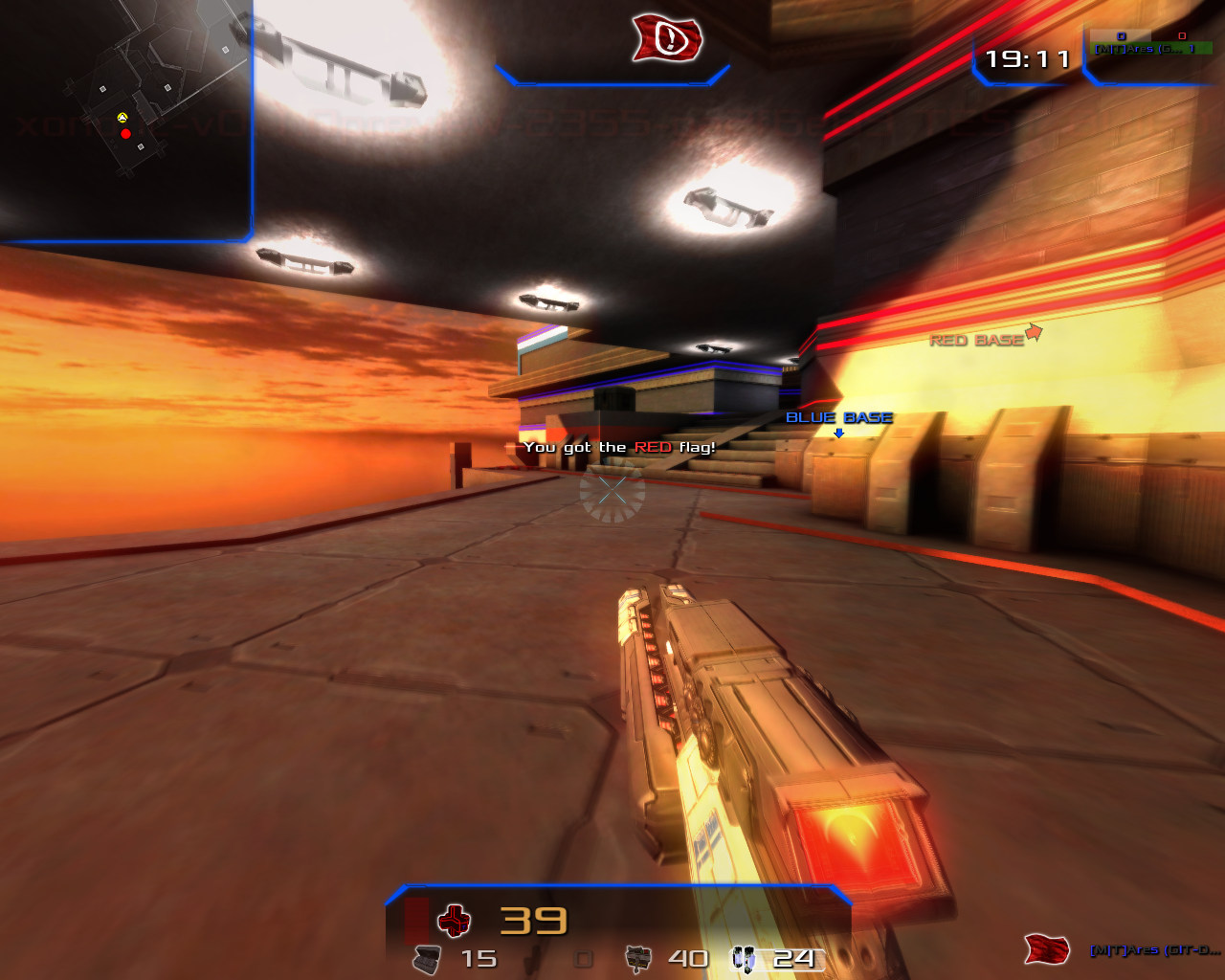
Actual Xonotic capture-the-flag screenshot
Keep the objective visible.

Add Text to Video

Place supplied labels or callouts at relevant moments. Verify spelling, placement and timing so text does not distract from the play.

Questions answered

Gaming Video Editor FAQ

What should I upload to the Gaming Video Editor?

Upload an existing gameplay recording or selected source clips. Add timestamps and explain the moment you want to feature. This page describes editing recorded footage, not capturing live gameplay or connecting directly to a game account.

Will it automatically find kills, wins or my best moments?

Do not rely on automatic game-event detection. Identify the moments yourself using timestamps or visible actions. Explain why a moment matters, particularly when the outcome depends on game rules that are not obvious from the picture.

Can I make a montage from several clips?

Yes. Provide the clips or requested ranges and specify their sequence. Explain whether the order should follow the match, build toward a final play or group similar moments. Check both the picture and sound at every join.

How much footage should I leave before a highlight?

Keep enough for a new viewer to understand the situation. The right lead-in depends on the play: a reaction may need only its trigger, while a strategy explanation needs the earlier decision. Review the cut with someone who has not seen the recording.

Can I include captions for commentary?

You can request timed captions for spoken commentary as part of the edit. Check player names, game terminology and overlapping speech against the recording. Captions should explain the commentary without covering information viewers need to follow the action.

Choose the moment worth keeping

Turn a Recorded Play into a Clear Highlight

Bring the source footage and mark the ranges that matter. Give the Agent a cut order, keep the necessary context, and review the edited play before it leaves your hands.