
One Clear Review Goal
Ask for a scene description, an event summary, or the moments relevant to a specific edit.
The Video Analyzer helps turn an uploaded clip and a specific question into a reviewable account of its content. The Pexo AI video agent organizes relevant scenes and spoken information around what you need to find, explain, or change.
Video input
Add the video and the question you want it to answer.
Specify the subject, action, or section that matters; analysis is not an instruction to edit the footage.
What it is
A video analyzer examines the content of a recording rather than only its file properties. A useful request names the question: where a product appears, how a demonstration unfolds, or which scenes need a closer look.
The analysis should distinguish visible events, spoken statements, and uncertain interpretations. Treat it as an aid to source review, not as a verified account of intent, identity, or events outside the frame.
Ask for a scene description, an event summary, or the moments relevant to a specific edit.
Keep what appears on screen separate from what a speaker says or what the reviewer infers.
Review the cited moments in the original clip before relying on an interpretation.
Agent decisions
Each part of the review should point back to material present in the recording.
01 / Scene Descriptions
Describe subjects, settings, and visible actions relevant to the question without guessing what is outside the frame.
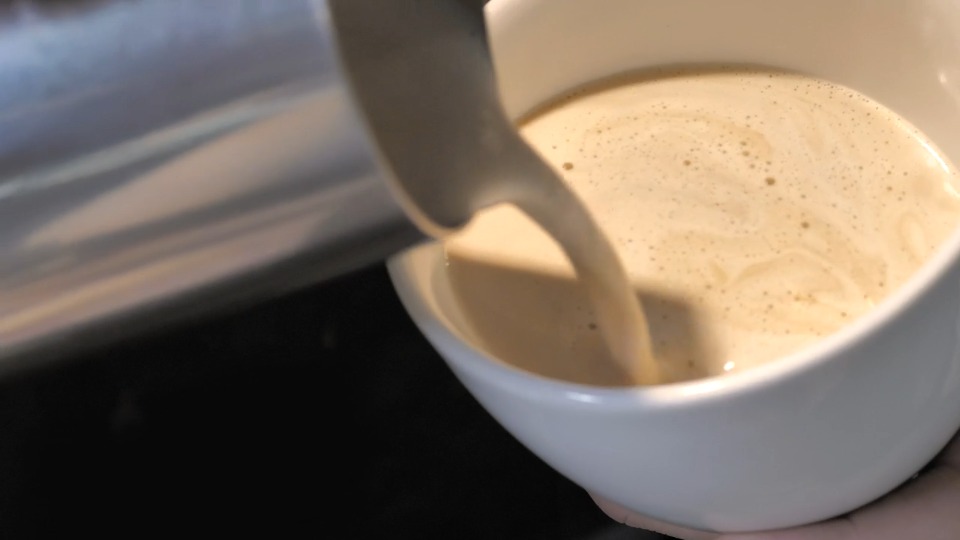
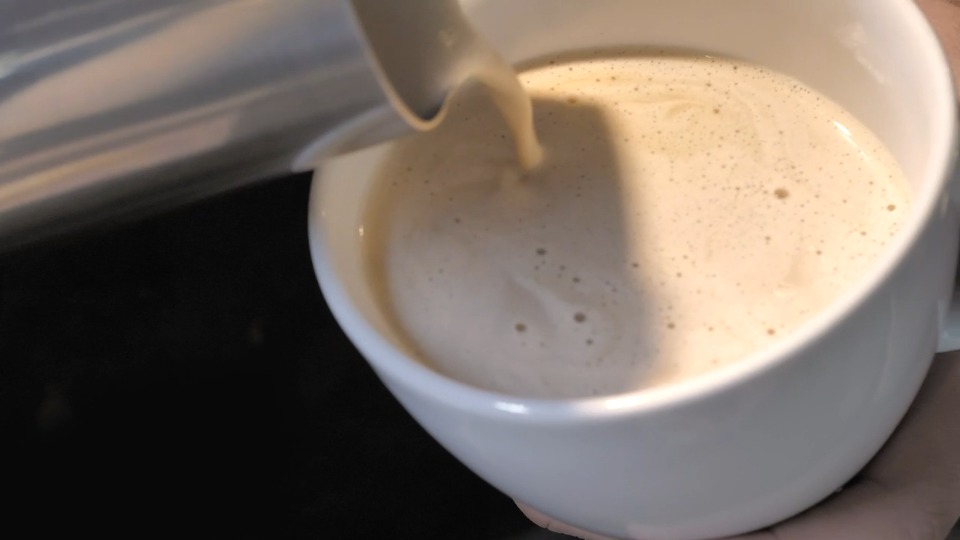
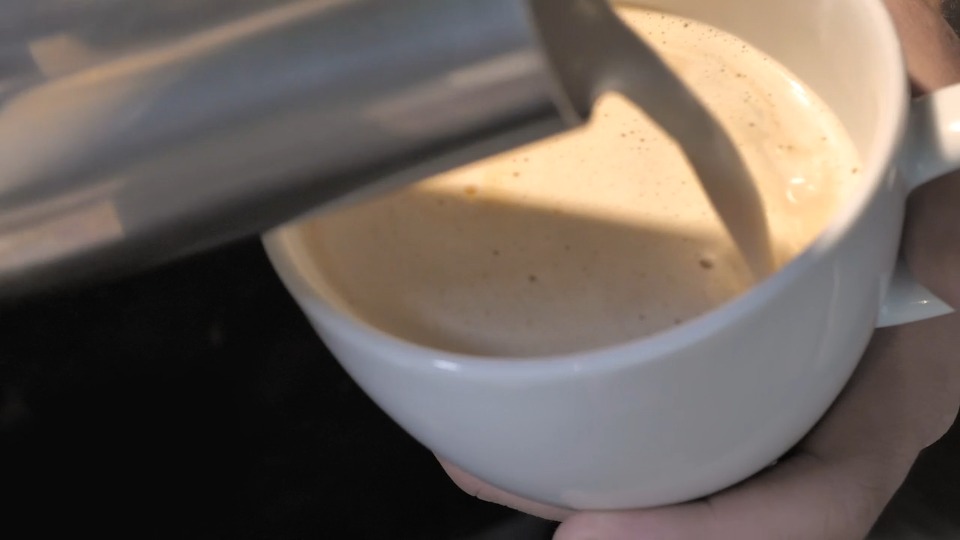
The clip keeps the cup and pitcher in view. Start with what is visible, then ask a question about that action instead of requesting an unrestricted guess about the scene.
02 / Event Order
Organize the sequence of relevant events so an action and its later consequence are not confused.
These frames come from the same clip at the displayed source times. Replay the passage between them before deciding how the movement develops.
03 / Speech Context
Use spoken wording to support the review while separating a speaker’s claim from visual confirmation.
A visual observation and a spoken claim are different kinds of evidence. Keep their notes separate, and check the recording before attributing words to a speaker.
04 / Uncertainty and Follow-Up
Flag ambiguous moments and narrow the next question instead of presenting an uncertain reading as a fact.
A close view can help locate the issue without settling it. The picture shows the pouring action; the exact ingredient is a separate question.
Source clip and example review notes. Illustrates how to check evidence; this is not a recorded Pexo analysis.
How it works
A focused question makes the returned findings more useful than a general request to analyze everything.
Upload the clip and describe what you are looking for. Add a time range when you already know where to focus, and explain whether speech, action, or scene order matters most.
The Agent reviews the footage in relation to the question. Scene Detector can help organize shot changes, while Video Transcription supports a separate check of spoken wording.
Replay the relevant moments and correct missed details or unsupported assumptions. For codec, bitrate, dimensions, or frame-rate questions, use Video Metadata Viewer rather than treating a content summary as a technical report.
Common questions
Ask a concrete question such as “Which shots show the package label?” or “What changes between the first and final demonstration?” Include a relevant section if the footage has several unrelated topics.
No. This page concerns understanding the content of a video. It does not certify whether footage is authentic, AI-generated, manipulated, or legally reliable.
No. Speech can miss a silent action, a product detail, or a change shown only on screen. Check the visual evidence as well as any transcript used in the review.
No. Small text, quick cuts, overlapping speech, and partially hidden actions can be missed or misread. Verify important findings and any reported time references against the original footage.
No. An analysis request is for findings, not a new edit. After reviewing the findings, give a separate instruction identifying the changes you want applied.
Start with a question
Bring the recording and one question. Review the evidence, then decide what should happen next.