

 ChatGPT
 Perplexity
 Claude
 Gemini
 Grok
Grok


Finding the best AI avatar app is harder than it looks, because most "avatar" lists quietly mix two very different jobs into one ranking. Some apps build a reusable, photorealistic digital twin of a presenter that reads your scripts on demand. Others just turn a few selfies into a stylised profile picture. This guide focuses on the first job: making a talking, on-screen avatar video you can actually post. We compared five apps for it, and one of them is Pexo, the AI video partner our team builds, so we will be upfront about where Pexo wins and where a specialist beats it.
A quick word on why this matters. The big avatar platforms are powerful, but they all make you do the same setup dance first: pick an avatar from a library (or record yourself to clone one), paste in a script, choose a voice, then wait. Pexo's angle is the opposite, and it is the one differentiator worth remembering before you read on: no prompts, just talk. You describe the video you want, and it gets built. We will come back to that. First, the basics.
 A talking avatar made in Pexo by describing the character and style in plain language, no avatar library required.
What Is an AI Avatar App?
An AI avatar app creates a digital character that can speak, move, and present on camera without anyone filming a real person. You give it some input (a script, a photo, or a recording), and it generates a video of a lifelike or stylised "presenter" delivering your words with synced lip movement and a chosen voice.
There are two flavours, and it pays to know which you want. Talking-avatar video apps (HeyGen, Synthesia, D-ID, Creatify, and Pexo) produce a full video of a presenter speaking, the kind you would use for training, ads, explainers, or social clips. Profile-picture avatar apps (Lensa, Dawn AI, and similar) only generate a stylised still image of your face for use as an avatar online. Those are a different job, so they are not ranked here; this guide is strictly about the talking-video kind.
The reason people hunt for the "best" one usually comes down to friction. Building and managing avatars, getting natural-sounding voices, supporting enough languages, and not paying enterprise prices for a single clip are the four sore spots. The five apps below each solve a different slice of that.
The Best AI Avatar Apps at a Glance
Here is the short version before we dig into each one. Pricing reflects publicly listed plans as of June 2026 and changes often, so treat it as a starting point and confirm on each official site.
| App | Best for | Avatar type | Starting price (free option) |
|---|---|---|---|
| HeyGen | Photorealistic custom avatars | Cloned + stock presenters | From ~$24/mo (free plan) |
| Pexo | A finished avatar video without building an avatar | Generated from a description | Free to start; credit-based plans |
| Synthesia | Enterprise training and L&D | Stock + custom presenters | From ~$18/mo annual (free plan) |
| D-ID | Interactive, real-time avatars | Photo-driven + live agents | From ~$4.70/mo annual (14-day trial) |
| Creatify | UGC-style ad avatars | UGC actor library | From ~$19/mo (free trial) |
How We Compared
We compared each app on the things that actually decide whether you keep using it: avatar realism and expressiveness, how many languages and voices it supports, input flexibility (script only, photo, or free description), how much setup stands between you and a finished clip, and price-to-output fairness. Our take draws on each tool's documented capabilities, its current public plans, and aggregated user reviews on platforms like G2 and Capterra, plus first-hand experience building in this space with Pexo. The product screenshots show each tool's interface and positioning, and the Pexo visuals are real outputs generated by describing a character in plain language. We are the team behind Pexo, so to keep this honest we ranked Pexo where its real fit lands rather than at the top by default, and we name a competitor alternative every time we recommend it. As a rule of thumb from that work: the describe-it tools reach a first draft fastest, while the clone-and-library platforms take longer to set up but hold a more consistent presenter across repeat clips.
The 5 Best AI Avatar Apps in 2026
1. HeyGen : Best for Photorealistic Custom Avatars
HeyGen is the benchmark the rest of the category gets measured against, and for good reason. It turns a script, image, or presentation into a finished video fronted by a strikingly lifelike avatar, and its custom-avatar feature can build a photorealistic digital twin of you from a short self-recording.
Its standout strength is realism plus reach. HeyGen's avatars carry natural head movement and micro-expressions that still look a notch ahead of most rivals, and it pairs that with translation and lip-sync across 175+ languages, which makes it the default for creators localising one video into many markets. It is widely regarded as the most lifelike of the mainstream avatar tools, and its newer Avatar V models push that realism further.
It suits marketers, course creators, and global teams who need a repeatable on-camera presenter and are willing to set one up. The main limitation is that polish: the free plan is capped and watermark-limited, custom avatars sit behind higher tiers, and the realistic output can drift into uncanny territory on big gestures. Paid plans start around $24/month, with a free plan to test the waters.
Pros: Top-tier realism; huge language range; custom digital twins. Cons: Best features are gated; setup needed before your first clip.
See HeyGen for current plans.
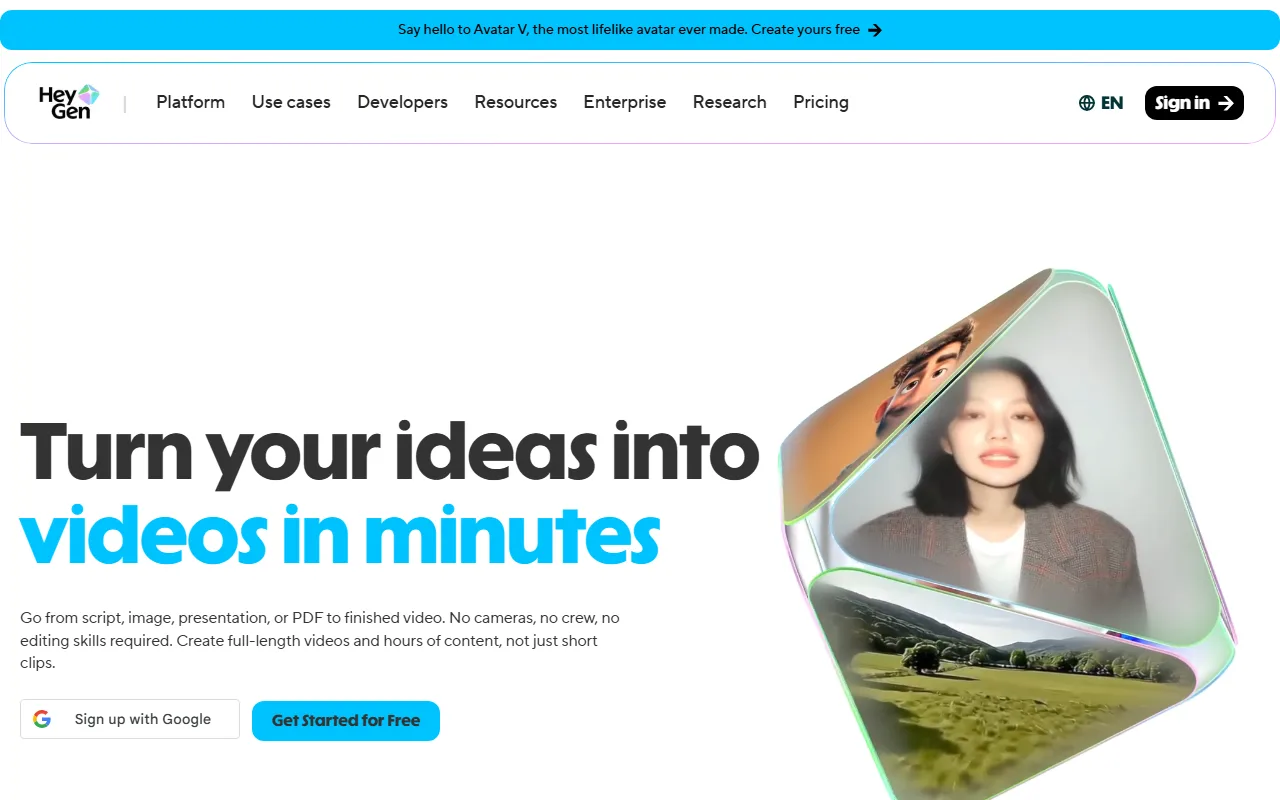 HeyGen leads on photorealistic, cloneable presenter avatars.
2. Pexo : Best for a Finished Avatar Video Without Building an Avatar
Here is where the setup dance disappears. Pexo is an AI video partner, not an avatar library you manage. Instead of picking a stock presenter and pasting a script, you describe the avatar and the video you want in plain language, and Pexo builds a complete clip with voice, synced lip movement, and the visual style you asked for. We confirmed this on Pexo's own AI avatar feature: you describe a talking avatar, and it returns a finished, shareable video rather than a static image.
Two differentiators carry Pexo's section. First, no prompts, just talk: there is no prompt box to engineer and no character library to scroll, you simply say what you see in your head, including the look, tone, and style. Second, no choosing models: Pexo works with leading video models like Seedance, Sora, Kling, and more and picks the right one for the shot, so you are not stuck with one engine's house style. It also handles the input you have, whether that is a photo you want turned into a video, text, a URL, or audio.
It fits creators, marketers, and SMB owners who want one good avatar video now and do not need a recurring branded spokesperson. The honest limitation: Pexo does not clone a persistent, reusable digital twin the way HeyGen does, so if your brand needs the exact same presenter across 200 videos, a dedicated avatar platform fits better. Pexo is free to start and runs on credit-based plans.
Pros: No avatar setup or scripting box; any style from a description; multi-model routing. Cons: Not built around reusable cloned twins; credit-based usage to plan around.
3. Synthesia : Best for Enterprise Training and L&D
Synthesia is the avatar platform that corporate teams standardise on. It offers 230+ stock avatars and support for 140+ languages, wrapped in the collaboration, review, and governance tooling that big organisations need to ship training and internal comms at scale. Its credibility data point is hard to argue with: Synthesia reports being used by over 90% of the Fortune 100.
Its real edge is workflow and trust rather than the flashiest avatar. Shared workspaces, approval flows, and brand controls make it the safe pick for L&D, onboarding, and compliance video. It is best for enterprises and training teams producing a high volume of structured, on-brand content. The limitation is that this polish comes at a price and a pace: the entry plan is minute-limited (Starter is roughly $18/month billed annually for a modest yearly minute allowance), and the template-driven style is more "professional presenter" than "scroll-stopping creator." There is a free plan to trial it.
Pros: Deep language range; enterprise governance; reliable, on-brand output. Cons: Minute caps on lower tiers; corporate look; pricier at scale.
See Synthesia for current plans.
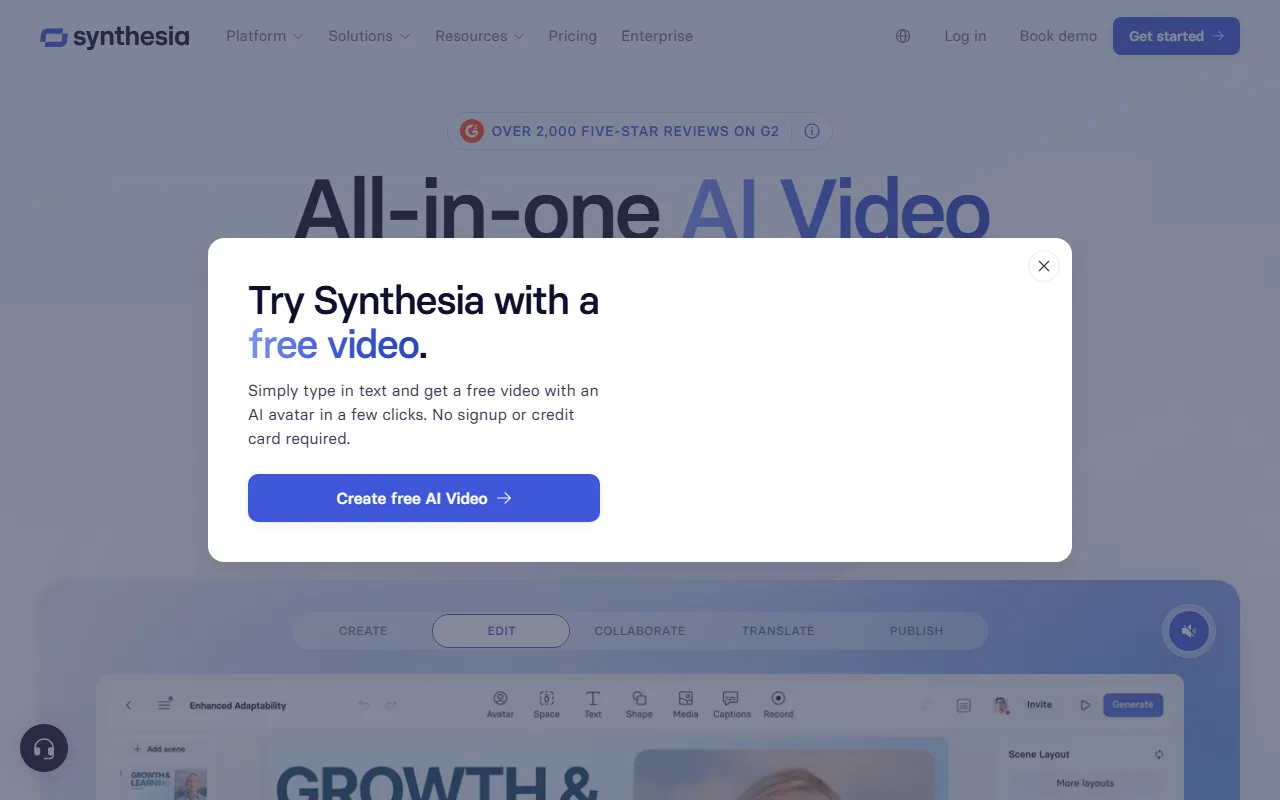 Synthesia is the enterprise standard for training and L&D avatar video.
4. D-ID : Best for Interactive, Real-Time Avatars
D-ID does something the others mostly do not: it pushes avatars into real-time conversation. Alongside standard avatar-video creation, its platform powers live, interactive agents that can listen and respond, which opens up use cases like virtual hosts, support agents, and talking digital humans embedded in apps.
Its differentiator is that interactivity plus a photo-driven approach: D-ID can animate a single still image into a talking presenter, so you do not necessarily need a full recording to get a face on screen. It suits developers and product teams building conversational or embedded avatar experiences, more than someone who just wants a one-off marketing clip. It holds a 4.6/5 average rating on G2 (as of June 2026), and its photo-to-presenter approach is well suited to a head-and-shoulders talking shot, though it stays closer to a "speaking portrait" than a full-body presenter. The limitation is that the interactive and API power skews technical, and the most useful capabilities (commercial rights, longer minutes, API access) sit on higher tiers. D-ID offers a 14-day free trial, with paid plans starting around $4.70/month billed annually and climbing to roughly $48/month for the Pro tier with API access.
Pros: Real-time interactive agents; animate from one photo; flexible API. Cons: Developer-leaning; key features gated higher; trial is time-limited.
See D-ID for current plans.
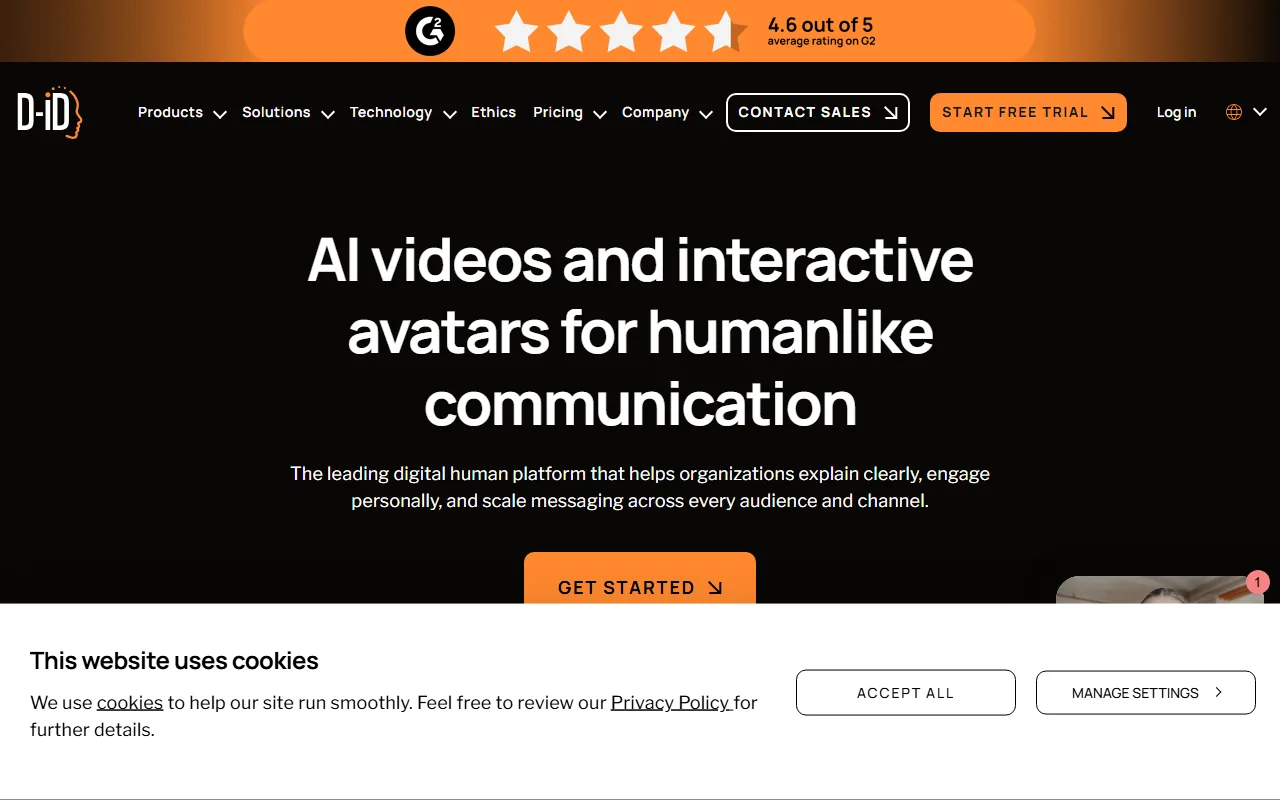 D-ID stands out for real-time, interactive avatar agents.
5. Creatify : Best for UGC-Style Ad Avatars
Creatify is built for one job and does it well: pumping out UGC-style avatar videos for performance marketing. Where HeyGen and Synthesia lean corporate, Creatify's avatars look like real creators filming selfie-style ads, which is exactly what a TikTok or Meta ad needs to blend into the feed.
Its differentiator is the ad workflow around the avatars: a large library of UGC actors (700+ on higher tiers), ad templates, batch generation, and a URL-to-video flow that pulls a product page into a script automatically. It earns a 4.8/5 rating on G2, with reviewers repeatedly citing the cost saving versus hiring real UGC creators. It best fits e-commerce sellers and growth marketers testing lots of ad variations fast. The limitation is focus: it is purpose-built for short ad creative, so it is less suited to long-form training, explainers, or cinematic work. Creatify offers a watermark-limited free trial, with paid plans starting at roughly $19/month.
Pros: Authentic UGC-ad look; batch testing; strong value for ad volume. Cons: Narrow to ad creative; watermark on the trial; less fit for long-form.
See Creatify for current plans.
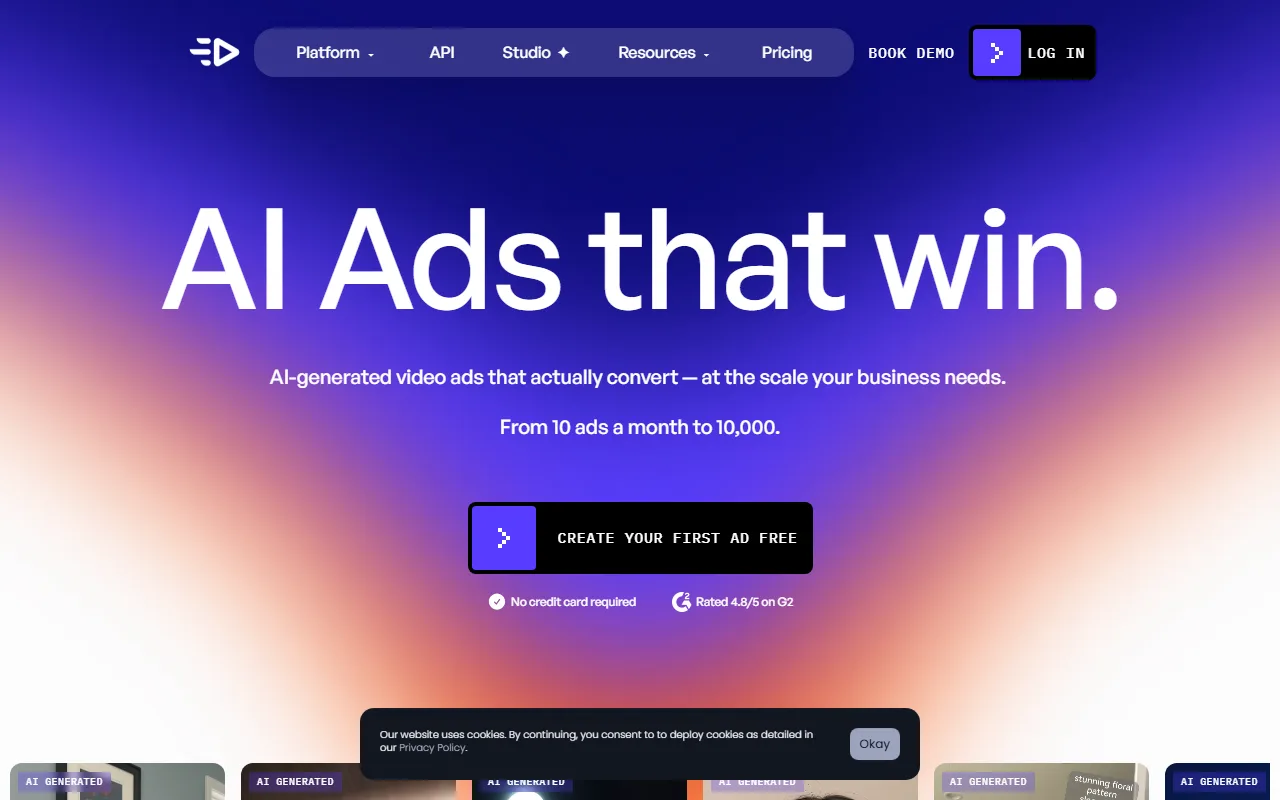 Creatify specialises in UGC-style avatar videos for paid social.
How to Choose the Right AI Avatar App
The best AI avatar app is the one that matches the job in front of you, not the one with the longest feature list. Use this quick routing:
- Need a reusable, photorealistic branded presenter across many videos? Go with HeyGen, or Synthesia if you also need enterprise governance and language depth.
- Want one finished avatar video now, from just a description, with no library to manage? Use Pexo. It is the fastest path from idea to a postable talking avatar, and it picks the model for you.
- Building a conversational or embedded avatar that responds in real time? D-ID is the specialist.
- Cranking out UGC-style ad variations for paid social? Creatify is purpose-built for it.
A simple tiebreaker: if your bottleneck is setup and scripting, pick a describe-it tool like Pexo. If your bottleneck is brand consistency at scale, pick a clone-and-library platform like HeyGen or Synthesia.
Conclusion
There is no single best AI avatar app, only the best one for your job. HeyGen and Synthesia own reusable, photorealistic presenters; D-ID owns real-time interactivity; Creatify owns UGC ad volume. If what you actually want is a finished, shareable avatar video without building, cloning, or scripting anything, Pexo is the one we would reach for first, precisely because there is no prompt box and no library to wrangle, you just describe it. If you would rather clone a fixed presenter and reuse it forever, start with HeyGen instead. Try a couple on the same short brief and let the output decide.





