
Create Bible Videos from Scripture
Create Bible videos from reviewed verses, lesson notes, book overviews, timelines, and character studies with clear scenes, narration, captions, and human review.
Create an AI talking head video that feels like a real presenter on camera. Describe your message, and Pexo writes the script, voices it, and lip-syncs your presenter in minutes. No filming, no editing.

Describe your topic in plain language and Pexo drafts the full talking head video script, with pacing, tone, and spoken-word rhythm already built in. It is the fastest way to create talking head video content, and the same flow can script an entire video presentation.
Great for: Marketers drafting a corporate talking head video fast
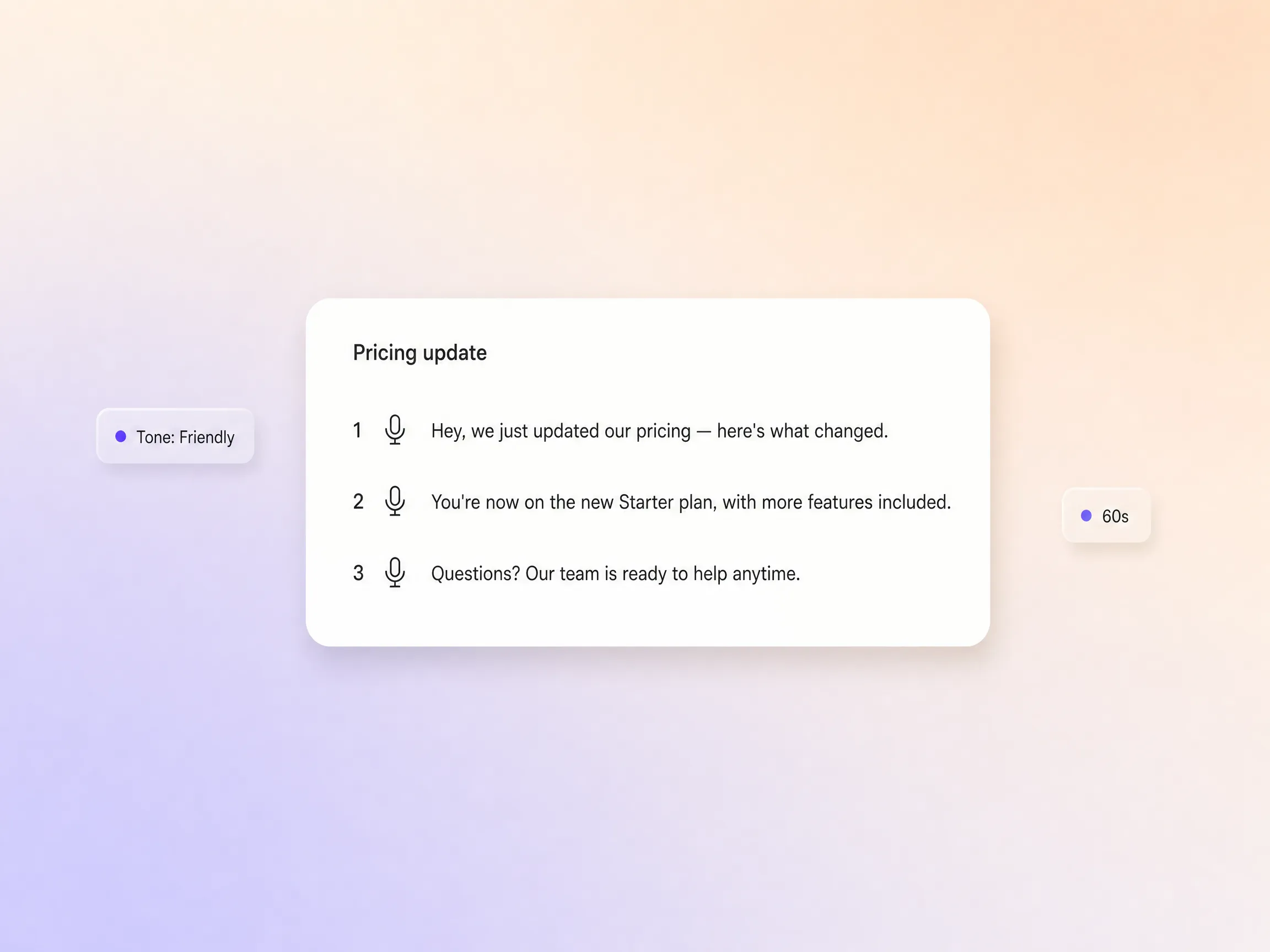
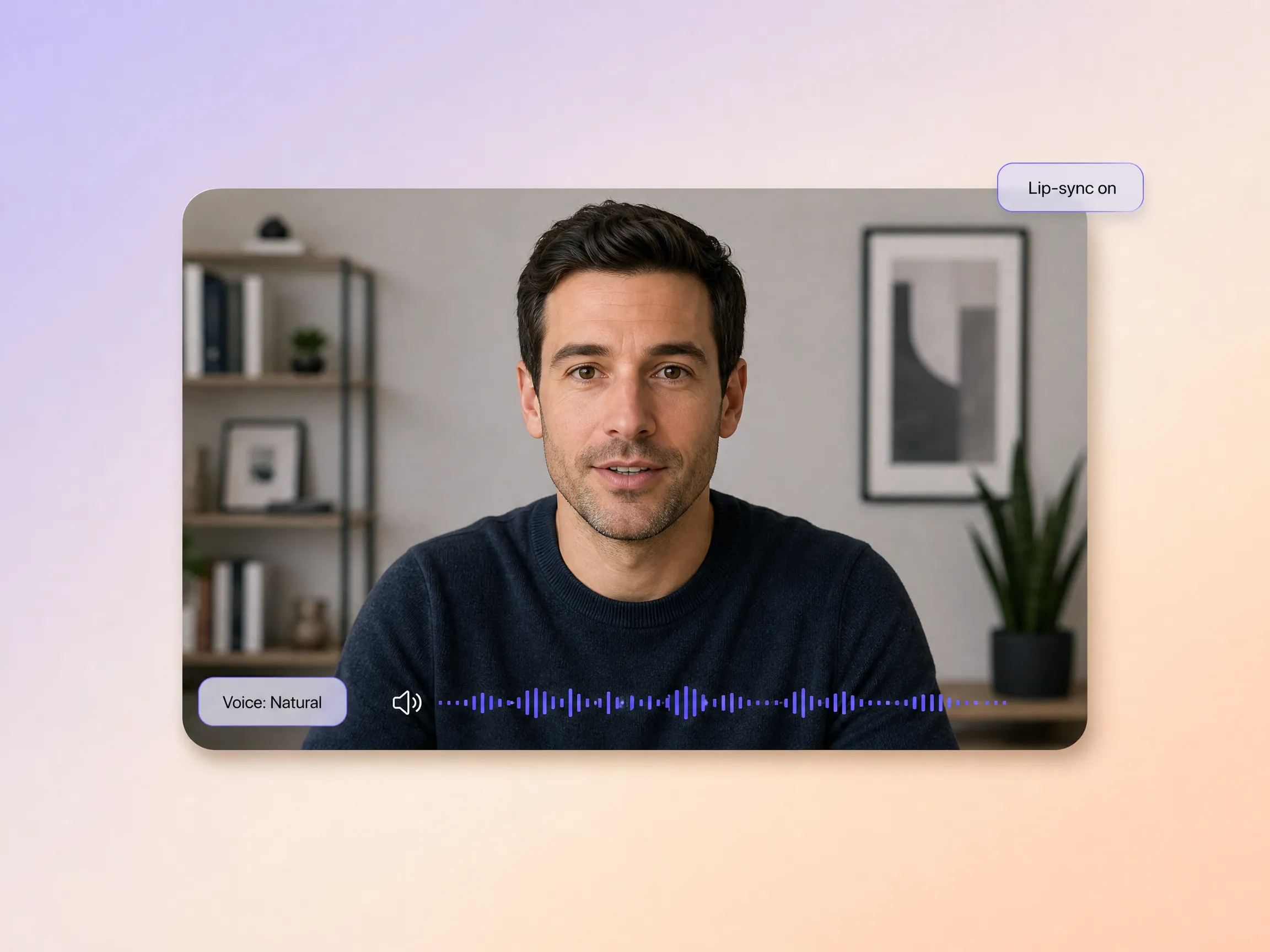
Audio is generated and synchronized in the same pass, so every talking head AI video ships with natural voice delivery matched to the on-screen presenter. There is no recording booth, no external voiceover service, and no talking head video editing afterward. It is the same pipeline teams rely on for a training video.
Great for: Remote teams producing internal video updates
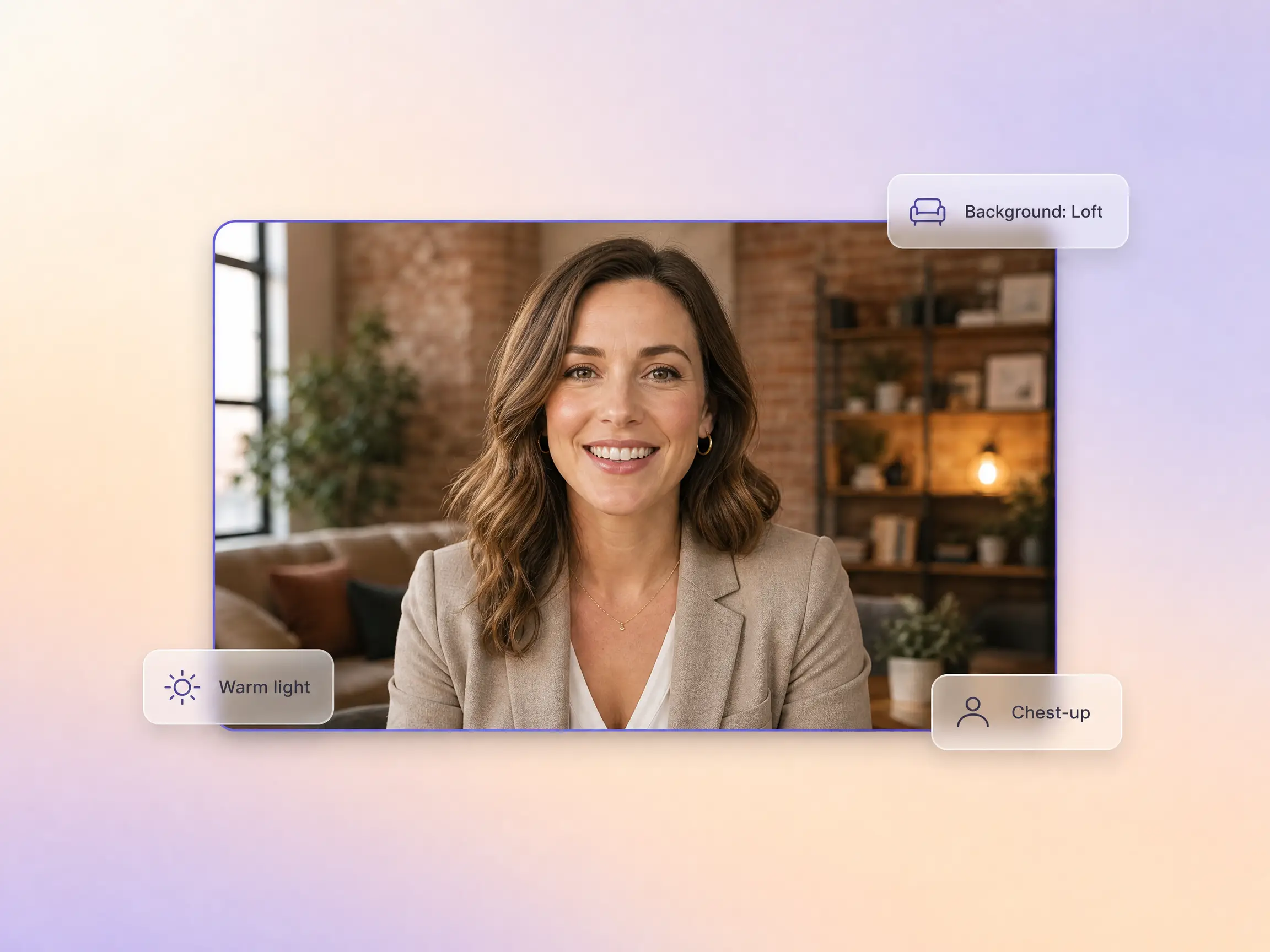
Describe the aesthetic and Pexo applies it as creative direction: swap the talking head video background, warm up the mood, or push a creative talking head video look, even whiteboard animation or a talking head video with animation overlays. No green screen talking head video rig, no design software.
Great for: Solo creators building a consistent personal brand
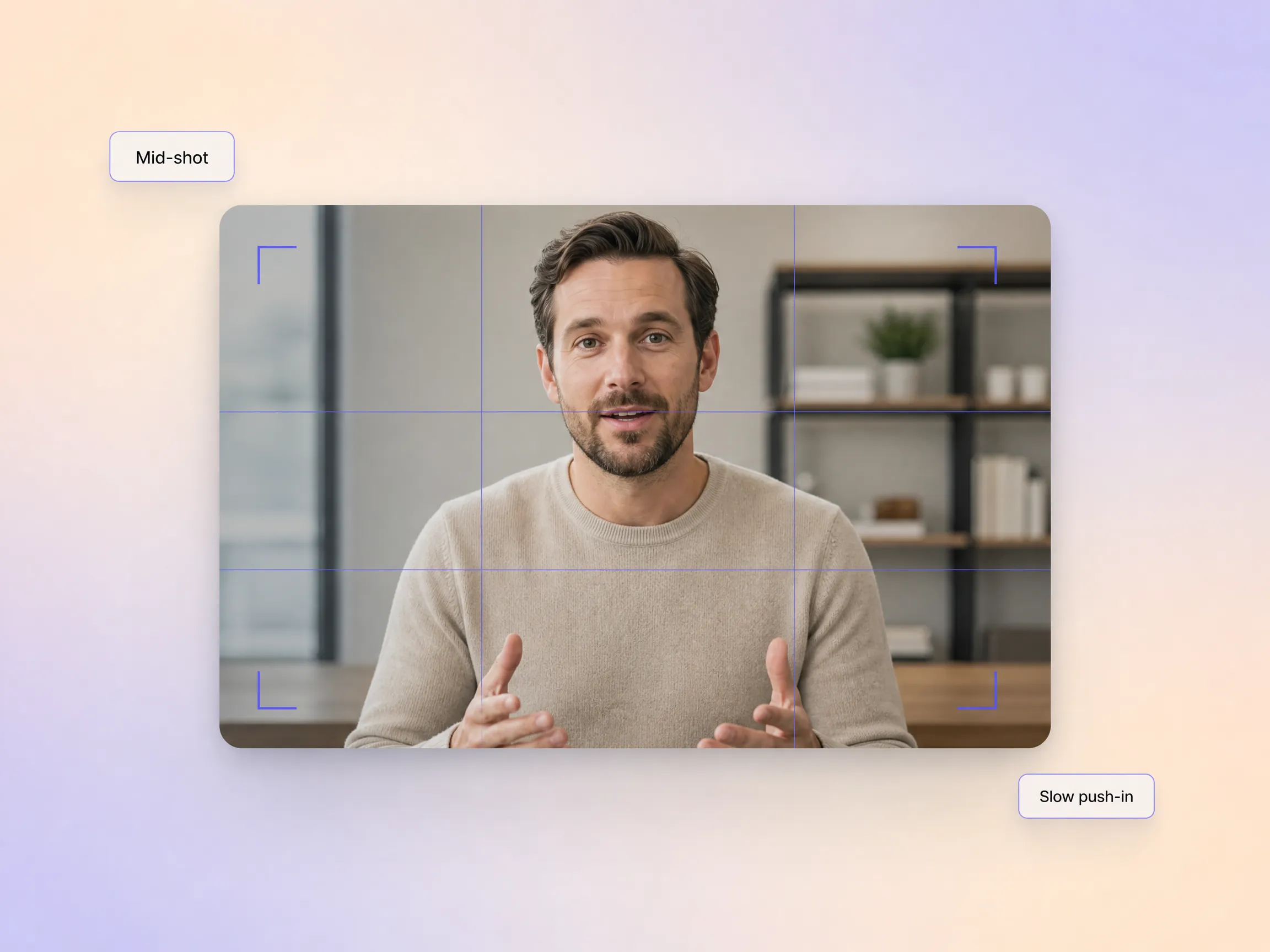
Give camera notes the way a director would: close-up, mid-shot, slow push-in. Pexo handles talking head video framing for you, so framing a talking head video takes one sentence instead of a crew, the same directing language used for a live action explainer video. It also keeps the talking head in video focus through every scene.
Great for: Course creators who want cinematic-feeling lecture videos
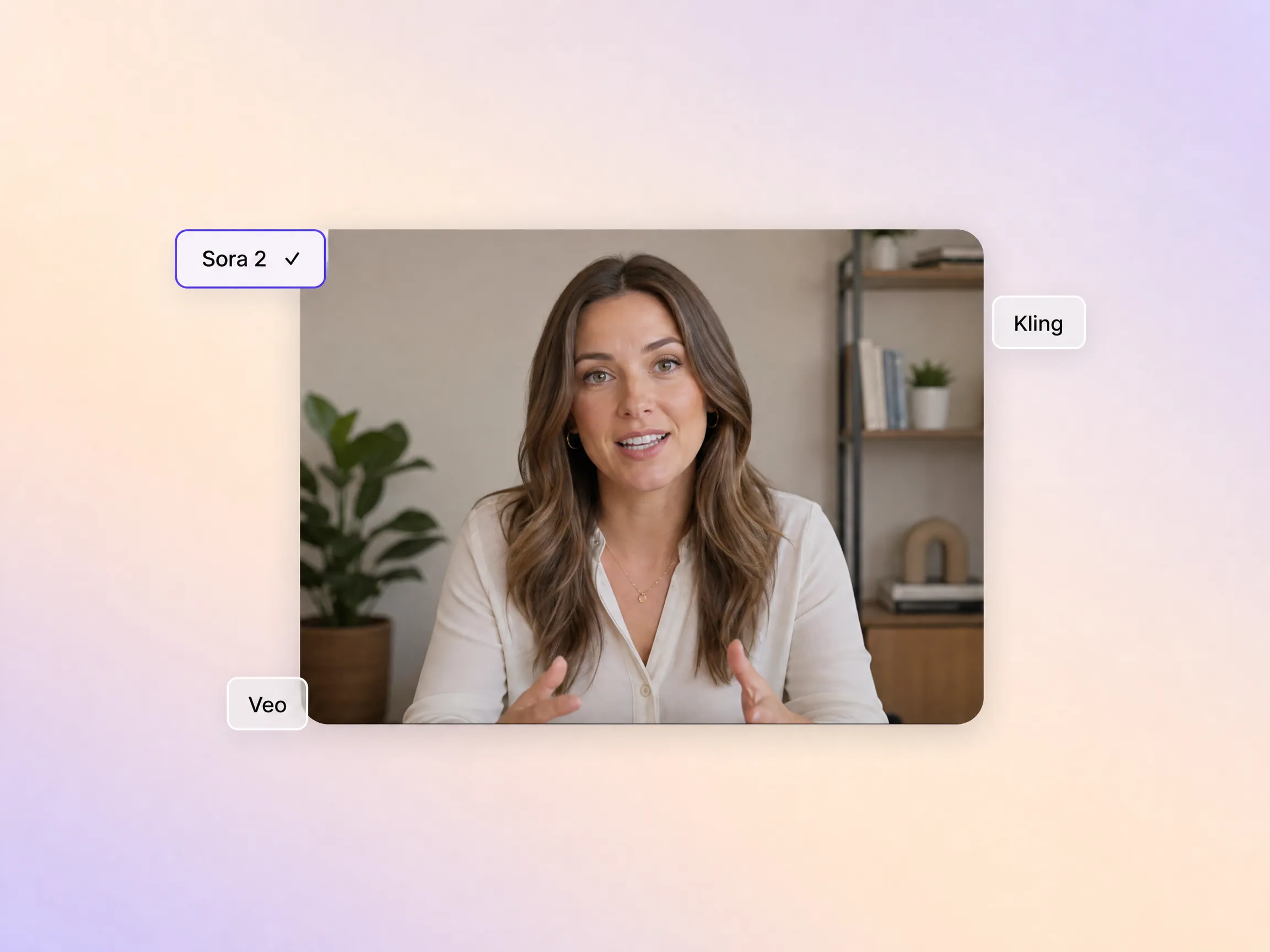
Pexo selects from Sora 2, Kling, Veo, and Seedance 2.0 based on what your scene needs, and renders every AI video talking head shot with the engine that handles faces, voice, and motion best. You never evaluate or switch models manually, whether you are making a talking head explainer video, a talking head music video, or a talking head YouTube video.
Great for: First-time AI video creators with no technical background

I went from a rough topic outline to a finished lecture video without ever touching a camera. Pexo handled the script, the voice, and the visuals without effort. The voice and lip-sync quality were so good, I published it directly to my course platform.
Education · Course Content · Talking Head Video
Producing client explainer videos used to be a multi-step nightmare of recording, editing, and voiceover. With Pexo, I describe the idea and get a polished video back in a fraction of the time. Being able to iterate on the script and visual style within the same conversation is incredibly valuable.
Marketing · Client Deliverables · Explainer Video
Creating video updates for our remote staff used to mean coordinating schedules and finding someone willing to be on camera. Now, I just type out the message, and Pexo produces a professional talking head video. The conversational interface made it easy to fit into our existing workflow.
Internal Comms · Remote Teams · Messaging App
I used to spend hours wrestling with editing software, but now I simply describe my video idea to Pexo and receive a complete result. The visual style and camera framing always match my description perfectly. It feels like having a professional production team in my pocket.
Content Creation · Personal Brand · Talking Head VideoA talking head video is a video where one presenter speaks directly to the camera, framed from the chest up, and carries the message through their own delivery. That is the talking head video meaning in practice: a talking head style video puts the speaker, not b-roll, front and center. Pexo generates the presenter, script, voice, and lip-sync from a text description, so nobody has to film anything.
No. Pexo replaces the entire rig, so there is no hunting for the best lens for talking head video shoots, the best focal length for talking head video framing, or the best lighting for talking head video sessions. Talking head video lighting, backgrounds, and the whole talking head video setup are rendered by the AI, and every result exports in 16:9, 9:16, or 1:1 at up to 4K.
You get a finished cut, not talking head video raw footage. Instead of handing you a talking head video for editing, Pexo delivers scenes from 5 to 120 seconds with voice, lip-sync, and subtitles already in place. The 9:16 vertical export is ready for talking head video Instagram Reels, Shorts, and TikTok, while 16:9 suits YouTube and course platforms.
Pexo is the best talking head video AI option for creators who want a finished result from one description. It works as a talking head video maker and a talking head video generator in one: it aggregates Sora 2, Kling, Veo, and Seedance 2.0, picks the strongest model for each scene, and exports up to 4K with voice and lip-sync already synchronized.
A talking head video is carried by a single on-screen presenter, while an explainer video leans on scenes, motion graphics, and voiceover to unpack an idea. If your message needs illustrated steps rather than a presenter, start from the explainer video page. For product walkthroughs, product demos follow the same one-description workflow.
Most talking head video tips reduce to one formula: subject + action + camera movement + setting + style. For example: a friendly startup founder explains our pricing change, slow push-in from a mid-shot, bright home office, warm corporate look. Pexo expands that single line into a full talking head video script, then renders the finished ai talking head video in minutes.
Turn any text into a polished video
Turn your image into a video
Paste a link, get a finished video
Describe your idea, get a stunning image
Visualize your audio and music
Turn written draft into a fully produced video
Generate music based on description
Generate AI images from text or image
Studio-Grade AI Lipsync Dubbing
No camera, no editing software, and no prior AI experience needed. Just describe your idea, and Pexo carries it from the first sentence to the finished talking head video.
Create Bible videos from reviewed verses, lesson notes, book overviews, timelines, and character studies with clear scenes, narration, captions, and human review.
Create Islamic videos from reviewed sources and lesson notes, covering history, culture, ethics, and education with respectful visuals and narration.
Create Christian videos from reviewed Scripture, lesson notes, and historical sources with clear visuals, narration, captions, and human review.
Create a medical video from your script or images with Pexo. Generate scenes, narration and captions for patient education, medical explainers and staff training.
Make an onboarding video that walks new users to their first win. Pexo scripts, narrates and edits it with Seedance 2.5, Kling AI 3.0 and MiniMax H3.
Make a tutorial video that teaches any task step by step. Pexo scripts it, generates every step, and narrates it with Sora 2, Kling and Veo, up to 4K.
Make a how it works video that walks viewers through your product step by step. Pexo scripts, narrates, and captions it with Seedance 2.5 and Kling AI 3.0.
Turn any product into a finished demo in minutes with Pexo. The AI product demos generator scripts, voices, and animates every scene with Sora 2, Kling and Veo, up to 4K.