

 ChatGPT
 Perplexity
 Claude
 Gemini
 Grok
Grok



Making your own music used to mean a microphone, a digital audio workstation, and a few years of practice. Now you can type a sentence and get a finished track back in under a minute. The catch is that "free" means very different things depending on which tool you open. Some let you make full songs with vocals but cap you at a handful per day. Some give you unlimited previews and then ask for a subscription the moment you hit download. Others are completely free but only produce instrumentals, or quietly add a watermark to anything you export.
We tested five of the most popular free AI music makers to find out what you actually get before you pay anything. Below you will find an at a glance comparison table, an honest look at each free tier, and a short guide to picking the right one for songs, background music, or commercial projects.
What to Expect From a Free AI Music Maker
A free AI music maker turns a text description into a piece of music. You tell it a genre, a mood, and sometimes a few lyrics, and it generates a track you can listen to and usually download. The technology has improved fast, and the best free tiers in 2026 sound genuinely usable for social videos, podcasts, and rough demos.
The real differences hide in the fine print. Three things decide whether a free tier is good enough for your project: how many tracks you can make, whether you can use them commercially, and whether the output carries a watermark. A tool can be excellent at making music and still be a poor fit if its free license blocks the one thing you need. Keep those three questions in mind as you read.
The Best Free AI Music Makers at a Glance
Here is a quick summary of how the five tools compare on the points that matter most before you commit to one.
| Tool | Best for | Free tier | Vocals | Watermark | Commercial use on free | Price after free |
|---|---|---|---|---|---|---|
| Suno | Full songs with vocals | About 10 songs per day | Yes | No | No | From about $10/mo |
| Udio | Realistic AI vocals | Monthly credit allowance | Yes | No | No | From about $10/mo |
| SOUNDRAW | Royalty free music for video | Unlimited previews, no free download | No | n/a | Paid only | From about $17/mo |
| Beatoven.ai | Background and mood music | Limited free minutes per month | No | No | Limited | From about $20/mo |
| Stable Audio | Text to audio from a prompt | About 20 tracks per month | No | No | No | From about $12/mo |
Prices and limits are accurate as of mid 2026 and change often, so confirm the current terms on each official site before you rely on them.
How We Tested
Between us we have put more than a dozen AI music tools through their paces over the past year, and for this roundup we ran the same brief through every one: a 30 second upbeat track with a warm, lo fi feel suitable for a short product video. For the tools that support vocals, we also generated a short pop hook from a two line lyric. We judged each one on four things: how good the output sounded, how generous the free tier felt in real use, whether the result was clean of watermarks, and how clearly the license explained what we were allowed to do with the music. Screenshots in each section come from those test sessions.
The 5 Best Free AI Music Makers
Suno: Best for Full Songs With Vocals
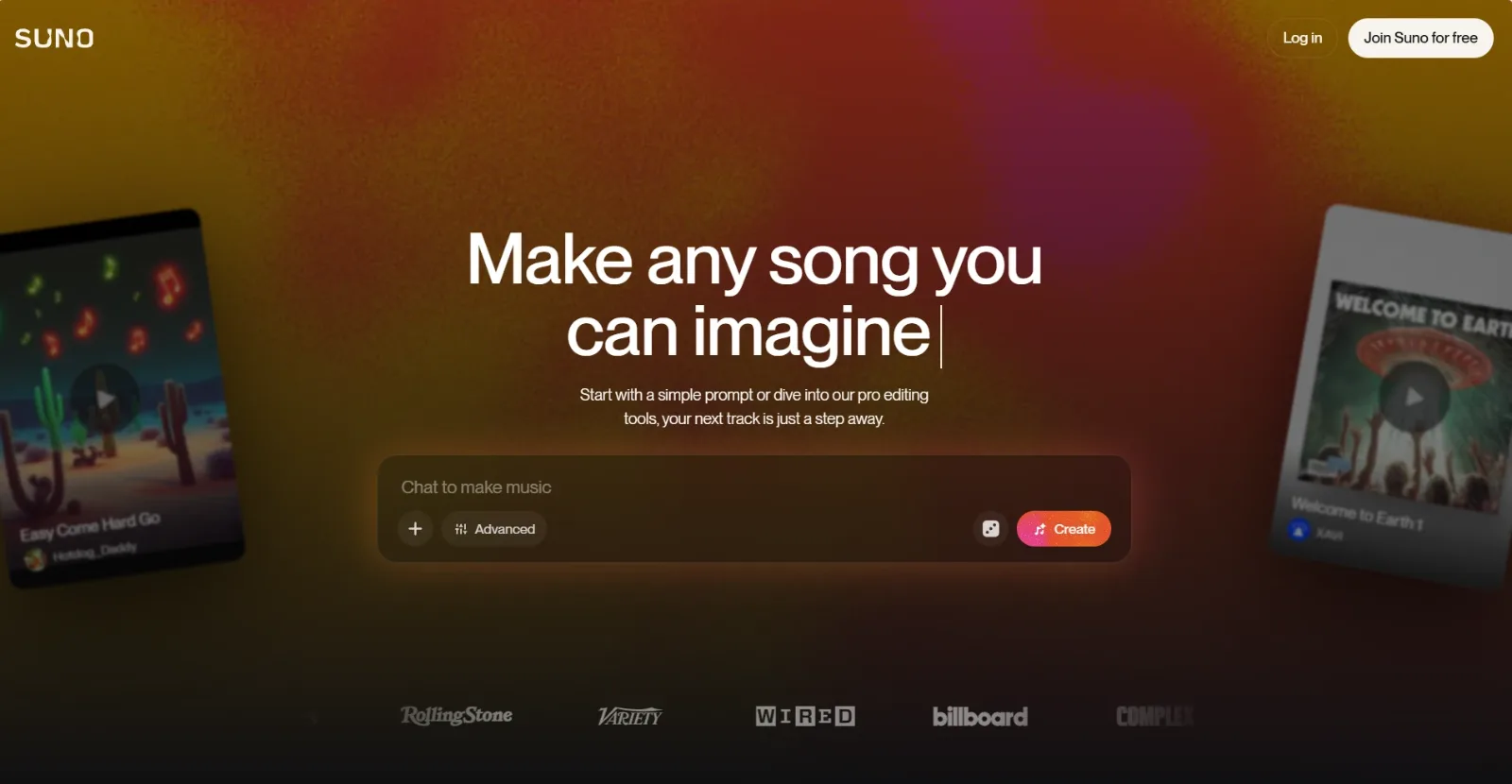 Suno turns a short text prompt into a complete song with vocals, structure, and a generated cover.
Suno is the tool most people think of first, and for good reason. You describe a song in plain language, add optional lyrics, and it returns a full track with verses, a chorus, and AI vocals. In our test the lo fi brief came back as a complete two minute song that would not feel out of place on a streaming playlist. It is the closest thing on this list to "type an idea, get a real song."
The free plan gives you a daily pool of credits, enough for roughly ten songs a day with no credit card required. That generosity is the main reason Suno is so widely used. According to Music Business Worldwide, Suno raised a $125 million round in May 2024, and the company has since said it passed 2 million paying subscribers. That scale is a big part of why the free tier stays this generous.
The big limitation is licensing. Songs made on the free plan are for personal, non commercial use only. The moment you want to monetize a video or release a track, you need a paid plan, which starts at around $10 a month and unlocks commercial rights plus more daily generations.
Pros: Full songs with vocals, very generous daily free limit, no watermark. Cons: Free output is non commercial, vocals can sound slightly synthetic on complex genres.
Try it at Suno.
Udio: Best for Realistic AI Vocals
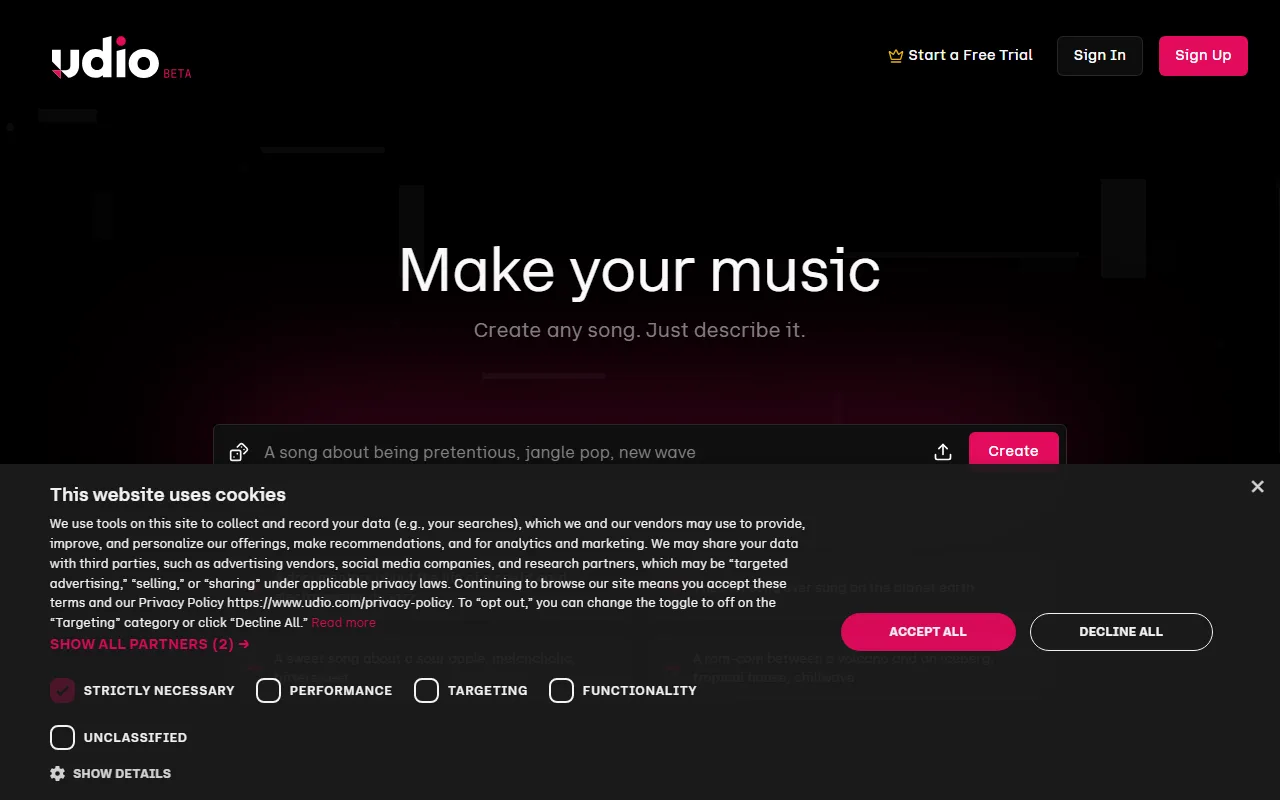 Udio focuses on vocal realism, with controls for genre, mood, and lyric style.
If vocals are the part that usually gives AI music away, Udio is the tool to try. It was built by a team with deep audio backgrounds, and in our pop hook test the singing came back noticeably more natural than the alternatives, with smoother phrasing and fewer robotic artifacts. For anyone making music where the lead vocal carries the song, that quality gap is the whole point.
Udio works much like Suno: a text prompt, optional lyrics, and a generated track. It was built by former Google DeepMind researchers and launched in April 2024 with a $10 million seed round led by Andreessen Horowitz, with backing from artists like will.i.am and Common, according to Music Business Worldwide. Its free tier runs on a monthly credit allowance rather than a daily one, so it suits people who create in bursts rather than every single day. The team at SoundGuys rates it a legitimate rival to Suno and arguably the second largest AI music platform.
The trade offs are similar to Suno's. The free monthly allowance is smaller than Suno's daily pool, so heavy users run out faster, and free generations are limited to non commercial use. Paid plans start at around $10 a month and add commercial licensing along with a much larger credit balance.
Pros: The most realistic AI vocals on this list, clean output, strong on pop and electronic. Cons: Smaller free allowance, commercial use requires a paid plan.
Try it at Udio.
SOUNDRAW: Best Royalty Free Music for Video Creators
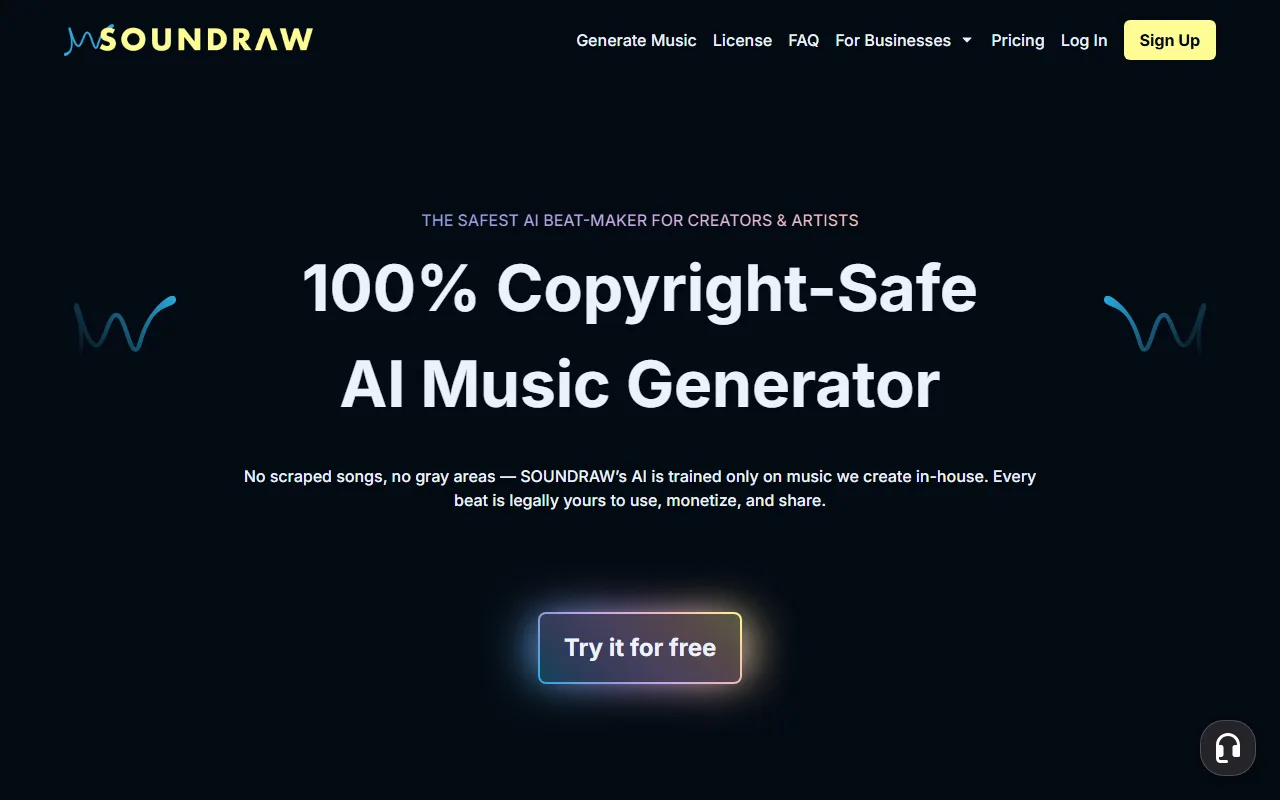 SOUNDRAW lets you set mood, genre, and length, then fine tune the arrangement section by section.
SOUNDRAW takes a different approach. Instead of generating one fixed song, it builds a flexible instrumental you can shape: pick a mood, genre, tempo, and length, then rearrange sections, shorten the intro, or swap an instrument until it fits your edit. For video creators who need music to land on specific cuts, that control is more useful than a one shot generation.
Its biggest selling point is licensing clarity. SOUNDRAW trains its model only on music made in house, so every track is royalty free and safe to use and monetize while you are subscribed. That removes the copyright worry that hangs over some AI music tools. Founded in Japan in 2020, it has grown to more than 557,000 creators and counts investors like Eminem's manager Paul Rosenberg, according to Music Business Worldwide, which tells you how seriously the licensing angle is taken.
The honest limitation is the free tier itself. You can create and preview unlimited music for free, but you cannot download anything without a subscription, which starts at around $17 a month. There are also no vocals, this is an instrumental tool. For a creator who publishes video regularly, that subscription pays for itself quickly in copyright peace of mind, but the free version is best thought of as a full featured trial rather than a way to walk away with finished files.
Pros: Deep editing control, clear royalty free licensing, great for matching video. Cons: No free downloads, instrumental only, download requires a paid plan.
Try it at SOUNDRAW.
Beatoven.ai: Best for Background and Mood Music
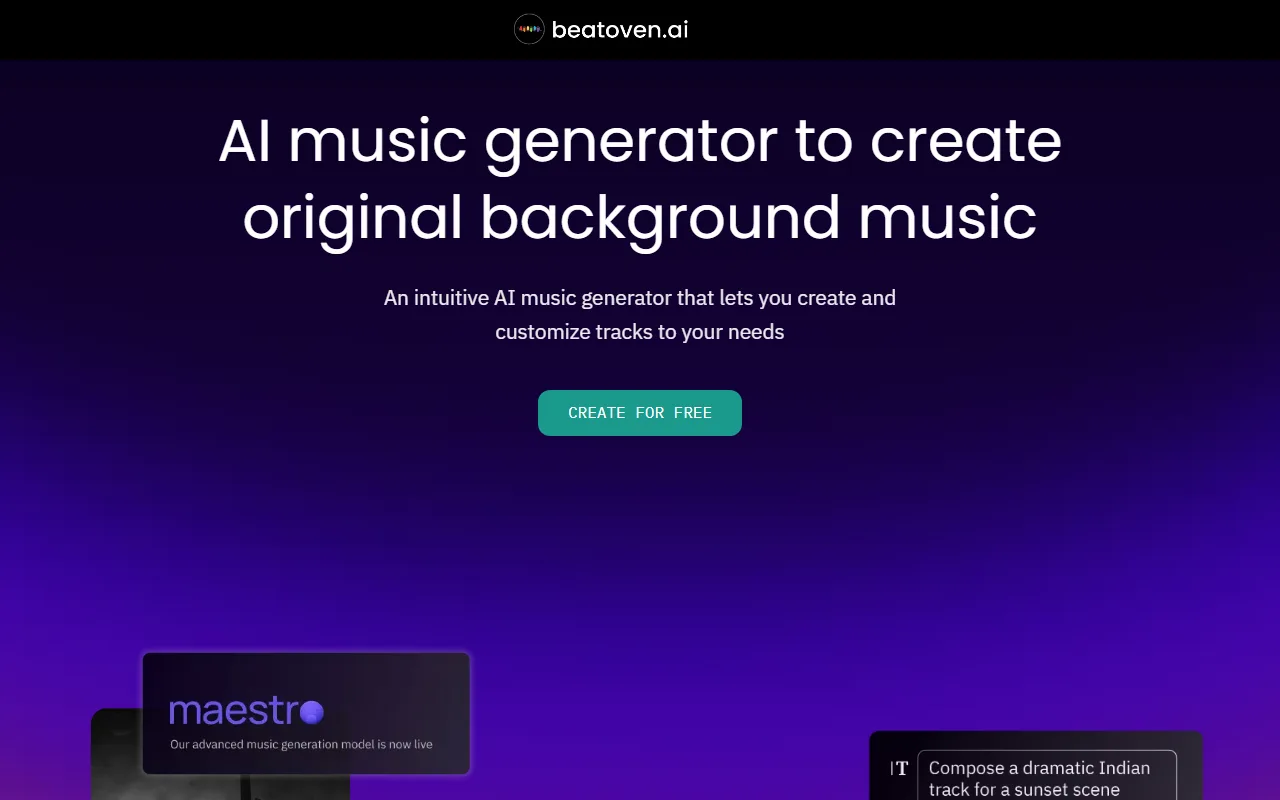 Beatoven.ai composes background tracks from a description of the mood and the content they will sit under.
Beatoven.ai is purpose built for one job: background music for videos, podcasts, and content where the music should support rather than steal the scene. You describe the mood and the kind of content, and its in house model composes a fitting instrumental. In our test the lo fi brief produced a clean, unobtrusive bed that would work nicely under a voiceover.
Because it is focused on background scoring rather than radio ready songs, the output is consistently tasteful and easy to drop into a project. Everything it generates is royalty free, which matters a lot for creators who publish to monetized platforms and cannot risk a copyright claim. The tool has grown to more than 1 million users worldwide, according to startup database Tracxn, most of them outside its home market, which says a lot about the global demand for simple, claim free background music.
The free plan is the tightest on this list when it comes to actually exporting music. It gives you a limited number of free minutes to download each month, enough to try the tool and grab the occasional track, but not enough for steady production. Paid plans, which start at around $20 a month, raise those limits and expand the commercial license, which is fair value if background scoring is a regular part of your workflow.
Pros: Excellent for background and mood music, royalty free, content aware composing. Cons: Limited free download minutes, no vocals, not built for standalone songs.
Try it at Beatoven.ai.
Stable Audio: Best Text to Audio From a Prompt
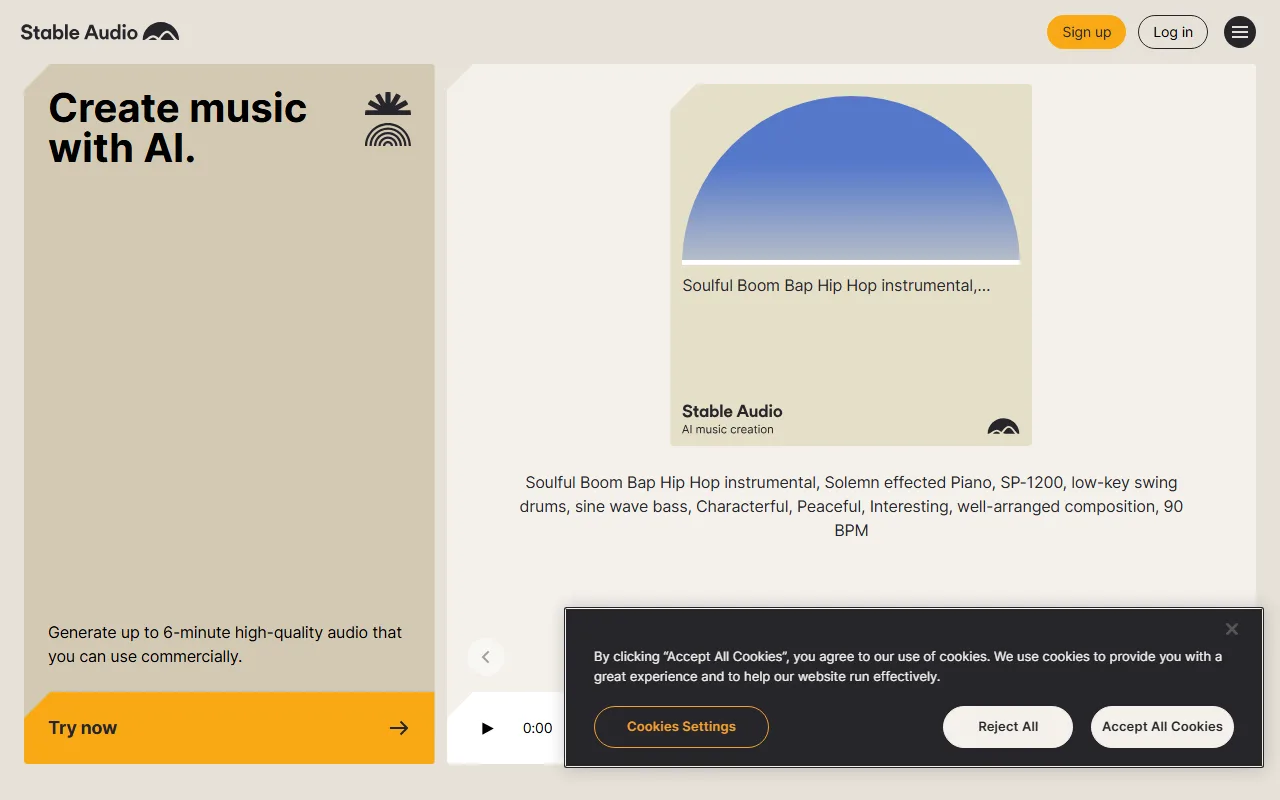 Stable Audio generates instrumental tracks and sound effects from a detailed text prompt.
Stable Audio comes from Stability AI, the company behind the widely used Stable Diffusion image models, and it brings that same prompt driven approach to sound. You write a detailed description, including genre, instruments, and mood, and it generates an instrumental track or even a sound effect. It rewards specific prompts, so the more precisely you describe what you want, the better the result.
Where it stands out is range. Beyond conventional music, Stable Audio is genuinely good at ambient textures, cinematic beds, and one off sound design, which makes it a handy creative sandbox rather than just a song button. The underlying model can generate full tracks up to three minutes long at 44.1 kHz from a single prompt, and Stability AI says it was trained on a licensed music library rather than scraped audio, which gives the output a cleaner rights story than some rivals.
The free tier gives you a set number of tracks each month, in the region of 20 generations, with output capped at a few minutes per track and limited to non commercial use. To use anything commercially or to generate longer pieces, you move to a paid plan that starts at around $12 a month.
Pros: Strong prompt control, excellent for ambient and sound design, from a trusted AI lab. Cons: Instrumental only, free use is non commercial, best results need careful prompting.
Try it at Stable Audio.
How to Choose the Right Free AI Music Maker
The best free AI music maker for you depends almost entirely on the job in front of you, so match the tool to the task instead of chasing the biggest name.
If you want complete songs with singing, start with Suno for its generous daily free limit, and try Udio when the vocal needs to sound as human as possible. If you are scoring a video and need instrumental music that bends to your edit, SOUNDRAW gives you the most control, while Beatoven.ai is the faster pick when you just need a tasteful background bed. For prompt driven instrumentals, ambient textures, and sound design, Stable Audio is the most flexible.
Two practical reminders before you publish anything. First, check the commercial license: most free tiers here are fine for personal projects but require a paid plan the moment money is involved. Second, if you have no time to create an account, note that several of these gate their best features behind a sign up, so a true no sign up workflow usually means accepting a smaller free allowance or an instrumental only result.
Conclusion
Free AI music makers have crossed the line from novelty to genuinely useful. Suno and Udio give you real songs with vocals, SOUNDRAW and Beatoven.ai cover royalty free instrumentals for video, and Stable Audio handles everything from music to sound design. None of them are unlimited on the free tier, but each one lets you make something real before you spend a cent. Pick the one that matches your project, read its license once, and start creating.






